You will get Optimized Azure Resources & Save Money
Project details
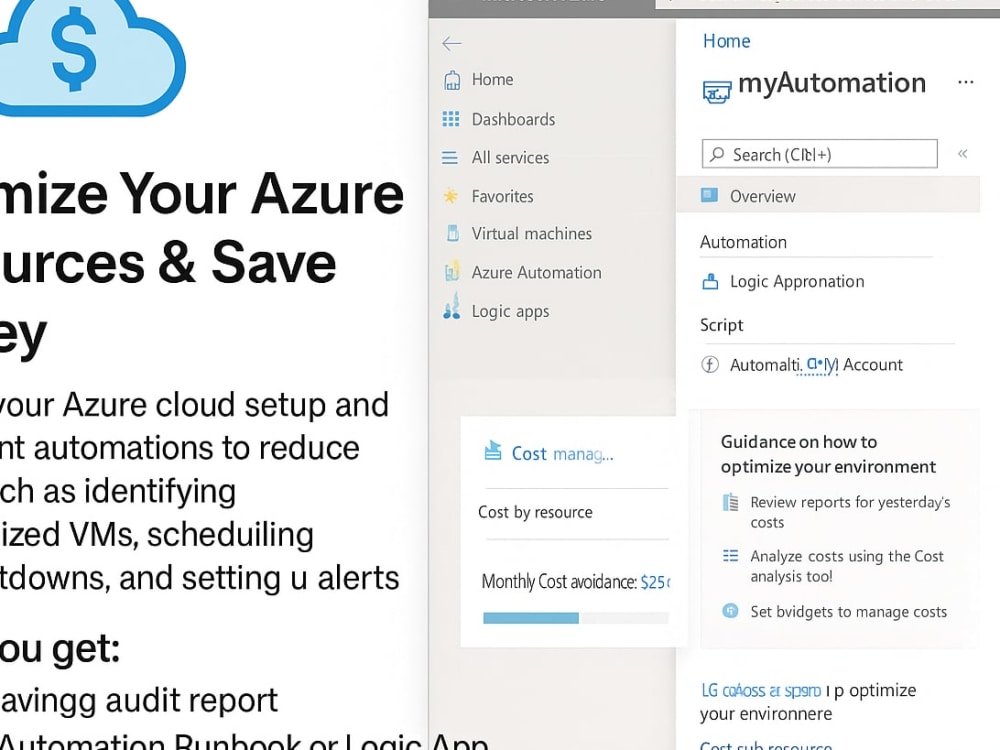
I’ll audit your Azure cloud setup and implement automations to reduce costs. This includes identifying underutilized VMs, scheduling auto shutdowns, and setting up alerts for rogue usage — all using Azure-native tools like Logic Apps and Runbooks.
What you get:
-Cost-saving audit report
-Azure Automation Runbook or Logic App
-Alerts to notify you of overspending
Why it’s valuable:
Many businesses overpay for idle cloud resources. This service helps trim fat without compromising operations
What you get:
-Cost-saving audit report
-Azure Automation Runbook or Logic App
-Alerts to notify you of overspending
Why it’s valuable:
Many businesses overpay for idle cloud resources. This service helps trim fat without compromising operations
What's included
| Service Tiers |
Starter
$50
|
Standard
$100
|
Advanced
$200
|
|---|---|---|---|
| Delivery Time | 2 days | 4 days | 5 days |
Number of Revisions | 0 | 0 | 0 |
Schema Diagram | |||
Permissions Setup | - | ||
Import/Export Data | - | ||
Admin Panel Setup | - |
About Phillip
PowerShell | Azure | Microsoft 365 | IT Automation & Documentation Exp
Ilorin, Nigeria - 10:23 pm local time
Over the past few years, I’ve helped organizations automate IT tasks, manage users, monitor systems, and build clear documentation that keeps operations running smoothly.
Whether you need a custom PowerShell script, cloud configuration, or SOPs that your team can actually use — I bring clarity, speed, and structure to your systems.
Let’s simplify your tech headaches and save you hours each week.
Steps for completing your project
After purchasing the project, send requirements so Phillip can start the project.
Delivery time starts when Phillip receives requirements from you.
Phillip works on your project following the steps below.
Revisions may occur after the delivery date.
Collect Azure Access or Cost Reports
I’ll request limited access to your Azure portal (read-only or scoped subscription) or ask for cost reports and screenshots to begin analysis
Analyze Usage and Identify Waste
I’ll examine your current setup to find idle or oversized VMs, unused disks, redundant backups, and other cost leaks