You will get POS - Stocky 5.0 Latest Version | inventOry Management Laravel PHP 8.1
Project details
Introduction
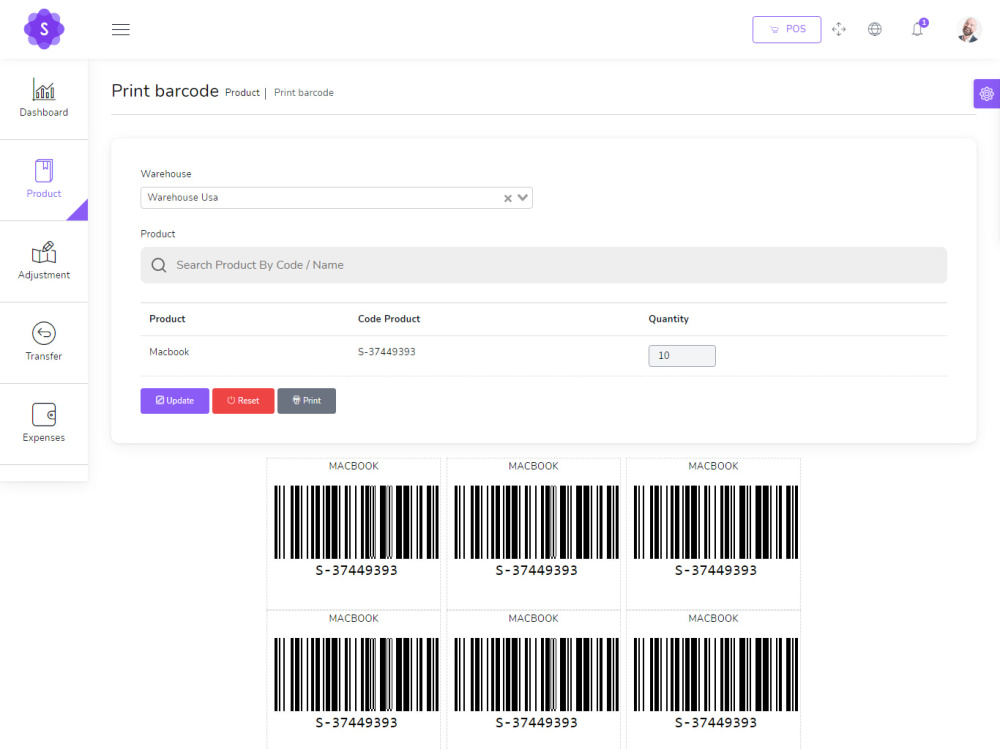
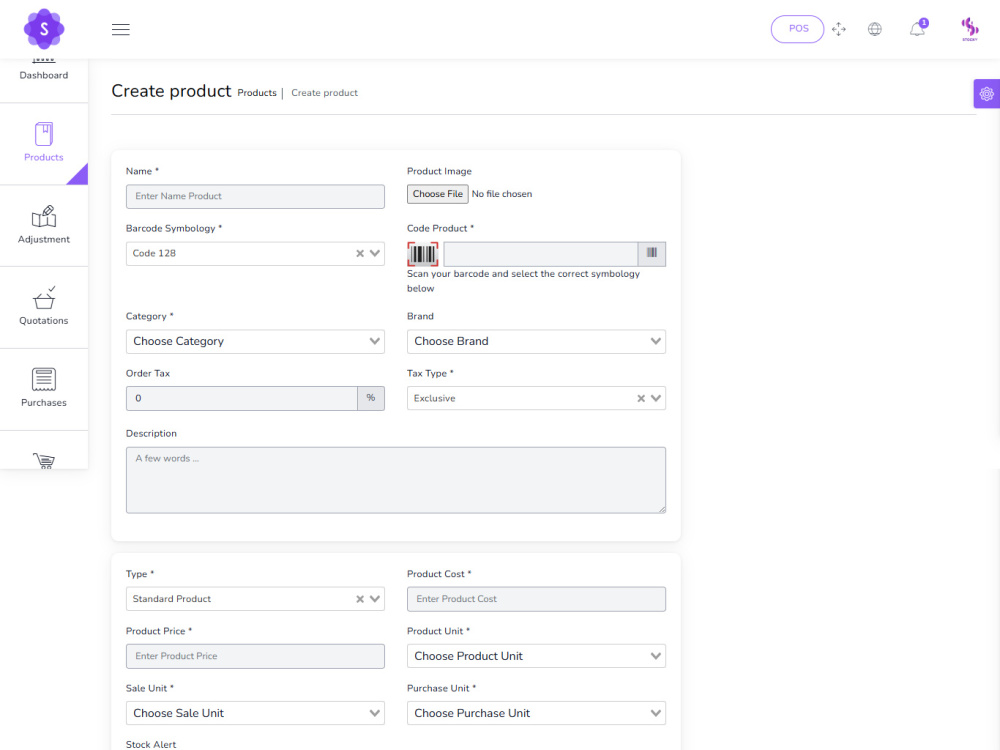
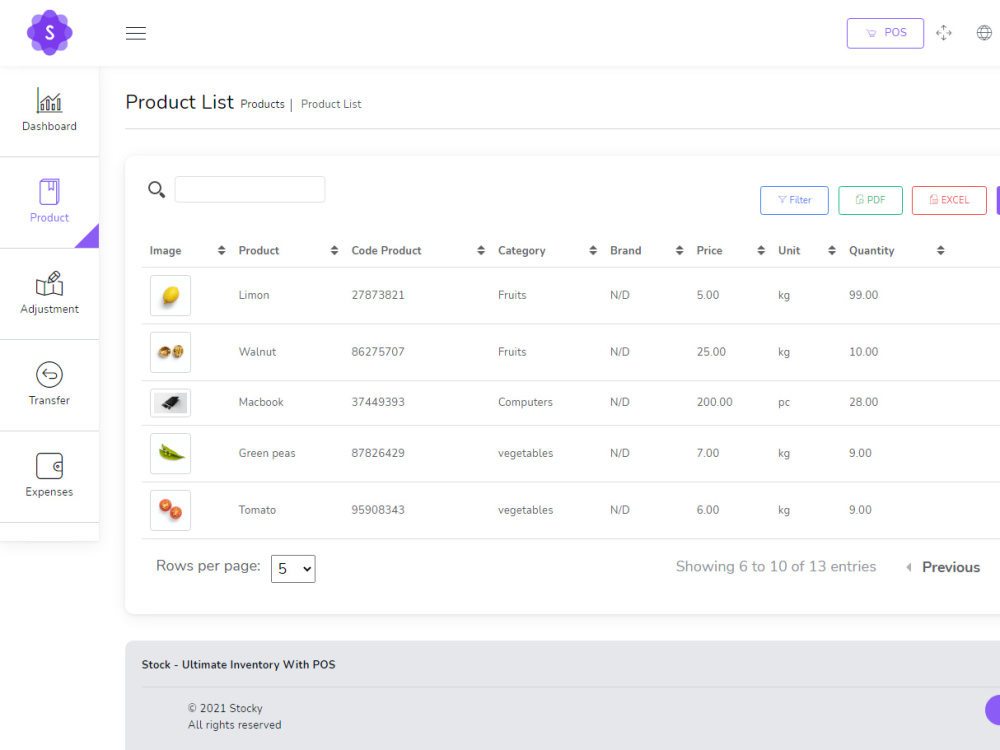
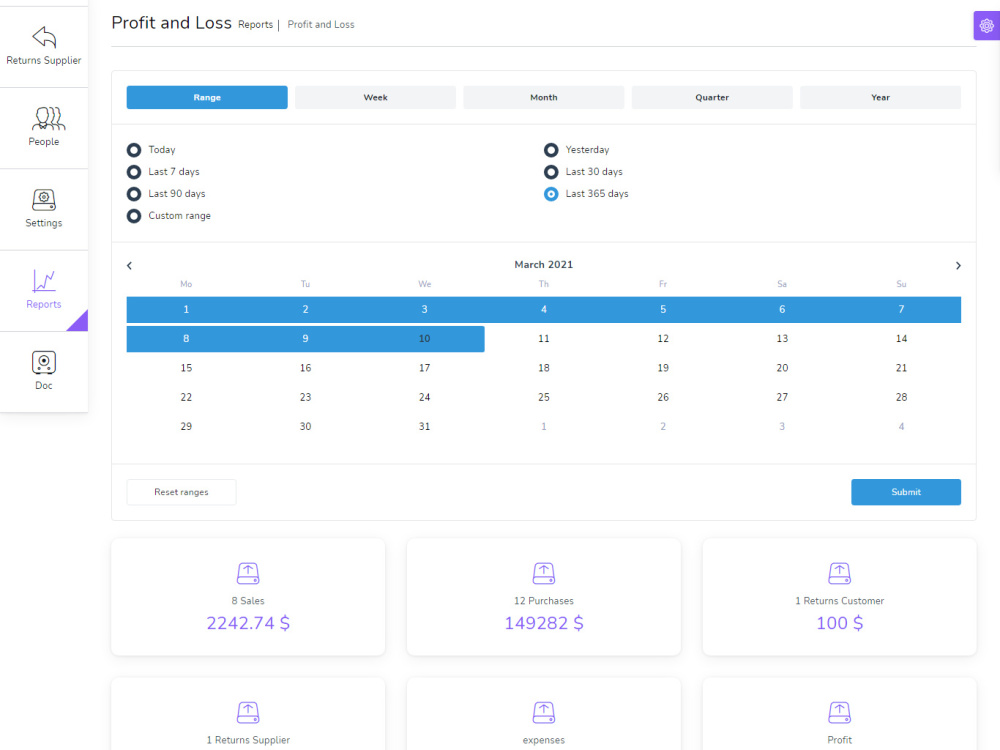
Stocky - Ultimate Inventory with POS.
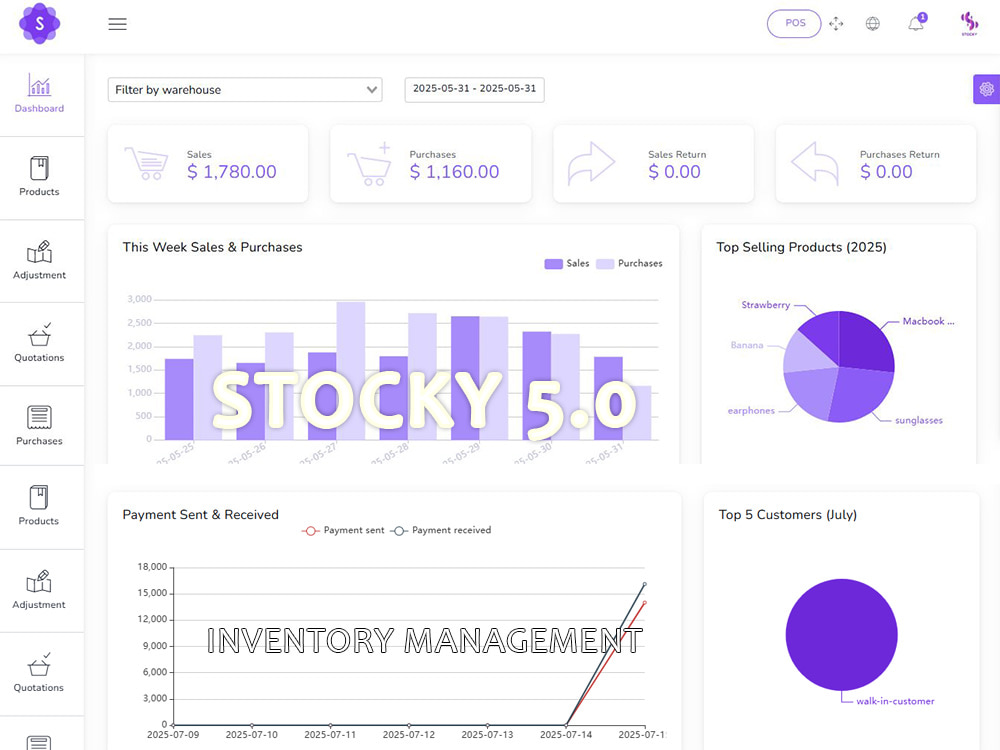
Stocky - It is an inventory management system with POS that enables you to manage inventory, sales, purchases, customers, invoices, receiving payments, and more. It will also allow you to make purchases and sales from anywhere, anytime. Whether you run a small business or a large company It's the solution you need to manage inventory, purchases and sales - all in one app.
Very simple installation in 5 minutes
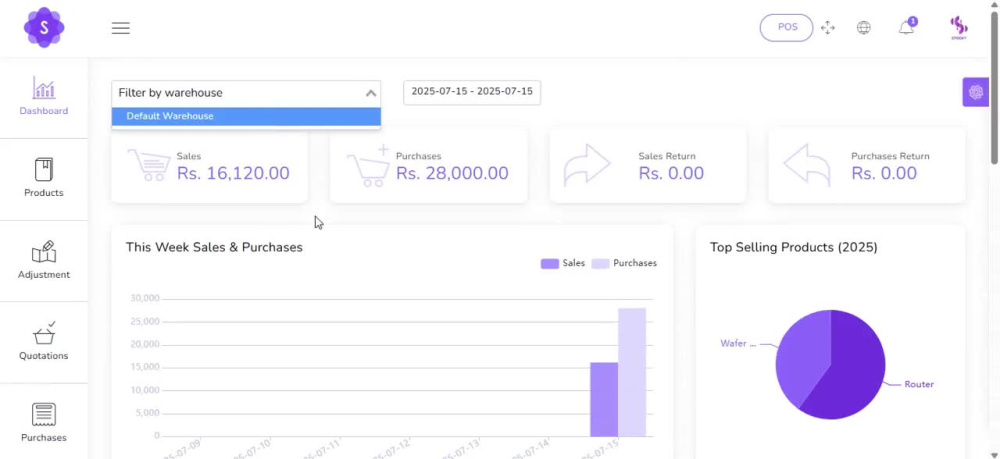
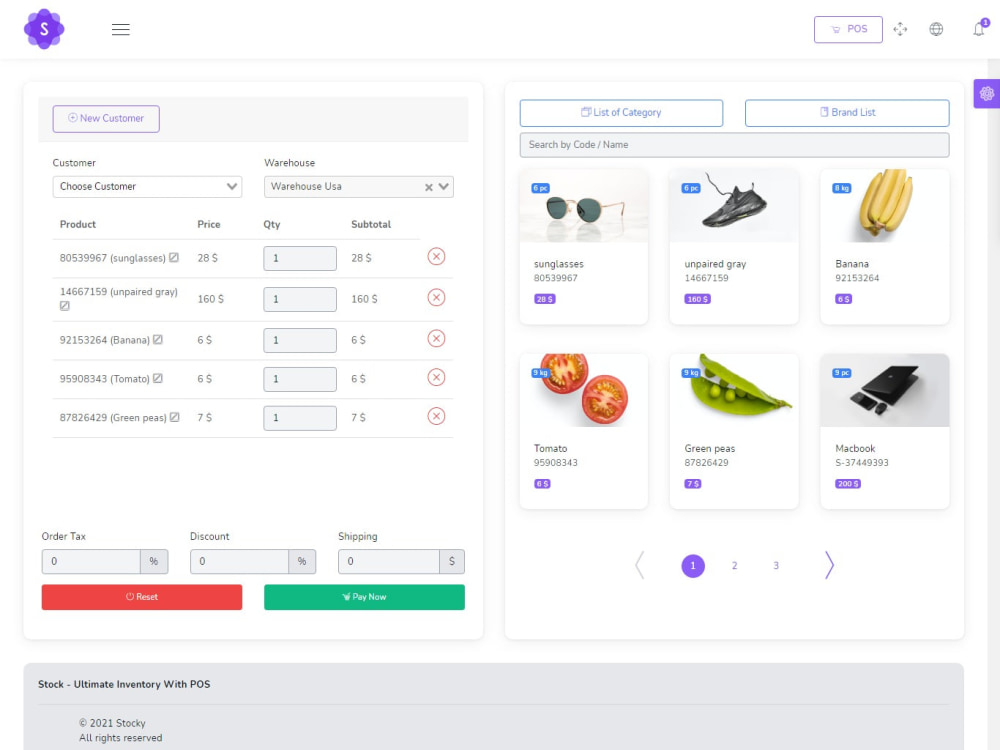
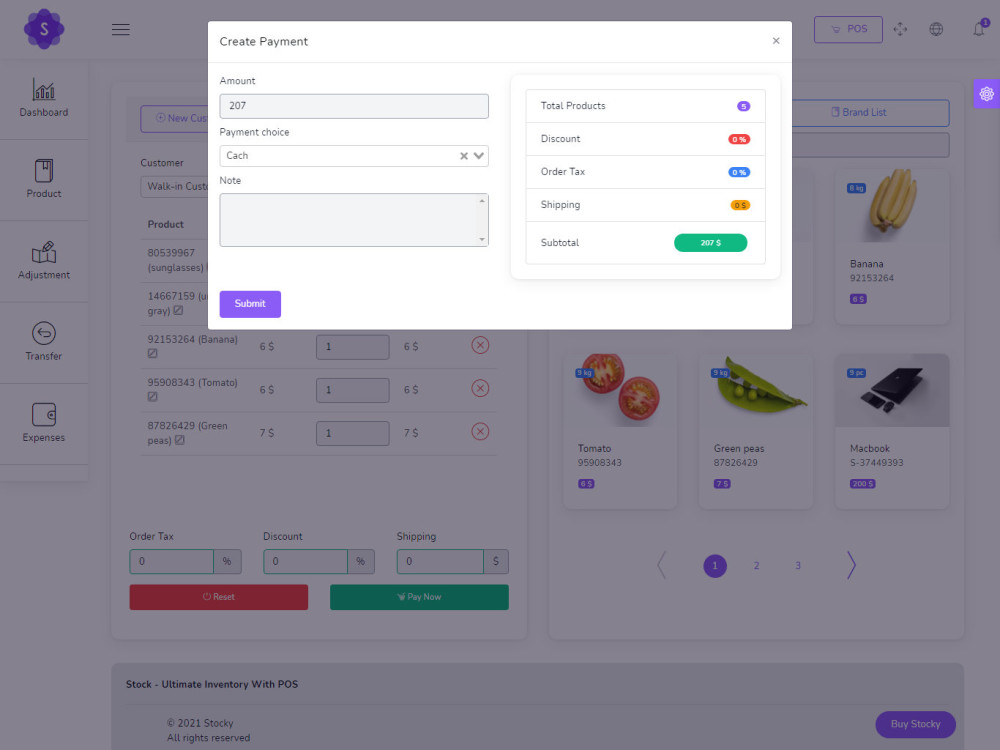
Easy POS and Dynamic dashboard
Features
Stocky Offers Lots of Awesome Features out of the box, such as :
Easy POS and Dynamic dashboard
Items , Adjustment , Transfer
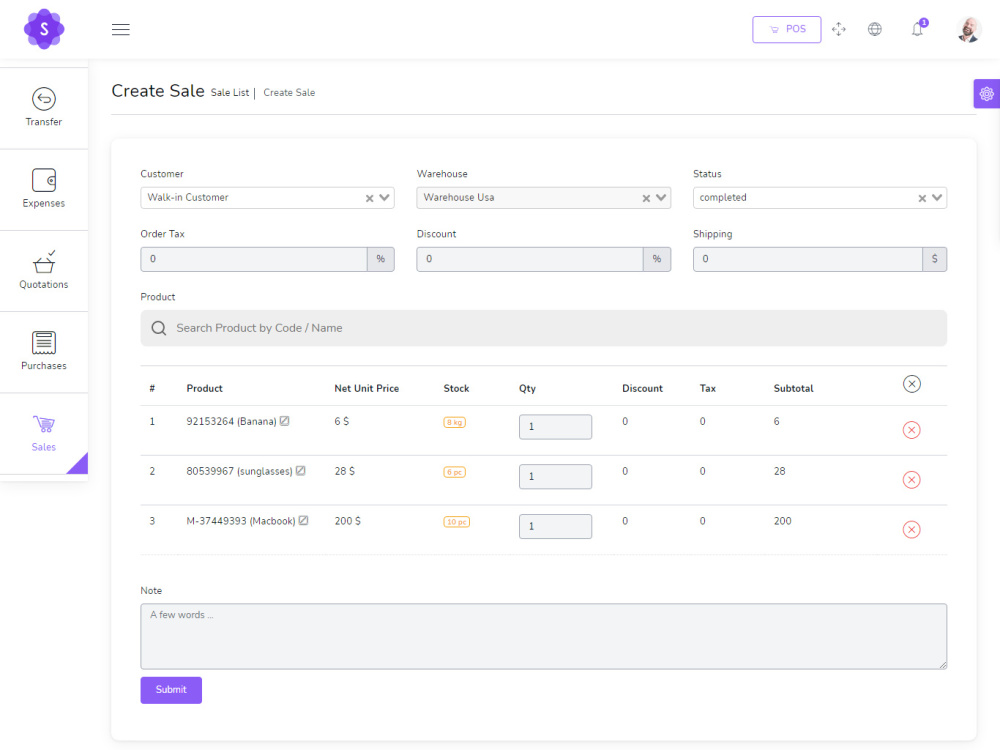
Quotations , Sales , Purchases
Returns Customer & Supplier
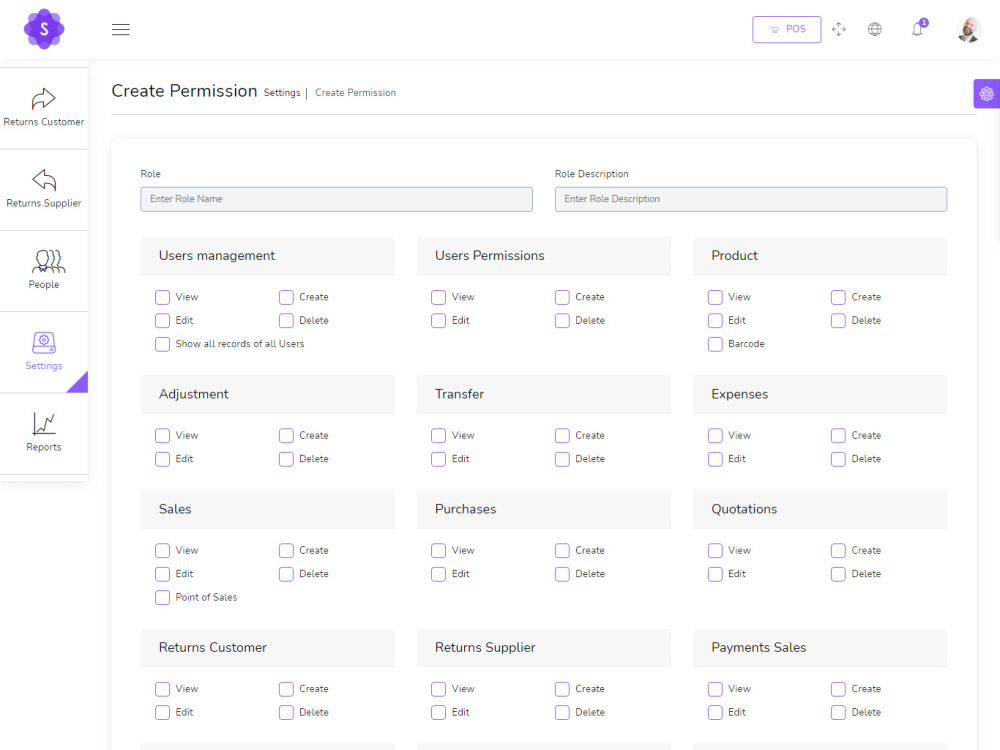
Users ,Customers, Supppliers
Currency , Units , Category , Backup
Payment Sales , Purchases
Payments Report
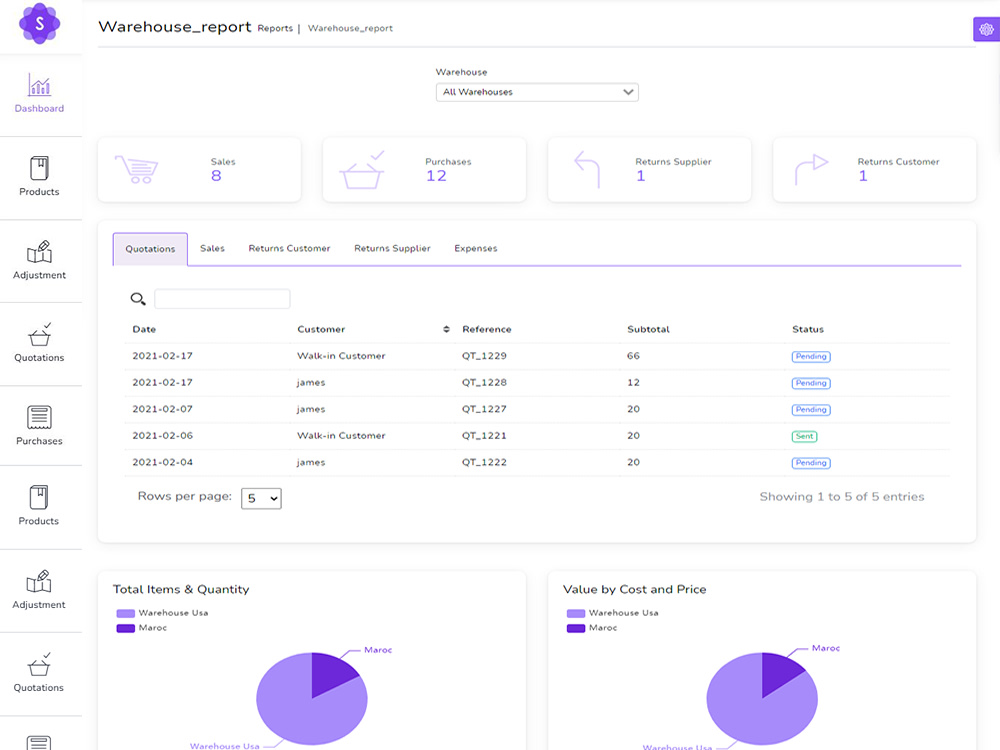
Overview & warehouse stock charts
Purchases & Sales report
Customers & suppliers reports
Product quantity alerts
Mail notification system added
SMS notification system added
Uses Structured And Customizable Sass Code
Dark Version Included
Multilingual 15 languages and More Will be added soon
Clean And Organized Code
Well Documented Code
Stocky - Ultimate Inventory with POS.
Stocky - It is an inventory management system with POS that enables you to manage inventory, sales, purchases, customers, invoices, receiving payments, and more. It will also allow you to make purchases and sales from anywhere, anytime. Whether you run a small business or a large company It's the solution you need to manage inventory, purchases and sales - all in one app.
Very simple installation in 5 minutes
Easy POS and Dynamic dashboard
Features
Stocky Offers Lots of Awesome Features out of the box, such as :
Easy POS and Dynamic dashboard
Items , Adjustment , Transfer
Quotations , Sales , Purchases
Returns Customer & Supplier
Users ,Customers, Supppliers
Currency , Units , Category , Backup
Payment Sales , Purchases
Payments Report
Overview & warehouse stock charts
Purchases & Sales report
Customers & suppliers reports
Product quantity alerts
Mail notification system added
SMS notification system added
Uses Structured And Customizable Sass Code
Dark Version Included
Multilingual 15 languages and More Will be added soon
Clean And Organized Code
Well Documented Code
Programming Languages
PHP, HTML & CSS, JavaScriptCoding Expertise
Cross Browser & Device CompatibilityWhat's included $99
These options are included with the project scope.
$99
- Delivery Time 1 day
- Number of Revisions 1
- Number of Pages 88
- Responsive Design
- Source Code
About Umar
Administration | Document Generating & Editing | Graphic Designing
Islamabad, Pakistan - 5:51 am local time
Official Documents Generation and Editing
Administration & Graphics
Accounting & Banking
Steps for completing your project
After purchasing the project, send requirements so Umar can start the project.
Delivery time starts when Umar receives requirements from you.
Umar works on your project following the steps below.
Revisions may occur after the delivery date.
Live Connectivity for installation of code
Just after payment i ll send code and will install same time..