You will get Power Automate Workflow for Approvals
Top Rated
Project details
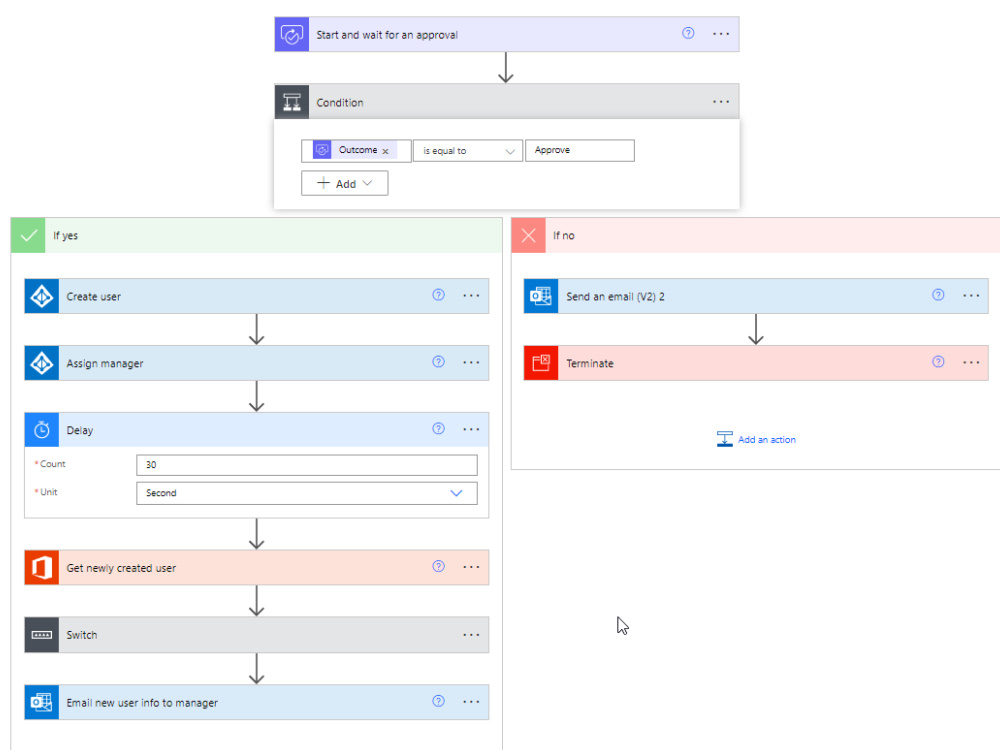
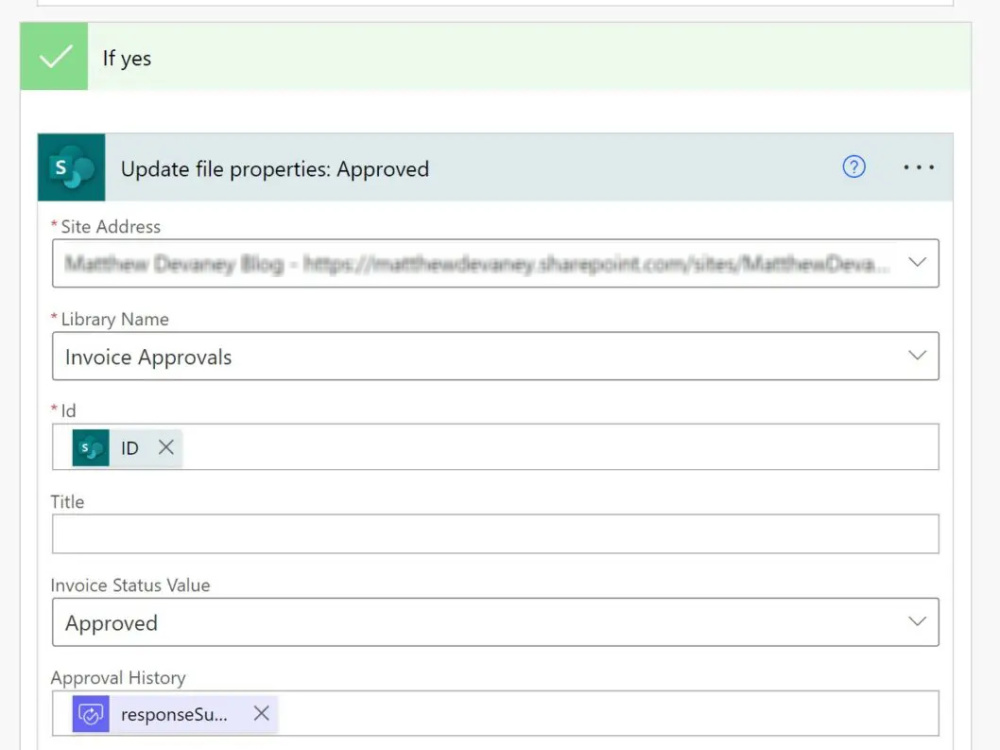
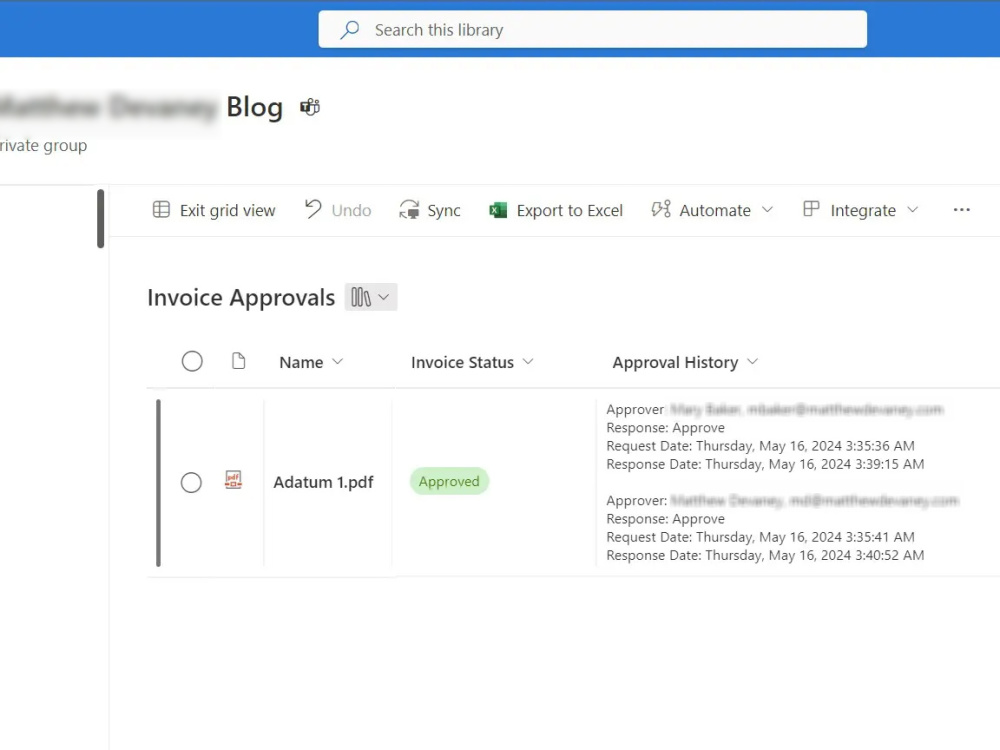
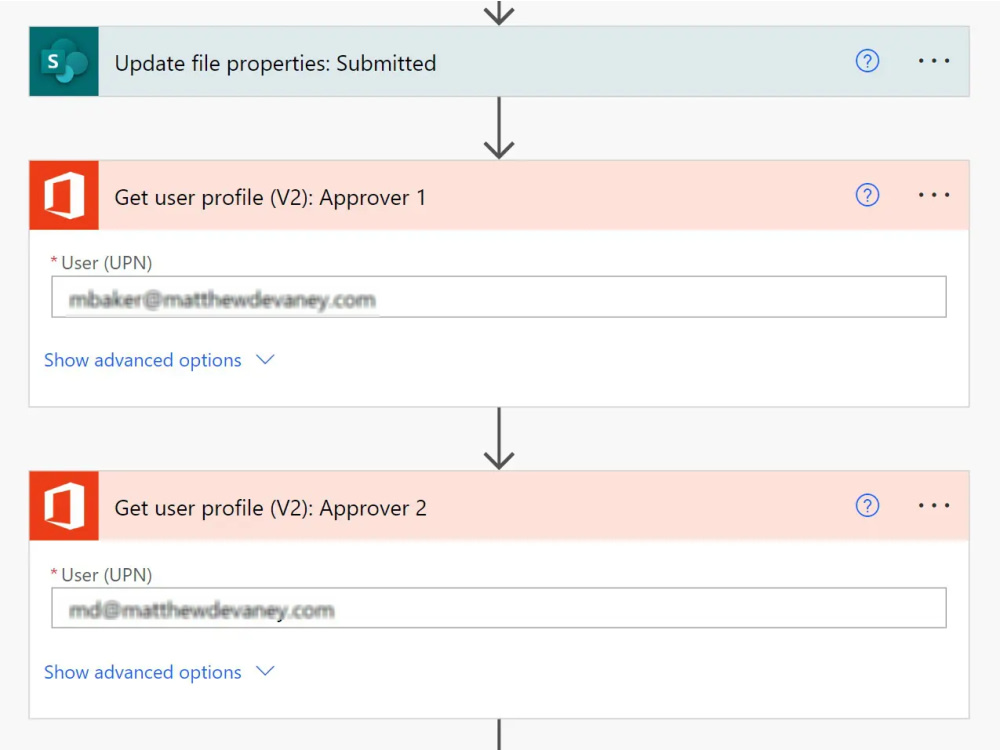
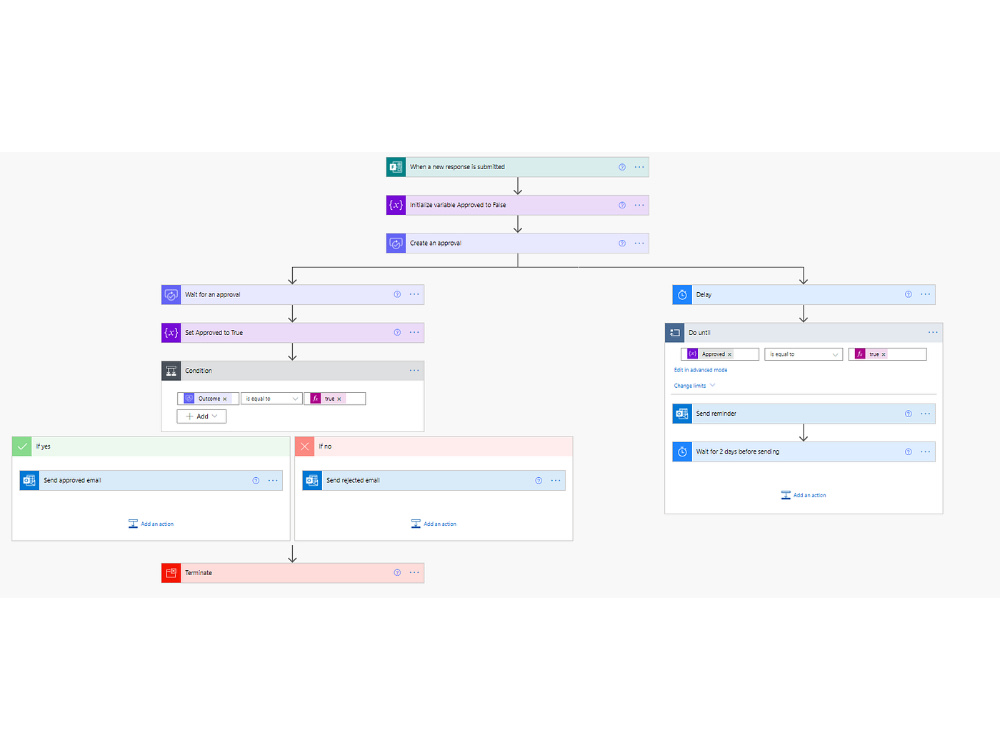
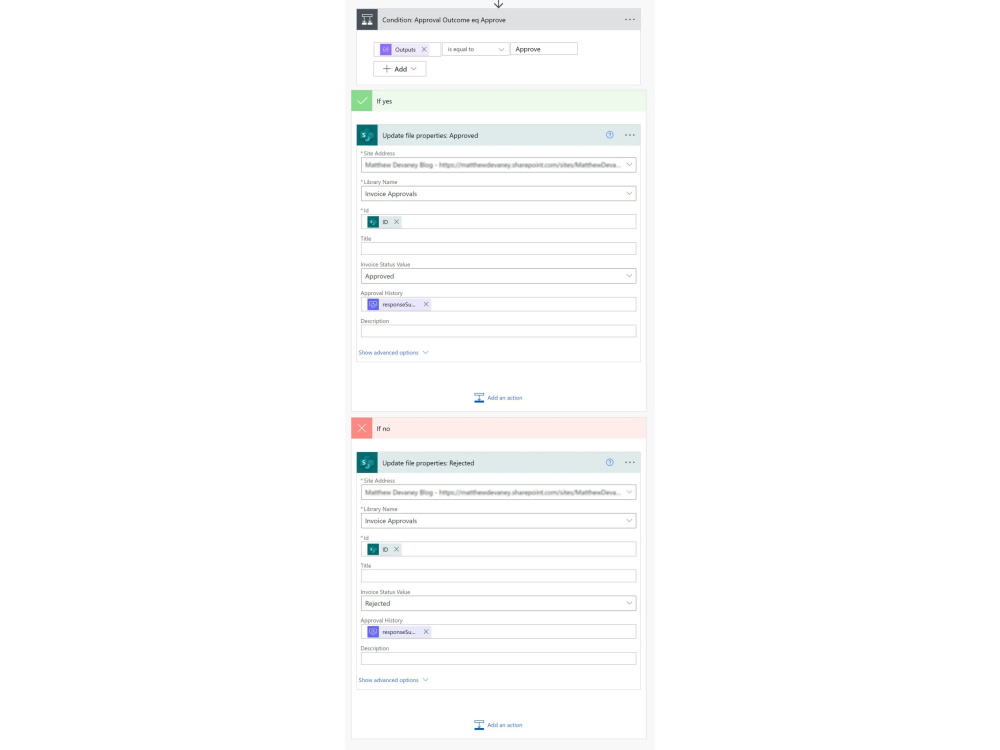
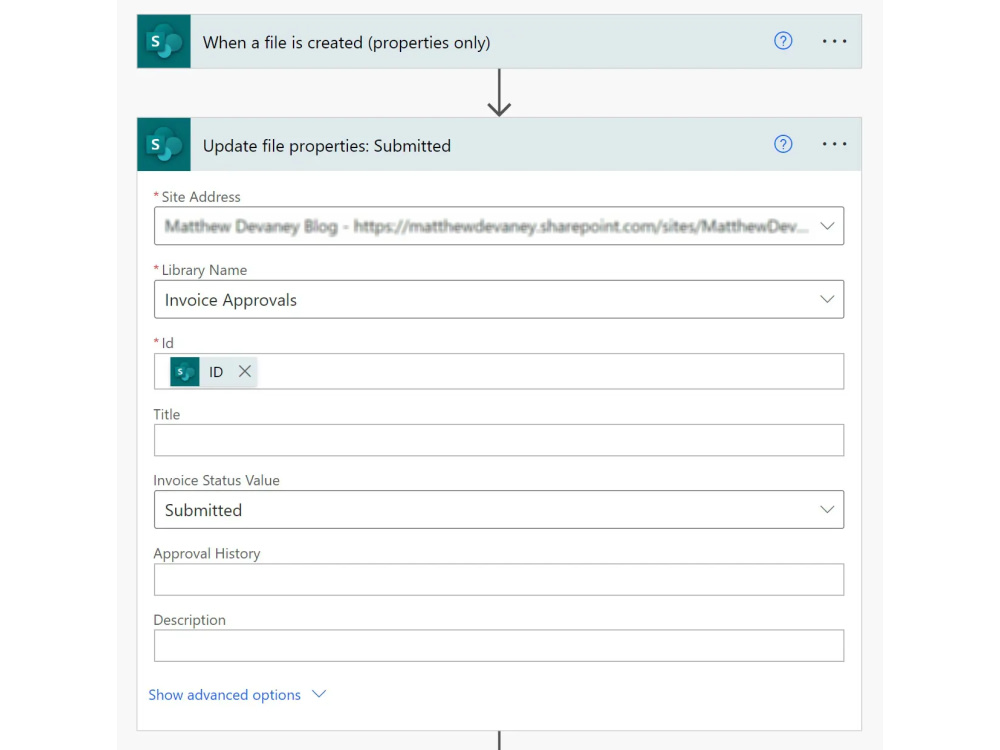
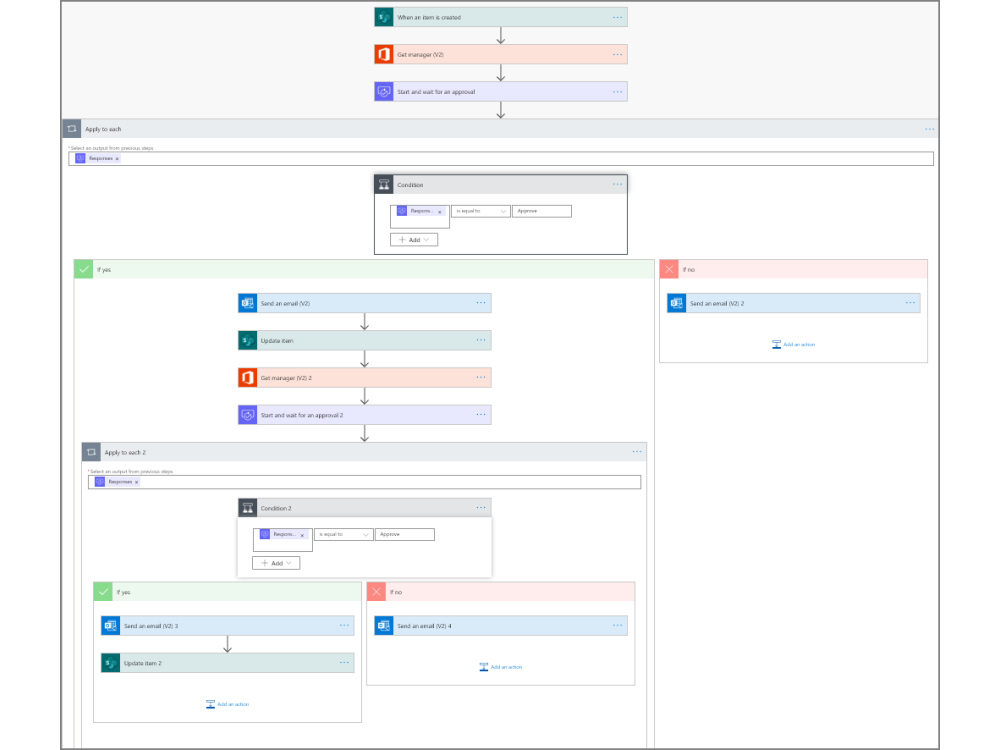
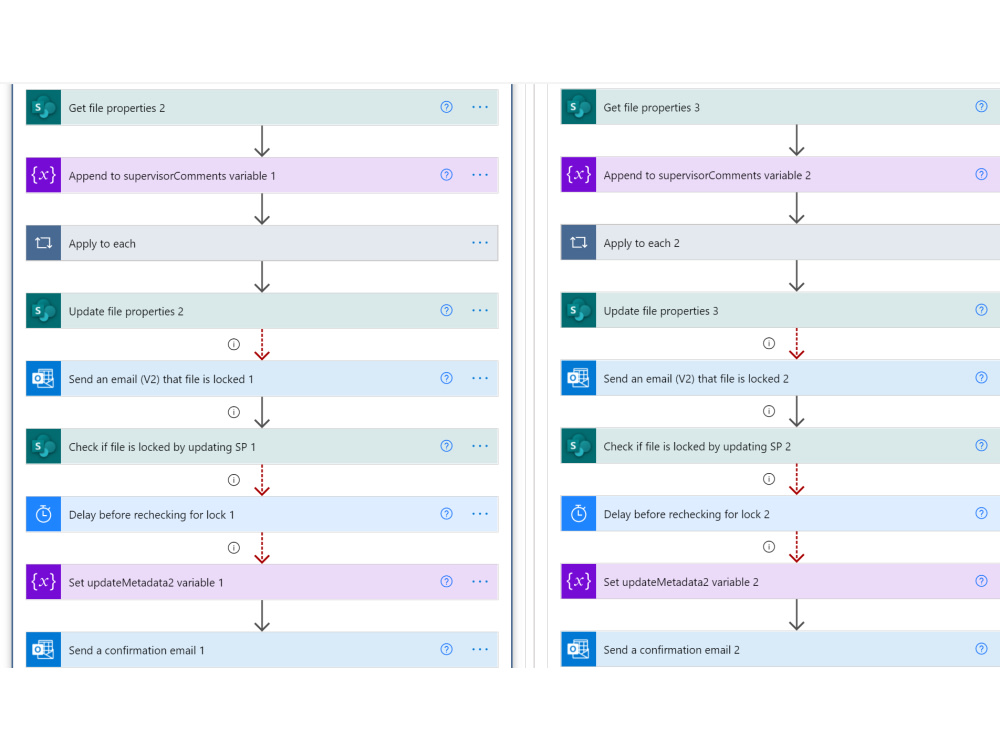
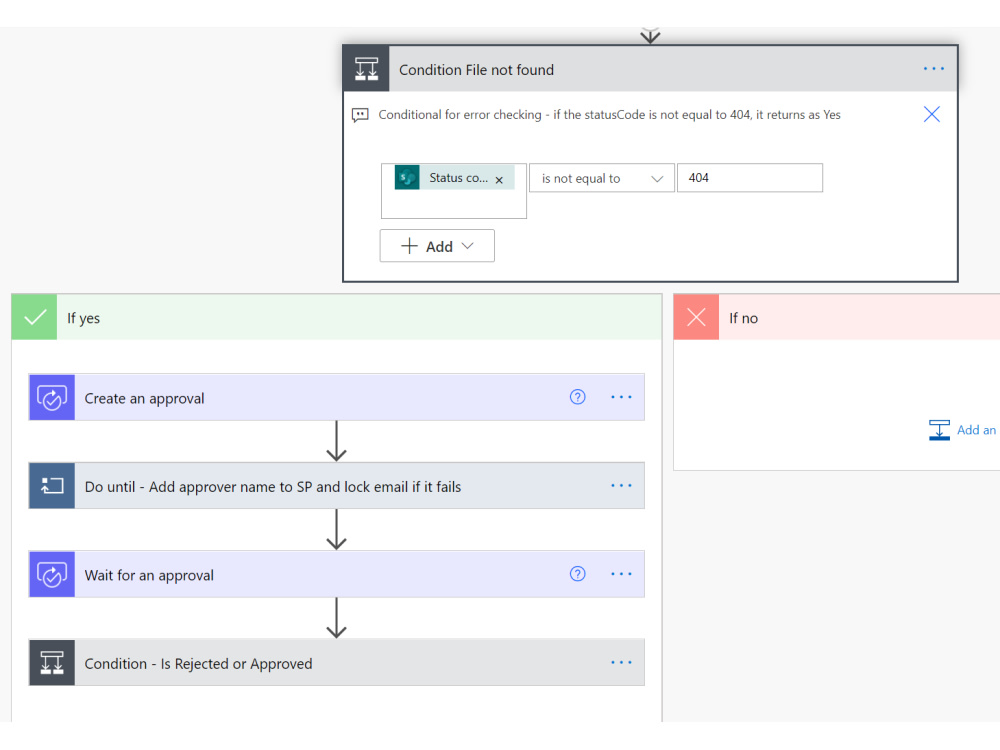
I will create a simple and reliable Power Automate approval workflow that allows requests to go through multiple approval levels. When a request is submitted, it will be automatically sent to the right approvers in sequence or at the same time, based on your process. Approvers will receive notifications by email or in Microsoft Teams and can approve or reject with comments. The workflow will track the approval status, update records automatically, and ensure everyone is informed at each step, making the approval process clear and easy to manage.
Programming Languages
HTML & CSS, TypeScript, C#Coding Expertise
Localization, DesignWhat's included $500
These options are included with the project scope.
$500
- Delivery Time 2 days
- Number of Revisions 0
3 reviews
(3)
(0)
(0)
(0)
(0)
This project doesn't have any reviews.
DW
Dean W.
Mar 22, 2026
SharePoint PowerApps Development
Excellent work. Very happy to work together in the future.
SM
Sibonelo M.
Nov 3, 2025
Power Platform and SharePoint Development and Support
SM
Sibonelo M.
May 26, 2025
SharePoint Online Intranet Designer [Strong in Graphic Designing]
Great work delivered by the resource, high quality and beyond met our expectations.
About Jay
Power Platform Developer | Power Apps, Power Automate, SharePoint
100%
Job Success
Amreli, India - 2:01 am local time
I help businesses digitize manual processes, automate approvals, and turn raw data into real-time dashboards using secure, scalable Microsoft cloud solutions — Power Apps, Power Automate, Power BI, SharePoint Online, Dataverse, and Microsoft 365.
📱 POWER APPS DEVELOPMENT (Canvas & Model-Driven)
Expert in Canvas Apps, Model-Driven Apps, and Dataverse architecture. I build scalable apps with Power Fx formulas, custom app logic, and responsive UI/UX — including role-based access control (RBAC), offline-enabled apps, custom forms, galleries, camera/image upload, and barcode scanning.
Projects delivered: Timesheet Management Systems, Leave Management Apps, Employee Onboarding Solutions, Expense & Revenue Tracking Apps, and Project Management Portals — all integrated with SharePoint, Power BI, and Microsoft Teams.
🔄 POWER AUTOMATE (Microsoft Flow) AUTOMATION
I design multi-level approval workflows for HR, finance, onboarding, document approval, and expense management — with Teams approvals, Outlook notifications, escalation logic, and conditional approvals. Strong background in cloud flows, scheduled flows, automated notifications, and data synchronization between Power Automate and SharePoint.
📊 POWER BI & BUSINESS INTELLIGENCE
I build interactive Power BI dashboards and real-time analytics for executive and operational reporting, with row-level security and performance optimization.
🌐 SHAREPOINT ONLINE & MICROSOFT 365
Experience developing SharePoint Online sites, intranet portals, document management systems, and custom solutions with end-to-end Power Apps + Power Automate + Power BI integration, governance, and security compliance.
✅ PROVEN RESULTS
- 210+ projects delivered across finance, HR, manufacturing, and government sectors
- 5,000+ users served with HR and finance solutions
- Secure, scalable Power Platform solutions built with compliance-first design
💬 WHY CLIENTS CHOOSE ME
- 6+ years of real-world Power Platform & SharePoint experience
- Power Platform Specialist with consistent 5★ client feedback
- Expertise in Power Apps, Power Automate, Power BI, SharePoint Online, and Microsoft 365
- Strong background in business process automation, integrations, and reporting
- Clear communication, fast turnaround, and long-term support
Let's connect and discuss how I can add value to your Power Apps, Power Automate, Power BI, or SharePoint Online project.
Steps for completing your project
After purchasing the project, send requirements so Jay can start the project.
Delivery time starts when Jay receives requirements from you.
Jay works on your project following the steps below.
Revisions may occur after the delivery date.
Requirement Gathering and Analysis Call
Development of Approval workflow