You will get Smartsheet Data Extraction & Automation for Reporting
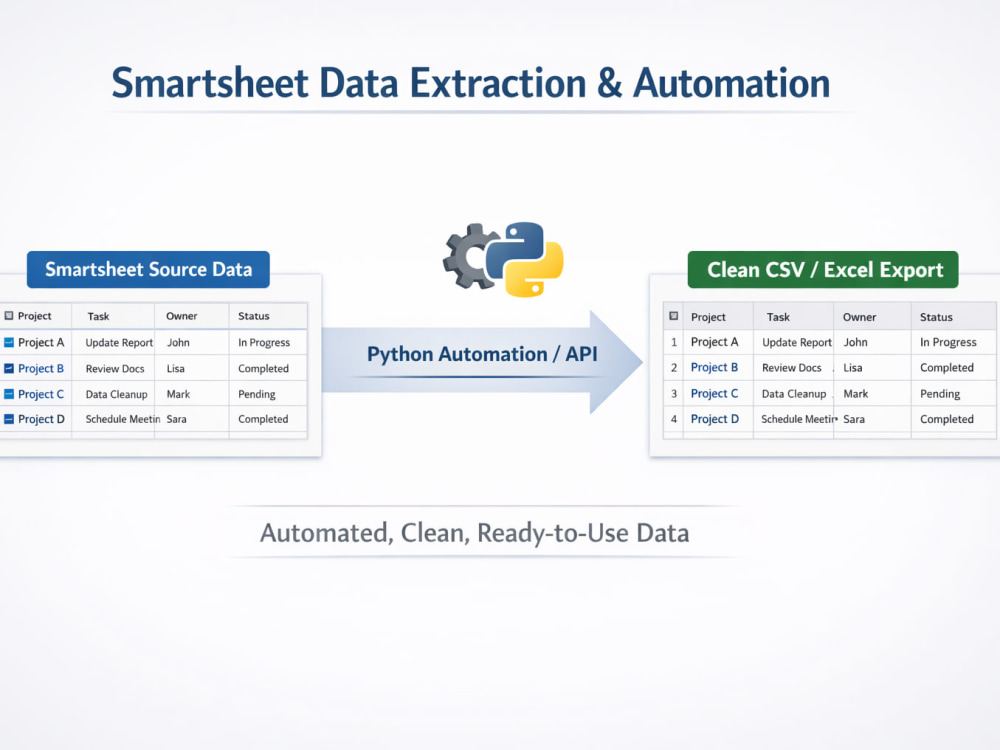
Project details
I specialize in Smartsheet data extraction and automation, transforming raw sheets into clean, structured CSV or Excel outputs ready for reporting and analysis. Using Python scripts and Smartsheet API integration, I set up workflows that automate recurring exports, validate and format data, and save your team hours of manual work. Whether it’s a single sheet or multiple dashboards, I deliver reliable, reusable solutions that help your team focus on decision-making instead of manual reporting.
Data Tool
PythonWhat's included
| Service Tiers |
Starter
$10
|
Standard
$20
|
Advanced
$45
|
|---|---|---|---|
| Delivery Time | 2 days | 3 days | 5 days |
Number of Pages Mined/Scraped | 1 | 3 | 10 |
Number of Sources Mined/Scraped | 1 | 3 | 10 |
Number of Revisions | 2 | 4 | 6 |
About Nitish
Data Analyst | Python Automation & Power BI Dashboards
Bengaluru, India - 6:28 pm local time
1)Automated data extraction using Python & REST APIs (Jira, Smartsheet, etc.)
2)Built ETL pipelines to clean, transform, and load data from multiple sources
3)Created interactive Power BI dashboards with filters, KPIs, and drill-downs
4)Automated recurring reports to Excel / Google Sheets
5)Strong experience in SQL queries, joins, and aggregations
6)Data cleaning, validation, and performance optimization
7)Well-documented and reusable Python scripts
Steps for completing your project
After purchasing the project, send requirements so Nitish can start the project.
Delivery time starts when Nitish receives requirements from you.
Nitish works on your project following the steps below.
Revisions may occur after the delivery date.
Step 1: Receive Client Requirements
Client provides access to Smartsheet sheet(s) or API key, list of fields/columns, formatting preferences, and optional automation schedule.
Step 2: Review & Plan
I review the data and requirements, clarify any doubts, and plan the workflow to ensure clean extraction and proper automation.