You will get The Quiz App is an interactive web application
Project details
Quiz App Summary
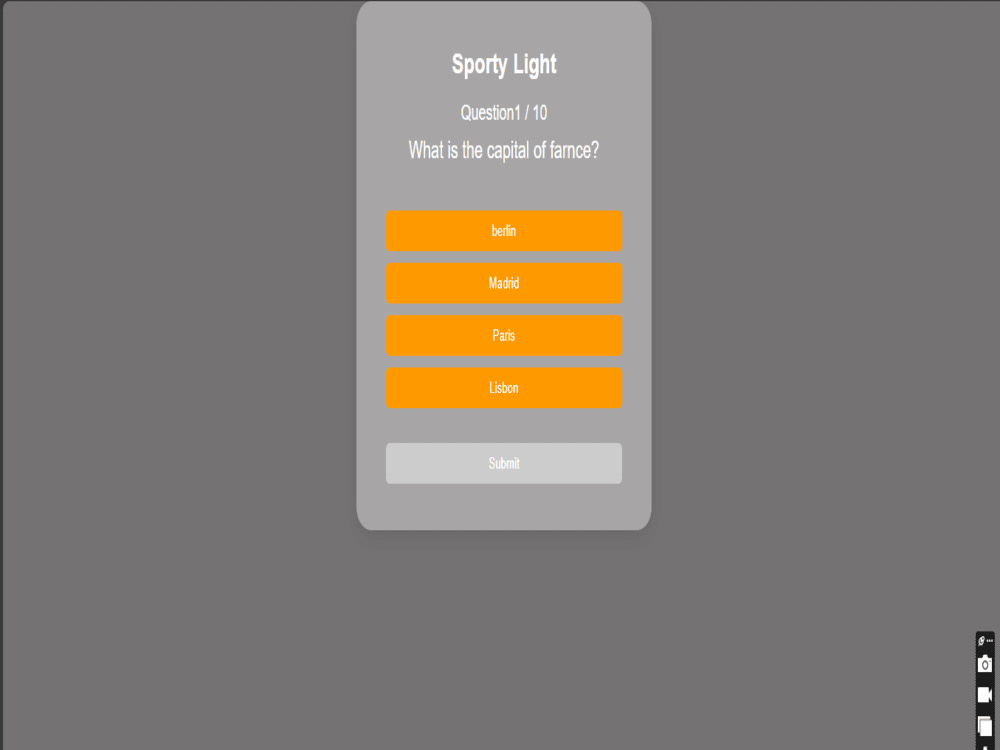
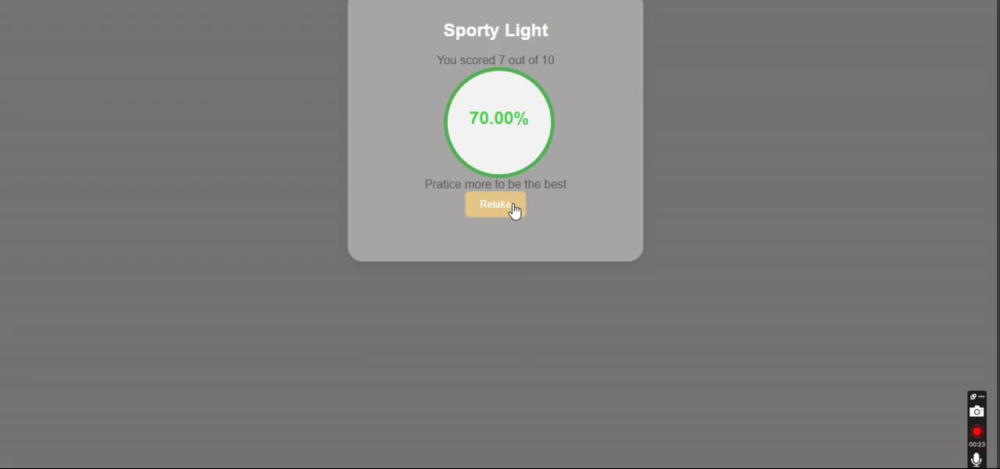
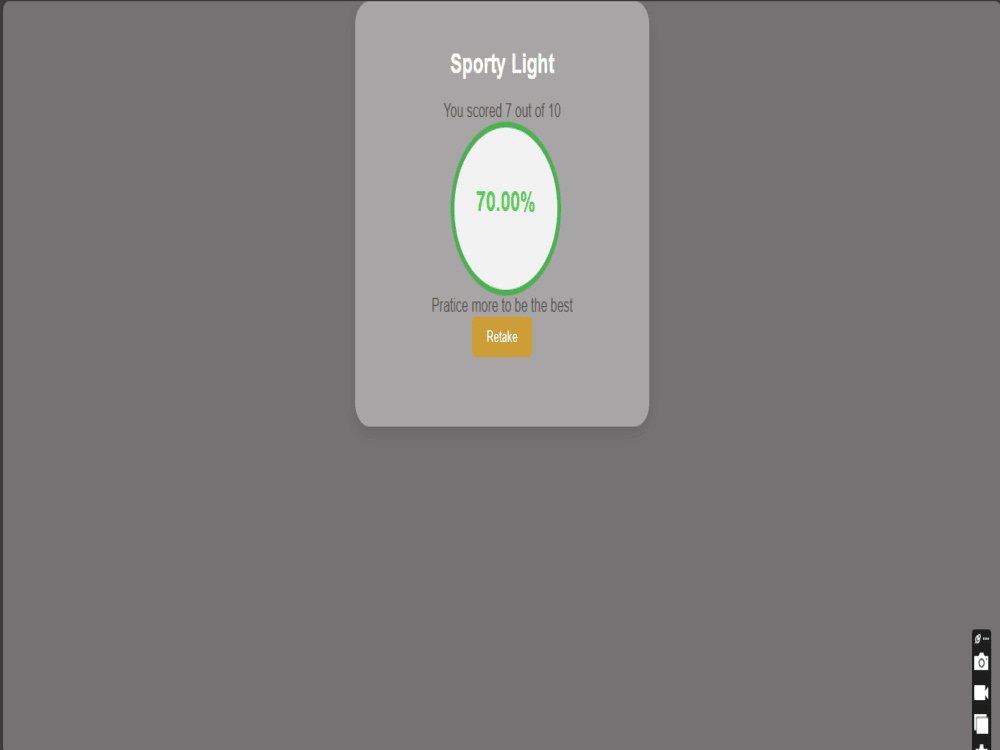
The Quiz App is an interactive web application designed to test users' knowledge across various topics. It features dynamic question generation, category selection, real-time score tracking, and a responsive, user-friendly design. Built with React and modern web technologies, it provides an enjoyable learning experience.
Key Features:
• Dynamic quizzes with category options.
• Real-time feedback and instant score updates.
• Fully responsive design for mobile and desktop.
Future Enhancements:
• User authentication for personalized quizzes.
The app is deployed on Netlify, making it easily accessible for users anywhere.
The Quiz App is an interactive web application designed to test users' knowledge across various topics. It features dynamic question generation, category selection, real-time score tracking, and a responsive, user-friendly design. Built with React and modern web technologies, it provides an enjoyable learning experience.
Key Features:
• Dynamic quizzes with category options.
• Real-time feedback and instant score updates.
• Fully responsive design for mobile and desktop.
Future Enhancements:
• User authentication for personalized quizzes.
The app is deployed on Netlify, making it easily accessible for users anywhere.
Programming Languages
HTML & CSS, JavaScriptWhat's included $40
These options are included with the project scope.
$40
- Delivery Time 7 days
- Number of Revisions 3
- Number of Pages 2
- Design Customization
- Responsive Design
About Abdulrahmon
Web Development | Front-End Development,Html css, java-script , react
Ilesa, Nigeria - 10:04 pm local time
I'm a junior front-end developer skilled in HTML, CSS, JavaScript, and React. With a background in accounting and certifications from freeCodeCamp, I specializes in creating responsive, user-focused web applications. Passionate about financial technology and innovation, I combines his technical and analytical skills to develop solutions that empower small-scale enterprises and address societal challenges. Dedicated to continuous learning, I actively participates in seminars, research, and hands-on projects to enhance my expertise and contribute to impactful technological advancements
- knows HTML and CSS, Bootstrap, java-script and React
Steps for completing your project
After purchasing the project, send requirements so Abdulrahmon can start the project.
Delivery time starts when Abdulrahmon receives requirements from you.
Abdulrahmon works on your project following the steps below.
Revisions may occur after the delivery date.
Client purchases the project and sends requirements.
Receive Requirements: Understand the client's needs, including features, design preferences, and deadlines. Example: Dynamic questions, category selection, real-time scoring.
You complete the project following the steps that you add here.
1: Set Up the Environment 2: Build the Frontend 3: Testing and Debugging 4: Deployment