You will get your Google Sheets IMPORTRANGE error fixed fast and your data flowing again
Project details
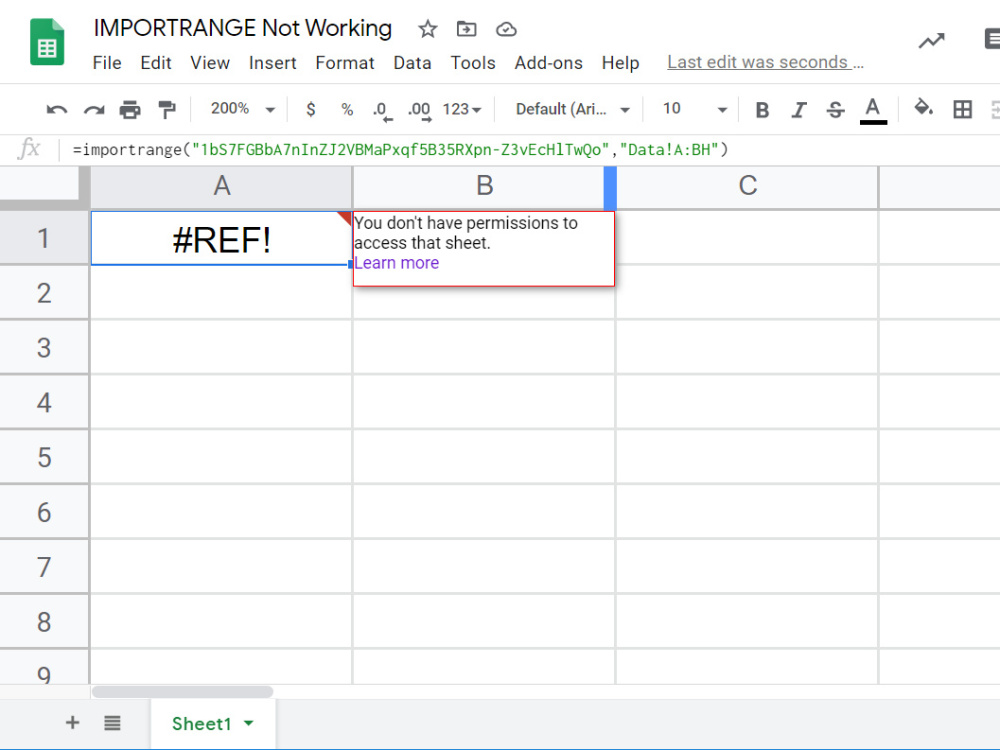
If Google Sheets keeps throwing IMPORTRANGE errors at you, I’m here to fix them, quick and hassle free. I help people who can’t get their formulas to work, whether it’s #REF!, #N/A, permissions, or something weird in the setup. You tell me what you need and I’ll make your sheet pull data the way it’s supposed to.
And I’m not just copy pasting some random solution. I check into the actual problem, explain what’s wrong, and walk you through what’s changed so you’re not lost next time. You’ll get clear steps and help until it works right. Your data stays secure, and you’ll always know what I’m doing.
Let’s get your Google Sheets back on track.
And I’m not just copy pasting some random solution. I check into the actual problem, explain what’s wrong, and walk you through what’s changed so you’re not lost next time. You’ll get clear steps and help until it works right. Your data stays secure, and you’ll always know what I’m doing.
Let’s get your Google Sheets back on track.
Programming Languages
JavaScriptCoding Expertise
Performance Optimization, Security, DesignWhat's included
| Service Tiers |
Starter
$49
|
Standard
$99
|
Advanced
$199
|
|---|---|---|---|
| Delivery Time | 1 day | 2 days | 3 days |
Number of Revisions | 1 | 2 | 3 |
Install Script | |||
Test Script | - | - | - |
Task Automation | - | - | - |
Optional add-ons
You can add these on the next page.
Fast Delivery
+$40 - $60
Additional Revision
+$20Frequently asked questions
About David
Google Sheets Expert | Data Entry, Automation & Dashboard Builder
Osogbo, Nigeria - 1:21 pm local time
Here’s what I can do for you:
✅ Data entry, cleaning & organization
✅ Google Sheets formulas & automation
✅ Custom dashboards & trackers
✅ Repetitive task automation (no more copy-pasting!)
I’m fast, and I don’t disappear mid-project. Whether you have a one-time task or ongoing work, I treat every project like it’s my own business on the line.
I’ve built automated budget trackers and inventory sheets for personal and academic projects.
Let’s talk about what you need, send me a message!
Steps for completing your project
After purchasing the project, send requirements so David can start the project.
Delivery time starts when David receives requirements from you.
David works on your project following the steps below.
Revisions may occur after the delivery date.
Order placed
You send the sheet (link or file) and describe the issue.
Diagnosis
I check what’s causing your IMPORTRANGE error and confirm anything I’ll need access to.