You will get WhatsApp Automation Tool using Selenium, Flask and Python
Project details
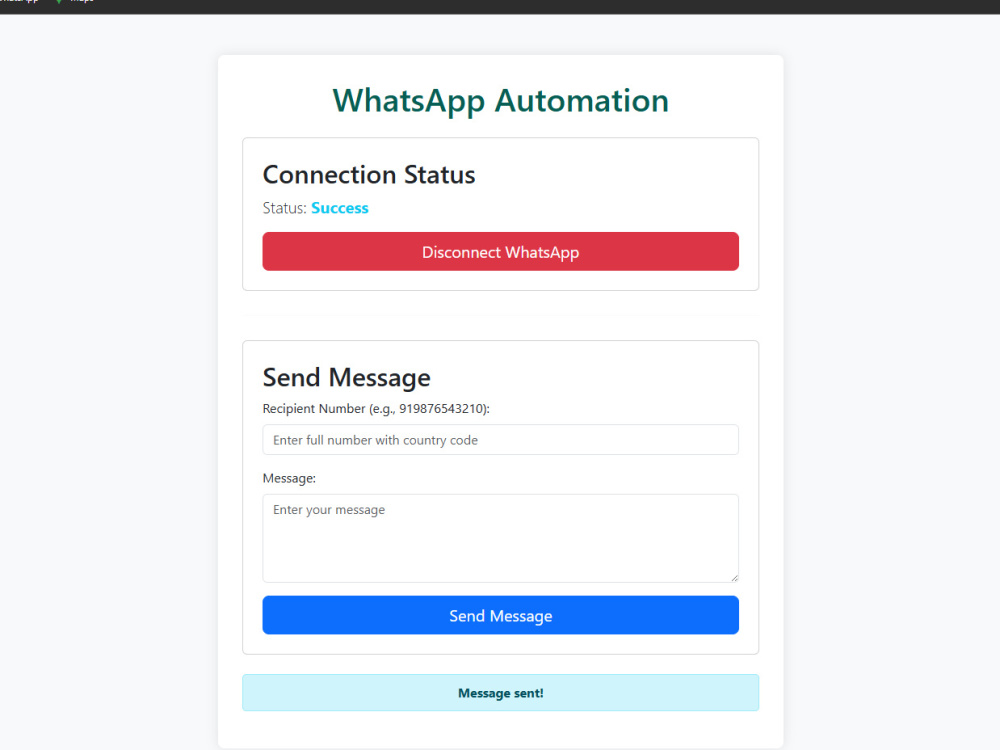
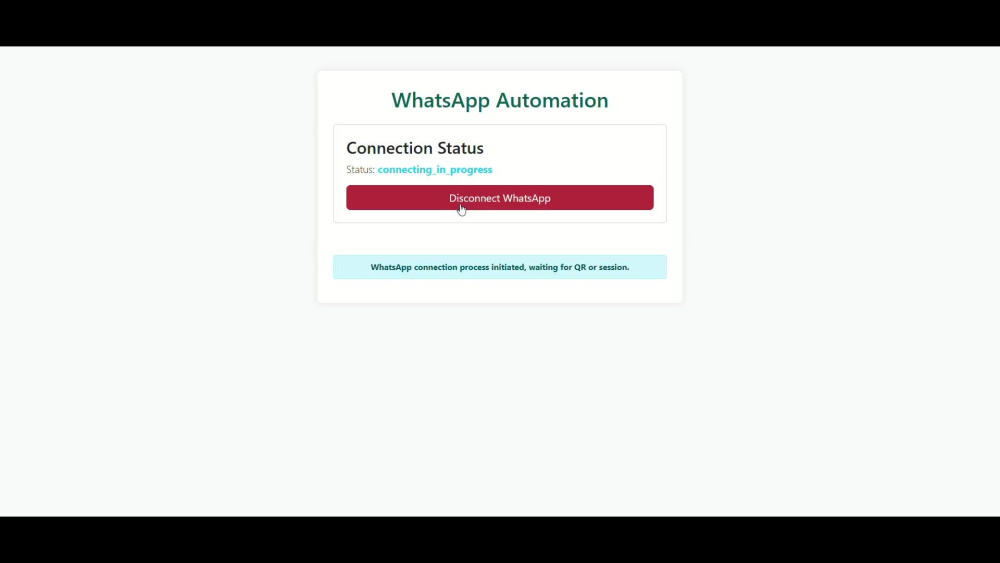
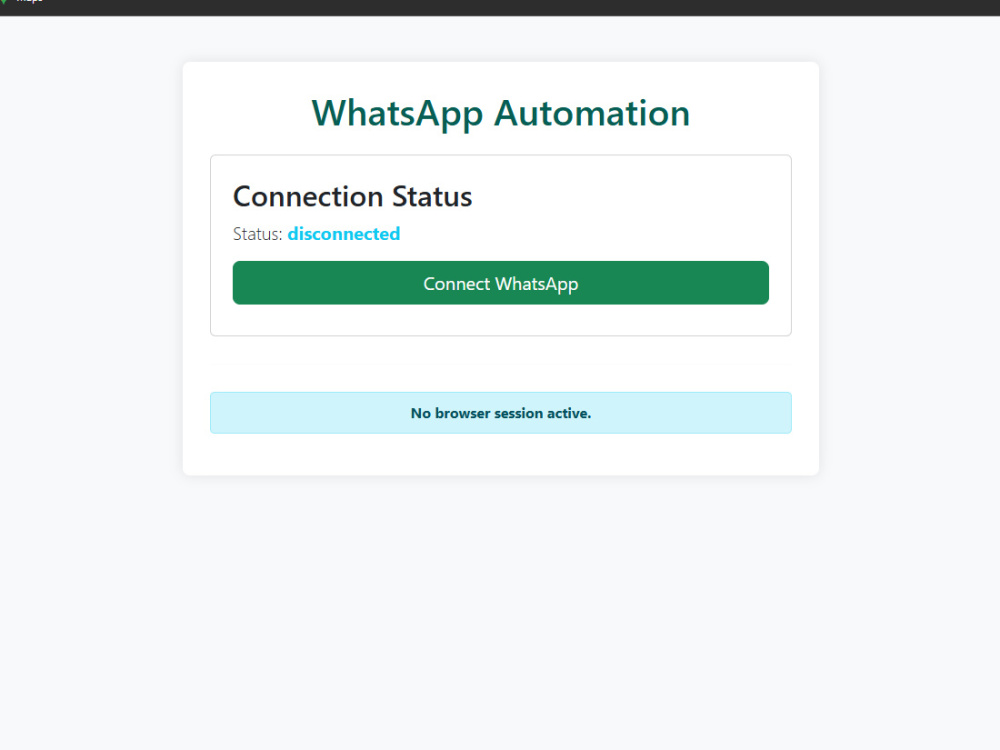
A Flask web app that uses Selenium to provide a user-friendly browser interface for WhatsApp Web, allowing users to connect, send messages, and monitor their real-time connection status. This project offers a complete, web-based solution for WhatsApp automation, distinguishing itself with a clean Bootstrap UI and a persistent session feature that simplifies the user experience beyond simple scripts.
Programming Languages
HTML & CSS, PythonWhat's included $50
These options are included with the project scope.
$50
- Delivery Time 5 days
- Number of Revisions 1
- Task Automation
About Kuldeep
Python Developer
Rajkot, India - 11:14 pm local time
I am a Computer Engineer based in Rajkot, specializing in building high-impact web applications and intelligent automation tools. I bridge the gap between complex AI research and practical, production-ready software.
Core Expertise:
Web Development: Expert in Django and DRF for building secure, role-based management systems.
AI & Computer Vision: Real-time facial recognition and attendance tracking using OpenCV and DeepFace.
Generative AI (LLMs): Developing private, RAG-based search engines with LangChain and Mistral.
Automation & Scraping: Advanced web scraping and browser automation using Selenium and BeautifulSoup.
Key Projects:
GatePass Pro: Role-based entry system with automated QR code verification.
AI Attendance: RTSP camera stream processor with a 3-strike validation system for 99% accuracy.
PDF-Q-A-Tool: A local, privacy-focused search engine for sensitive document analysis.
I deliver clean, scalable code and am dedicated to solving your business challenges through technology.
Steps for completing your project
After purchasing the project, send requirements so Kuldeep can start the project.
Delivery time starts when Kuldeep receives requirements from you.
Kuldeep works on your project following the steps below.
Revisions may occur after the delivery date.
Receive requirements from client
work on client's requirements