You will get a PDF bank statements converted and cleaned into Excel perfectly
Project details
Need your PDF bank statements converted into clean, usable Excel sheets without formatting errors or broken columns? You are in the right place.
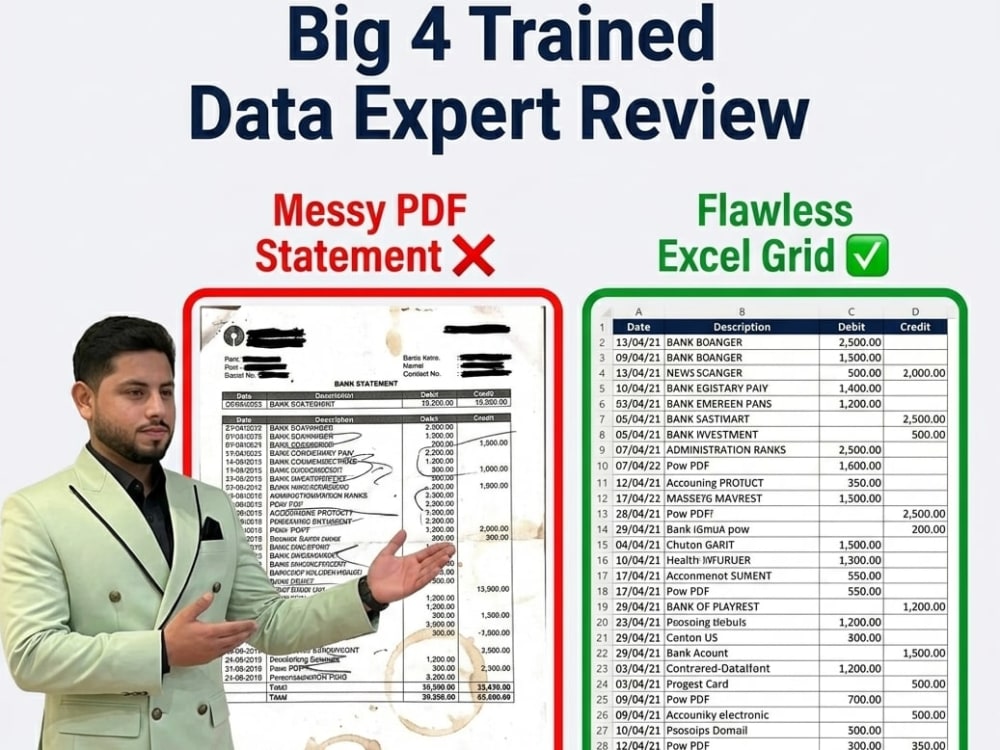
As an Advanced MS Excel expert, I understand how frustrating automated software conversions can be—they often mess up text, combine debit/credit columns, or break date formats. I manually audit and clean every converted row using Power Query and advanced formatting techniques to ensure your data is 100% structured and accounting-ready.
What this project includes:
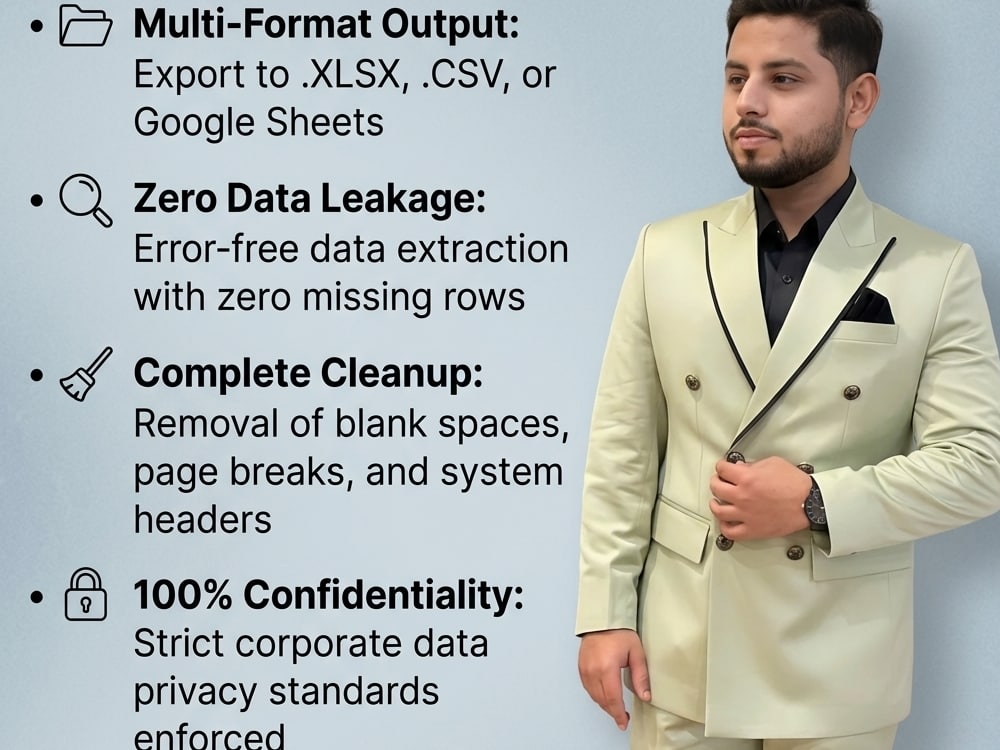
• Flawless PDF/Image conversion to Excel (.xlsx) or CSV
• Clean separation of Date, Description, Reference, Debit, Credit, and Balance columns
• Elimination of unnecessary bank headers, page numbers, and empty rows
• Standard formatting with uniform font styles and clear alignments
Why choose me?
• Absolute accuracy with zero data leakage.
• Lightning-fast 24-hour delivery for basic/standard orders.
• Strict formatting that makes it easy to import into QuickBooks, Xero, or Zoho.
Send over your files, and let's get your data structured perfectly!
As an Advanced MS Excel expert, I understand how frustrating automated software conversions can be—they often mess up text, combine debit/credit columns, or break date formats. I manually audit and clean every converted row using Power Query and advanced formatting techniques to ensure your data is 100% structured and accounting-ready.
What this project includes:
• Flawless PDF/Image conversion to Excel (.xlsx) or CSV
• Clean separation of Date, Description, Reference, Debit, Credit, and Balance columns
• Elimination of unnecessary bank headers, page numbers, and empty rows
• Standard formatting with uniform font styles and clear alignments
Why choose me?
• Absolute accuracy with zero data leakage.
• Lightning-fast 24-hour delivery for basic/standard orders.
• Strict formatting that makes it easy to import into QuickBooks, Xero, or Zoho.
Send over your files, and let's get your data structured perfectly!
Data Entry Type
Copy Paste, Data Cleansing, Document Conversion, Error Detection, Online Research, Word ProcessingData Entry Tool
ERP Software, Google Docs, Google Sheets, Microsoft Excel, Microsoft Office, Microsoft WordWhat's included
| Service Tiers |
Starter
$10
|
Standard
$15
|
Advanced
$20
|
|---|---|---|---|
| Delivery Time | 1 day | 1 day | 2 days |
Number of Revisions | 1 | 1 | 2 |
Number of Hours of Work | 0 | 0 | 0 |
Formatting & Clean Up | - | - | - |
Graph & Table Creation | - | - | - |
Optional add-ons
You can add these on the next page.
Graph & Table Creation
+$5Frequently asked questions
About Umair
Finance Analyst | Excel Expert | Audit & MIS Reporting Specialist.
Delhi, India - 3:13 pm local time
I specialize in creating accurate reports, automated Excel solutions, and finance systems that save time and improve decision-making.
Hi, I’m Umair — an MBA Finance professional with 5+ years of experience working with multinational companies and Big 4 audit exposure.
I help businesses with:
✔ Financial Reporting
✔ Excel Dashboards & Automation
✔ MIS Reporting
✔ Data Analysis
✔ Bookkeeping & Bank Reconciliation
✔ Audit Support & Financial Statements
✔ PDF Expert
Why clients hire me:
✅ Strong analytical skills
✅ Accurate and professional reporting
✅ Fast communication
✅ On-time delivery
✅ Corporate-level quality work
Tools & Skills:
• Microsoft Excel (Advanced)
• Pivot Tables & Dashboards
• VLOOKUP/XLOOKUP
• Power Query
• Financial Analysis
• Data Cleaning
• SAP
• Microsoft Office
If you are looking for a reliable finance and Excel expert who can deliver quality work professionally, feel free to invite me to your project.
Steps for completing your project
After purchasing the project, send requirements so Umair can start the project.
Delivery time starts when Umair receives requirements from you.
Umair works on your project following the steps below.
Revisions may occur after the delivery date.
File Review & Integrity Check
I will review your uploaded PDF or image files to verify data clarity, check for password protections, and confirm the total page count before processing.
Parsing & Data Extraction
The documents are ingested into Microsoft Excel using Power Query to extract text and numeric layers safely, eliminating manual data entry typos.