You will get an editable document after your PDF/Images Converted to Word/Spreadsheet
Project details
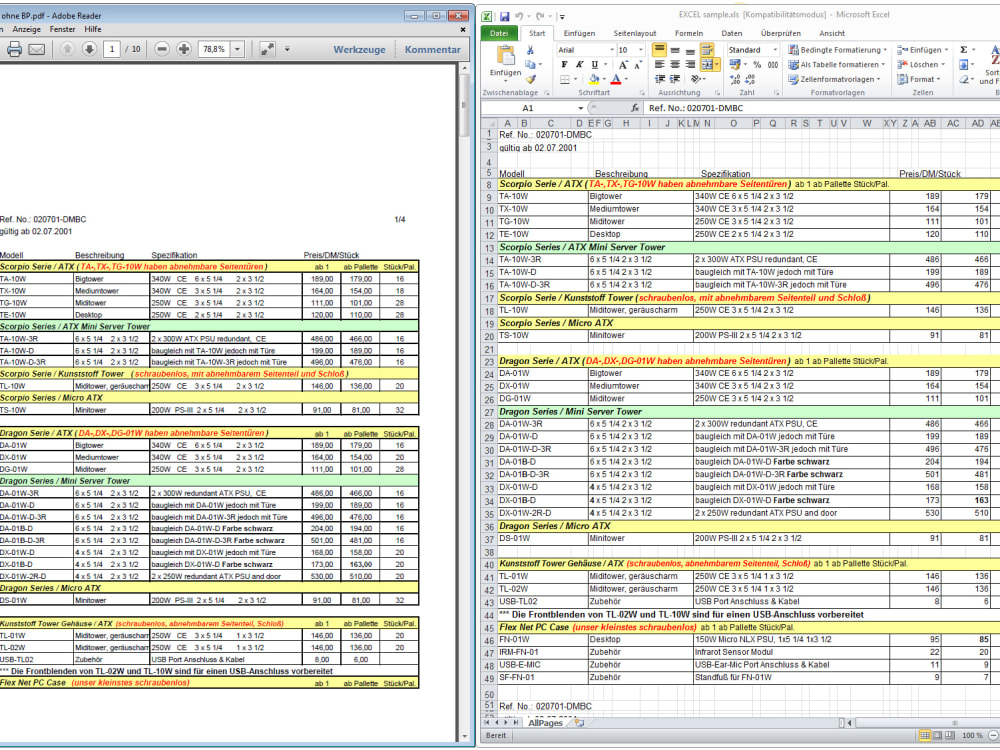
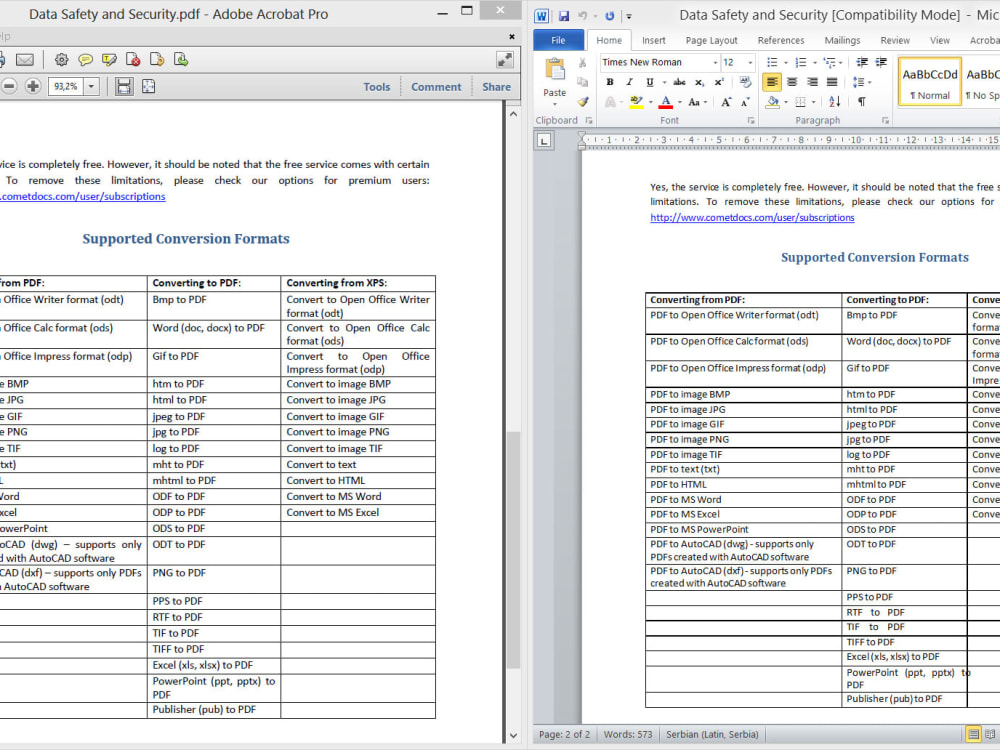
The PDF to Word Conversion Project was initiated to streamline the process of converting a vast archive of PDF documents into editable Microsoft Word files for improved accessibility, searchability, and collaboration within our organization. This project addressed the need to digitize and make these documents more versatile, allowing for easy editing, sharing, and integration into various workflows.
You can rest assured that my work is 100% Accurate and will satisfy you. You can always contact me for modification while I doing it.
You can rest assured that my work is 100% Accurate and will satisfy you. You can always contact me for modification while I doing it.
Data Entry Type
Copy Paste, Data Cleansing, Document Conversion, Error Detection, Online Research, Word ProcessingData Entry Tool
Google Docs, Google Sheets, Microsoft Excel, Microsoft Office, Microsoft WordWhat's included
| Service Tiers |
Starter
$5
|
Standard
$10
|
Advanced
$20
|
|---|---|---|---|
| Delivery Time | 1 day | 1 day | 2 days |
Number of Revisions | 2 | 2 | 5 |
Number of Hours of Work | 4 | 6 | 10 |
Formatting & Clean Up | |||
Graph & Table Creation | - | - | - |
Frequently asked questions
About Evelyn
Data Entry Clerk
Penaranda, Philippines - 6:15 am local time
I have a proven track record in maintaining data integrity and confidentiality, which is crucial in data entry roles. Through the years of experiences, here's a list of task i can accomplish for you:
• Data Research/Management
• Image editing
• Copy Writing
• PDF to File Conversion
• Proof Reading
• Copy Editing
• Transcription
• Email Management
Having completed these tasks in the past years, I became proficient in using the following tools:
• Microsoft Word
• Microsoft Power Point
• Microsoft Excel
• Microsoft Publisher
• Google Docs
• Google Sheets
• Spreadsheets
• Google Slides
• Canva
• Google Chrome, Mozilla Firefox and Microsoft Edge
• Facebook, Instagram, Twitter and Youtube
• Gmail
• Grammarly
• Adobe Indesign
• Live Chat
Let's chat to discuss more details about your project.
Steps for completing your project
After purchasing the project, send requirements so Evelyn can start the project.
Delivery time starts when Evelyn receives requirements from you.
Evelyn works on your project following the steps below.
Revisions may occur after the delivery date.
Communicate with Seller
Get in touch with the freelancer after placing an order so that there will be no problem while doing the project.
Clarify the Project
Explain how the project will done.