You will get Automate Lead Capture with Google Sheets, Gmail & ClickUp
Project details
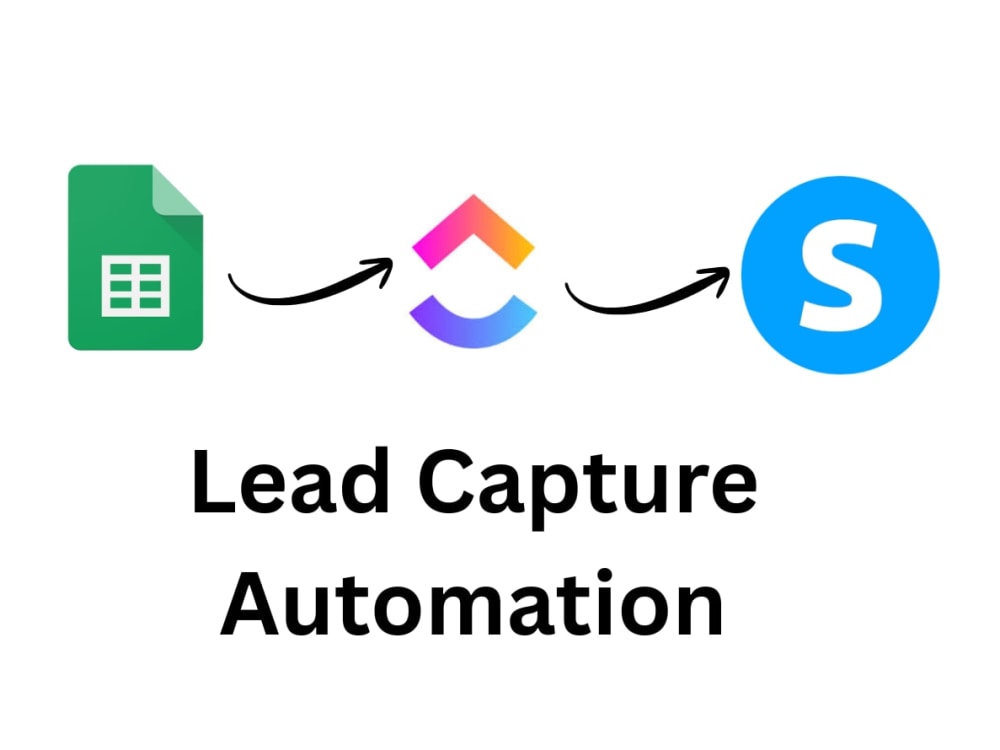
Want to save time and never lose a lead again? I’ll build a custom automation that captures leads from your forms and instantly organizes them into Google Sheets, ClickUp, and Systeme.io. You’ll get real-time tracking, automatic notifications, and a system that works for you 24/7. No more manual copy-pasting — just a smooth workflow that keeps your business organized and responsive.
Data Entry Type
Copy Paste, Document Conversion, Word ProcessingData Entry Tool
Google SheetsWhat's included
| Service Tiers |
Starter
$50
|
Standard
$120
|
Advanced
$250
|
|---|---|---|---|
| Delivery Time | 2 days | 4 days | 7 days |
Number of Revisions | 2 | 4 | 7 |
Formatting & Clean Up | - | - | - |
Graph & Table Creation | - | - | - |
Optional add-ons
You can add these on the next page.
Extra lead source integration (+$20)
+$20
Priority 24-hour delivery (+$25)
+$25About John Paul
Automation Specialist | Make, Zapier & n8n
Santa Rosa, Philippines - 6:26 pm local time
Here’s what I can do for you:
Connect apps and automate repetitive tasks (Google Sheets, Airtable, Slack, Gmail, etc.)
Build workflows with Make, Zapier, and n8n to improve efficiency
Integrate APIs and webhooks to create seamless data flows
Document processes so your team can use and maintain them easily
Whether it’s a simple automation or a complex multi-step workflow, I ensure your processes are efficient, scalable, and easy to manage.
Let’s work together to eliminate repetitive tasks and free up your time for what really matters.
Steps for completing your project
After purchasing the project, send requirements so John Paul can start the project.
Delivery time starts when John Paul receives requirements from you.
John Paul works on your project following the steps below.
Revisions may occur after the delivery date.
STEP 1 : Client shares requirements
You provide access to your form tool, Google Sheets, and ClickUp/Systeme.io (as needed).
STEP 2 : Automation Setup
I create the workflow to capture leads, store them in Google Sheets, and connect ClickUp/Systeme.io.