You will get automated AQL Excel template with vlookup, if and many more formulas
Project details
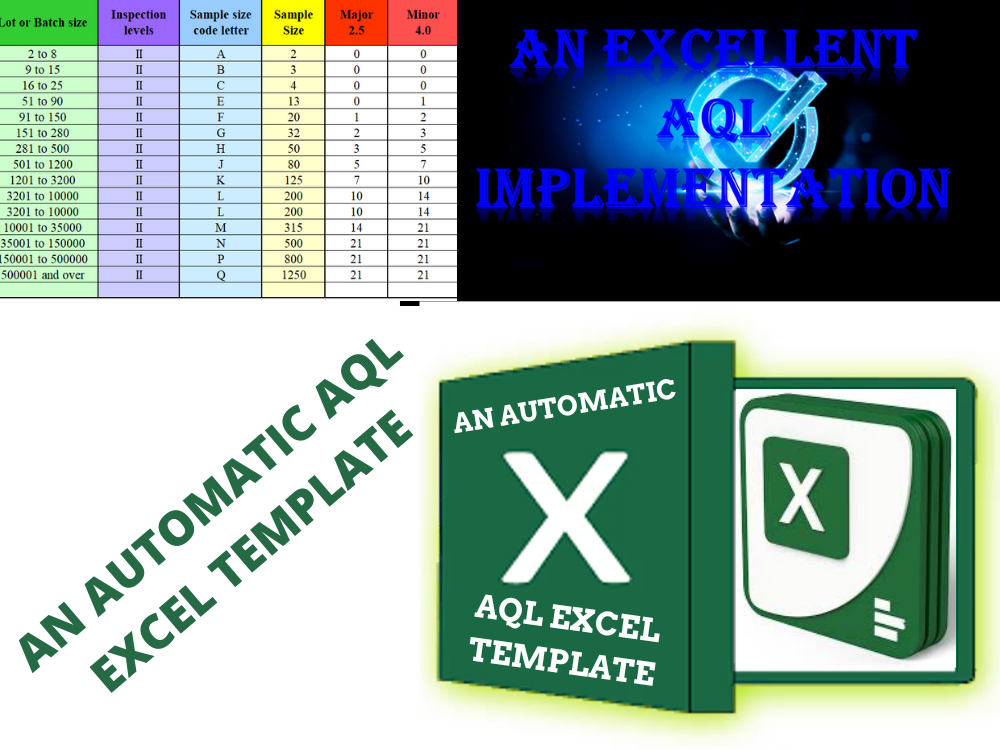
You will get a fully automated AQL Excel format, template by lot or batch or qty wise. The AQL Microsoft Excel Template or format is automated by Droplist, If, Vlookup and many more.
Batch or lot-wise AQL Excel format, template (Acceptable Quality Levels) Result
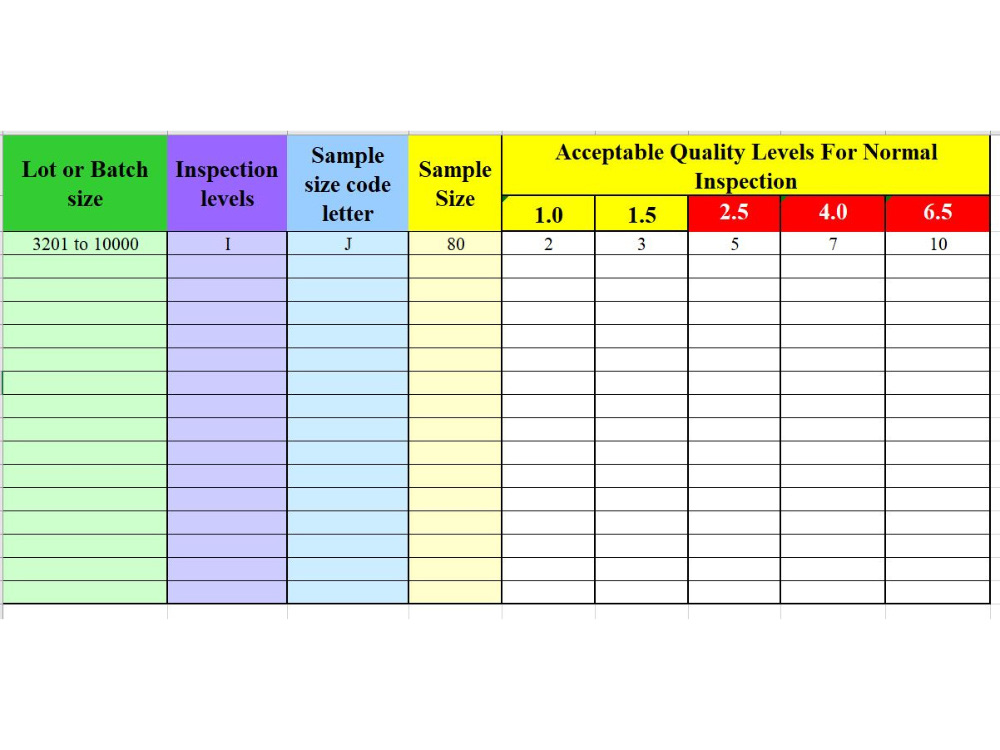
a) Only you have to select the lot or batch size and desired inspection levels from the drop list, you will find the sample size code, sample size and Acceptable Quality Result.
Quantity-wise AQL (Acceptable Quality Levels) Result
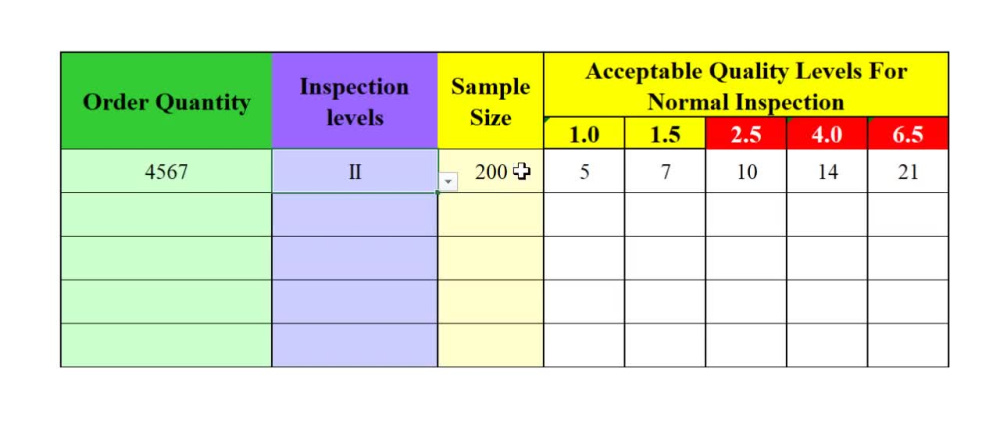
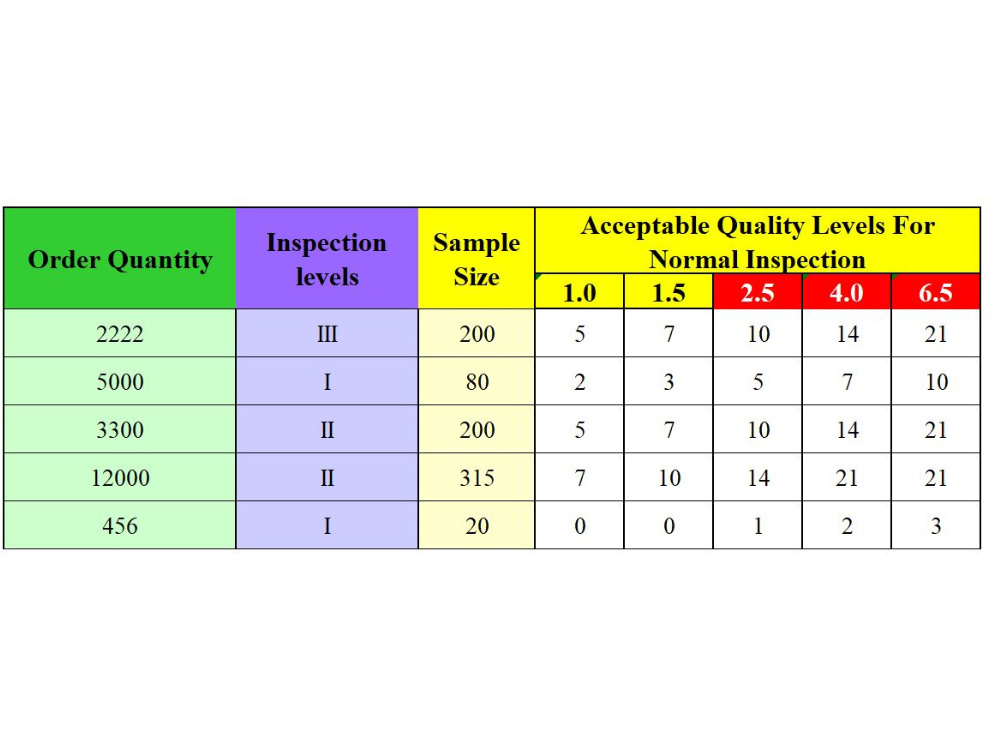
a) You have to write your Order Quantity or Shipment Quantity and select the desired inspection levels from the drop list in your AQL Excel format, or template. You will find the sample size and the Acceptable Quality result.
If you need more details I am ready to serve you.
Batch or lot-wise AQL Excel format, template (Acceptable Quality Levels) Result
a) Only you have to select the lot or batch size and desired inspection levels from the drop list, you will find the sample size code, sample size and Acceptable Quality Result.
Quantity-wise AQL (Acceptable Quality Levels) Result
a) You have to write your Order Quantity or Shipment Quantity and select the desired inspection levels from the drop list in your AQL Excel format, or template. You will find the sample size and the Acceptable Quality result.
If you need more details I am ready to serve you.
Data Entry Type
Copy Paste, Data Cleansing, Document Conversion, Error Detection, Online ResearchData Entry Tool
Google Docs, Google Sheets, Microsoft Excel, Microsoft Office, Microsoft WordWhat's included
| Service Tiers |
Starter
$10
|
Standard
$15
|
Advanced
$30
|
|---|---|---|---|
| Delivery Time | 3 days | 3 days | 1 day |
Number of Revisions | 1 | 2 | 3 |
Number of Hours of Work | 3 | 4 | 4 |
Formatting & Clean Up | |||
Graph & Table Creation | - | - | - |
Optional add-ons
You can add these on the next page.
Fast Delivery
+$10Frequently asked questions
About Anup
Excel Expert
Dhaka, Bangladesh - 3:21 pm local time
Steps for completing your project
After purchasing the project, send requirements so Anup can start the project.
Delivery time starts when Anup receives requirements from you.
Anup works on your project following the steps below.
Revisions may occur after the delivery date.
Automated Quantity wise AQL Excel Template
Quantity-wise AQL (Acceptable Quality Levels) Result Just write your Order or Shipment Quantity and select the desired inspection levels from the drop list in your AQL Excel template. You will find the sample size and the Acceptable Quality result.