You will get Clean & Automate Data Using Excel Macro in 8 Seconds
Project details
I help clients clean and organize data efficiently using Excel and macro automation.
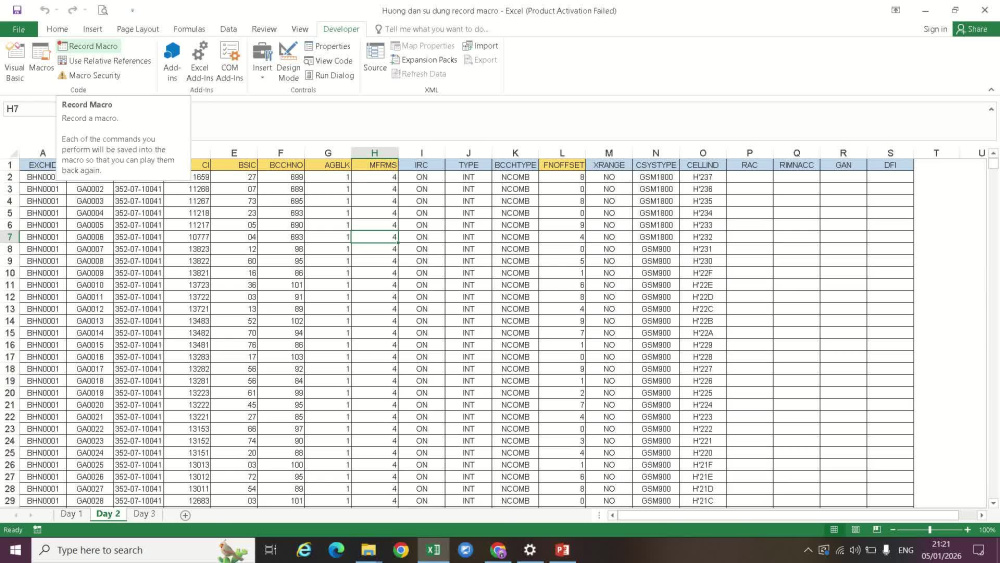
This project shows how raw data can be cleaned and standardized in seconds with a one-click process, ensuring accuracy and saving time.
This project shows how raw data can be cleaned and standardized in seconds with a one-click process, ensuring accuracy and saving time.
Data Entry Type
Copy Paste, Data Cleansing, Error DetectionData Entry Tool
Google Sheets, Microsoft ExcelWhat's included
| Service Tiers |
Starter
$8
|
Standard
$15
|
Advanced
$30
|
|---|---|---|---|
| Delivery Time | 1 day | 2 days | 3 days |
Number of Revisions | 1 | 2 | 3 |
Number of Hours of Work | 2 | 3 | 5 |
Formatting & Clean Up | |||
Graph & Table Creation | - | - | - |
Optional add-ons
You can add these on the next page.
Additional Revision
+$3
Additional Hour of Work
+$5Frequently asked questions
About Huong
Data Entry Specialist | Excel | Data Cleaning | Reports
Bien Hoa, Vietnam - 9:55 pm local time
I am a detail-oriented Data Entry and Excel Specialist with 5 years of experience entering, cleaning, validating, and organizing data. I deliver accurate work, meet deadlines, and communicate proactively. My skills include Excel formulas, PivotTables, VLOOKUP/XLOOKUP, data cleaning, Google Sheets, and CSV imports.
I’m also open to offering 1st project unpaid to quickly understand your workflow and prove my capabilities.
Let’s work together!
Steps for completing your project
After purchasing the project, send requirements so Huong can start the project.
Delivery time starts when Huong receives requirements from you.
Huong works on your project following the steps below.
Revisions may occur after the delivery date.
Step 1 – Receive requirements
Client sends the data file, clear instructions, and expected output format
Step 2 – Review & confirm scope
I review the data and confirm the scope, timeline, and approach before starting.