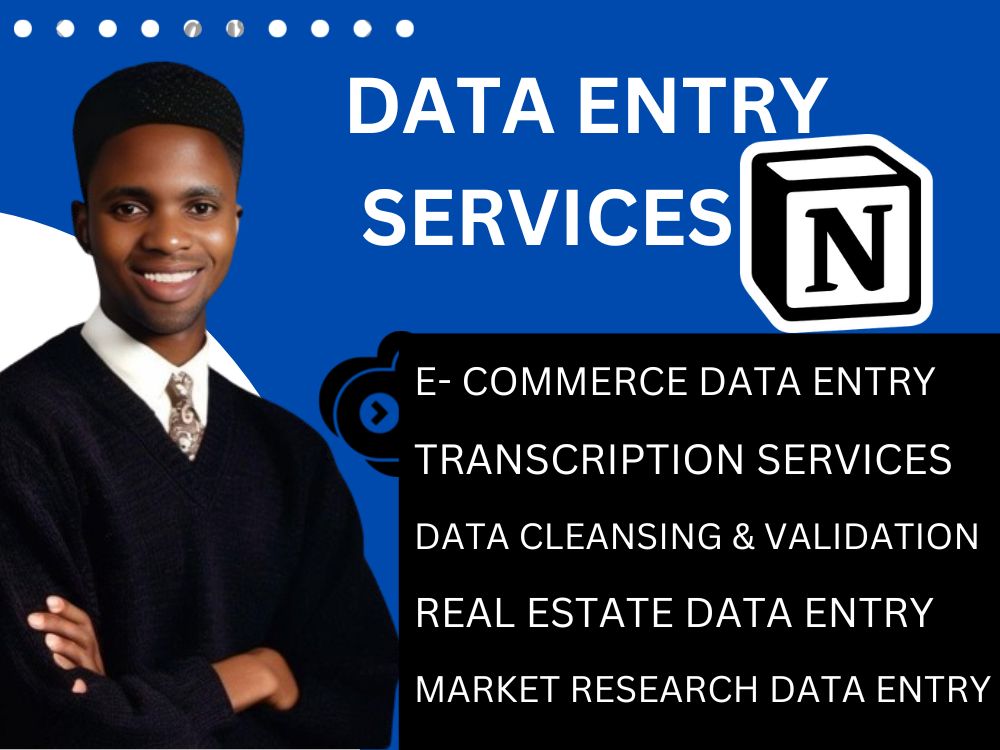
You will get Copy Paste data entry, manual typing, convert PDF to Word and Excel
Project details
Do you require a great and expert virtual assistant for Copy Paste Data Entry, Excel Data Entry, Copy Paste Work, and Typing Work in MS Excel, MS Word, Google Spreadsheet, or Google Docs? Indeed, you are in the correct location. Please see my skills below.
Data Entry Type
Copy Paste, Data Cleansing, Document Conversion, Error Detection, Online Research, Word ProcessingData Entry Tool
CRM Software, ERP Software, Google Docs, Google Sheets, Medical Records Software, Microsoft Excel, Microsoft Office, Microsoft WordWhat's included
| Service Tiers |
Starter
$20
|
Standard
$50
|
Advanced
$100
|
|---|---|---|---|
| Delivery Time | 2 days | 5 days | 8 days |
Number of Revisions | 2 | 2 | 2 |
Formatting & Clean Up | |||
Graph & Table Creation | - | - | - |
About David
Notion Expert |Notion Integration & Automation
Lagos, Nigeria - 1:54 pm local time
I'm David, A seasoned project manager. let's collaborate to turn your ideas, vision into reality
I am passionate about driving project success and delivering value to clients. Whether you need help with project initiation, execution, or closure, I bring a wealth of knowledge and a proven track record of success.
Even if you're new to Notion, no worries, I can also work with you (or your team) and provide comprehensive training sessions until you're able to take full advantage of Notion's capabilities as it relates to your unique use-case.
Here's the value you get from working with me:
✅ You would be able to visualize and simplify the complex processes in your project.
✅ You get beautiful and aesthetic Notion workspaces.
✅ You get a well-structured and functional workflows in Notion such that your projects are properly managed, tracked and ultimately delivered on schedule.
✅ You have the benefit of having ideas condensed from the Project stage into Milestones and then actionable steps.
✅- My workflow prioritizes strict time-management, therefore all your projects are completed and turned in right on time
✅- Since I make a thorough research of the niche I'm creating for, you can be sure that all Notion templates and workspaces will be designed to be BOTH user-friendly AND collaboration-friendly
ACHIEVEMENTS
Some of my past successful Notion implementations include:
⚡- A ROBUST PROJECT-MANAGEMENT PLATFORM (See Portfolio for more details): This helps increase team efficiency by more than 25% on average. It integrates Milestones, Project percentage-completion rate, Tagging of Assignees for tasks, Tagging of specific Project-managers for differing Projects, Project-type, Task status, and much more.
⚡- COMPANY WIKI/KNOWLEDGEBASE (See Portfolio for more details): This integrates company information in a comprehensive way. It also Integrates other relevant resources like online videos, Google Docs/Slides/Sheets embeds. This was all built using databases, not in random disconnected notion folders which tend to accumulate over time.
⚡- AUTOMATED CURRENCY TRADING JOURNAL (See Portfolio for more details): This has helped clients in the Financial markets niche become more accountable about their trading activities. Users who trade Forex, Stocks, Indices, Cryptocurrencies feel at home with this one.
⚡- PERSONAL FINANCIAL LEDGER: This helps you keep track of your spending habits and patterns. Features include Expense Categories; Accounts eg Savings, Emergency; Periodic views.
⚡- PERSONAL FITNESS DIARY: Users in the Health & Fitness niche can take advantage of this tool to record progress and fitness goals.
----------------------------------
I'm super-stoked to work with you, and I look forward to a productive work-relationship!
Cheers,
David.
Notion Certified Expert
PROFILE KEYWORDS
Notion Expert | Notion Consultant | Notion Specialist | Notion Template Designer | Notion Project Manager | Notion Workspace Design | Notion Dashboard Creator | Notion System Setup | Notion Customization | Notion Integrations | Notion Workflow Automation | Notion Training | Notion for Teams | Notion Productivity Expert | Notion Knowledge Base | Notion CRM Setup | Notion Portfolio Design | Notion Content Planning | Notion Task Management | Notion Database Design | Notion API Integration | Notion for Freelancers | Notion for Business | Notion Document Management | Notion Note-taking | Notion Automation | Notion Tutorials | Notion Digital Planning | Notion Personal Organization | Notion Collaboration | Notion Content Management | Notion Knowledge Management | Notion for Education | Notion Time Management | Notion Business Solutions | Notion Startup Solutions | Notion Coaching | Notion Strategy Consulting | Notion SOPs | Notion Templates | Notion System Architecture | Notion Data Visualization | Notion for Remote Teams | Notion Product Management | Notion Knowledge Sharing | Notion Content Strategy | Notion Process Improvement | Notion Workflow Design | Notion Documentation | Notion Implementation | Notion Optimization | Notion Maintenance | Notion User Training | Notion Efficiency Expert | Notion Personal Productivity | Notion Task Automation | Notion Data Management | Notion Reporting | Notion Dashboard Development | Notion Custom Solutions | Notion Workflow Optimization | Notion Business Management | Notion Visual Design | Notion Project Tracking | Notion Agile Project Management | Notion Team Collaboration | Notion File Management | Notion Operational Efficiency | Notion Goal Setting | Notion Process Automation | Notion Data Analysis | Notion Task Scheduling | Notion Project Planning | Notion Team Communication | Notion System Integration | Notion Strategic Planning | Notion Product Design | Notion Information Architecture | Notion for Creatives | Notion Team Workflows | Notion Knowledge Sharing Systems | Notion Custom Dashboard | Notion User
Steps for completing your project
After purchasing the project, send requirements so David can start the project.
Delivery time starts when David receives requirements from you.
David works on your project following the steps below.
Revisions may occur after the delivery date.
After buying the project, send requirements so David can start the project.
Delivery time starts when David receives requirements from you.