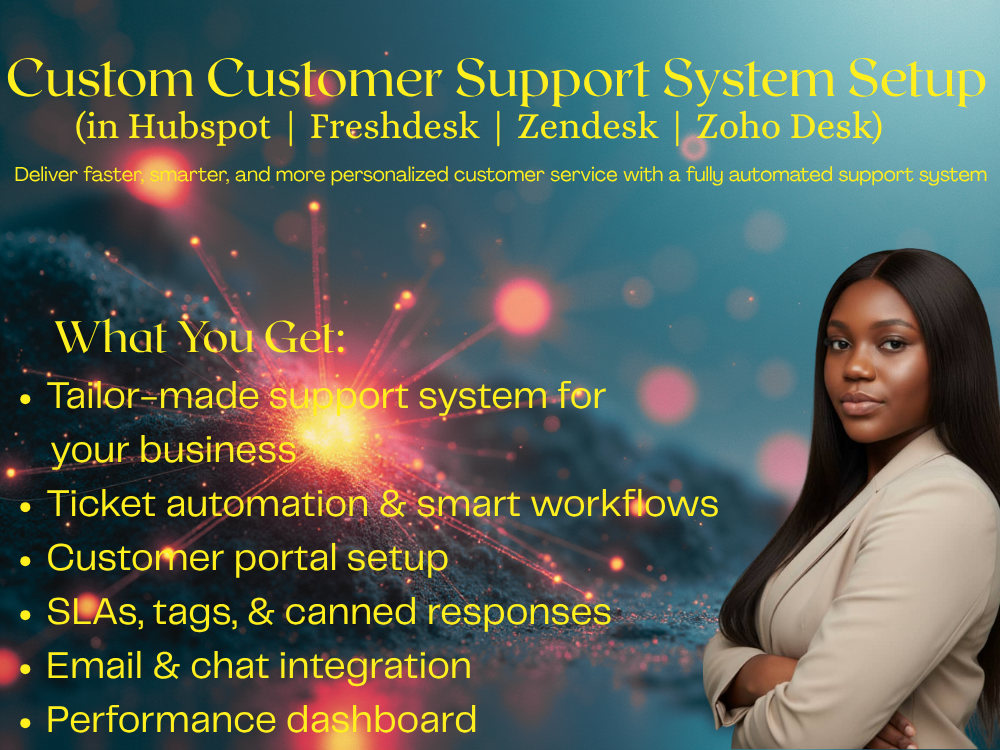
You will get Custom Customer Support System in Freshdesk, Hubspot, Zendesk, or Zoho Desk
Project details
Tired of managing customer emails manually? I’ll build a professional, automated support system using Freshdesk, Zendesk, or Zoho Desk — so you can deliver faster, more organized, and more personal customer service. I’ll create ticket categories, automate assignments, add canned responses, and design a simple help center so your customers get the right help every time.
What You’ll Get:
Ticketing system setup and customization
Triggers, automations, and SLA policies
Customer support workflows (for email, chat, or form requests)
Help Center or Knowledge Base setup
Agent roles, permissions, and dashboard
What You’ll Get:
Ticketing system setup and customization
Triggers, automations, and SLA policies
Customer support workflows (for email, chat, or form requests)
Help Center or Knowledge Base setup
Agent roles, permissions, and dashboard
Purpose
BusinessLanguage
EnglishWhat's included
| Service Tiers |
Starter
$50
|
Standard
$150
|
Advanced
$300
|
|---|---|---|---|
| Delivery Time | 3 days | 7 days | 14 days |
Scriptwriting | - | - | - |
Summary Report | - | - | - |
Social Media Replies | - | - | - |
Email Support | - | - | - |
Live Chat Support | - | - | - |
Optional add-ons
You can add these on the next page.
Fast Delivery
+$20 - $50
Additional Hour of Work
+$30Frequently asked questions
About Nasigba
Business Process & CRM Automation Expert |Make, Monday, Zapier|
Port Harcourt, Nigeria - 10:21 pm local time
If your business is buried under manual tasks or scattered data, I fix that. Using tools like HubSpot, Airtable, Monday.com, Zoho CRM, ClickUp, Trello, Asana, Jira, Notion, Google Sheets, Zapier, and Make.com. I design smart systems that automate processes, sync tools seamlessly, and help teams operate efficiently.
💡 What I Do Best
✅ CRM Setup & Customization
• End-to-end CRM setup (HubSpot, Zoho, Airtable, Monday.com)
• Customize pipelines, dashboards, and workflows to match your unique business processes
• Automate how leads are captured, welcomed, and followed up — so every client gets timely communication without missed steps or errors.
• Integrate tools through Zapier or Make.com for real-time updates
✅ Project & Task Management Systems
• Build organized workspaces in Monday.com, ClickUp, Trello, Asana, Nifty and Jira
• Automate task assignments, reminders, and status updates
• Improve team collaboration and accountability with structured automations
✅ Email Marketing Automation
• Set up and automate email campaigns using ConvertKit, Mailchimp, and HubSpot
• Build nurture sequences that engage leads and increase conversions
• Segment audiences and track performance for smarter targeting
• Connect CRMs with email tools to ensure no lead is lost or duplicated
Key Achievements
1️⃣ Saved 20+ hours/weekly by automating manual client onboarding, task tracking, and data entry processes across CRM and project tools.
2️⃣ Improved team efficiency and dashboard reporting by 60% through custom CRM setups and workflow automations in HubSpot, Airtable, and Monday.com.
3️⃣ Boosted lead response rates by 45% using smart email marketing automations and follow-up workflows with ConvertKit and Mailchimp.
4️⃣ Reduced missed deadlines and task clutter by 70% through organized task management systems in ClickUp, Trello, Asana, and Jira.
✨ Why Clients Hire Me
✔ I customize every CRM and automation to fit how your business actually works — not the other way around
✔ I turn disorganized operations into clear, automated systems
✔ I communicate clearly, deliver fast, and document everything I build
✔ I create scalable systems that keep working long after setup
If you’re ready to reclaim your time, remove manual work, and scale faster with automation — let’s make it happen.
👉 Click “Invite to Job” and let’s build something powerful together.
Steps for completing your project
After purchasing the project, send requirements so Nasigba can start the project.
Delivery time starts when Nasigba receives requirements from you.
Nasigba works on your project following the steps below.
Revisions may occur after the delivery date.
Discovery & Access
We’ll start with a quick chat about your business, support goals, and current tools. You’ll share access to your chosen platform (Freshdesk, Hbspot Zendesk, or Zoho Desk).
System Planning & Structure
I’ll map out your ideal support flow — ticket categories, priority levels, and team roles. This ensures your setup matches how your team actually works.