You will get Data according to what you want
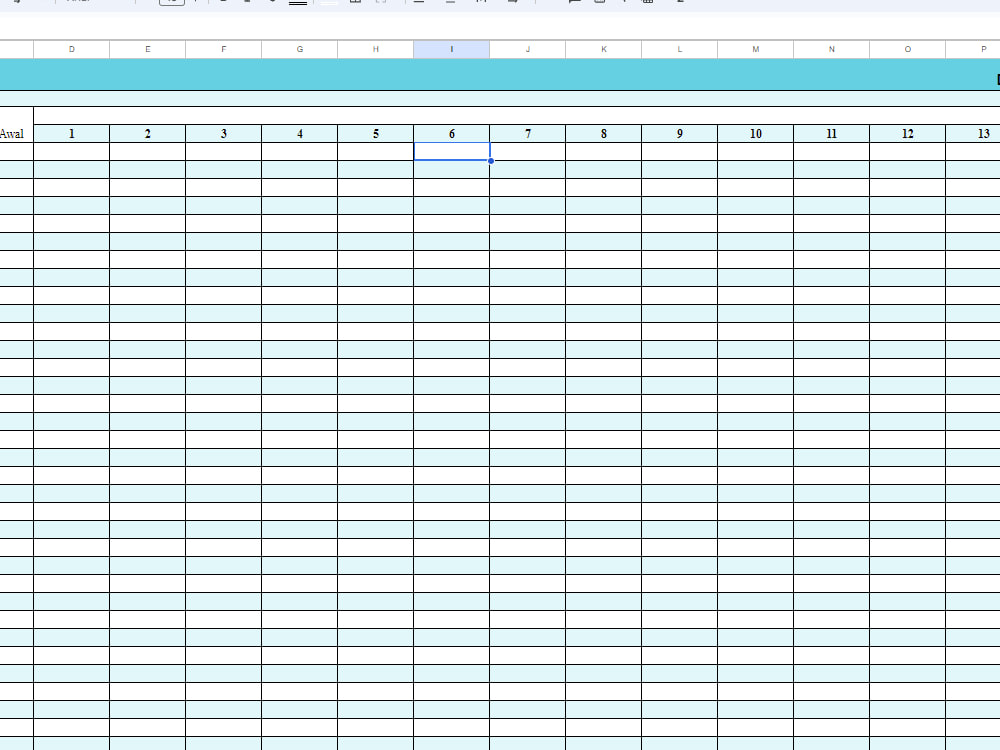
Project details
I have had a very positive experience using Google Sheets in managing our business data and projects. We decided to switch to Google Sheets because of our need for better team collaboration, easy accessibility, and the ability to manage data in real-time.
One of the features we enjoy most is the great collaboration capabilities. With Google Sheets, our team can jointly edit documents without any conflicts or data loss. This makes the collaboration process more efficient and reduces the risk of human error.
Ease of accessibility is also an important factor. We can access our spreadsheets from various devices, be it laptops, tablets or mobile phones. This provides much-needed flexibility, especially when our teams operate in a distributed manner or are on the go.
Additionally, Google Sheets integration with other Google services, such as Google Forms, strengthens our ability to quickly collect data and integrate it directly into spreadsheets. This cuts the time required for data collection and analysis significantly.
One of the features we enjoy most is the great collaboration capabilities. With Google Sheets, our team can jointly edit documents without any conflicts or data loss. This makes the collaboration process more efficient and reduces the risk of human error.
Ease of accessibility is also an important factor. We can access our spreadsheets from various devices, be it laptops, tablets or mobile phones. This provides much-needed flexibility, especially when our teams operate in a distributed manner or are on the go.
Additionally, Google Sheets integration with other Google services, such as Google Forms, strengthens our ability to quickly collect data and integrate it directly into spreadsheets. This cuts the time required for data collection and analysis significantly.
Data Entry Type
Copy PasteData Entry Tool
Google Docs, Microsoft Excel, Microsoft Office, Microsoft WordWhat's included
| Service Tiers |
Starter
$20
|
Standard
$50
|
Advanced
$100
|
|---|---|---|---|
| Delivery Time | 1 day | 3 days | 7 days |
Number of Revisions | 1 | 2 | 3 |
Formatting & Clean Up | - | - | - |
Graph & Table Creation |
About Haidar
Data Entry , Copy Paste , Google Spreadsheet
Bogor, Indonesia - 11:46 pm local time
Steps for completing your project
After purchasing the project, send requirements so Haidar can start the project.
Delivery time starts when Haidar receives requirements from you.
Haidar works on your project following the steps below.
Revisions may occur after the delivery date.
Identify Project Needs and Goals: Determine the project goals and what information needs to be included in the spreadsheet. Understand the desired data format and structure.