You will get Excel Data Cleaning, Automation Specialist, Dashboards, Macros & Error-Free

Project details
I help businesses turn messy Excel data into clean, structured, and reliable spreadsheets.
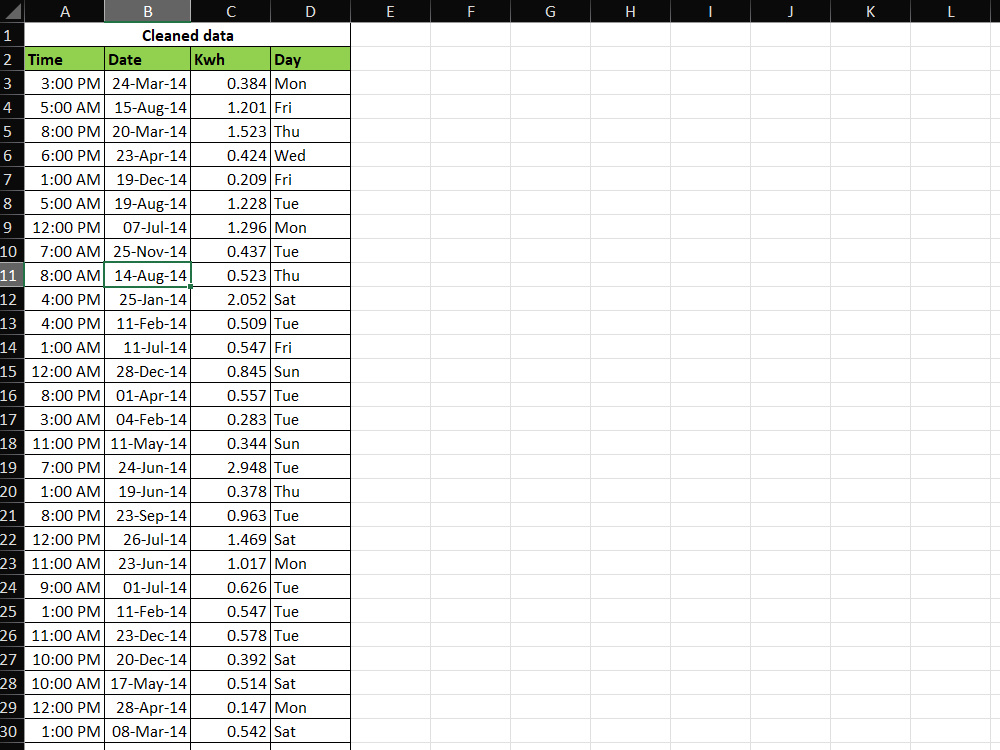
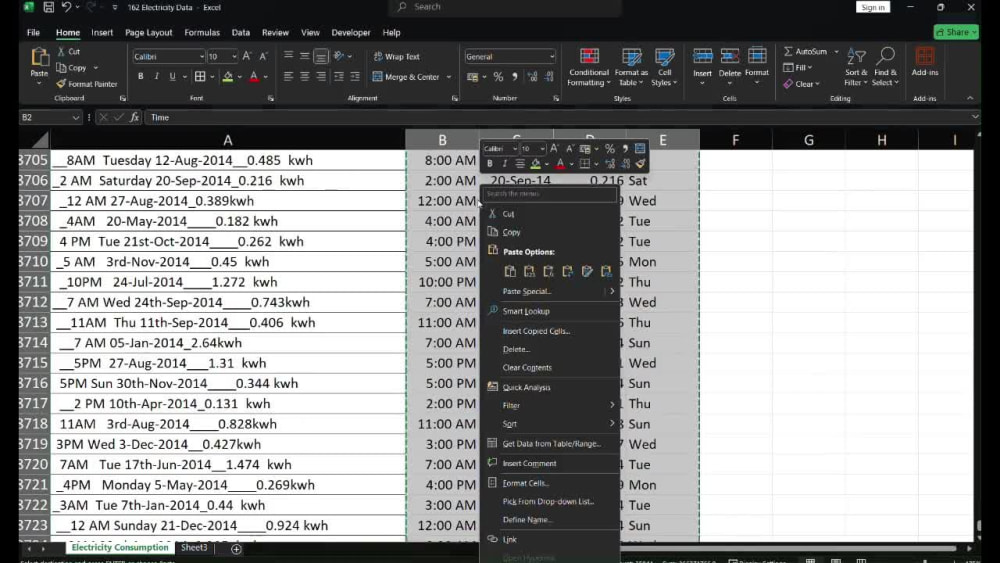
If your Excel file has inconsistent formats, mixed data, errors, or is hard to analyze, I will clean, organize, and standardize it so you can actually use it with confidence.
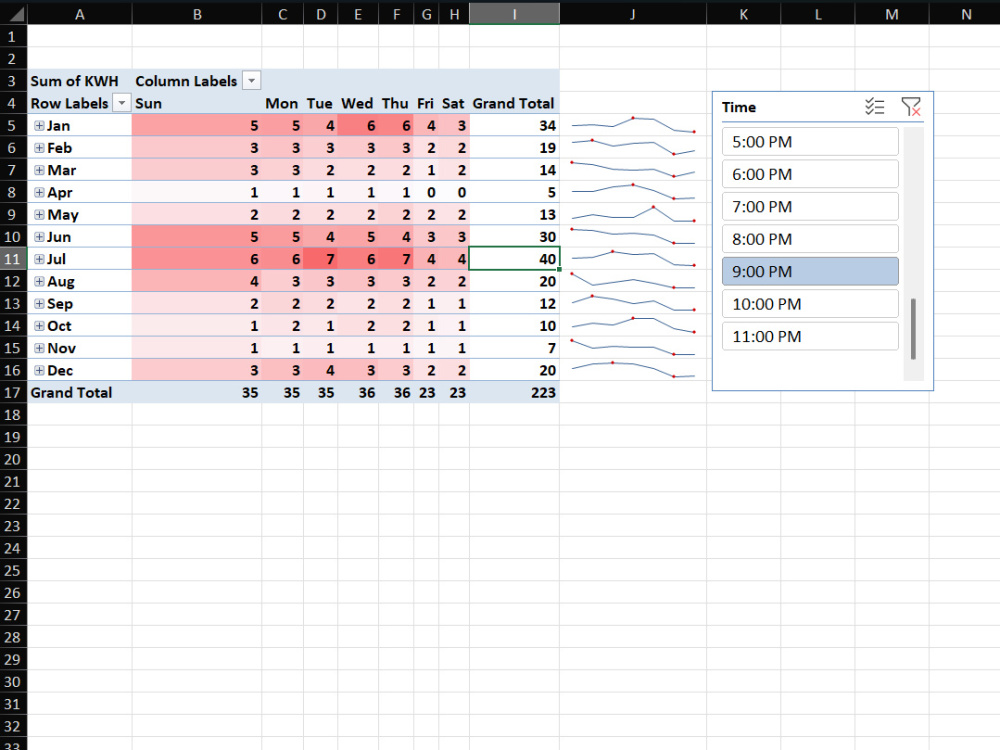
My work focuses on accuracy, clarity, and usability. I don’t just fix data visually — I ensure formulas, dates, times, and values are logically correct. Where required, I also create summaries, pivot tables, and automated solutions to save time.
You will receive a clean, well-structured Excel file that is easy to understand, easy to update, and ready for decision-making.
If your Excel file has inconsistent formats, mixed data, errors, or is hard to analyze, I will clean, organize, and standardize it so you can actually use it with confidence.
My work focuses on accuracy, clarity, and usability. I don’t just fix data visually — I ensure formulas, dates, times, and values are logically correct. Where required, I also create summaries, pivot tables, and automated solutions to save time.
You will receive a clean, well-structured Excel file that is easy to understand, easy to update, and ready for decision-making.
Data Entry Type
Data Cleansing, Document Conversion, Error DetectionData Entry Tool
Google Sheets, Microsoft Excel, Microsoft OfficeWhat's included
| Service Tiers |
Starter
$10
|
Standard
$25
|
Advanced
$50
|
|---|---|---|---|
| Delivery Time | 2 days | 3 days | 5 days |
Number of Revisions | 1 | 2 | 3 |
Number of Hours of Work | 2 | 4 | 8 |
Formatting & Clean Up | |||
Graph & Table Creation |
Optional add-ons
You can add these on the next page.
Fast Delivery
+$10 - $20
Additional Revision
+$5
Additional Hour of Work
+$10Frequently asked questions
About Anilkumar
Excel Data Cleaning & Automation Specialist | Reliable, Error-Free Rep
Bengaluru, India - 9:58 pm local time
If your Excel file has errors, inconsistent formatting, mixed dates/times, or data that’s hard to analyze, I will clean, organize, and standardize it so you can use it confidently.
My core work includes:
• Excel data cleaning and restructuring
• Formatting and standardization
• Error detection and correction
• Formulas and data validation
• Pivot tables and summary reports
• Basic automation and macros (when required)
I focus on accuracy, clarity, and usability. I don’t just make Excel files look clean — I make sure the data logic is correct and easy to maintain.
You’ll receive a well-organized Excel file that saves time, reduces manual effort, and supports better decision-making.
If you’re unsure whether your file can be improved, send it to me and I’ll tell you exactly what can be fixed.
Steps for completing your project
After purchasing the project, send requirements so Anilkumar can start the project.
Delivery time starts when Anilkumar receives requirements from you.
Anilkumar works on your project following the steps below.
Revisions may occur after the delivery date.
Review the uploaded Excel file and understand the requirements.
I review the uploaded Excel file and understand the data structure, issues, and client requirements.
Clean and organize the data.
I clean the data by fixing errors, removing inconsistencies, standardizing formats, and organizing columns properly.