You will get automate your Google Sheets using Google Apps Script
Project details
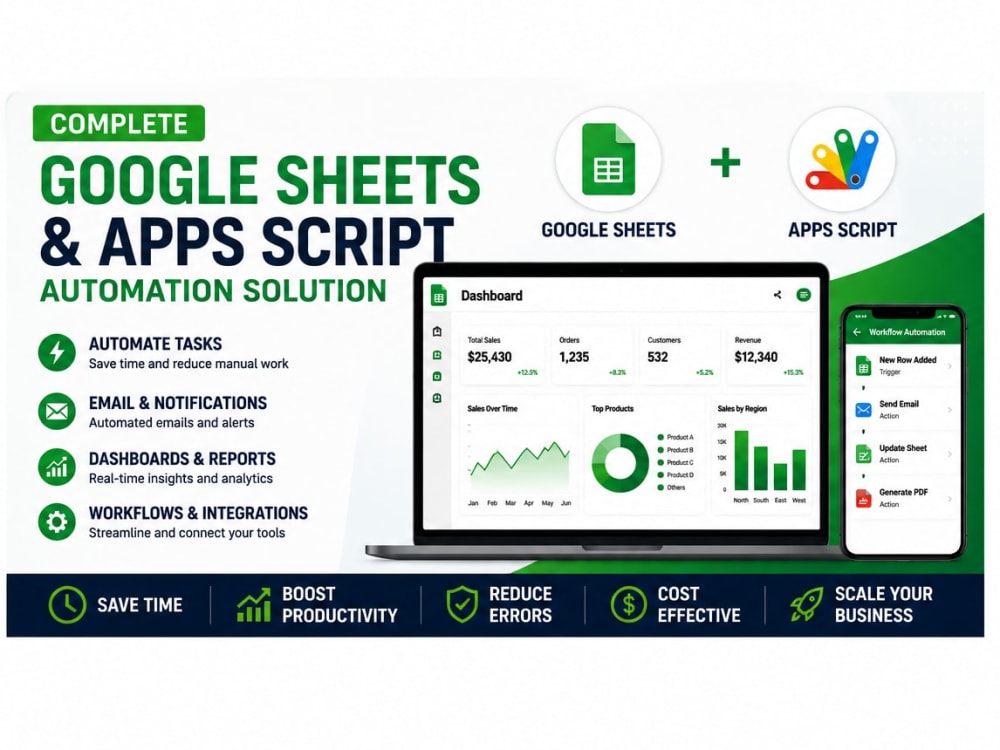
Headline: Stop wasting hours on manual data entry and broken spreadsheets. Let’s automate your business operations.
If you are a business owner, manager, or entrepreneur, your time is too valuable to be spent fighting with Excel formulas, copying-and-pasting rows, or trying to make sense of chaotic data.
I transform raw, messy data into clean, automated, and visually stunning executive dashboards that allow you to make smart business decisions in seconds.
What I can do for you:
Data Cleaning & Organization: Fix broken formulas, remove duplicates, and structure your data professionally.
Advanced Analytics & Dashboards: Create interactive charts, pivot tables, and KPIs tailored to your business goals (Sales, Finance, HR, Operations).
Custom Automation (VBA/Macros & Google Apps Script): Automate repetitive tasks, generate automated PDF reports, or connect your sheets to external data with a single click.
Administrative Support Systems: Build CRM trackers, inventory management sheets, and project management tools directly inside Excel or Google Sheets.
If you are a business owner, manager, or entrepreneur, your time is too valuable to be spent fighting with Excel formulas, copying-and-pasting rows, or trying to make sense of chaotic data.
I transform raw, messy data into clean, automated, and visually stunning executive dashboards that allow you to make smart business decisions in seconds.
What I can do for you:
Data Cleaning & Organization: Fix broken formulas, remove duplicates, and structure your data professionally.
Advanced Analytics & Dashboards: Create interactive charts, pivot tables, and KPIs tailored to your business goals (Sales, Finance, HR, Operations).
Custom Automation (VBA/Macros & Google Apps Script): Automate repetitive tasks, generate automated PDF reports, or connect your sheets to external data with a single click.
Administrative Support Systems: Build CRM trackers, inventory management sheets, and project management tools directly inside Excel or Google Sheets.
Data Tool
Google SheetsWhat's included
| Service Tiers |
Starter
$50
|
Standard
$125
|
Advanced
$400
|
|---|---|---|---|
| Delivery Time | 2 days | 4 days | 7 days |
Number of Revisions | 2 | 3 | 5 |
2 reviews
(1)
(1)
(0)
(0)
(0)
This project doesn't have any reviews.
MA
Marc A.
Aug 20, 2025
Staff Roster Creation Using Google Sheets
JR
Jon R.
Aug 19, 2025
Zoho Analytics - 4 Reports
Great assistance and timely
About Victor
Google Apps Script Developer | Google Sheets & Workspace Automation
38%
Job Success
San Cristobal, Dominican Republic - 4:19 am local time
Let’s fix that. I help businesses, project managers, and entrepreneurs transform messy, time-consuming workflows into fully automated, hands-free systems using Google Apps Script and the Google Workspace ecosystem.
Whether you need to connect external APIs, auto-generate PDF reports, or build custom internal tools, I engineer reliable, clean, and scalable solutions that live directly inside your spreadsheets.
What I Can Build For You:
Custom Automations: Trigger automatic emails (via Gmail), create calendar events, and update rows based on user actions or time-driven schedules.
Web App Development: Turn your Google Sheets into functional HTML/CSS Web Applications (client portals, custom internal dashboards, data entry forms).
API Integrations: Seamlessly connect Google Sheets with third-party tools like Stripe, Trello, Asana, Slack, HubSpot, or Shopify via REST APIs.
Advanced Sheet Architecture: Dynamic dashboards, complex formulas, query optimization, and interactive dropdowns.
Document Automation: Auto-generate custom PDFs, Google Docs, or invoices using Google Sheets data and email them instantly to your clients.
My Technical Stack:
Core: Google Apps Script (JavaScript), HTML5, CSS3.
Data: Advanced Google Sheets, SQL, Data Analytics.
Integrations: REST APIs, Webhooks, JSON.
Why Work With Me?
I don't just write code; I design systems that make your business more profitable and less stressful. You will get clean code, clear documentation, and a user-friendly interface that anyone on your team can operate.
Ready to reclaim your time?
Click the "Message" or "Invite to Job" button on the top right, and let’s schedule a brief chat to discuss how we can automate your workflow this week!
Steps for completing your project
After purchasing the project, send requirements so Victor can start the project.
Delivery time starts when Victor receives requirements from you.
Victor works on your project following the steps below.
Revisions may occur after the delivery date.
Review your requirements and files to fully understand the task.
Create or modify the Excel workbook based on your specifications.