You will get Get Fast, Expert Help with Microsoft 365, Outlook, Teams & OneDrive
Project details
Are you struggling with Outlook not syncing, Teams crashing, or OneDrive not working? I’m here to help!
I'm a certified IT Support Specialist with 8+ years of experience providing remote technical assistance to individuals, small businesses, and enterprise clients globally.
I will help you quickly resolve issues with:
Outlook email not sending/receiving
Microsoft 365 sign-in or activation problems
OneDrive sync errors or missing files
Teams connection or chat issues
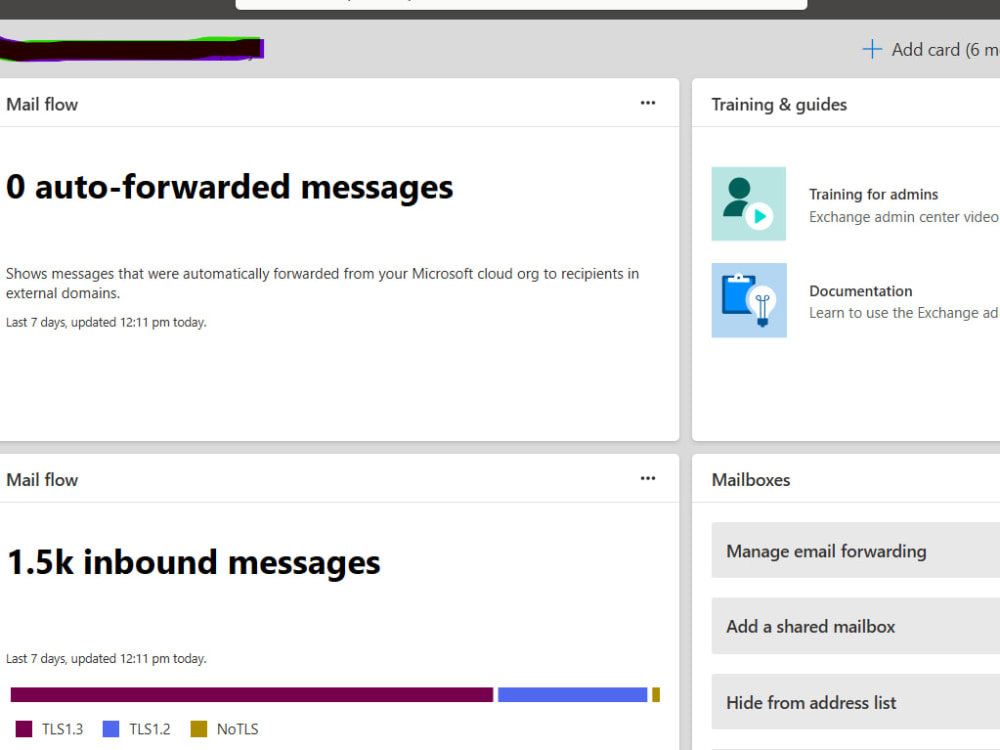
Microsoft Exchange Online configuration
Basic PowerShell automation for admin tasks
Admin-level support for user setup and permissions
You’ll get: ✅ Clear step-by-step communication
✅ Remote troubleshooting via TeamViewer or AnyDesk
✅ A fix, not just advice
✅ Post-resolution recommendations if needed
Let me help you save time, reduce frustration, and get back to work smoothly.
I'm a certified IT Support Specialist with 8+ years of experience providing remote technical assistance to individuals, small businesses, and enterprise clients globally.
I will help you quickly resolve issues with:
Outlook email not sending/receiving
Microsoft 365 sign-in or activation problems
OneDrive sync errors or missing files
Teams connection or chat issues
Microsoft Exchange Online configuration
Basic PowerShell automation for admin tasks
Admin-level support for user setup and permissions
You’ll get: ✅ Clear step-by-step communication
✅ Remote troubleshooting via TeamViewer or AnyDesk
✅ A fix, not just advice
✅ Post-resolution recommendations if needed
Let me help you save time, reduce frustration, and get back to work smoothly.
Language
EnglishWhat's included
| Service Tiers |
Starter
$30
|
Standard
$75
|
Advanced
$150
|
|---|---|---|---|
| Delivery Time | 1 day | 2 days | 3 days |
Number of Revisions | 0 | ||
Number of Hours of Work | 1 | 2 | 3 |
Basic Photo Editing | - | - | - |
Organize & Classify/Tag Files | - | - | - |
Formatting & Clean Up | - | - | - |
Project Management Support | - | - | - |
Travel Planning | - | - | - |
Optional add-ons
You can add these on the next page.
Additional Hour of Work
+$30
Same-day delivery
+$30
Troubleshoot additional user account
+$15
Extra 30-minute support session
+$20About Oluwabiyi
Customer Support Specialist |Live Chat & Ticketing| SaaS & E-Commerce
Lagos, Nigeria - 8:15 am local time
With 8+ years in customer support and a 95% CSAT across every role, I handle your live chat, email, and ticket queues so your users feel heard, helped, and coming back.
I specialize in Microsoft 365 administration, troubleshooting SaaS platforms, and supporting B2B customers while maintaining high customer satisfaction and fast resolution times.
I work comfortably at both the technical and customer-facing level. That means troubleshooting complex problems in Microsoft 365 or server environments while also communicating clearly with customers so they understand what is happening and what the solution is.
My core experience includes Microsoft 365 administration, including Exchange Online, SharePoint, Entra ID and OneDrive. I regularly troubleshoot mail flow issues, identity and access problems, and tenant level configurations.
I also have extensive experience handling high-volume support queues through chat, email, and phone. I have worked with tools such as Intercom, LiveChat, Zendesk, Jira Service Management, and Dynamics 365 (Rave) to manage tickets, escalate issues, and maintain detailed documentation.
Another area I enjoy is improving support efficiency. I use PowerShell and clear documentation to automate repetitive tasks, build knowledge base articles, and reduce recurring tickets.
Over the years this approach has helped teams maintain 99.9 percent uptime in production environments, reduce resolution time significantly through structured troubleshooting, and consistently maintain customer satisfaction scores above 95 percent.
Colleagues know me as someone who takes ownership of problems. I investigate issues thoroughly, communicate clearly with customers, and follow through until the issue is fully resolved.
I am comfortable working with distributed teams and supporting customers across US, UK, and EU time zones. I am also highly responsive and proactive in remote environments.
If you need someone who can support your customers, stabilize your support queue, and handle technical issues without constant supervision, I would be happy to help.
Steps for completing your project
After purchasing the project, send requirements so Oluwabiyi can start the project.
Delivery time starts when Oluwabiyi receives requirements from you.
Oluwabiyi works on your project following the steps below.
Revisions may occur after the delivery date.
Client Submits Requirements
Receive a clear issue description, screenshots (if any), device type, and preferred support time. Confirm access details if admin intervention is needed.
Schedule Remote Session
Agree on a time slot for the remote support session. Share a secure link for Microsoft Teams or Quick Assist.