You will get Lead Follow-Up Automation for Marketing Agencies with Zapier
Project details
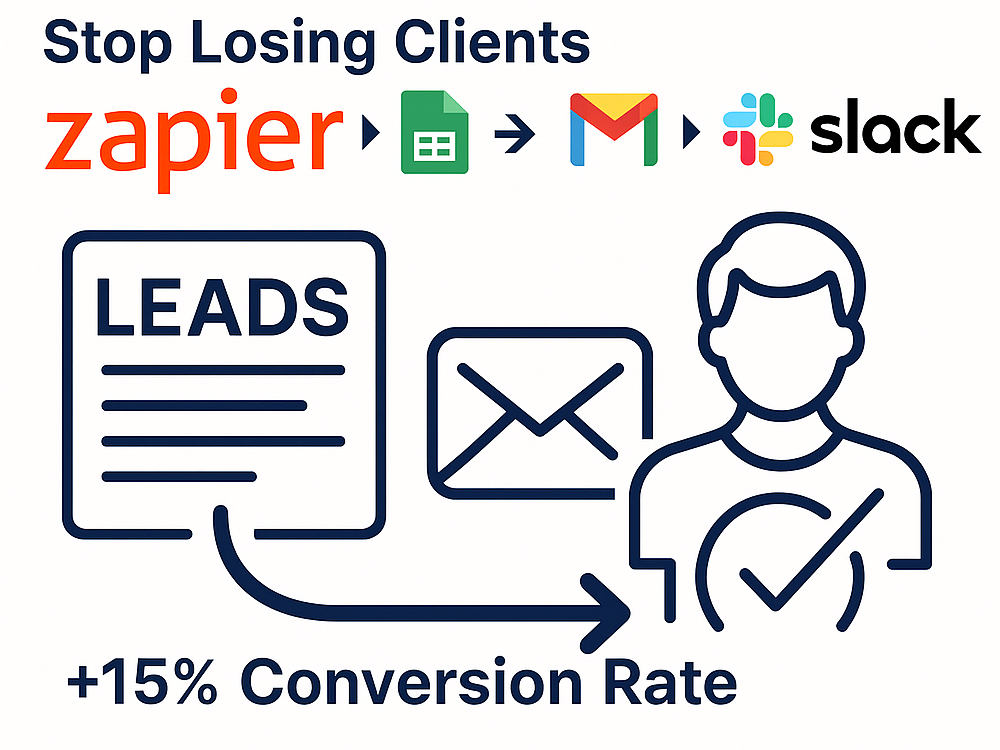
You will get a fully automated lead follow-up workflow that saves time, prevents lost opportunities, and improves your conversion rate.
With my expertise in Zapier, Google Sheets, Gmail, Slack, and CRM integrations, I create smart automations tailored to your business needs.
Instead of wasting hours manually following up with leads, you’ll have a reliable system that:
• Automatically collects and organizes new leads
• Sends timely reminders and notifications
• Keeps your team updated in real time
• Ensures no client or prospect slips through the cracks
What sets me apart is my ability to not only build the workflow, but also optimize it for simplicity, scalability, and results. I have hands-on experience designing automation systems for businesses that boosted efficiency and freed up valuable time.
The work I deliver is high quality, tested end-to-end, and always tailored to your exact goals.
With my expertise in Zapier, Google Sheets, Gmail, Slack, and CRM integrations, I create smart automations tailored to your business needs.
Instead of wasting hours manually following up with leads, you’ll have a reliable system that:
• Automatically collects and organizes new leads
• Sends timely reminders and notifications
• Keeps your team updated in real time
• Ensures no client or prospect slips through the cracks
What sets me apart is my ability to not only build the workflow, but also optimize it for simplicity, scalability, and results. I have hands-on experience designing automation systems for businesses that boosted efficiency and freed up valuable time.
The work I deliver is high quality, tested end-to-end, and always tailored to your exact goals.
Data Entry Type
Data Cleansing, Error DetectionData Entry Tool
CRM Software, Google SheetsWhat's included
| Service Tiers |
Starter
$75
|
Standard
$150
|
Advanced
$300
|
|---|---|---|---|
| Delivery Time | 2 days | 3 days | 5 days |
Number of Revisions | 1 | 2 | 3 |
Number of Hours of Work | 2 | 4 | 6 |
Formatting & Clean Up | - | - | |
Graph & Table Creation | - | - |
Optional add-ons
You can add these on the next page.
Additional Revision
+$50
Additional Hour of Work
+$75
Custom Integration Setup
(+ 2 Days)
+$120
Detailed Workflow Documentation
(+ 1 Day)
+$90Frequently asked questions
About Guillaume
Workflow Automation Specialist | Zapier, Make, AI
Panama, Panama - 2:12 am local time
I mainly collaborate with clients in North America and Europe, adapting my hours to their schedule.
My focus is on high-impact automations for coaches, agencies, and SaaS businesses — not low-cost freelancing. Every workflow I build is designed to save 10–40h/month and eliminate busywork through clean, scalable systems in Zapier, Make, and Notion.
🚀 Agencies lose up to 15% of leads without automation.
I help marketing agencies save hours every week and close more deals by building AI-powered workflows with Zapier & Make.
Examples:
• Client onboarding automation → 6–10h saved/week
• Lead sync (Forms → Google Sheets → Slack → HubSpot) → +15% conversion rate
• Weekly reporting dashboards → automated KPI updates
💼 Why work with me
✅ Background in growth & automation — built and launched complete workflows from scratch
✅ Expert in Zapier, Make, Notion & AI automations
✅ Clear structure & smooth communication in every collaboration
💡 I also publish ready-to-use templates for Zapier and Make, including the Client Onboarding Automation and CRM Tracker systems — helping agencies start automating instantly.
Let’s talk about your workflows — or start with a free async audit (48h turnaround).
Steps for completing your project
After purchasing the project, send requirements so Guillaume can start the project.
Delivery time starts when Guillaume receives requirements from you.
Guillaume works on your project following the steps below.
Revisions may occur after the delivery date.
Project Kickoff & Requirements Review
Review your goals, current tools, and confirm access to accounts.
Workflow Design & Implementation
Set up and customize the automation workflow (Forms → Sheets → Email/Slack/CRM).