You will get Manually Transcribe Business Cards into Excel or Google Sheets
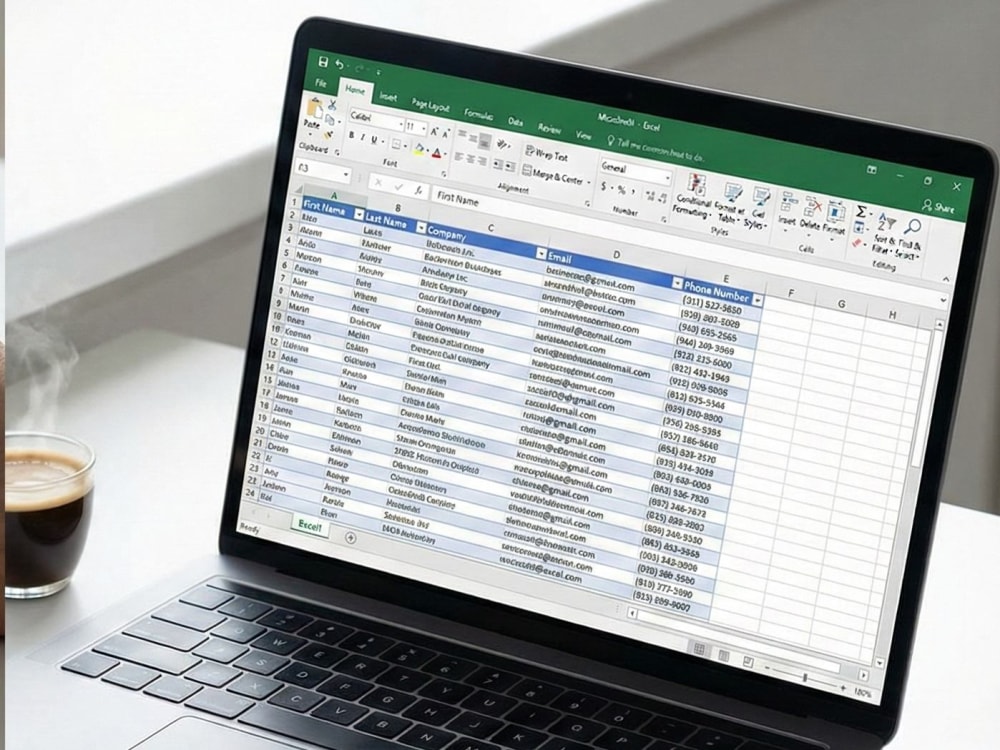
Project details
I will manually transcribe your physical business cards or digital scans into a clean, verified, and organized Excel database.
This project is designed for businesses and sales professionals who need accurate data entry without the errors caused by automated OCR scanning software. I type every entry by hand to ensure 100% accuracy, even with difficult fonts or complex card layouts.
This project is designed for businesses and sales professionals who need accurate data entry without the errors caused by automated OCR scanning software. I type every entry by hand to ensure 100% accuracy, even with difficult fonts or complex card layouts.
Data Entry Type
Data Cleansing, Word ProcessingData Entry Tool
Google Sheets, Microsoft ExcelWhat's included
| Service Tiers |
Starter
$10
|
Standard
$30
|
Advanced
$60
|
|---|---|---|---|
| Delivery Time | 2 days | 3 days | 5 days |
Number of Revisions | 99 | 99 | 99 |
Number of Hours of Work | 8 | 20 | 30 |
Formatting & Clean Up | |||
Graph & Table Creation | - | - |
Optional add-ons
You can add these on the next page.
Fast Delivery
+$10
Additional Revision
+$5
Additional Hour of Work
+$10
Graph & Table Creation
(+ 1 Day)
+$10Frequently asked questions
1 review
(1)
(0)
(0)
(0)
(0)
This project doesn't have any reviews.
AM
Amitay M.
May 21, 2025
Ad account warmup advertising accounts of google and Facebook
About Karel
Python Developer for Data Cleaning & Workflow Automation (ETL/Scripts)
Daet, Philippines - 6:17 am local time
As an Order Management Specialist turned Python Developer, I understand the pain of messy invoices, scattered reports, and inconsistent datasets. I build custom scripts to automate the boring stuff so you can focus on your business.
How I Can Help You:
Data Cleaning & Analysis: I use Pandas/Jupyter to clean, merge, and standardizes raw data, ensuring your analysis is based on facts, not errors.
File Automation & Organization: I write scripts to automatically sort thousands of files (PDFs, Images, Excel) into folders based on dates (Year/Month), customer names, or specific invoice keywords.
Document Processing: Extracting PO numbers and Customer Names from filenames to rename and archive invoices automatically.
Tools & Tech:
- Python (Pandas, OS/Shutil, Regex)
- Jupyter Notebooks
- File Management Automation
Stop wasting hours manually dragging and dropping files. Let’s automate your workflow today.
Steps for completing your project
After purchasing the project, send requirements so Karel can start the project.
Delivery time starts when Karel receives requirements from you.
Karel works on your project following the steps below.
Revisions may occur after the delivery date.
File Upload
The client uploads clear images or scans of the business cards (PDF, JPEG, Zip folder, or Cloud Link).
Format Confirmation
We confirm specific formatting needs (e.g., specific column headers or splitting names).