You will get Monthly QuickBooks Cleanup & Categorization
Project details
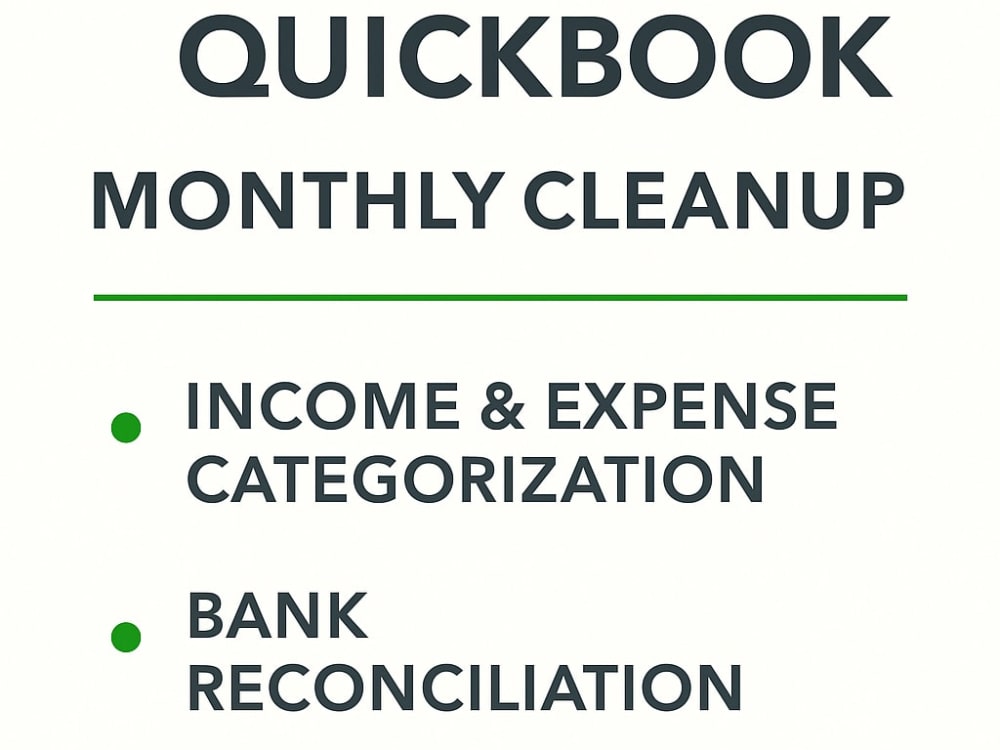
You will get accurate and timely bookkeeping services tailored for your small business, startup, or consultancy. With over 15 years of accounting experience and a decade in fund administration, I specialize in recording income, categorizing expenses, and reconciling accounts in QuickBooks. Whether you're a solo entrepreneur or a growing team, I’ll ensure your financials are clear, compliant, and ready for reporting. I use a detail-oriented approach and the latest accounting tools to deliver clean books every month.
Data Entry Type
Data CleansingWhat's included
| Service Tiers |
Starter
$150
|
Standard
$200
|
Advanced
$300
|
|---|---|---|---|
| Delivery Time | 3 days | 4 days | 5 days |
Number of Revisions | 1 | 1 | 2 |
Number of Hours of Work | 4 | 6 | 8 |
Formatting & Clean Up | |||
Graph & Table Creation | - | - | - |
Optional add-ons
You can add these on the next page.
Fast Delivery
+$50 - $200
Additional Revision
+$50
Additional Hour of Work
+$25About Jay Albert Dean
CPA | Hedge Fund & PE | NAV | Quickbooks/Allvue/Paxus/Geneva
Santa Venera, Malta - 2:59 pm local time
Currently working as an Assistant Manager at a leading European fund administration firm, I specialize in:
✅ Monthly NAV production & oversight
✅ Fund accounting system support (Geneva, Allvue, Paxus, QuickBooks)
✅ Audit preparation & investor reporting
✅ Fund setup, allocations, & reconciliations
I’ve worked with both emerging fund managers and institutional clients. If you’re a startup CFO, fund admin, or boutique firm needing expert-level accounting or system guidance on a flexible basis — I’m happy to help.
🔒 Confidential, accurate, and audit-ready.
Steps for completing your project
After purchasing the project, send requirements so Jay Albert Dean can start the project.
Delivery time starts when Jay Albert Dean receives requirements from you.
Jay Albert Dean works on your project following the steps below.
Revisions may occur after the delivery date.
Review Client Requirements & QuickBooks Access
a. Confirm access to QuickBooks Online or review backup file b. Review income/expense spreadsheets and uploaded statements
Perform Monthly Bookkeeping
a. Enter and categorize transactions b. Match bank/credit card feeds c. Reconcile accounts and resolve any inconsistencies