You will get Power Automate Desktop (PAD) workflow monitoring, execution and maintenance

Project details
Daily PAD Workflow Execution & Monitoring
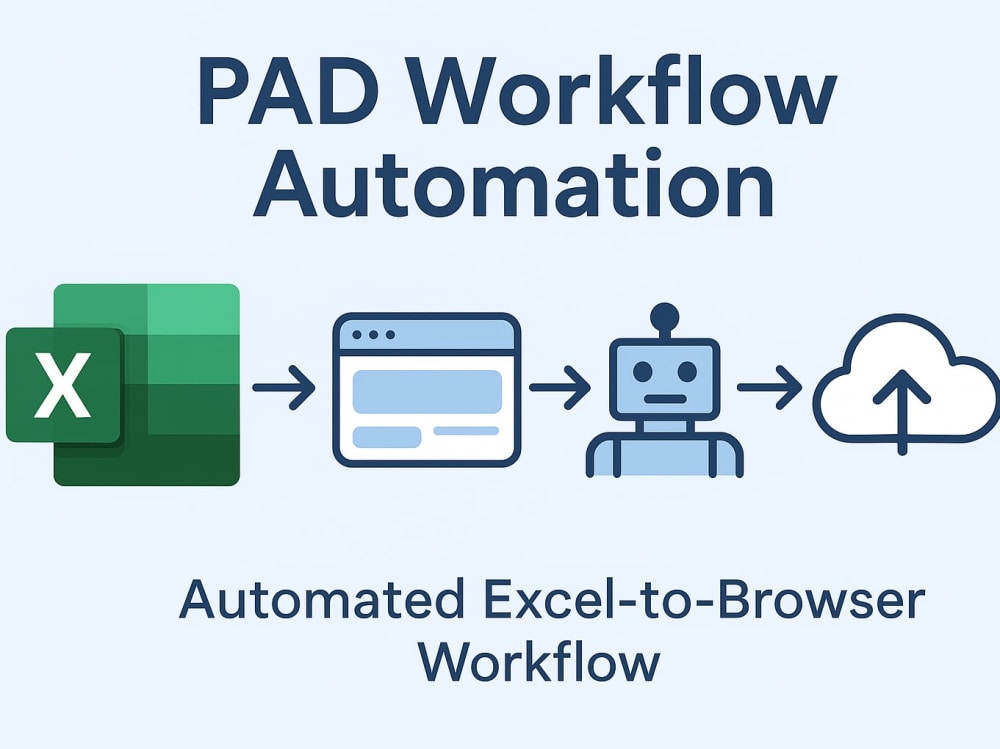
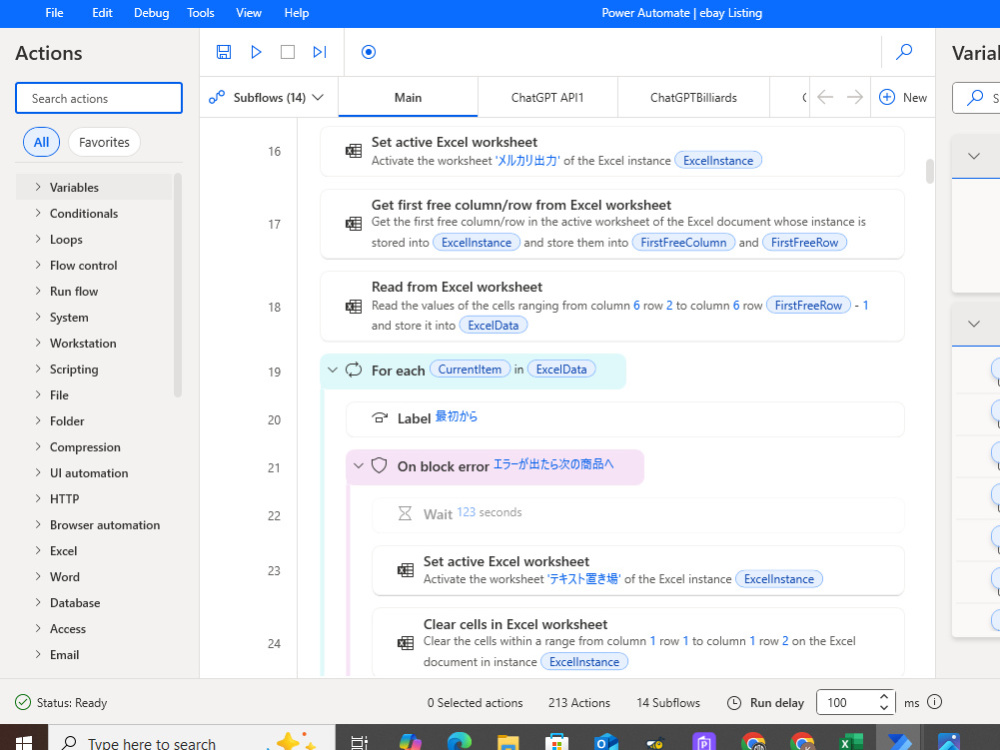
I run and monitor your existing Power Automate Desktop (PAD) workflows reliably on my system, ensuring smooth execution, accurate results, and minimal downtime. Each workflow is monitored daily (6–8 hours per day, depending on your package), and minor issues are fixed immediately. You will receive daily messages confirming the workflow ran successfully, and in case of a workflow stop or critical error, I provide a screenshot or short video to keep you informed. I focus solely on running and maintaining the workflow — any major changes to logic or code are handled by you via secure remote access. This service saves you time, reduces errors, and ensures your automation runs efficiently without using your hardware or internet resources. All work is handled securely and confidentially.
I run and monitor your existing Power Automate Desktop (PAD) workflows reliably on my system, ensuring smooth execution, accurate results, and minimal downtime. Each workflow is monitored daily (6–8 hours per day, depending on your package), and minor issues are fixed immediately. You will receive daily messages confirming the workflow ran successfully, and in case of a workflow stop or critical error, I provide a screenshot or short video to keep you informed. I focus solely on running and maintaining the workflow — any major changes to logic or code are handled by you via secure remote access. This service saves you time, reduces errors, and ensures your automation runs efficiently without using your hardware or internet resources. All work is handled securely and confidentially.
Purpose
BusinessIndustry
Business Services & Consulting, Data Analytics, Ecommerce, SoftwareLanguage
EnglishWhat's included
| Service Tiers |
Starter
$25
|
Standard
$50
|
Advanced
$100
|
|---|---|---|---|
| Delivery Time | 7 days | 15 days | 30 days |
Number of Revisions | 3 | 3 | 3 |
Basic Photo Editing | - | - | - |
Organize & Classify/Tag Files | - | - | - |
Formatting & Clean Up | - | - | - |
Project Management Support | - | - | - |
Travel Planning | - | - | - |
Frequently asked questions
About Kalpeshkumar Rameshbhai
Python & Automation Developer | Power Automate Desktop (PAD) Expert
Surat, India - 11:58 pm local time
I’m a Python & PAD Automation Developer with 3+ years of experience in setting up and running automation workflows that save businesses time and reduce repetitive manual work.
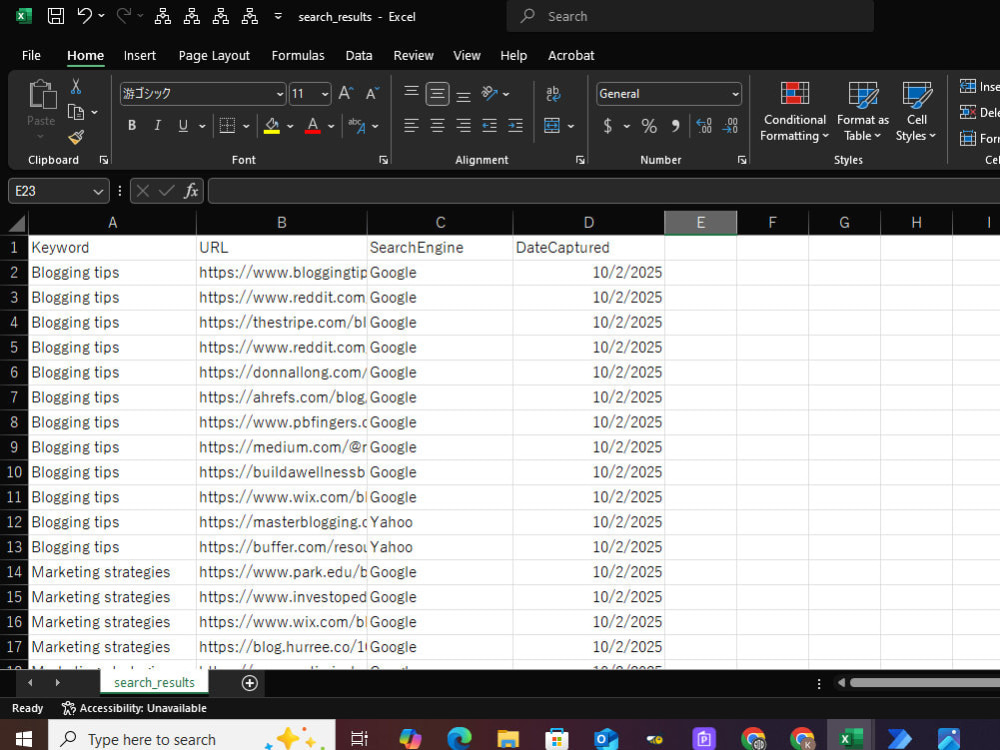
I specialize in Power Automate Desktop (PAD) workflow execution and monitoring, handling processes like Excel-to-browser automation, data extraction, image processing, and automated uploads to e-commerce platforms or other systems. My role focuses on setting up, running, and ensuring smooth operation of existing automation workflows, so they run reliably and efficiently every day.
⚙️ What I Can Do For You
✅ PAD Workflow Setup & Execution
Run and monitor automation scripts
Handle Excel-based data workflows
Automate browser tasks and data uploads
Process images automatically for e-commerce or marketing
✅ Python Automation & Data Tools
Web scraping & data extraction
File and Excel automation scripts
REST API integrations
✅ Web Development
Django-based admin dashboards & API tools
🚀 Why Clients Work With Me
Hands-on experience running live PAD workflows for 4+ months
Detail-oriented setup & monitoring of automation processes
Reliable, responsive, and focused on delivering smooth results
Fast and clear communication for long-term project success
📌 Currently supporting an ongoing PAD automation project that handles Excel, browser automation, and image processing — ensuring the entire workflow runs automatically and error-free.
Steps for completing your project
After purchasing the project, send requirements so Kalpeshkumar Rameshbhai can start the project.
Delivery time starts when Kalpeshkumar Rameshbhai receives requirements from you.
Kalpeshkumar Rameshbhai works on your project following the steps below.
Revisions may occur after the delivery date.
Client Provides Requirements
PAD workflow files, input Excel/CSV, login credentials, expected output, and any special instructions.
Workflow Setup on Your System
Setup and run your workflow on my system securely. Remote access (e.g., Google Chrome Remote Desktop) can be used for client visibility.