You will get Remote installation of the program
Project details
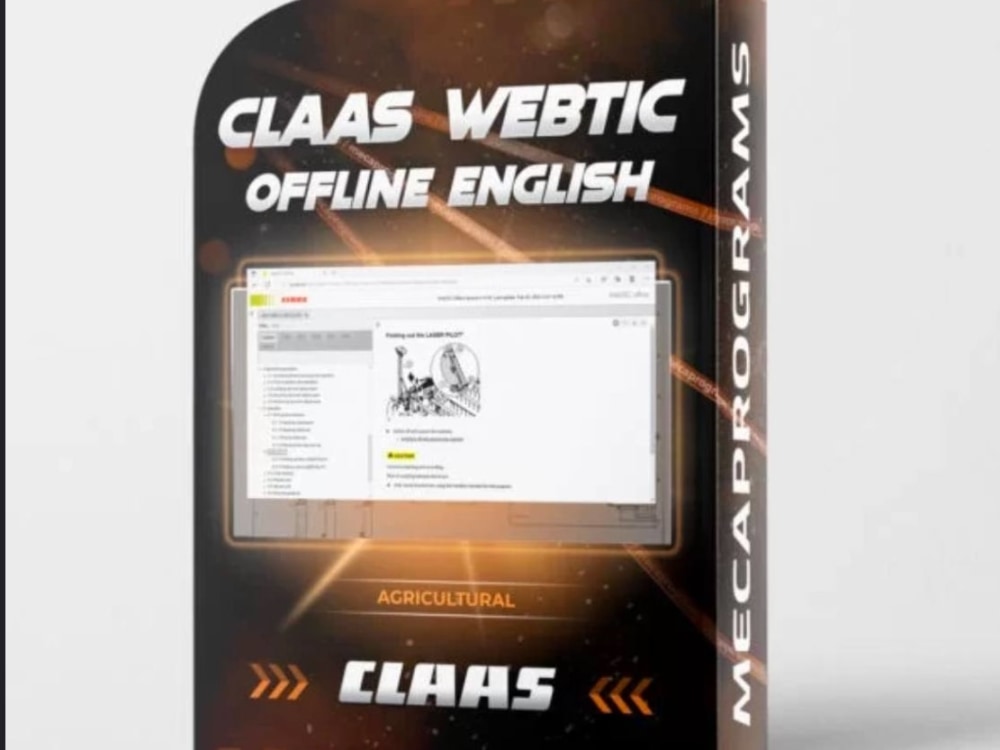
1. CLAAS WebTIC Offline En 12.2024
Description: The latest version of CLAAS WebTIC in English for offline use.
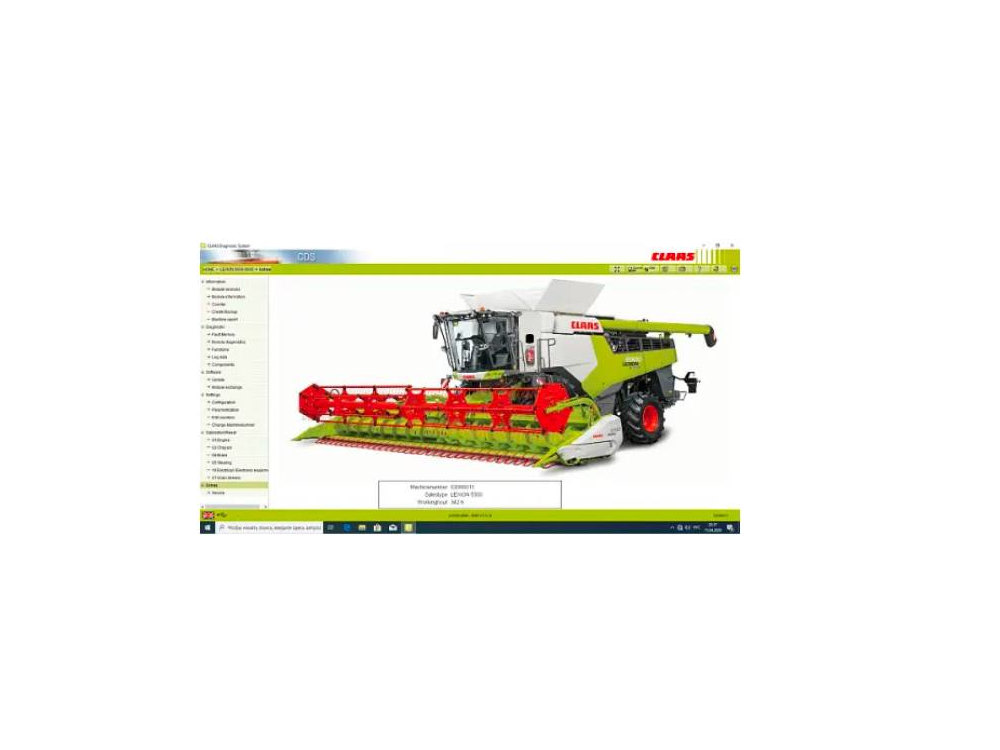
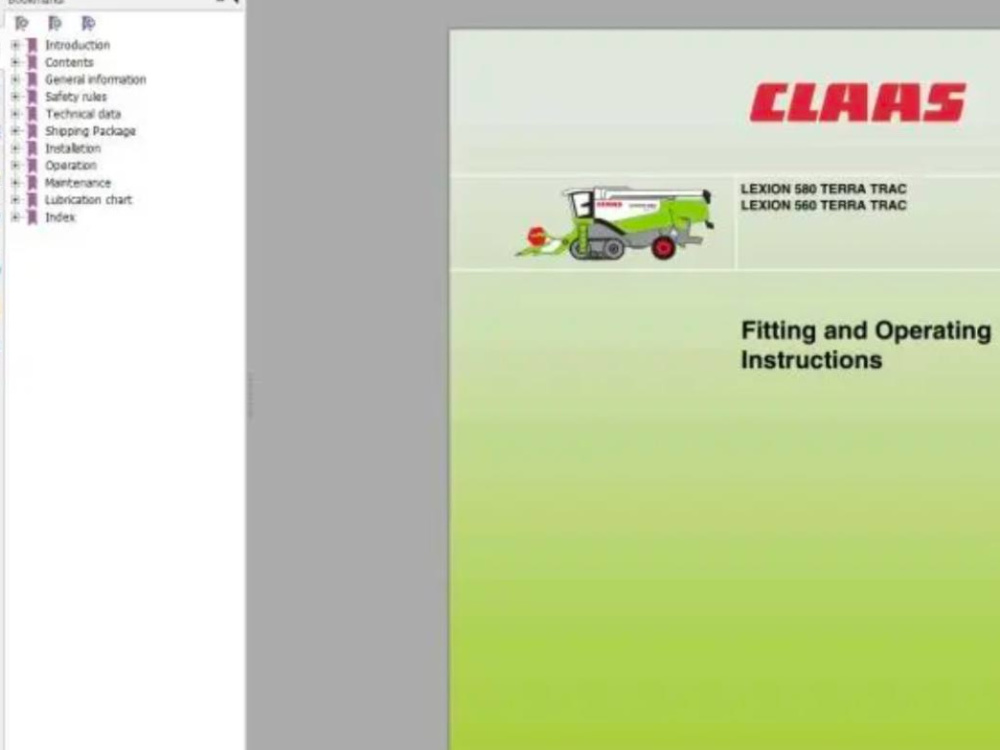
Features: Comprehensive diagnostic and repair manuals, parts catalogs, and technical documentation for CLAAS agricultural equipment.
Release: December 2024.
Ideal for: Professionals needing up-to-date information for servicing modern CLAAS machinery.
2. CLAAS WebTIC Offline Ru 07.2021
Description: Russian-language version of CLAAS WebTIC for offline use.
Features: Diagnostic data, repair guides, and parts catalogs in Russian.
Release: July 2021.
Ideal for: Russian-speaking technicians working with CLAAS equipment from this period.
3. CLAAS WebTIC Offline En (Virtual Box) 2017
Description: An older English version of CLAAS WebTIC designed to run on VirtualBox.
Features: Basic diagnostic tools, parts catalogs, and repair information for older CLAAS models.
Release: 2017.
Ideal for: Users with older systems or those working with legacy CLAAS equipment.
Description: The latest version of CLAAS WebTIC in English for offline use.
Features: Comprehensive diagnostic and repair manuals, parts catalogs, and technical documentation for CLAAS agricultural equipment.
Release: December 2024.
Ideal for: Professionals needing up-to-date information for servicing modern CLAAS machinery.
2. CLAAS WebTIC Offline Ru 07.2021
Description: Russian-language version of CLAAS WebTIC for offline use.
Features: Diagnostic data, repair guides, and parts catalogs in Russian.
Release: July 2021.
Ideal for: Russian-speaking technicians working with CLAAS equipment from this period.
3. CLAAS WebTIC Offline En (Virtual Box) 2017
Description: An older English version of CLAAS WebTIC designed to run on VirtualBox.
Features: Basic diagnostic tools, parts catalogs, and repair information for older CLAAS models.
Release: 2017.
Ideal for: Users with older systems or those working with legacy CLAAS equipment.
Project Type
Virtual Assistance, Customer Support, OtherWhat's included
| Service Tiers |
Starter
$55
|
Standard
$155
|
Advanced
$315
|
|---|---|---|---|
| Delivery Time | 2 days | 2 days | 2 days |
Number of Revisions | 0 | 0 | 0 |
About Alexey
Install software for diagnostics, chip tuning, repair of cars, trucks
Dnipro, Ukraine - 1:20 am local time
So, a friend and I decided to start our own business reselling equipment for diagnostics and chip tuning. Along the way, we tried different product categories but eventually returned to what we started with. We began working with software for this equipment and started expanding into new markets.
That’s what I’m currently doing.
Steps for completing your project
After purchasing the project, send requirements so Alexey can start the project.
Delivery time starts when Alexey receives requirements from you.
Alexey works on your project following the steps below.
Revisions may occur after the delivery date.
Preparation
Confirming system requirements, compatibility, and making sure the client's computer is ready.
Installation
Remote access setup, software installation, performance test.