Jay isn't taking new orders for this project right now. Here are some similar projects to explore.
You will get Set Up Your W-9 + TIN-Match + 1099 Export (QuickBooks) — 48-Hour, No Calls
Project details
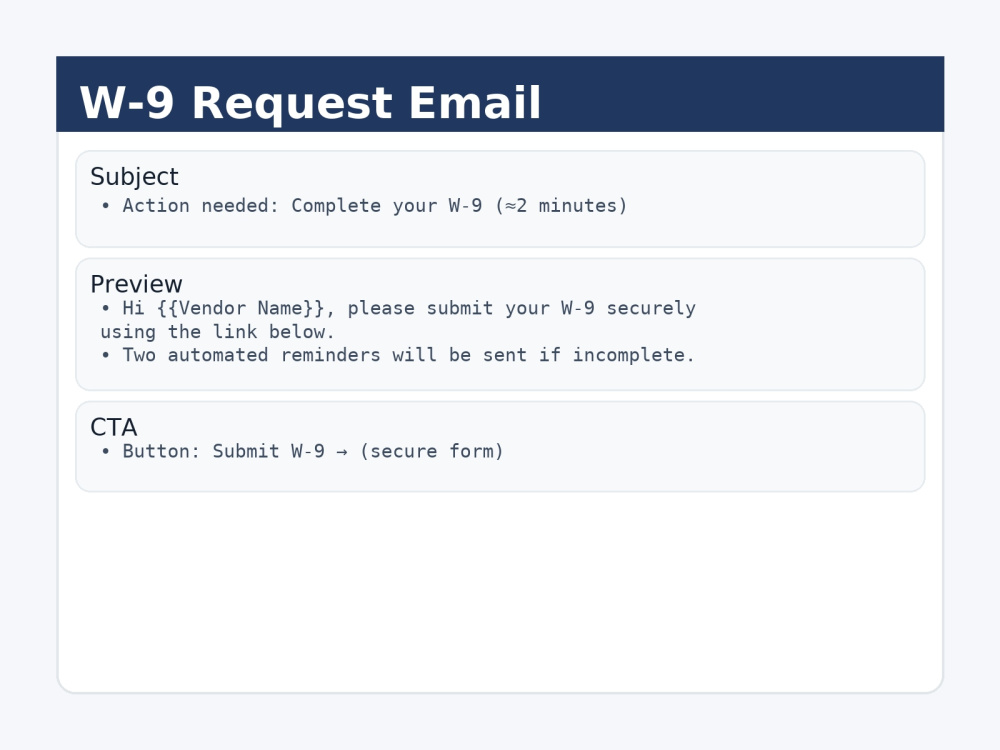
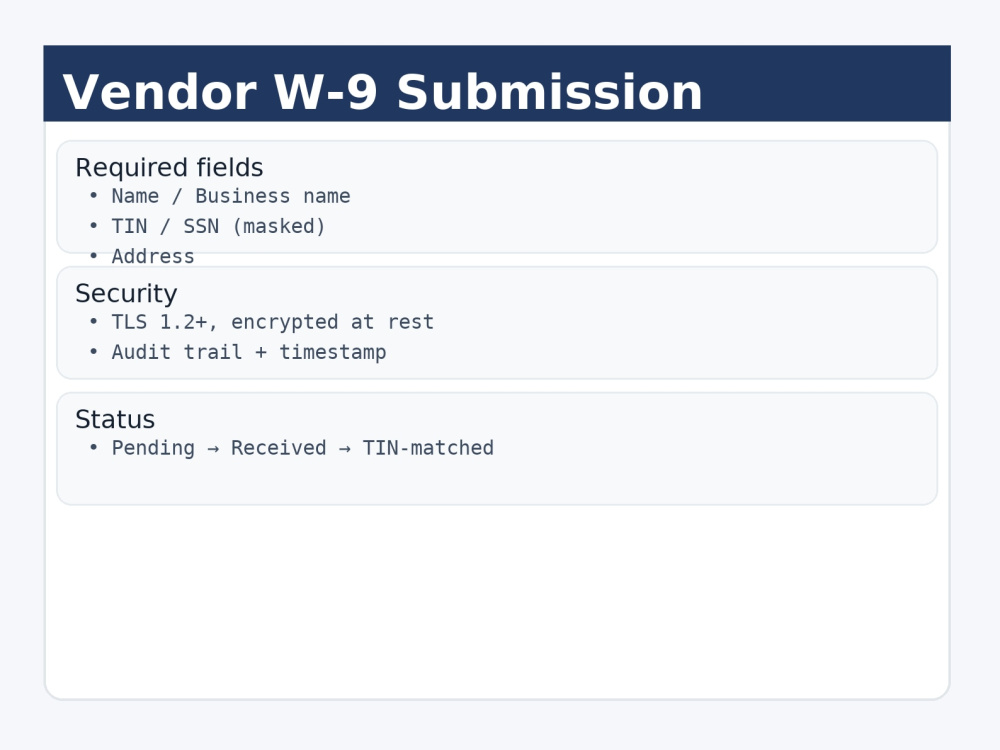
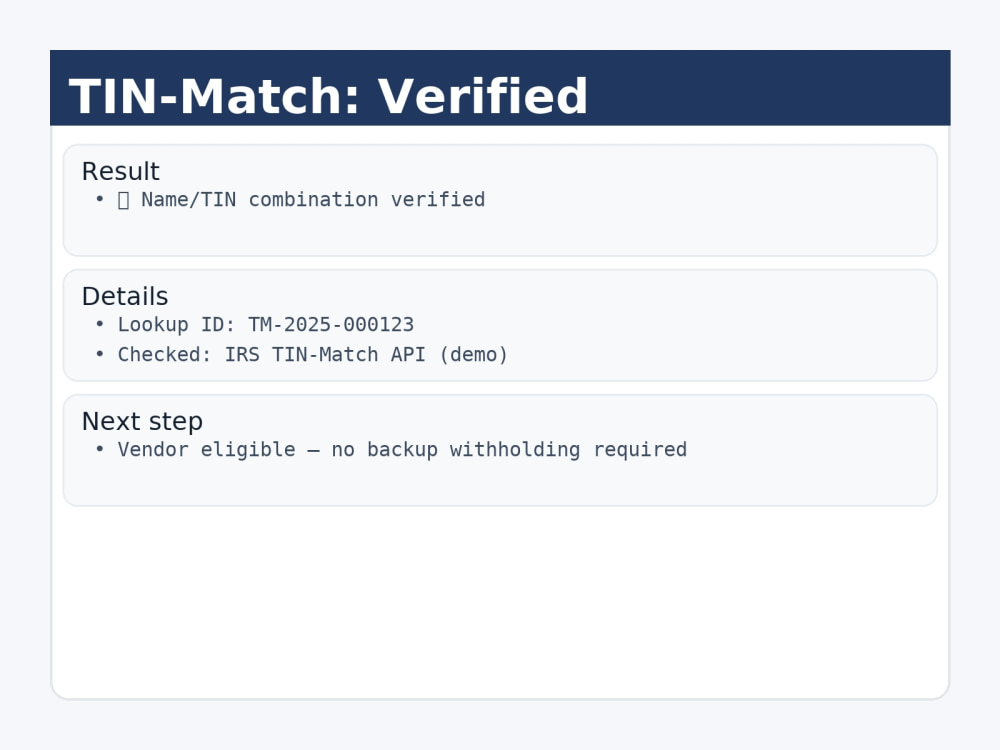
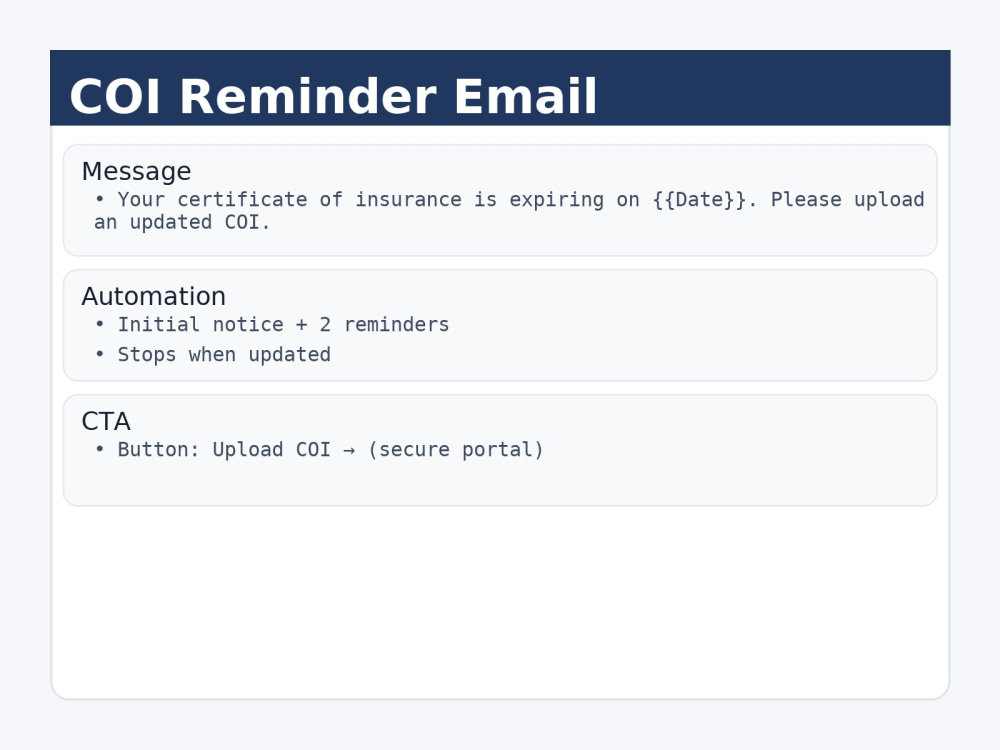
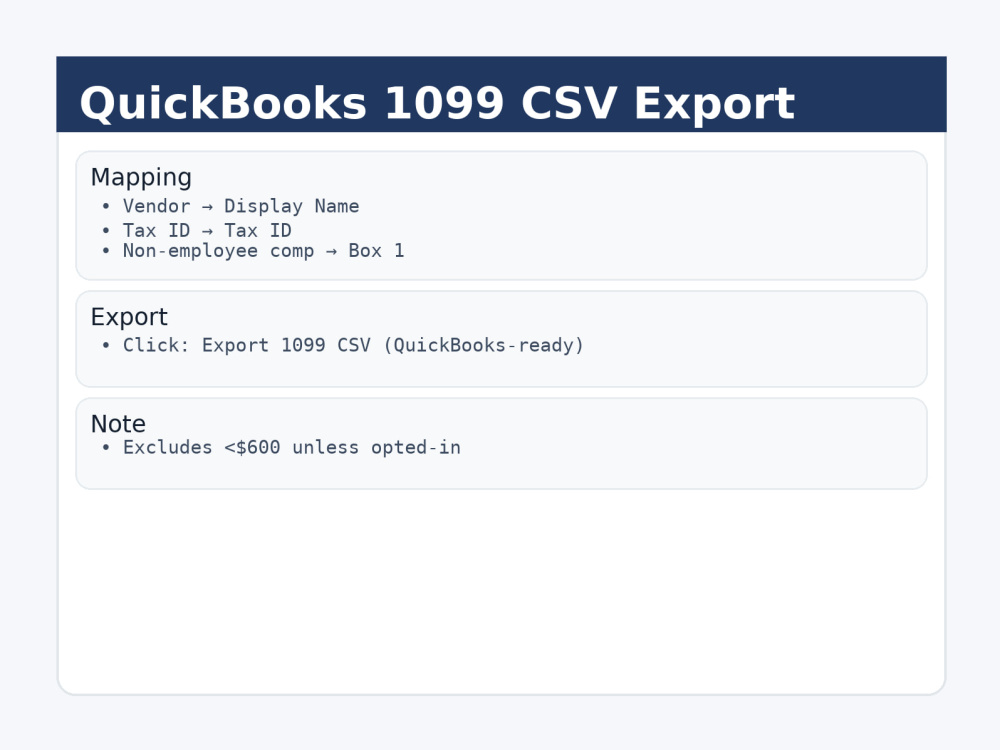
Collect W-9s automatically, TIN-match vendors, and export a QuickBooks-ready 1099 CSV — all in 48 hours, messages only (no calls). Deliverables include: W-9 request with 2 reminders (editable copy), proof of TIN-match status, and a mapped 1099 CSV export. Optional: COI expiry reminder template. Clear intake via a 90-sec form; I provide status updates and a simple handoff.
Data Entry Type
Data Cleansing, Document Conversion, Error Detection, Online ResearchData Entry Tool
Google Sheets, Microsoft ExcelWhat's included
| Service Tiers |
Starter
$299
|
Standard
$499
|
Advanced
$799
|
|---|---|---|---|
| Delivery Time | 2 days | 2 days | 2 days |
Number of Revisions | 1 | 1 | 1 |
Number of Hours of Work | 2 | 4 | 6 |
Formatting & Clean Up | - | - | - |
Graph & Table Creation | - | - | - |
Frequently asked questions
About Jay
1099 Filings, W-9 Automation, TIN-Match, QuickBooks
Utopia, Canada - 9:51 am local time
Steps for completing your project
After purchasing the project, send requirements so Jay can start the project.
Delivery time starts when Jay receives requirements from you.
Jay works on your project following the steps below.
Revisions may occur after the delivery date.
Intake
You complete a 90-sec form with sender details + vendor counts, then share the link in Requirements.
Setup
I enable W-9 request + reminders, run a TIN-match test (provide screenshot), and prepare the QuickBooks-mapped 1099 CSV.