You will get timely and accurate data entries, specifically in excel format!
Project details
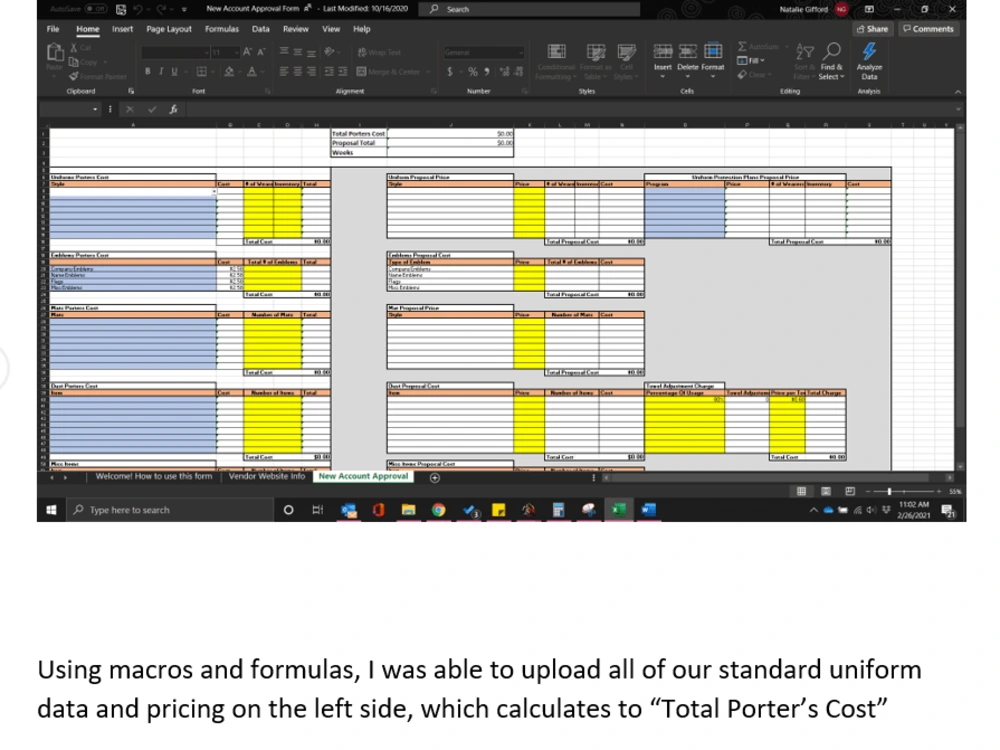
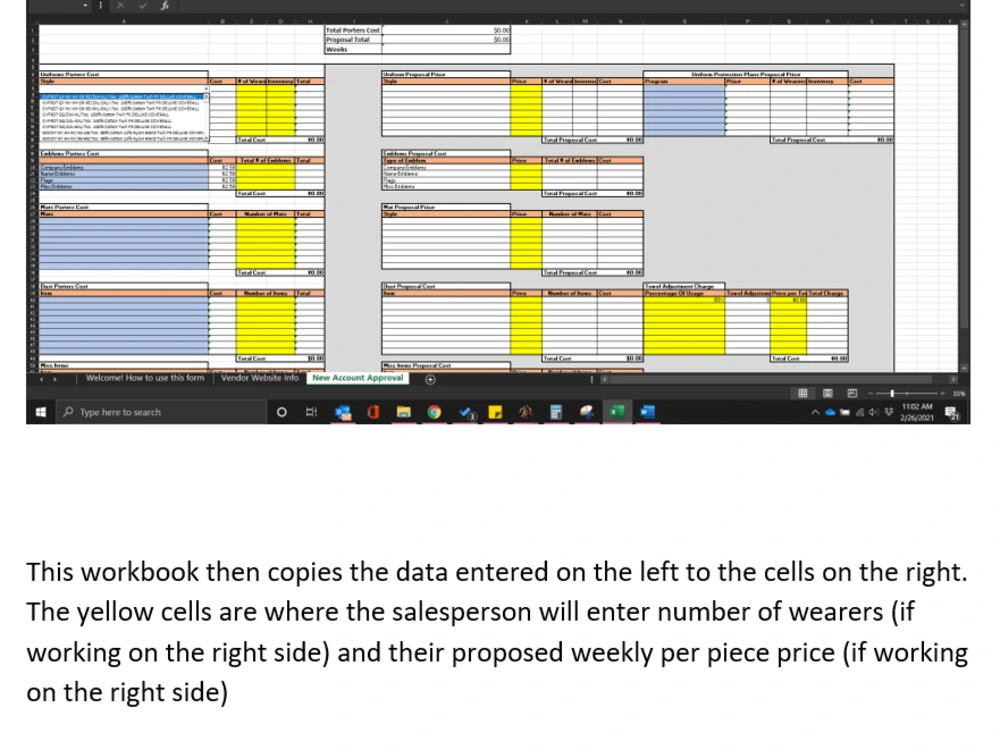
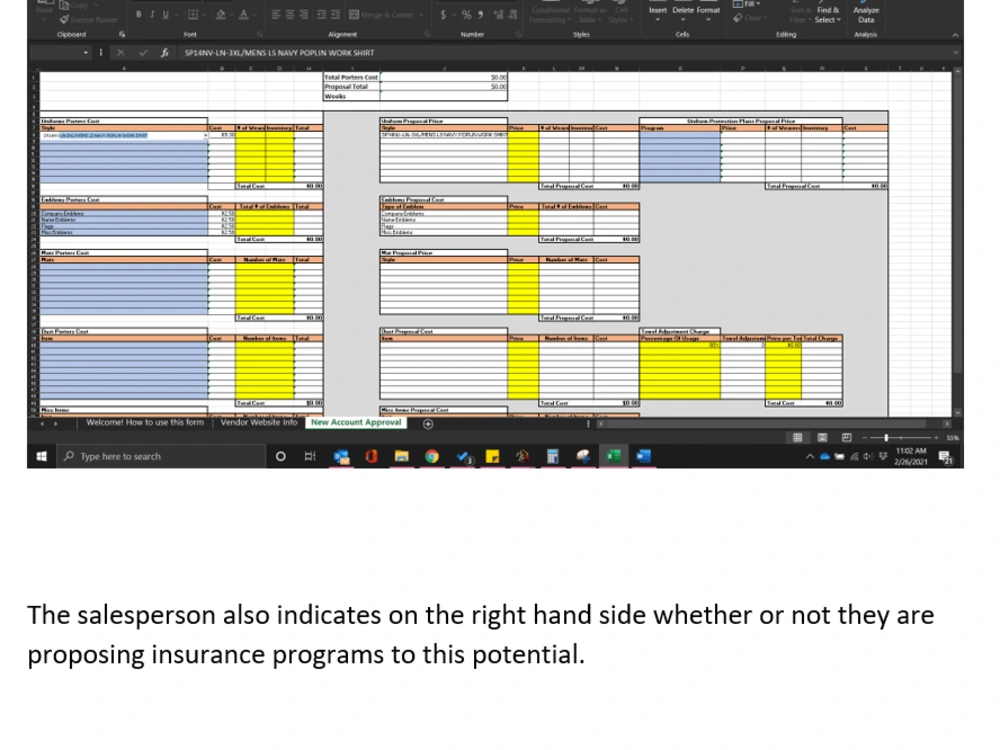
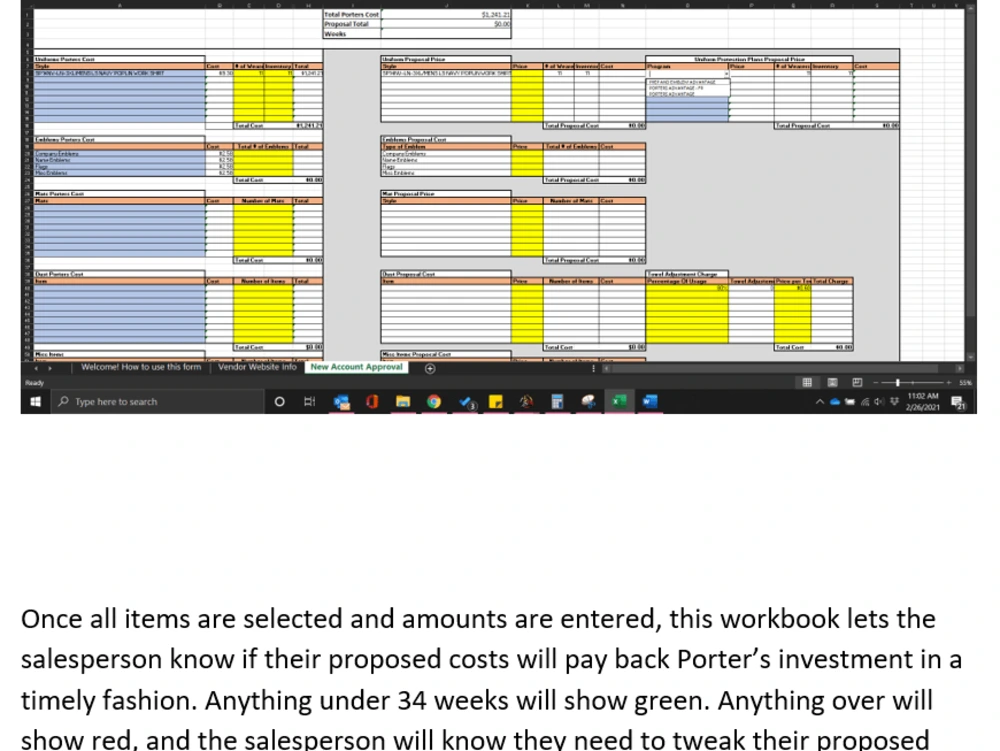
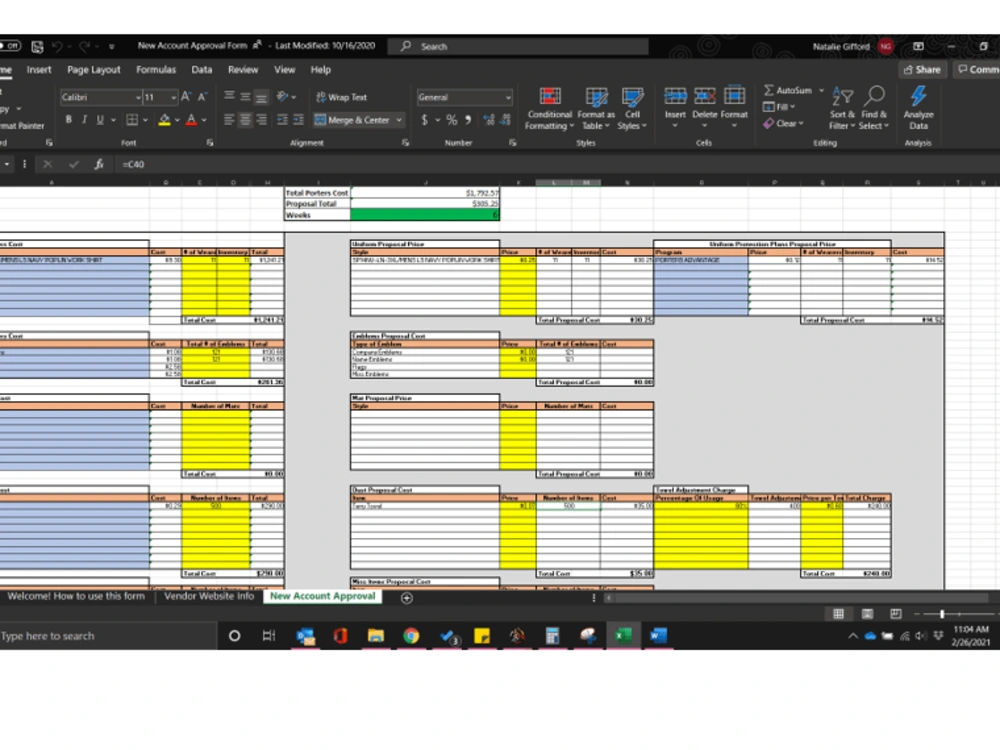
I built this workbook in the example for the company I work for that found a need to help our sales team to be more consistent in their proposals and pricing for their potential new customers. Using macros and formulas, I was able to upload all of our standard uniform data and pricing on the left side, which calculates to “Total Porter’s Cost”.This workbook then copies the data entered on the left to the cells on the right. The yellow cells are where the salesperson will enter number of wearers (if working on the right side) and their proposed weekly per piece price (if working on the right side). The salesperson also indicates on the right hand side whether or not they are proposing insurance programs to this potential.Once all items are selected and amounts are entered, this workbook lets the salesperson know if their proposed costs will pay back Porter’s investment in a timely fashion. Anything under 34 weeks will show green. Anything over will show red, and the salesperson will know they need to tweak their proposed costs.
This workbook took me a little over 2 weeks/45 hours. With all of the macros and formulas that are running, there were a few tweaks afterwards.
This workbook took me a little over 2 weeks/45 hours. With all of the macros and formulas that are running, there were a few tweaks afterwards.
What's included
| Service Tiers |
Starter
$50
|
Standard
$100
|
Advanced
$175
|
|---|---|---|---|
| Delivery Time | 15 days | 30 days | 60 days |
Number of Revisions | 5 | 10 | 15 |
Number of Hours of Work | 15 | 35 | 45 |
Formatting & Clean Up | |||
Graph & Table Creation |
About Natalie
RFID Coordinator at Porter's Industrial
Bossier City, United States - 1:14 pm local time
the facilities services industry. Skilled in Data Management, Microsoft Excel, Customer Service, Microsoft Word, Strategic Planning, and Microsoft Office.
Steps for completing your project
After purchasing the project, send requirements so Natalie can start the project.
Delivery time starts when Natalie receives requirements from you.
Natalie works on your project following the steps below.
Revisions may occur after the delivery date.
1. Gather requirements
This step will be where you share as much information with me about the project you need completed as you can.
2. Create Outline
I will then return an outline of what I believe you are expecting, and my estimated time of completion.