You will get your data accurately entered into Excel or Google Sheets
Project details
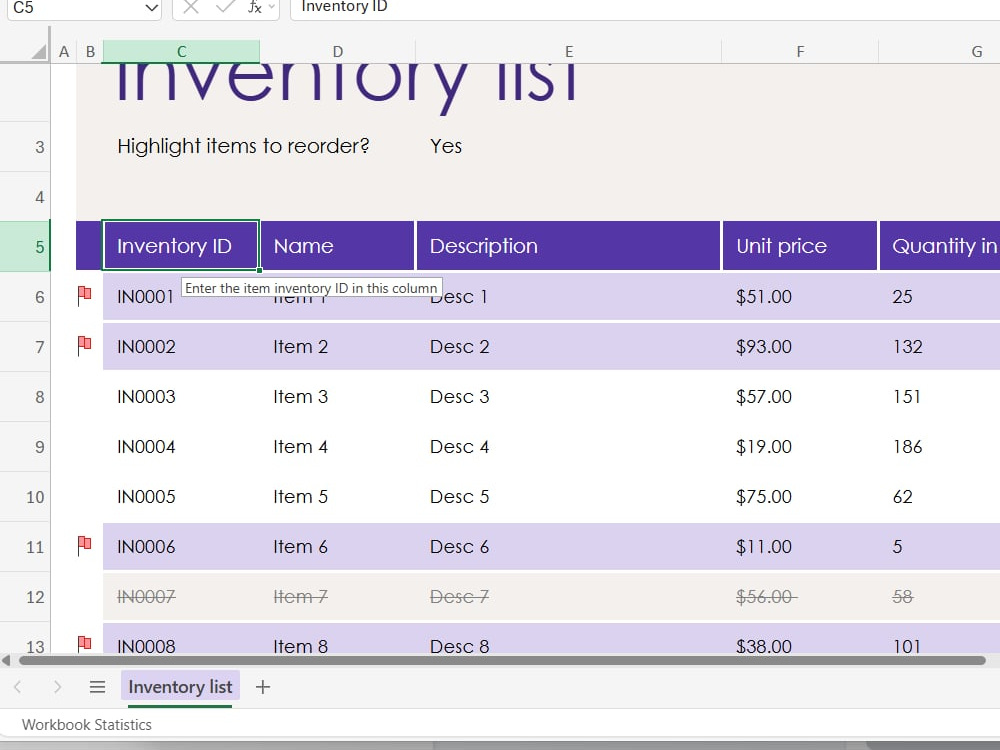
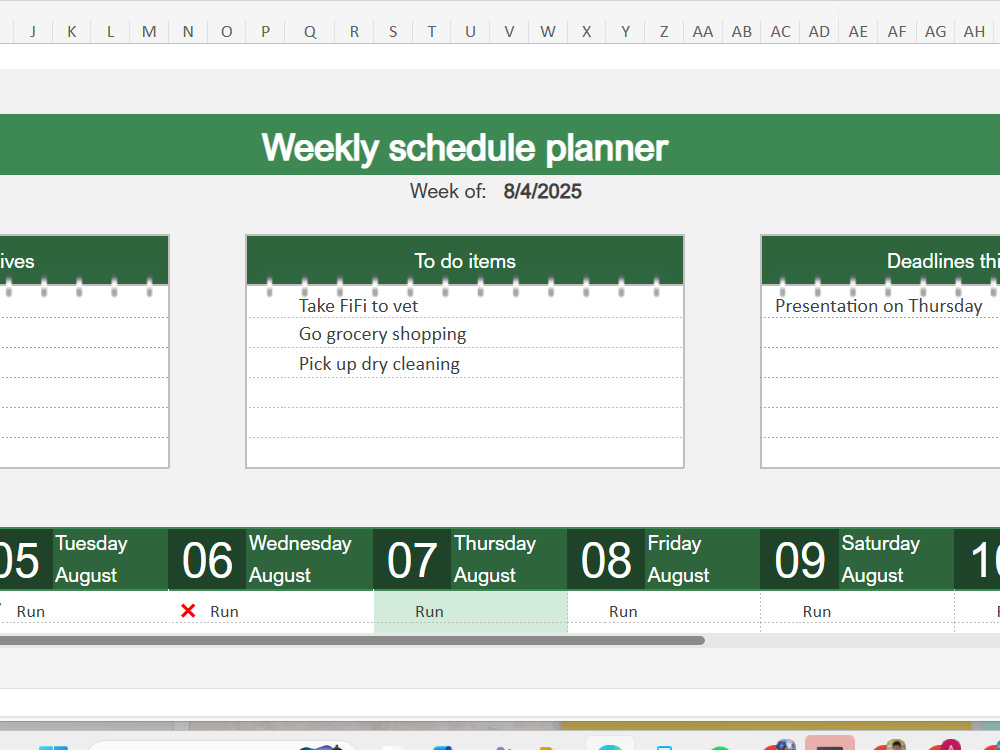
I provide accurate and efficient data entry services using Excel or Google Sheets. Perfect for clients who need well-organized, clean spreadsheets delivered on time with attention to detail.
Data Entry Type
Copy PasteData Entry Tool
Google Docs, Google Sheets, Microsoft Excel, Microsoft Office, Microsoft WordWhat's included
| Service Tiers |
Starter
$10
|
Standard
$20
|
Advanced
$30
|
|---|---|---|---|
| Delivery Time | 1 day | 2 days | 3 days |
Number of Revisions | 2 | 4 | 50 |
Number of Hours of Work | 5 | 10 | |
Formatting & Clean Up | - | - | - |
Graph & Table Creation | - | - | - |
Optional add-ons
You can add these on the next page.
Fast Delivery
+$5 - $12
Graph & Table Creation
(+ 1 Day)
+$10About Chenmarie
Entry-Level Data Entry Specialist | Excel | Typing |
Malolos, Philippines - 1:19 am local time
I am dependable, detail-oriented, and willing to be trained. I can help you with:
-Data entry
-Copy-pasting
-Spreadsheet formatting (Excel or Google Sheets)
-Virtual assistant tasks
You can expect 100% confidentiality, on-time delivery, and careful attention to detail from me. Let’s work together to keep your data organized and your business running smoothly!
Steps for completing your project
After purchasing the project, send requirements so Chenmarie can start the project.
Delivery time starts when Chenmarie receives requirements from you.
Chenmarie works on your project following the steps below.
Revisions may occur after the delivery date.
Step 1: Review the Client’s Instructions
I will carefully go through your guidelines to understand the data format, layout, and any specific preferences you have.
Step 2: Set Up the Spreadsheet
I will create a clean Excel or Google Sheets file with the required headers and formatting (bold, alignment, column widths, etc.).