You will get Smart Employee Leave Tracker in Excel
Top Rated
Project details
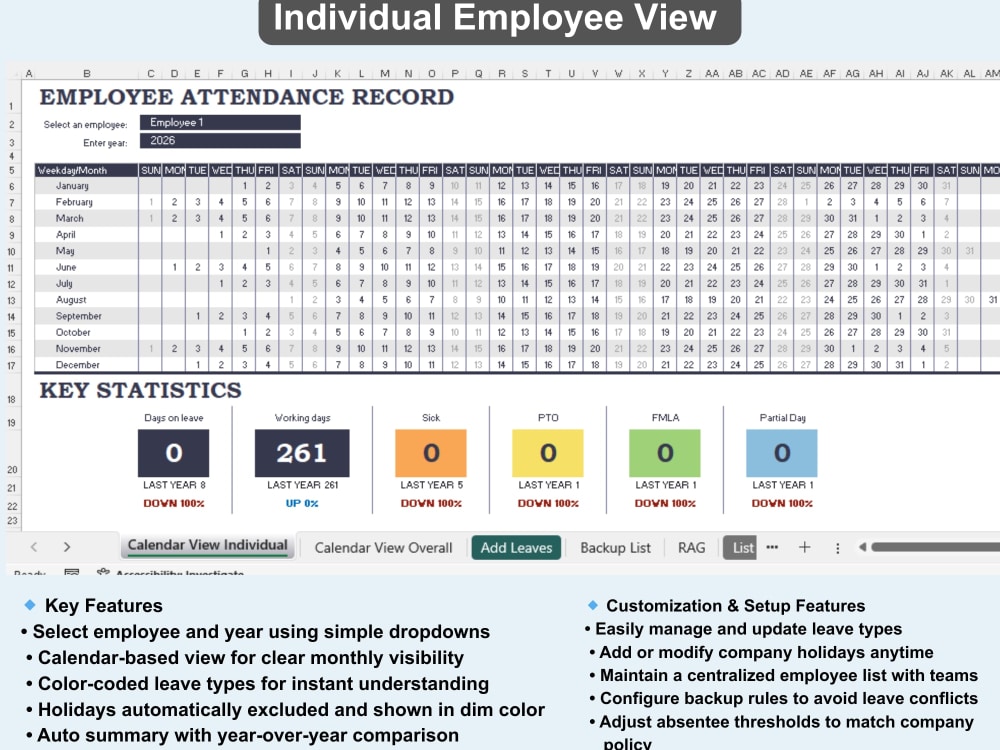
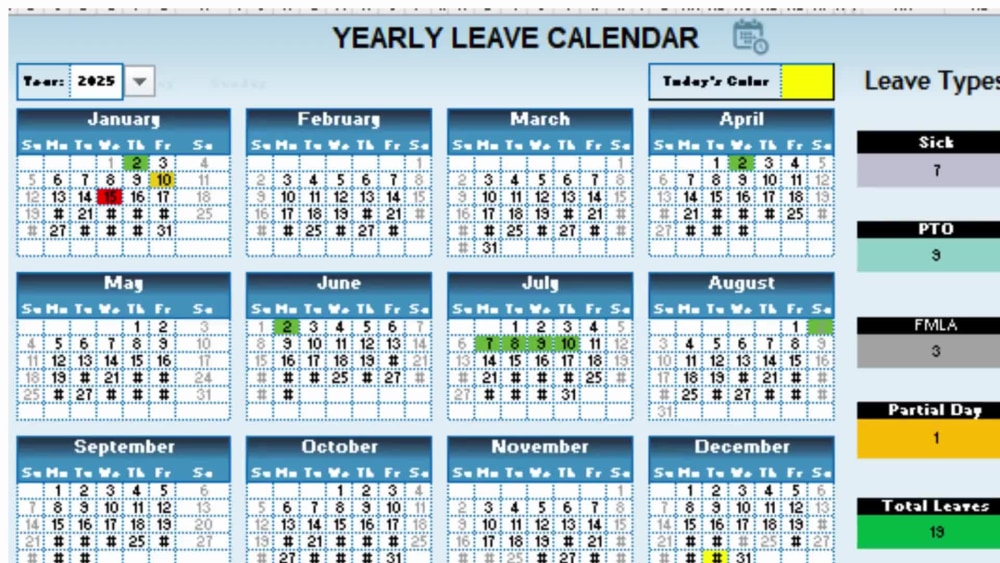
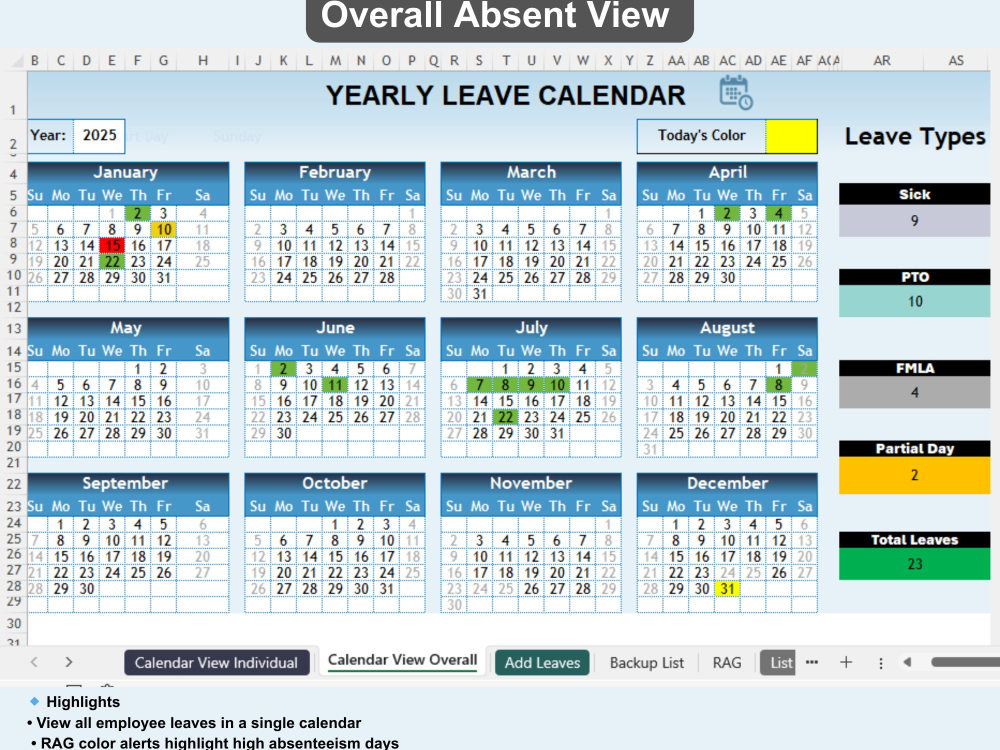
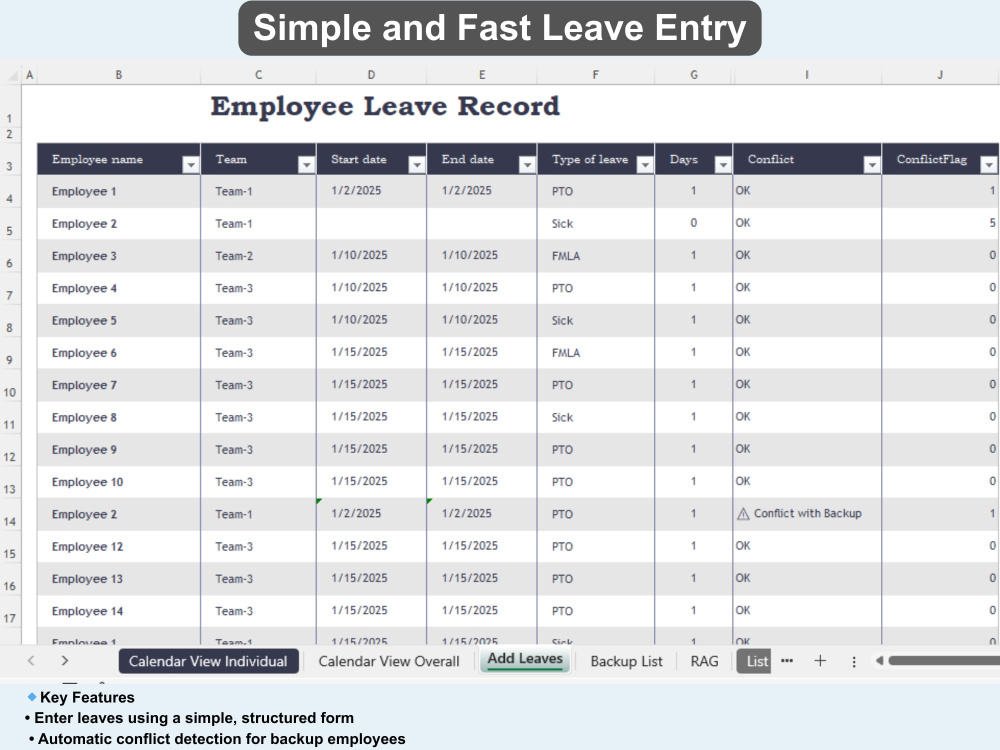
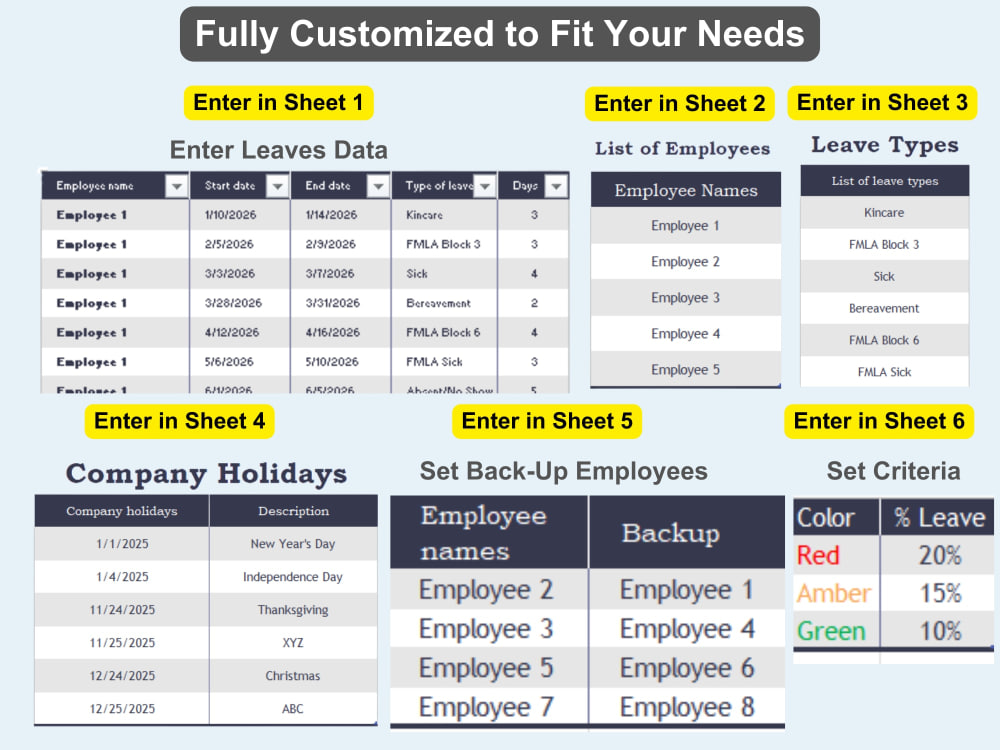
Boost your HR efficiency with a fully customizable Employee Leave Tracker in Excel or Google Sheets! Track individual and overall employee leaves, including PTO, Sick, FMLA, Partial Days, and automatically calculate working days, total leaves, and leave trends. Easily prevent conflicts with a backup system, ensuring critical team members are never off simultaneously. Visual dashboards include color-coded calendars and RAG status for absentee percentages, giving managers instant insights. Add or modify employee lists, leave types, and company holidays to match your organization’s policies. Compare leave trends vs last year and get instant summaries for better decision-making. Ideal for HR managers, team leads, and business owners seeking automated, easy-to-use, and error-free leave management. Perfect for small to large teams, this tracker saves time, reduces errors, and improves workforce planning. Fully customizable, automated, and ready-to-use. Message me now to get your personalized Employee Leave Tracker and streamline your HR operations today!
Target Country
Worldwide, United StatesWhat's included $30
These options are included with the project scope.
$30
- Delivery Time 1 day
Frequently asked questions
13 reviews
(13)
(0)
(0)
(0)
(0)
This project doesn't have any reviews.
BB
Bravin B.
Dec 2, 2025
Statement Design Job Number 2
He did an amazing job, I will defnitely recommend him!
UA
Usman A.
Oct 2, 2025
Employee Staff Rotation Tracker
Umair did a brilliant job on my task. He is highly professional, detail-oriented, and completed the work on time with excellent quality. Communication was smooth, and he understood the requirements perfectly. I would definitely recommend Umair and look forward to working with him again.
AV
Allan V.
Aug 18, 2025
Google Sheets Dashboard Creation
HF
Hans F.
Sep 28, 2024
Prepare Woocommerce sheet for Meditrade
LC
Luis C.
Sep 25, 2024
Create an Excel Medical Report/Dashboard
About Umair
Excel & Google Sheets System Builder | VBA, Apps Script, Looker Studio
100%
Job Success
Kasur, Pakistan - 10:23 pm local time
With over 7 years of hands-on experience, I focus on turning manual, time-consuming spreadsheets into tools that are accurate, easy to use, and fully automated.
If you're dealing with messy data, repetitive tasks, or reports that take too long to update, I can help streamline the process.
What I can help you with:
Excel & VBA Automation
Automating repetitive tasks and reports
Creating user-friendly tools with buttons and forms
Building systems for data processing, file merging, and reporting
Google Sheets & Apps Script
Automated workflows (Forms, Sheets, email integration)
Real-time dashboards and tracking systems
Multi-sheet data consolidation and reporting
Dashboards & Reporting
Sales, HR, finance, and performance dashboards
Clean, interactive reports with charts and filters
Easy-to-understand layouts for better decision-making
Data Cleaning & Structuring
Fixing broken or unorganized spreadsheets
Combining data from multiple files into one system
Using advanced formulas for accurate analysis
My approach:
I focus on building solutions that are not just functional, but also simple to use and easy to maintain. Whether it’s a small fix or a full system, I make sure the final result saves you time and works reliably.
Why work with me:
Strong practical experience (7+ years)
Clear communication and quick response
Attention to detail and accuracy
Reliable delivery and support
If you need help with Excel or Google Sheets, feel free to reach out. I’d be happy to discuss your requirements and suggest the best approach.
Steps for completing your project
After purchasing the project, send requirements so Umair can start the project.
Delivery time starts when Umair receives requirements from you.
Umair works on your project following the steps below.
Revisions may occur after the delivery date.
Requirement Review & Planning
Build & Customize Tracker