You will get an amazing UX/UI design (Landing Page/Website) for your business
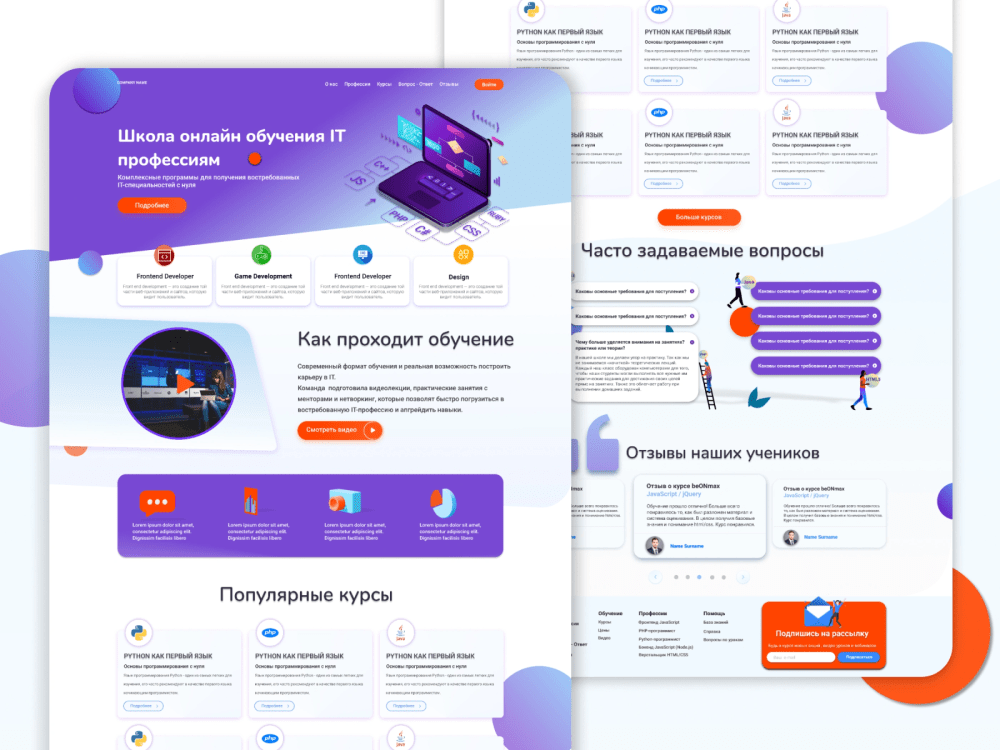
Project details
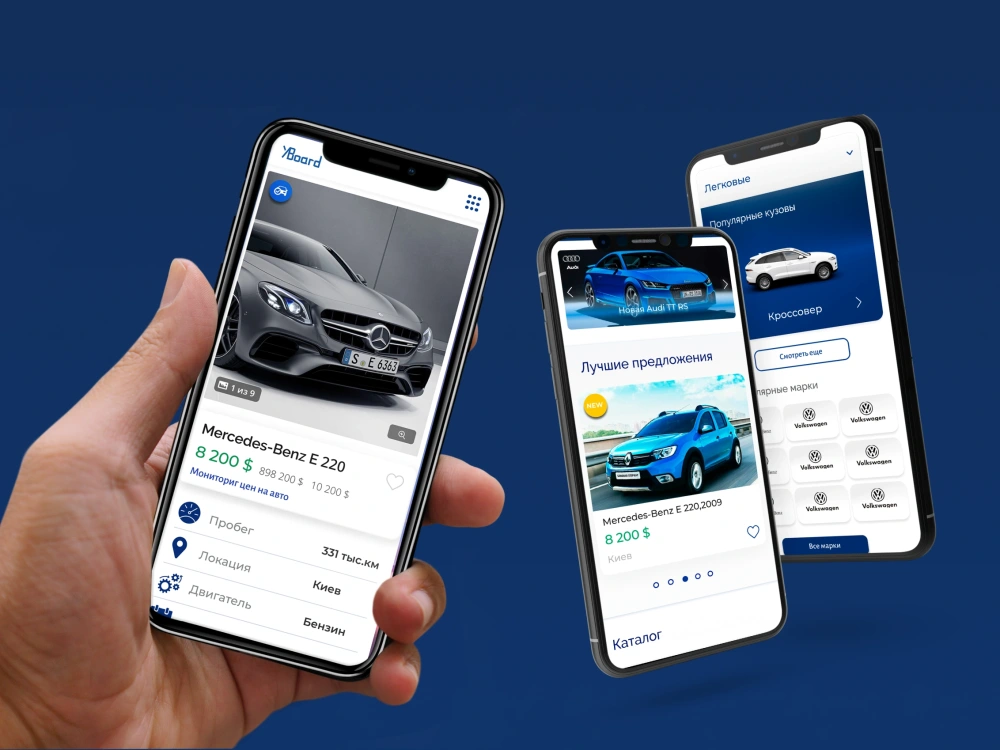
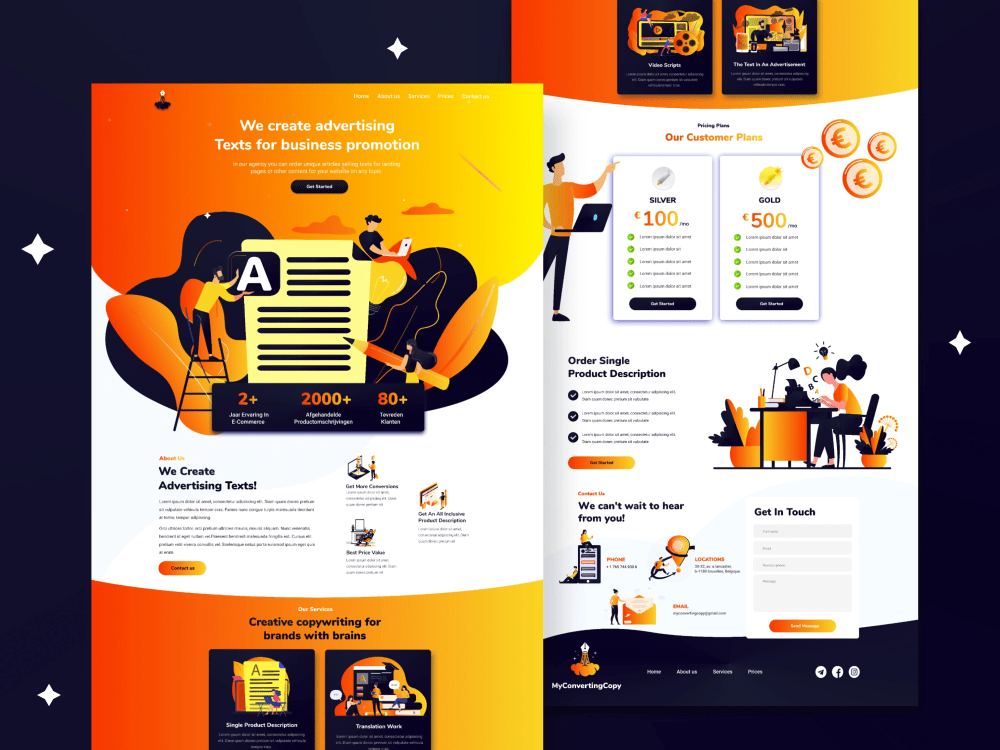
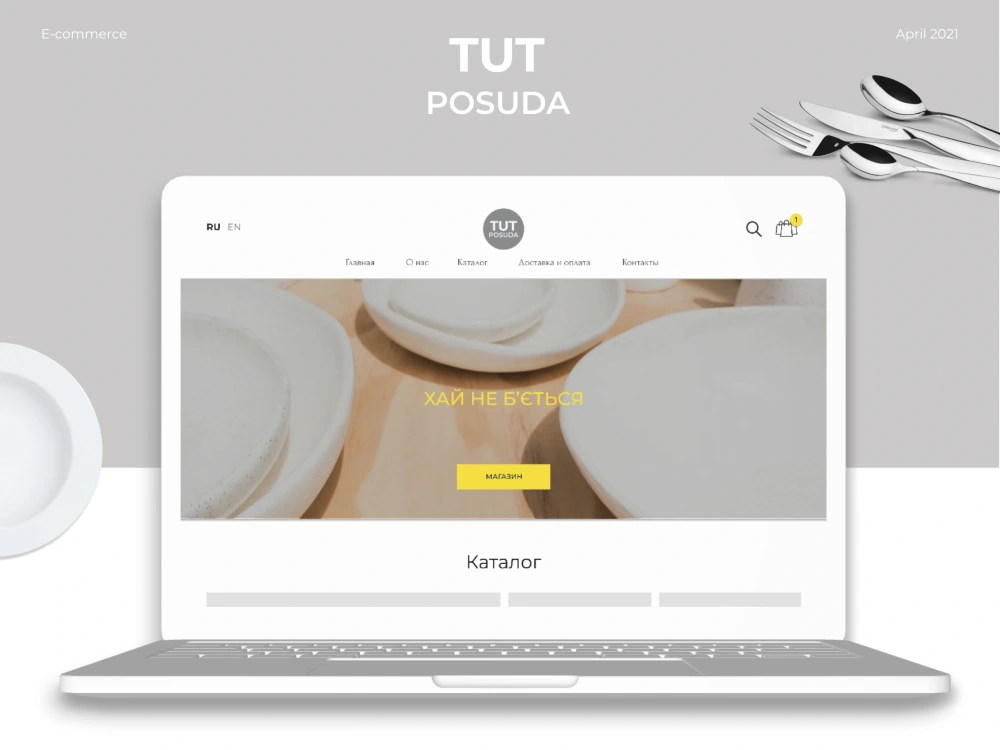
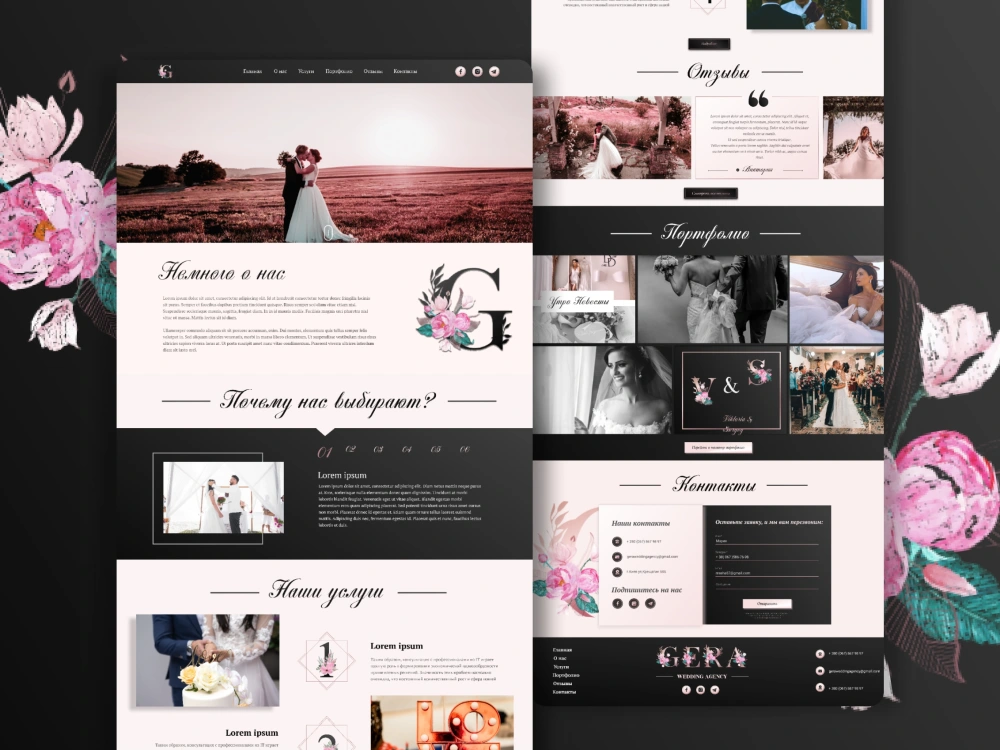
You will receive a high-quality modern landing / website from a professional designer with more than 3 years of experience. Quality UX/UI design will help users understand what the product is and how to use it. And in the future, this will create conversion and form an adjustment to customer expectations.
Main Type
Landing Pages, Website, OtherFile Format
Figma, PNG, PSDWhat's included
| Service Tiers |
Starter
$199
|
Standard
$359
|
Advanced
$789
|
|---|---|---|---|
| Delivery Time | 3 days | 5 days | 10 days |
Number of Revisions | 3 | 5 | Unlimited |
Number of Pages | 1 | 3 | 6 |
Source Files | |||
Commercial Use | |||
Responsive Design | |||
Interactive Mockup | - | - |
Optional add-ons
You can add these on the next page.
Additional Page
(+ 1 Day)
+$50About Karyna
UI/UX Design | Web & Mobile App design (Website/Mobile App/Figma/Adobe
73%
Job Success
Kyiv, Ukraine - 12:36 pm local time
Why should you work with me?
• 3 years of web design with experience in a startup from idea to product launch on the market
• Knowledge of modern approaches to UI / UX design
• Creation of a user interface design system
• Intuitive, user friendly crisp, clear, designs are my credo
💪 My specializations:
✅ App UI/UX Design(Android/iOS)
✅ Mobile design
✅ High fidelity wireframes
✅ Figma clickable prototypes
✅ E-commerce web design
✅ B2B website design
✅ B2C landing pages
✅ Complex web platforms
✅ UI/UX design
✅ User Experience Design
Designed products for industries:
✦ IT
✦ Real estate (commercial and non-commercial real estate)
✦ Education/Services
✦ Fashion/Beauty
✦ Medical/Healthcare
✦ Travel
✦ Sport
✦ Marketing
✦ Food (cafes, restaurants and etc.)
🎨The tools I use:
✅ Figma
✅ Adobe XD
✅ Adobe Photoshop
✅ Adobe Illustrator
✅ Axure
✅ Trello
✅ Canva
My design process:
🔶 1. Discover
The best start of a project is about learning all about customers and based on their needs/pains I'll determine goals and strategies for the best experience.
🔶 2. Strategy
I determine the best way to strategically meet the design goals of your brand.
🔶 3. Wireframing
This is the stage that includes the creation of the very rough prototypes of your future design called wireframes.
4. Design
The design phase is was I build out the usage guidelines, user experience, and prototype the product.
🔶 5. Deliver
Finally, I package it all up and deliver the product to you. On time and on budget
🔶 6. Support
You can always count on my support after the successfully done project
Skills:
• UI Design
• Corporate Web Design
• Brand Identity Design
• Landing Page
• Responsive design
• Rapid Prototyping
• Analytical thinking
• Communication & Collaboration
• Wireframes
• Mobile App Design
• Mobile UI Design
• App Design
• Adobe Photoshop
• Adobe Illustrator
• Figma
• Adobe XD
• UI/UX Prototyping
• Web Design
• Interaction Design
• User Interface Design
• User Experience Design
• sketch app
Sounds exciting?
Press "Invite" button at the top of my profile and let's talk about your project.
🔑 Keywords:
Adaptive, Adobe, Photoshop, Clickable prototype, Creative, Design Expert, Design Thinking, Design, Designer, Desktop, Digital, eCommerce web design, eCommerce,
Figma, Graphic Design, Illustrator, IT, Landing, Layout, Long term, Material Design, Mock-up, NFT, Page, Photoshop to Figma, Redesign, Responsive, Solutions, Tech,
Technology, UI Design, UI design, UI redesign, UI/UX, Update, Usability, User Experience, User interface design, User Interface, UX design, Visual Design, Web design, website design, Website Prototyping, Wireframe, Mobile App Design, Mobile UI Design, App Design, sketch app, Android App, Ios App, Mobile App Design.
Steps for completing your project
After purchasing the project, send requirements so Karyna can start the project.
Delivery time starts when Karyna receives requirements from you.
Karyna works on your project following the steps below.
Revisions may occur after the delivery date.
Questionnaire
You'll get a 1-page brief to fill to better understand your product.
Wireframes
This stage is needed in order to show the arrangement of functional elements on the layout.