You will get Clean & Usable SaaS Dashboard UI Design in Figma
Project details
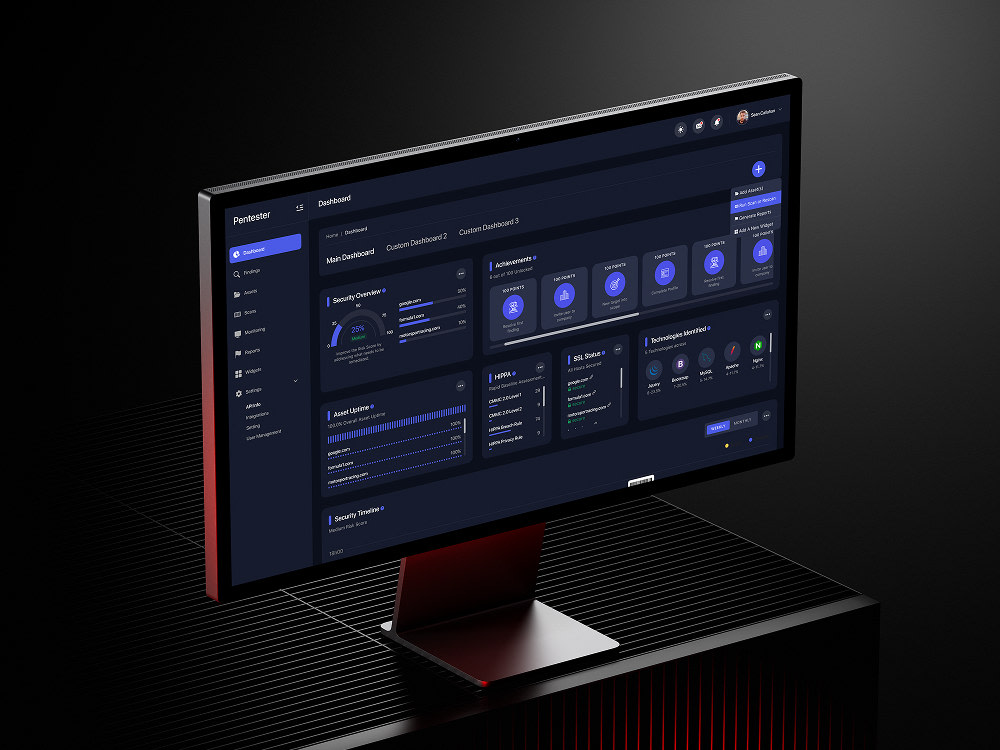
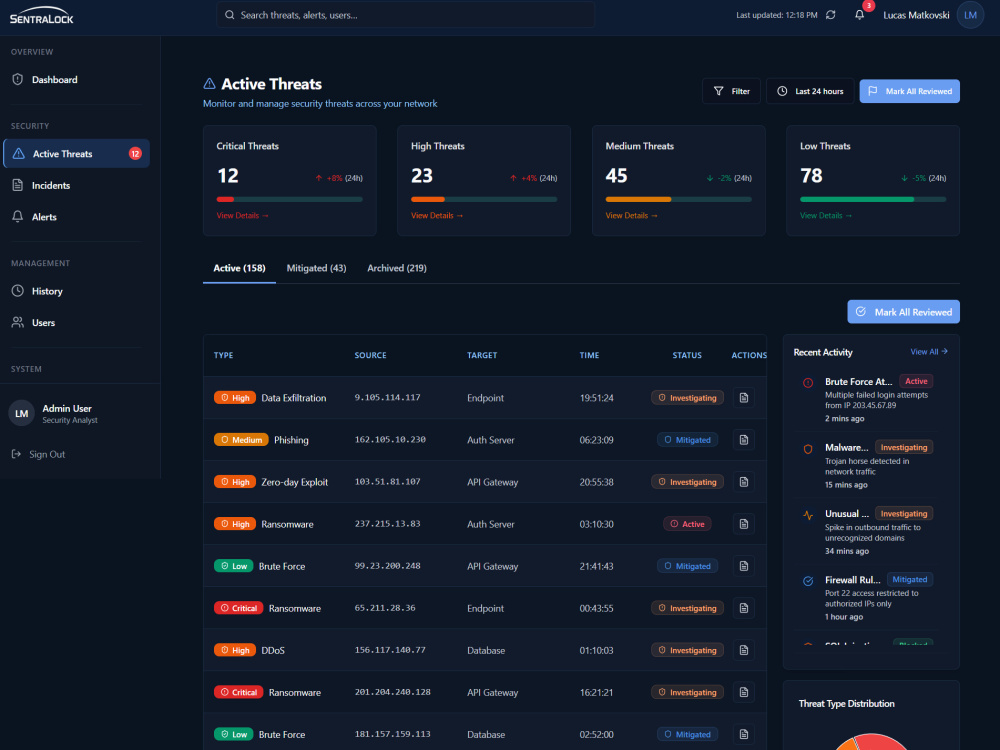
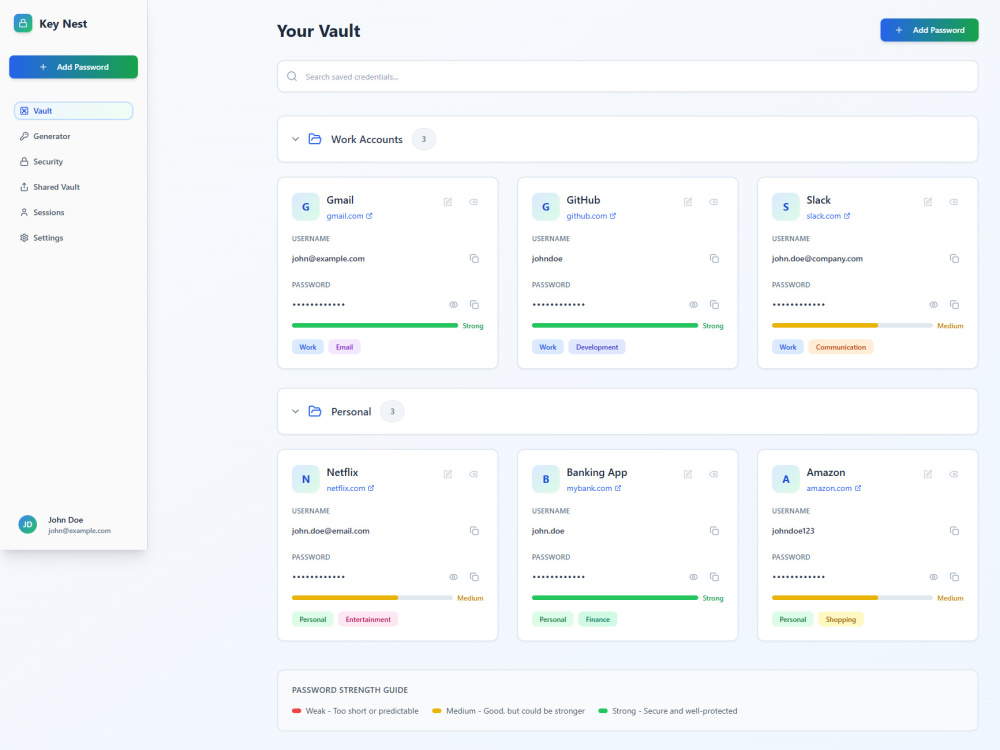
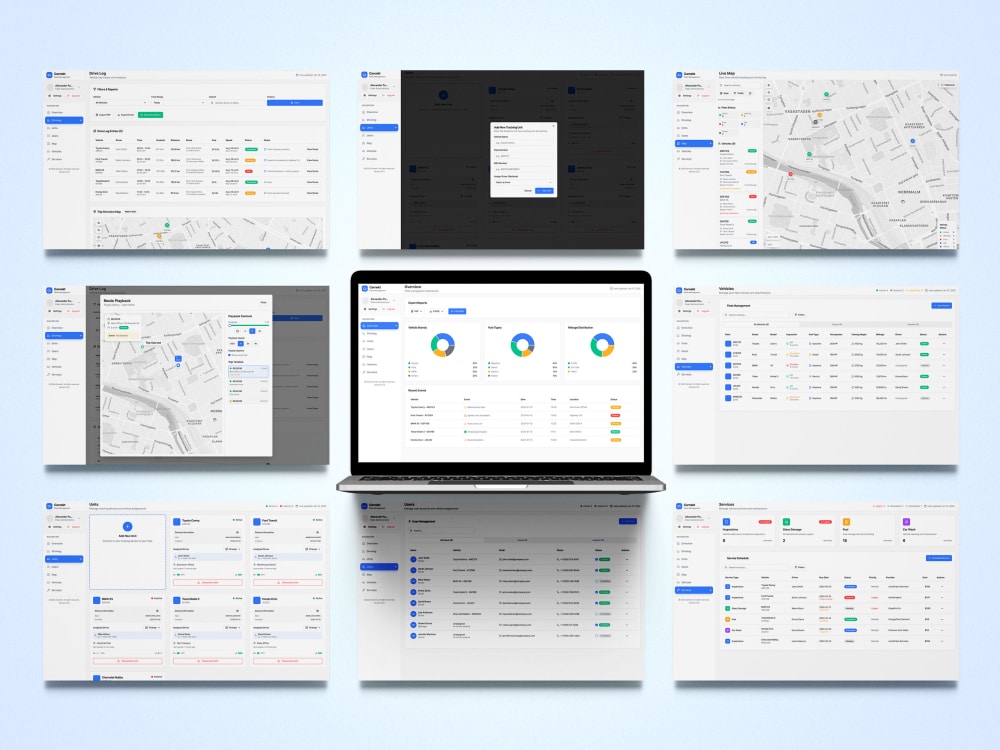
Custom SaaS dashboard UI design in Figma – clean, usable, and ready for development. Ideal for startups, admin panels, or web apps needing clarity, structure, and UX flow.
Main Type
Web AppsFile Format
OtherWhat's included
| Service Tiers |
Starter
$450
|
Standard
$700
|
Advanced
$1,000
|
|---|---|---|---|
| Delivery Time | 5 days | 7 days | 10 days |
Number of Pages | 2 | 4 | 6 |
Number of Revisions | 1 | 2 | 3 |
Source Files | |||
Commercial Use | |||
Convert to HTML/CSS | - | - | - |
Responsive Design | - | - | - |
Interactive Mockup | - | - | - |
Optional add-ons
You can add these on the next page.
Additional Page
(+ 2 Days)
+$100
Responsive Design
+$200Frequently asked questions
About Mario
Cybersecurity Product Designer
Solin, Croatia - 8:49 pm local time
I design cybersecurity products from zero to MVP — with a focus on UX architecture, system clarity, and production-ready Figma design.
I work exclusively on security tools used by technical teams:
DFIR · SIEM · XDR · IAM · Threat Intelligence
My role is to translate complex security logic into usable, scalable interfaces — so products are operationally clear, not visually noisy or concept-driven.
This is not UI styling.
This is product-level design for real security workflows.
What I deliver
• End-to-end cybersecurity MVP design
• UX architecture for data-heavy, role-based systems
• Production-ready Figma systems (components, variants, tokens)
• Modular enterprise security dashboards
• Clickable MVP prototypes for validation & development
Communication & collaboration
I work exclusively through asynchronous, documentation-first communication.
All discussions, feedback, and decisions are handled in writing to ensure clarity, traceability, and focused execution on complex cybersecurity products..
Who this is for
Cybersecurity startups, MSSPs, and internal teams building real products, not demos.
Who this is not for
❌ Generic web design
❌ Marketing-only UI
❌ Small or exploratory tasks
Steps for completing your project
After purchasing the project, send requirements so Mario can start the project.
Delivery time starts when Mario receives requirements from you.
Mario works on your project following the steps below.
Revisions may occur after the delivery date.
Understand user goals
Review the client brief and define key actions and pain points of target users.
Create screen flow and layout
Plan and sketch screen relationships and layout logic for clarity and usability.