You will get Juice Center Animated Landing Page Design | Figma UI/UX Showcase
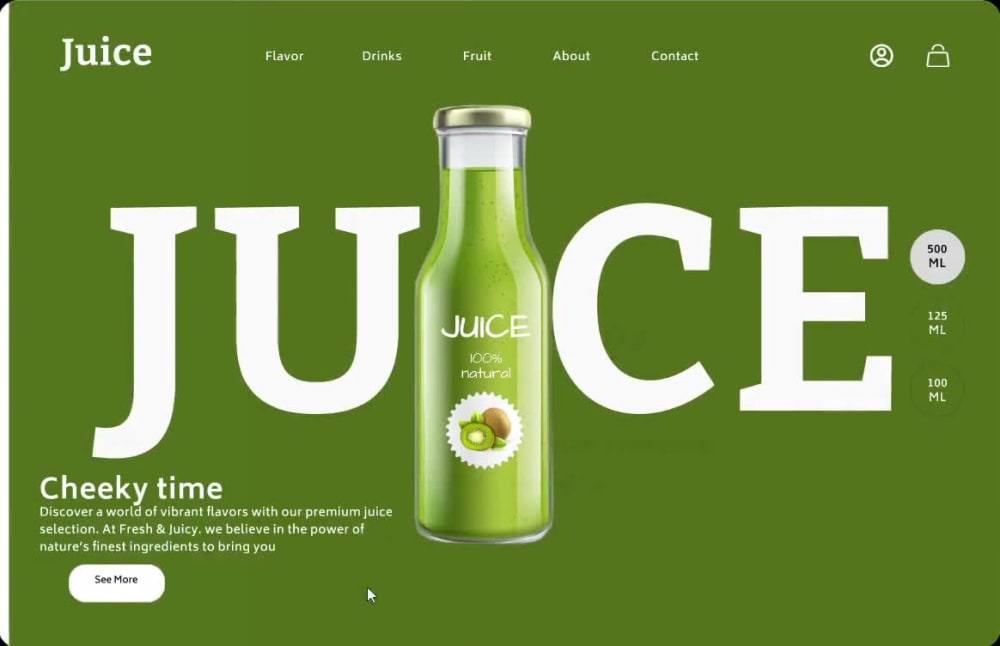

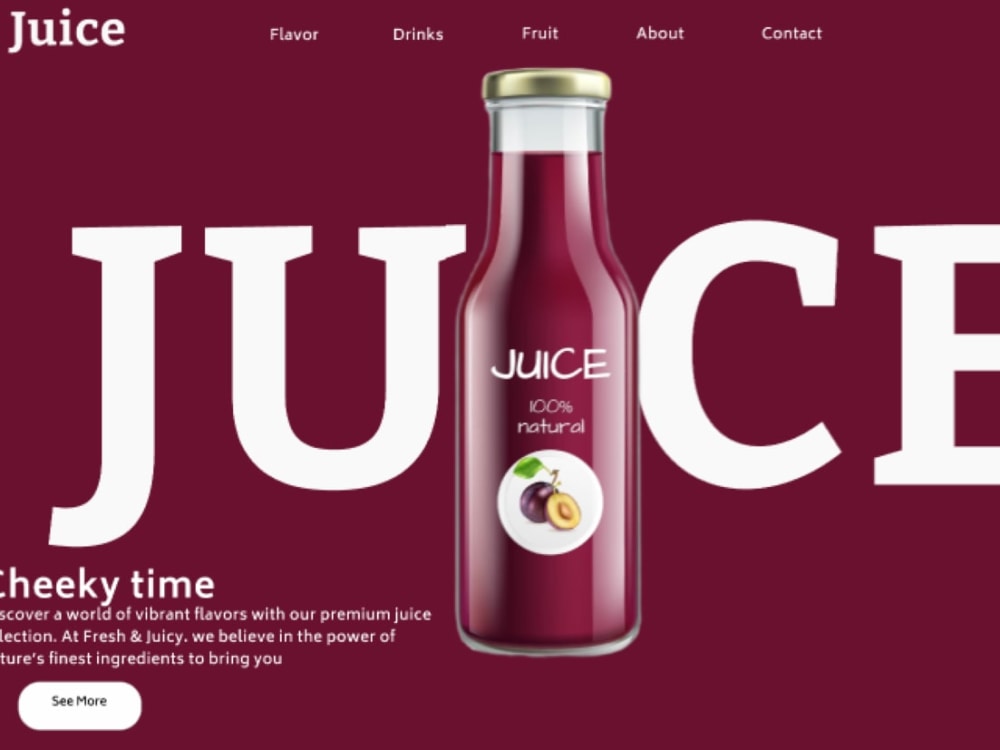
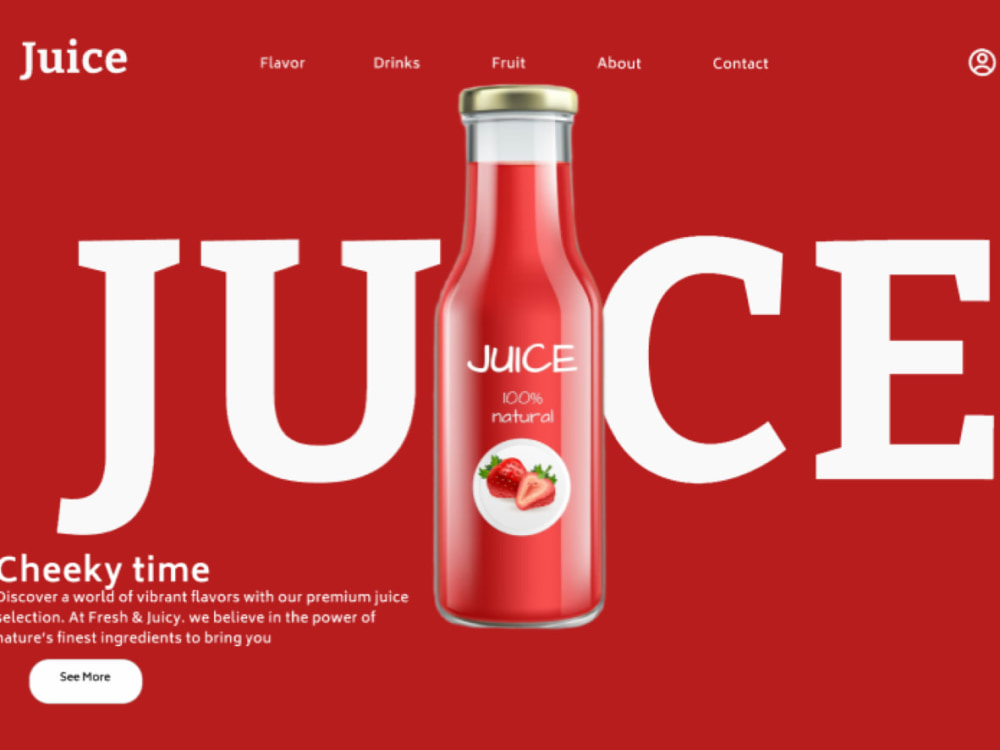
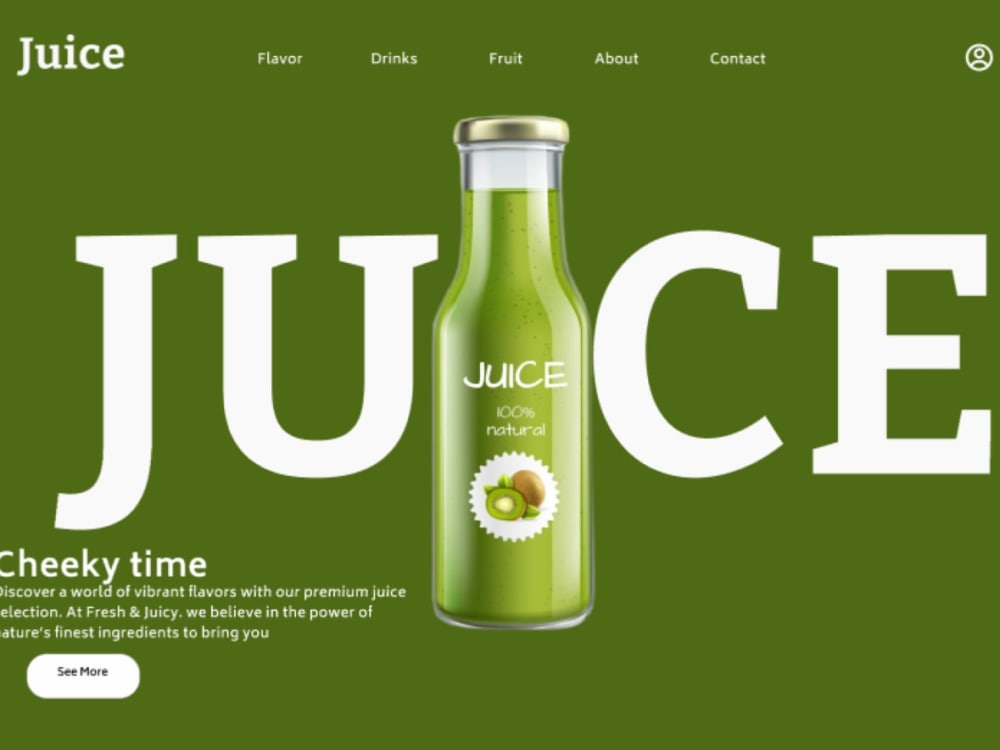
Project details
I design high-quality, modern slide animations using Figma that are visually appealing, interactive, and tailored to your brand. Whether you need slides for a business presentation, social media, marketing pitch, or educational content, I focus on creating smooth transitions, clear layouts, and engaging visuals that keep your audience interested. What sets my work apart is attention to detail, creativity, and a user-centered approach. I take the time to understand your goals and vision, ensuring each slide communicates your message effectively. You’ll receive a polished and editable Figma file, along with exports like PDF or video (if needed), ready to use on any platform. If you're looking for custom, stylish, and well-thought-out animated slides that make a lasting impression—I'm here to help bring your ideas to life.
Main Type
Landing PagesWhat's included
| Service Tiers |
Starter
$15
|
Standard
$30
|
Advanced
$60
|
|---|---|---|---|
| Delivery Time | 2 days | 4 days | 6 days |
Number of Revisions | 1 | 3 | 4 |
Source Files | - |
Optional add-ons
You can add these on the next page.
Fast Delivery
+$5 - $15
Additional Revision
+$5About Shubham
Creative UI/UX Designer | Web & Mobile App Design | Figma Expert
Ujjain, India - 12:08 am local time
What I do:
- UI/UX Design for Web & Mobile (Figma, Adobe XD)
- Wireframing & Prototyping
- Landing Pages, Dashboards, E-commerce Designs
- Design Systems & Style Guides
Why me?
I combine user psychology with clean design principles to build modern, usable, and conversion-friendly interfaces. Every pixel I place is backed by purpose and clarity.
Let’s work together to make your next app or website feel powerful and look stunning!
📩 Message me with your idea and get a FREE homepage concept.
Steps for completing your project
After purchasing the project, send requirements so Shubham can start the project.
Delivery time starts when Shubham receives requirements from you.
Shubham works on your project following the steps below.
Revisions may occur after the delivery date.
Design Slide Layouts in Figma
Create visually appealing slide layouts in Figma
Apply Slide Animations
Add smooth and interactive animations to each slide.