You will get Professional 3D CAD Models from Drawings – SolidWorks, Inventor, or Creo
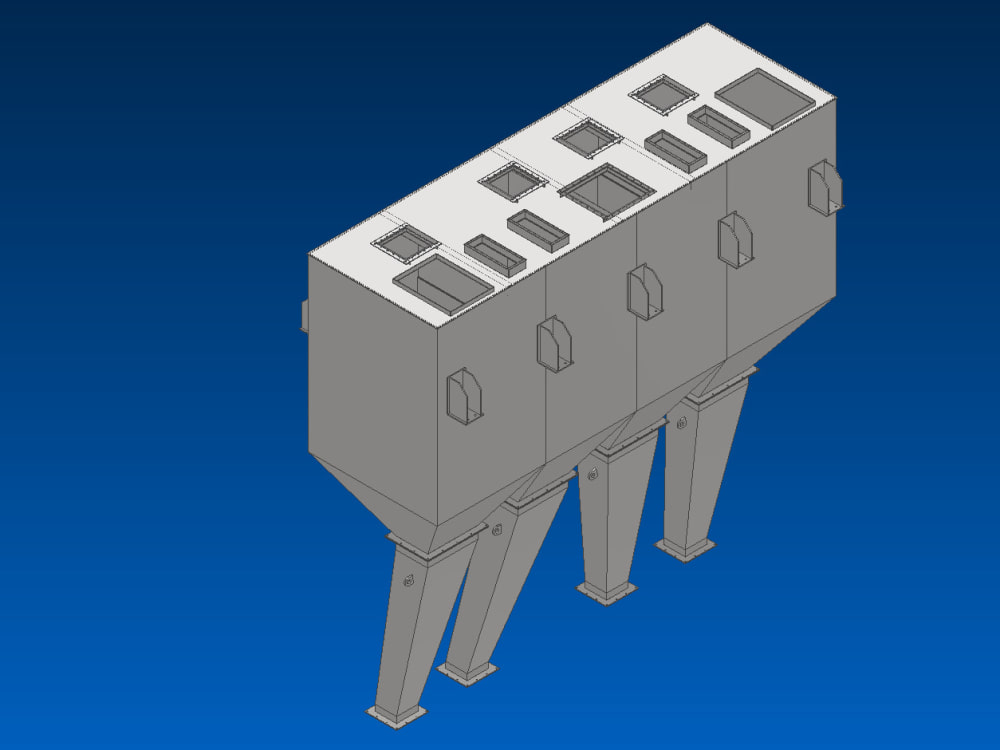
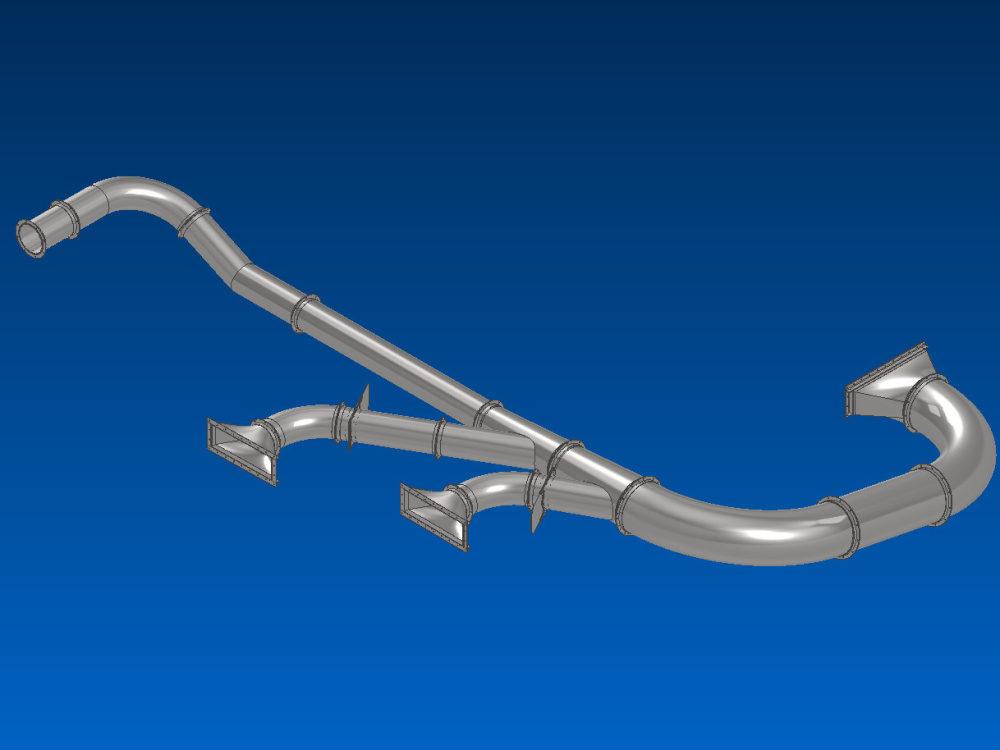
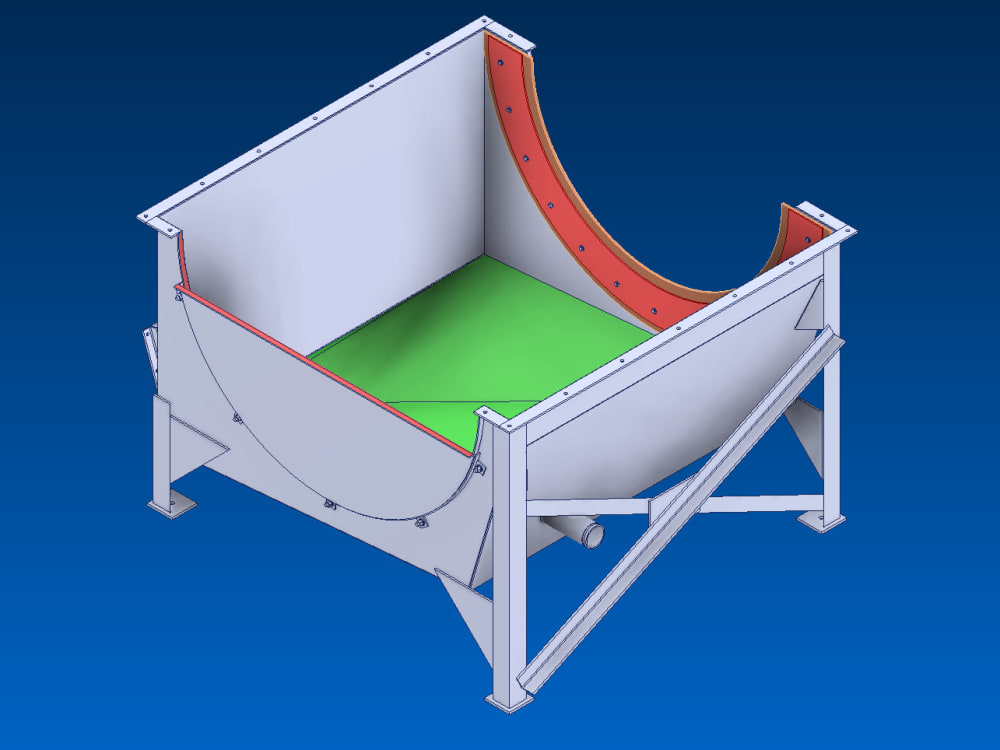
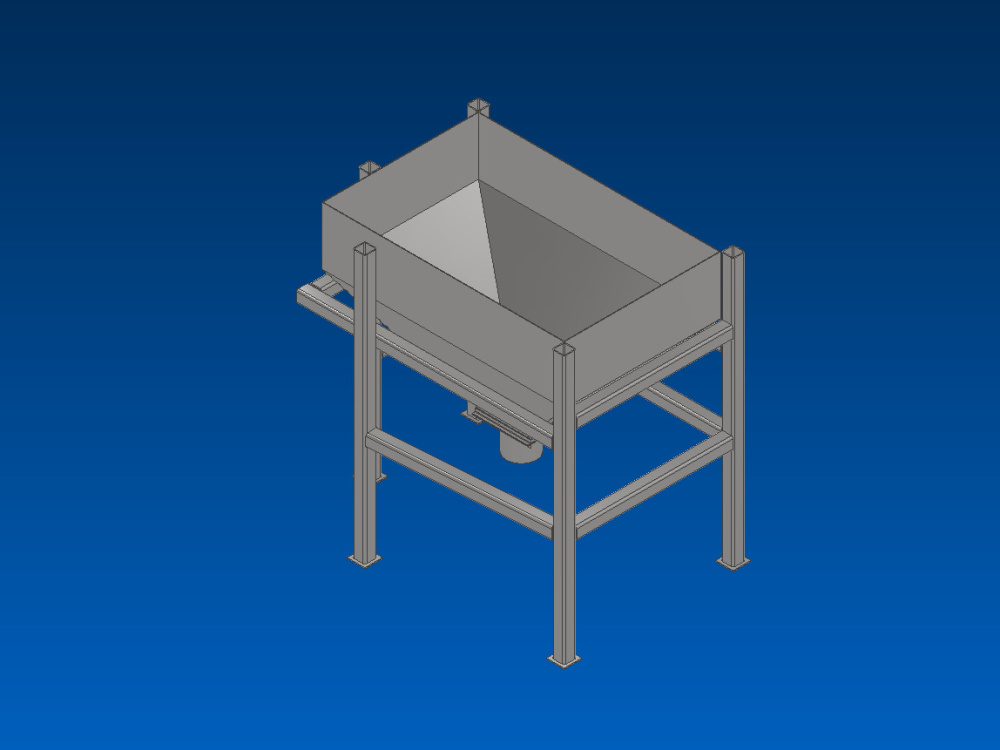
Project details
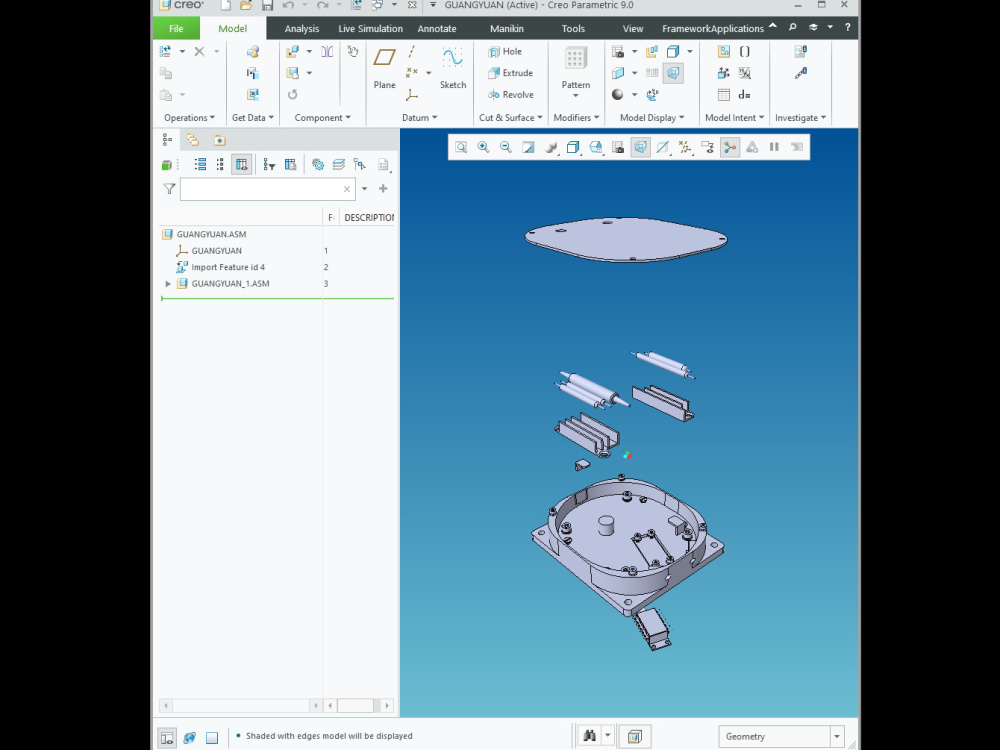
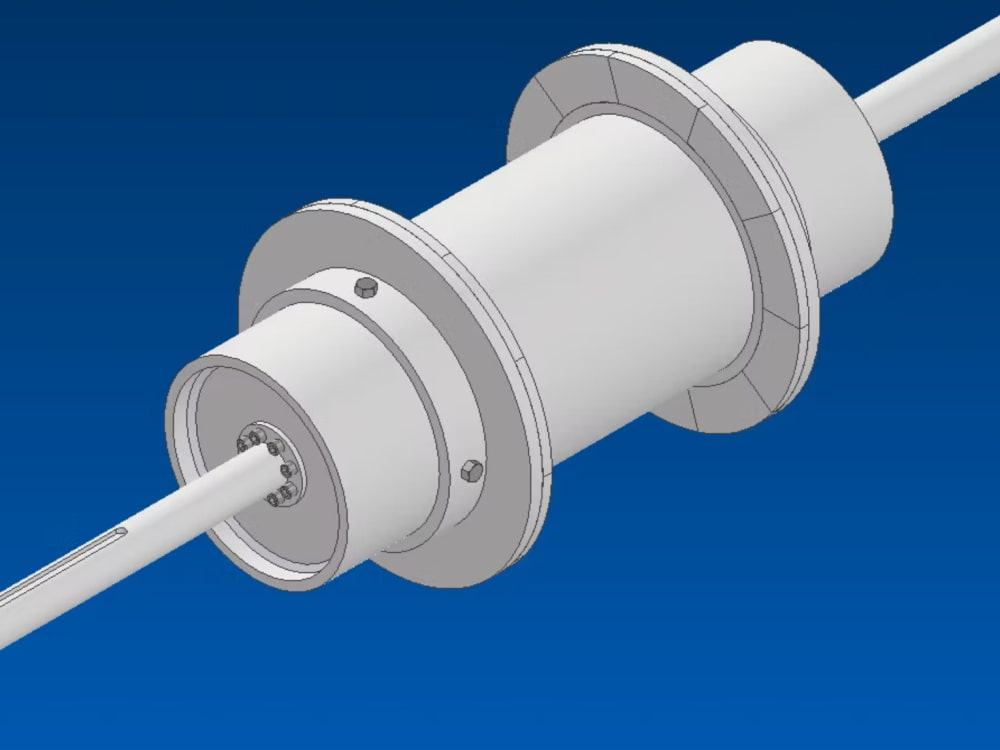
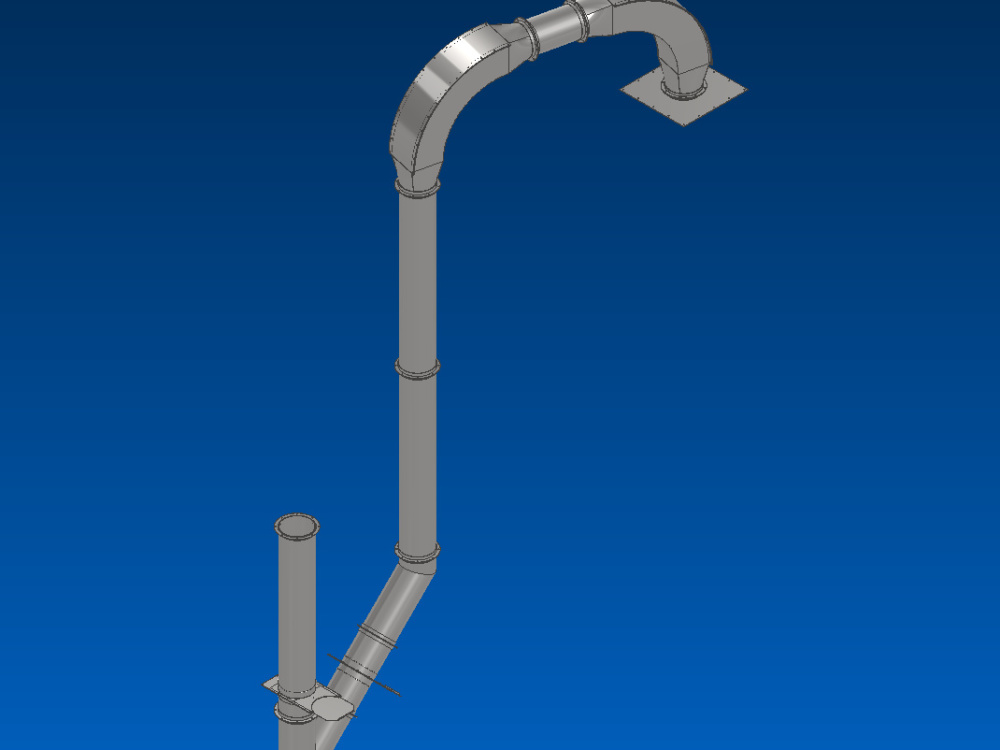
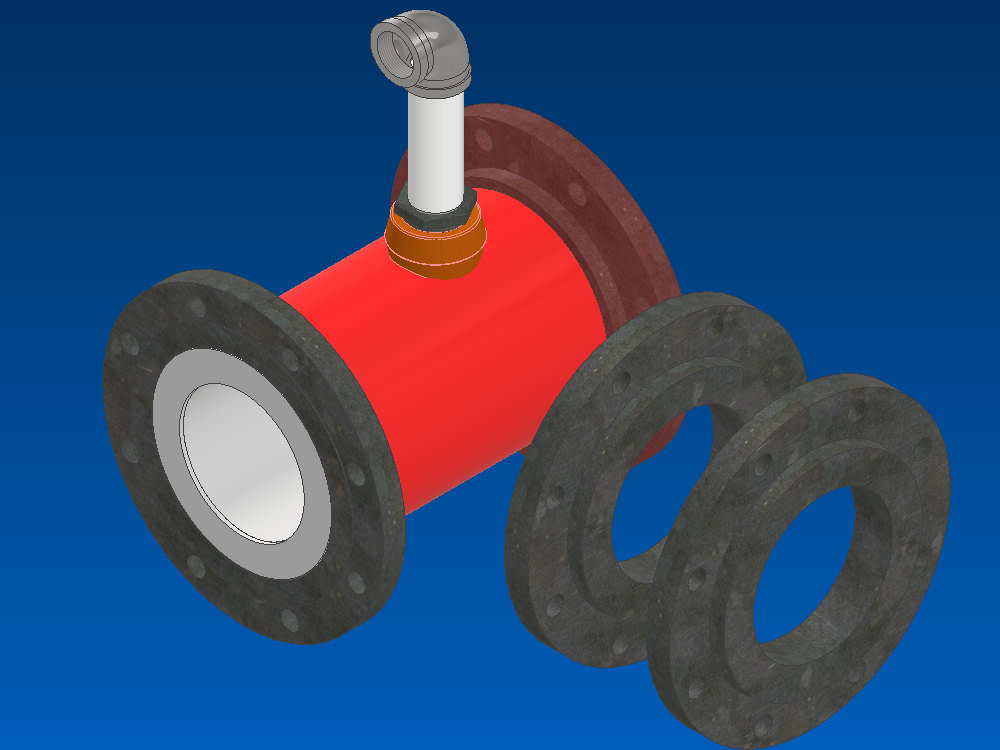
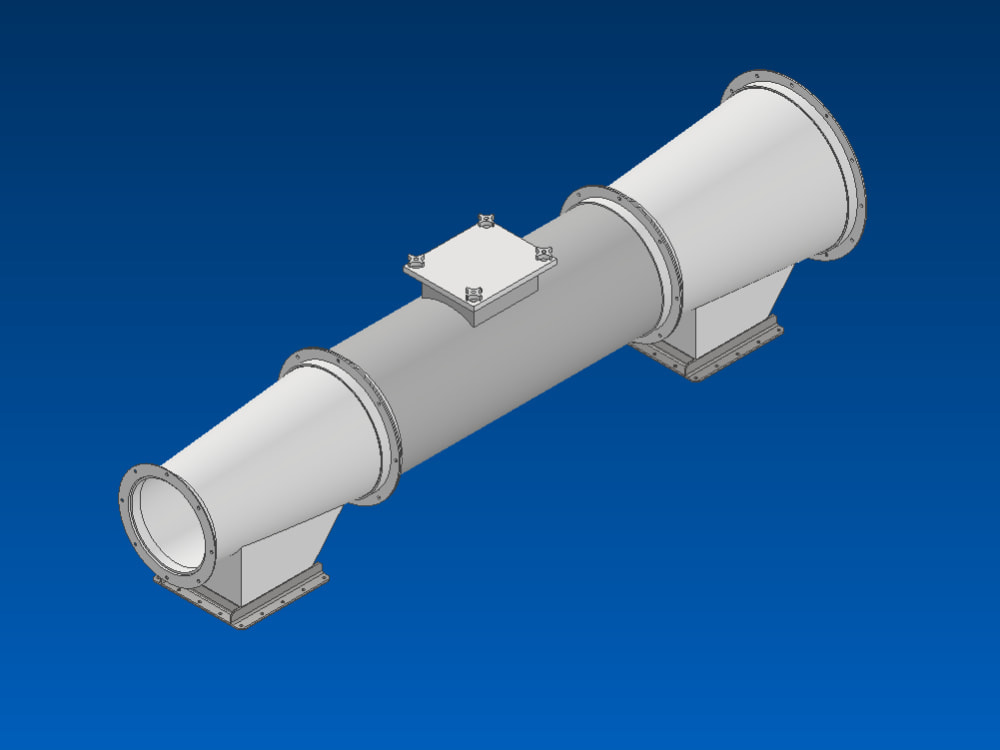
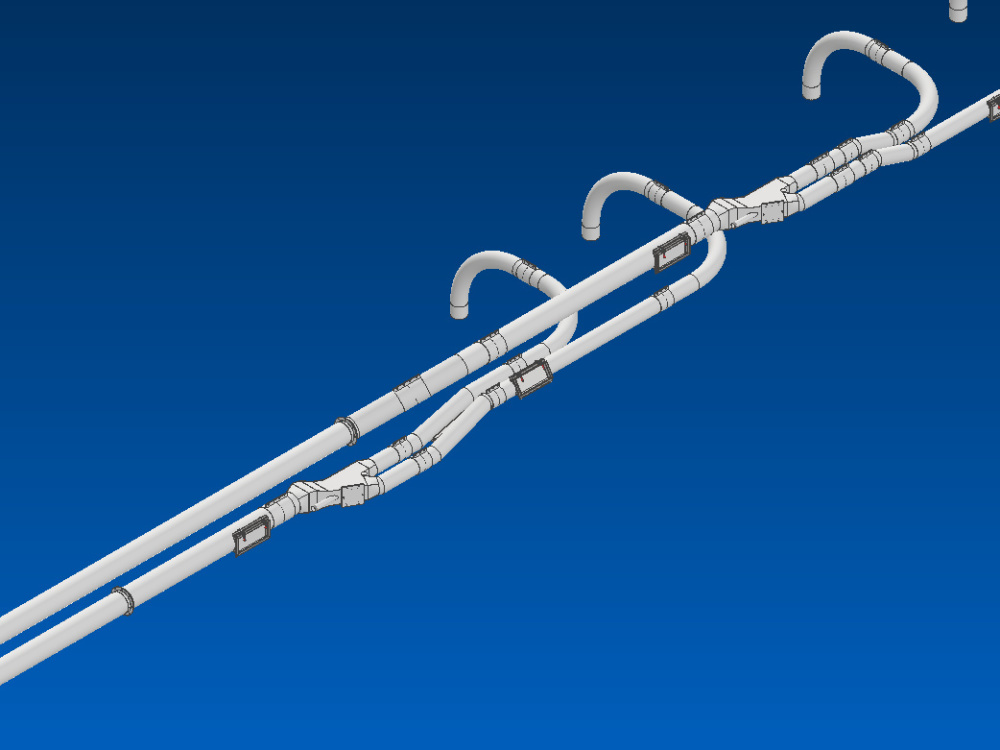
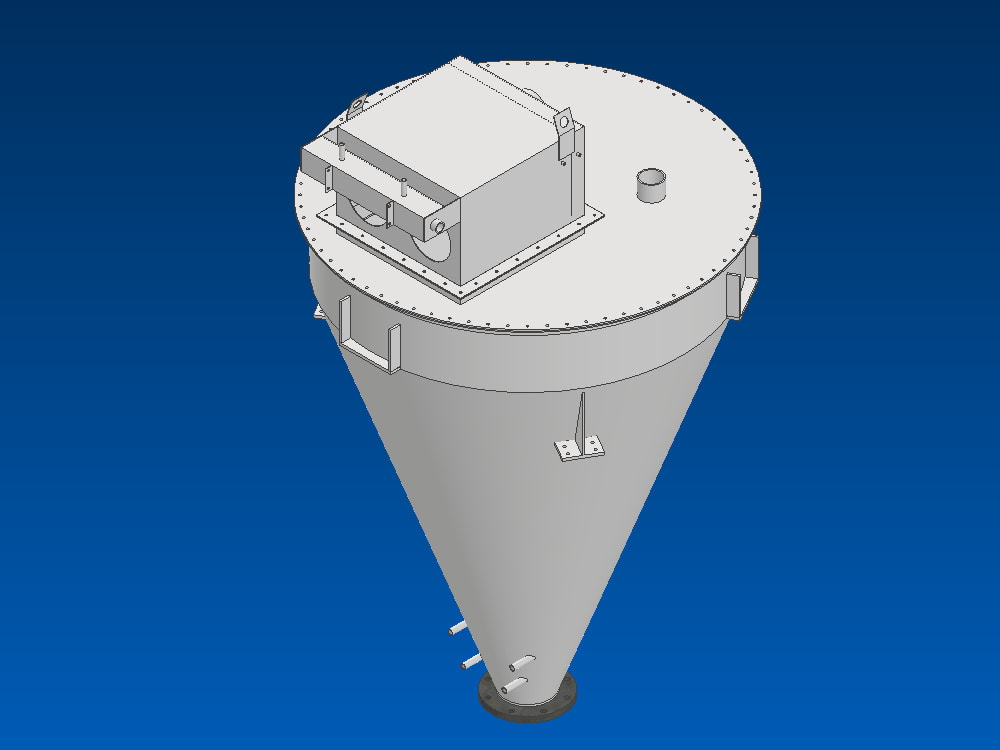
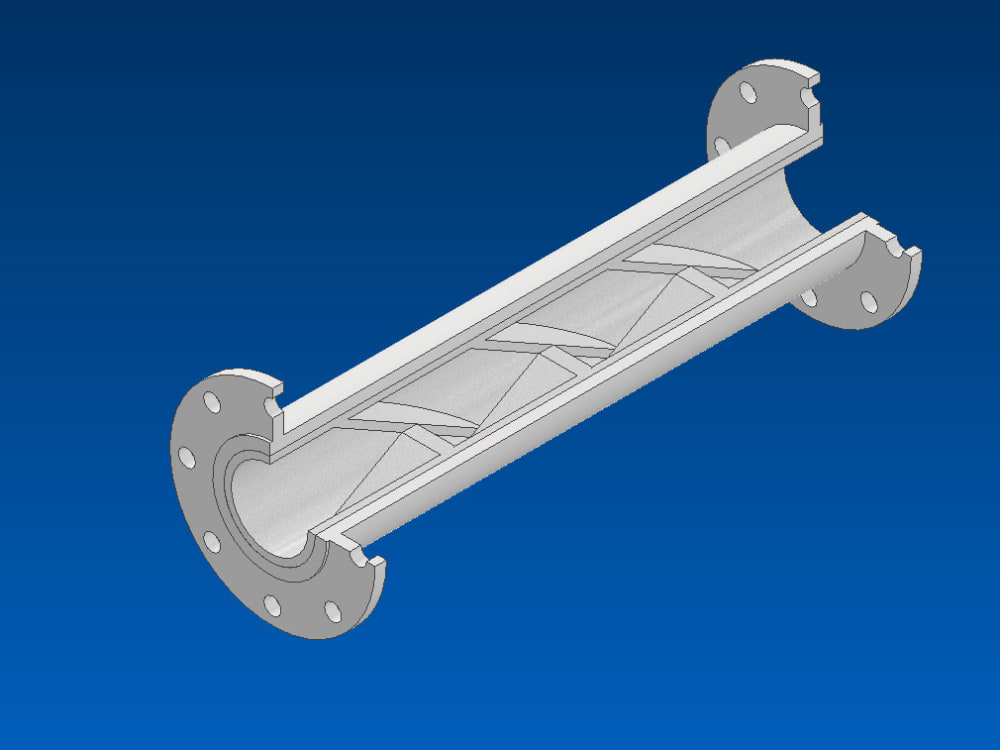
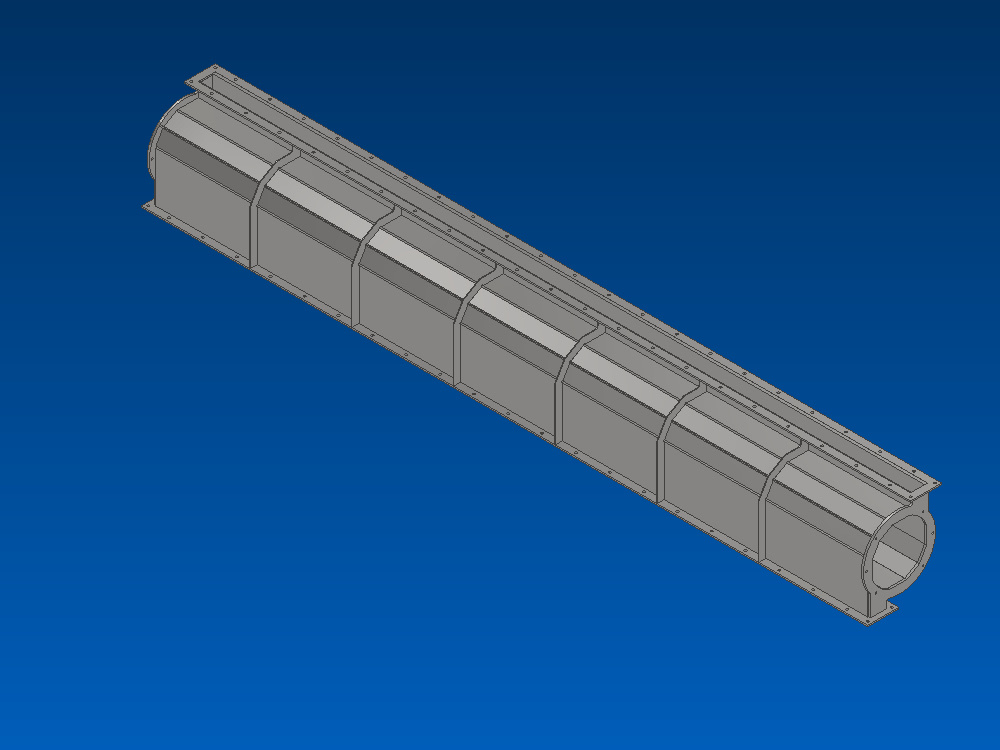
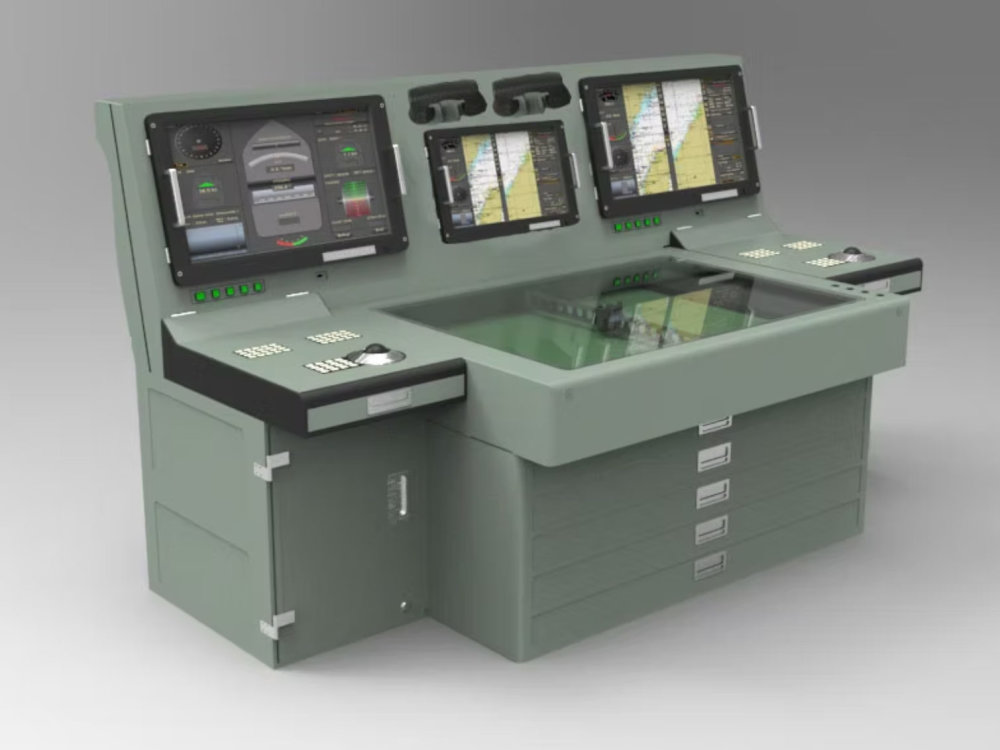
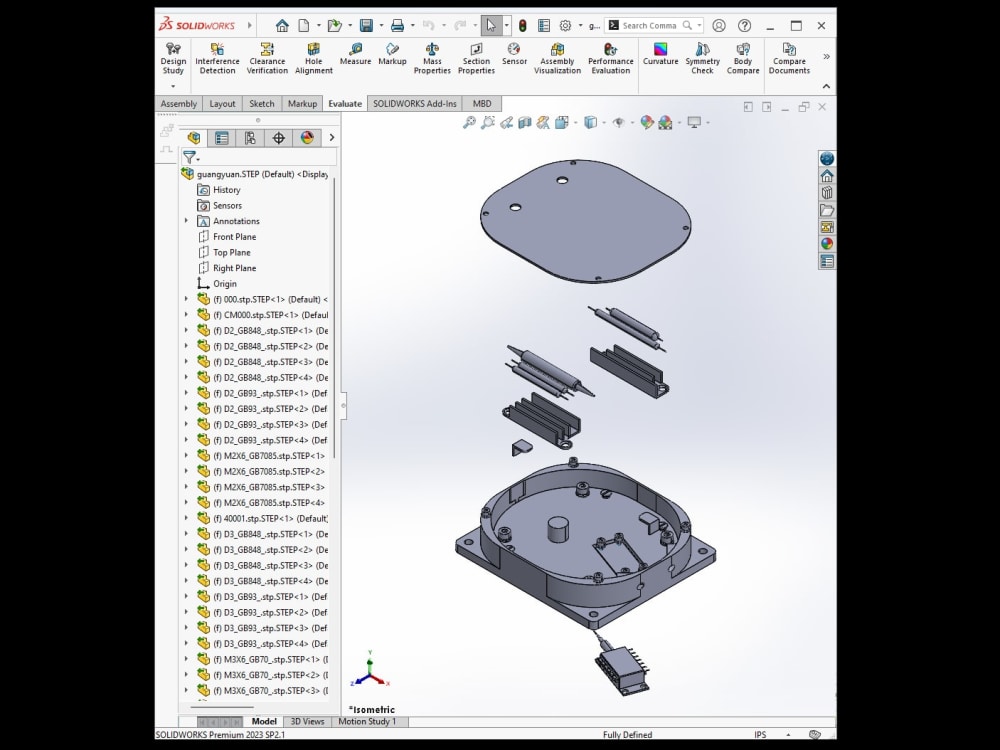
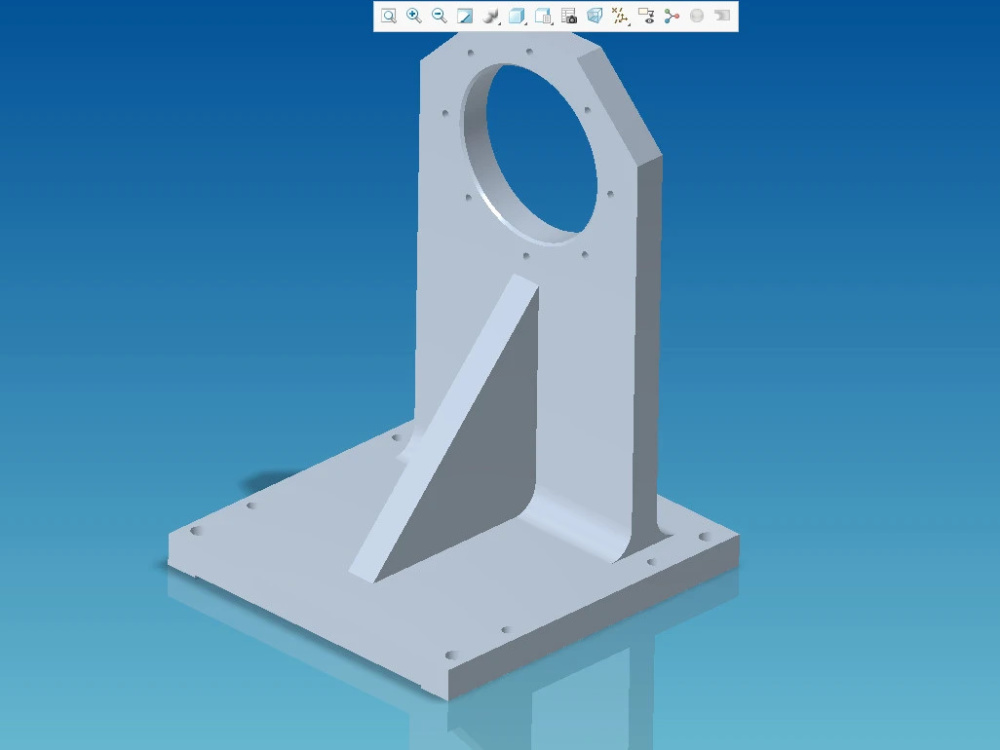
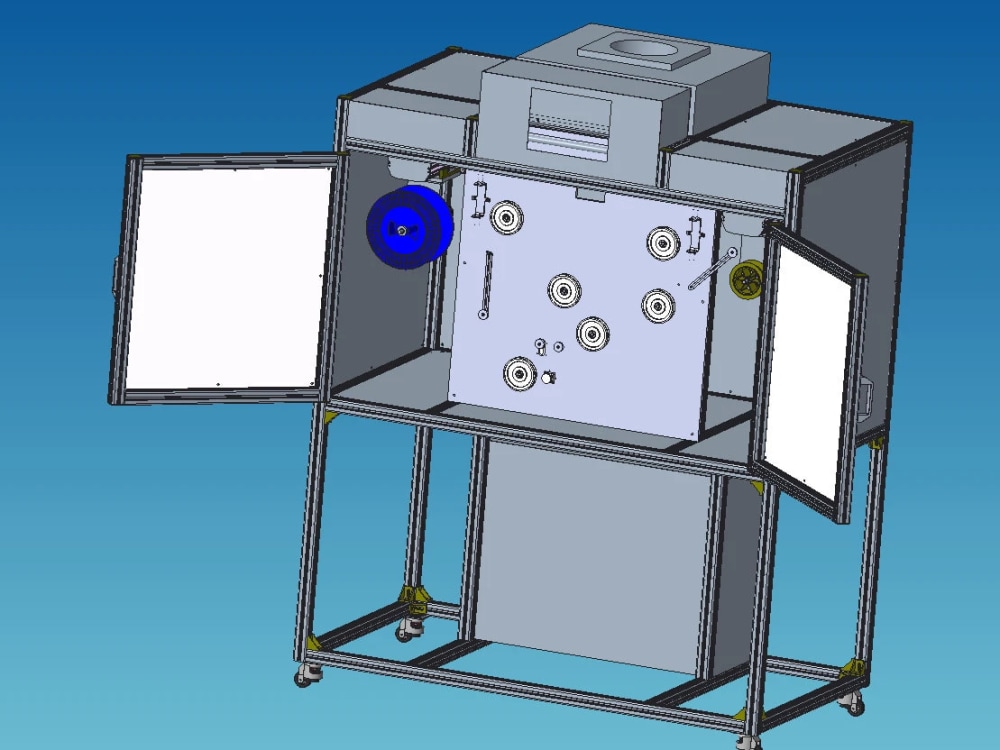
I specialize in precise and efficient 3D modeling of mechanical parts and assemblies using SolidWorks, Inventor, and Creo. With strong attention to detail and adherence to industry standards, I ensure your designs are accurate and ready for manufacturing.
Materials
MetalField of Expertise
Appliances, MachineryDesign Software
Creo, Inventor, KeyShot, SolidWorksFile Format
DWG, JPG, PDF, STEP, STLWhat's included
| Service Tiers |
Starter
$40
|
Standard
$90
|
Advanced
$180
|
|---|---|---|---|
| Delivery Time | 3 days | 4 days | 5 days |
Number of Revisions | 1 | 2 | 3 |
Number of 3D Renders | 0 | 1 | 3 |
3D Modeling | - | - | - |
Texturing & Lighting | - | - | - |
Animation | - | - | - |
Source Files | - | - | - |
Optional add-ons
You can add these on the next page.
Fast Delivery
+$50 - $200About Paul
Mechanical Engineer | Drafter
Allen, United States - 8:08 am local time
Whether you need simple parts, complex assemblies, or detailed manufacturing drawings, I can translate your 2D blueprints or sketches into professional CAD files (STEP, STL, DWG, SLDPRT, etc.). I ensure every project meets engineering standards, with strong attention to detail and dimensional accuracy.
Let’s work together to bring your mechanical ideas to life — accurately, efficiently, and on time.
Steps for completing your project
After purchasing the project, send requirements so Paul can start the project.
Delivery time starts when Paul receives requirements from you.
Paul works on your project following the steps below.
Revisions may occur after the delivery date.
Review client’s drawings and requirements:
Carefully analyze the provided PDF or DWG engineering drawings to fully understand the part geometry and specifications.
Create initial 3D model:
Build the first version of the 3D part or assembly using SolidWorks/Inventor/Creo based on the drawings.