You will get Social Media App UI Design in Figma for Community Apps
Project details
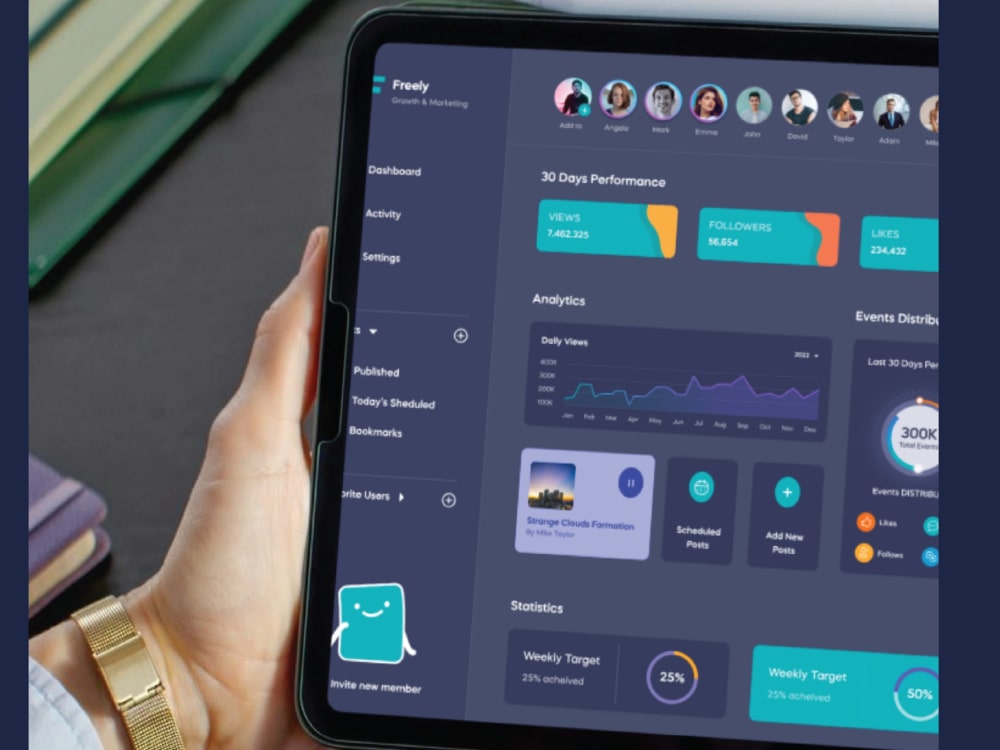
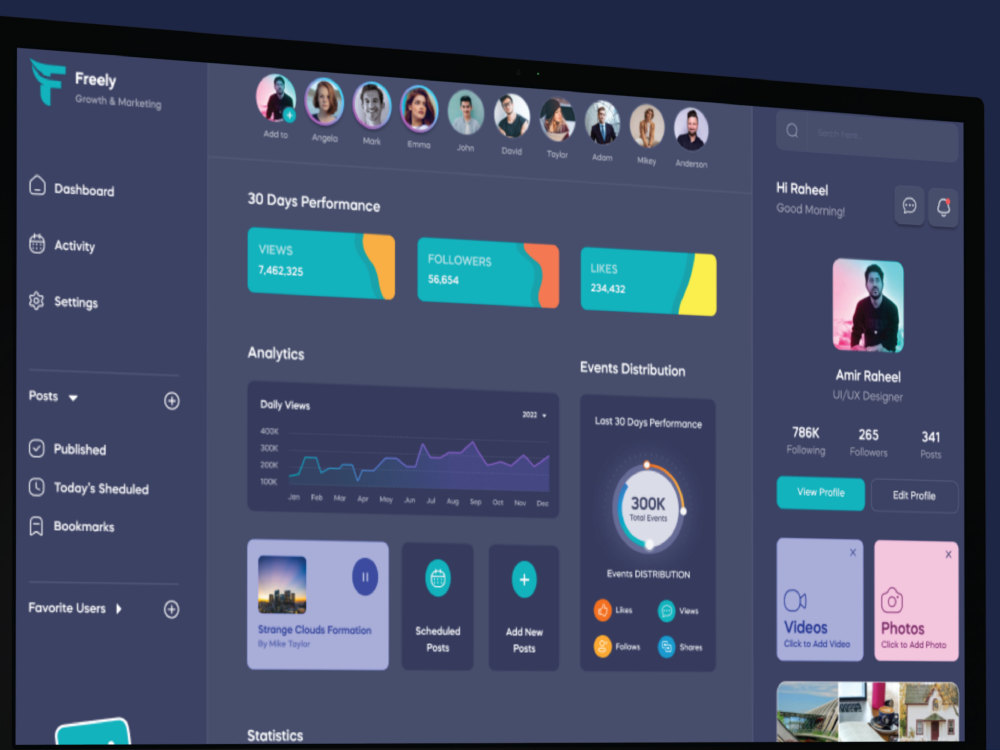
Social media app and community platform UI design in Figma for social networking apps, creator platforms, interest-based communities, professional networks, fan engagement tools, and any product where the core experience is people connecting, sharing, and interacting with each other.
Social app design has specific requirements that general mobile app design does not. Feeds need to balance content density with readability. Profiles need to communicate identity at a glance. Messaging needs to feel immediate and clear. Notifications need to drive engagement without overwhelming users. Getting these patterns right is what separates social products people return to daily from ones they open once and forget.
Depending on the package, screens can include home feed, content detail, create and post flow, user profile, followers and following, direct messaging and chat, search and discover, notifications, onboarding, and account settings.
This project includes mobile app UI design in Figma only. It does not include front-end development, backend development, social API integration, content moderation systems, or advanced UX research.
Social app design has specific requirements that general mobile app design does not. Feeds need to balance content density with readability. Profiles need to communicate identity at a glance. Messaging needs to feel immediate and clear. Notifications need to drive engagement without overwhelming users. Getting these patterns right is what separates social products people return to daily from ones they open once and forget.
Depending on the package, screens can include home feed, content detail, create and post flow, user profile, followers and following, direct messaging and chat, search and discover, notifications, onboarding, and account settings.
This project includes mobile app UI design in Figma only. It does not include front-end development, backend development, social API integration, content moderation systems, or advanced UX research.
Main Type
Mobile Apps, Web AppsWhat's included
| Service Tiers |
Starter
$59
|
Standard
$139
|
Advanced
$349
|
|---|---|---|---|
| Delivery Time | 3 days | 5 days | 7 days |
Number of Pages | 3 | 6 | 10 |
Number of Revisions | 1 | 2 | 3 |
Source Files | |||
Commercial Use | |||
Convert to HTML/CSS | - | - | - |
Responsive Design | - | - | |
Interactive Mockup | - | - |
Optional add-ons
You can add these on the next page.
Fast Delivery
+$40
Additional Page
(+ 1 Day)
+$49
Additional Revision
+$25
Responsive Design
(+ 1 Day)
+$40
Interactive Mockup
(+ 1 Day)
+$40Frequently asked questions
About Muhammad Amir
UI/UX Designer | SaaS Dashboards, Web & Mobile Apps | Figma
Lahore, Pakistan - 8:56 pm local time
Most product teams hit the same wall. The designs look fine in preview but fall apart when developers start building, because the Figma file has no real structure behind the screens. No organized components, no spacing logic, no handoff notes. What should take days to implement turns into weeks of back and forth.
What I focus on: interfaces structured around how users actually move through the product, and Figma files organized so developers can build without constant questions.
Here is what the work covers:
• SaaS dashboard UI including data tables, filters, charts, admin panels, settings, and user management screens
• Web app and mobile app UI for new builds and redesigns of existing interfaces
• Landing pages and marketing websites
• Wireframes and user flow mapping before high-fidelity screens begin
• Clickable Figma prototypes for review or testing
• Organized Figma files with components, type styles, spacing, and full developer handoff notes
My process goes from understanding your product, users, and required screens, through flow mapping and wireframes where needed, into high-fidelity UI, prototype, and final handoff file. Nothing jumps straight to visuals before the structure is clear.
The 4+ years inside real product companies meant real developers building from my files and real users navigating the interfaces. That is where the practical side of this comes from. The Google UX Design Professional Certificate covers the research and usability foundation behind the visual decisions.
Good fit if you need a practical designer who can take a rough idea, a brief, or an outdated interface and deliver structured, developer-ready Figma output.
Send the brief over in chat and I will come back with the most sensible first screens or user flow to start with.
Steps for completing your project
After purchasing the project, send requirements so Muhammad Amir can start the project.
Delivery time starts when Muhammad Amir receives requirements from you.
Muhammad Amir works on your project following the steps below.
Revisions may occur after the delivery date.
Understand your community
I will review your social product concept, target users, required screens, and brand assets before starting any design work.
Map the social flow
I will define how users discover content, interact with each other, build their profile, and move through the core social actions in your app.