You will get UI UX Designer for Interactive Figma + React Prototype (Ready for handoff)
Top Rated
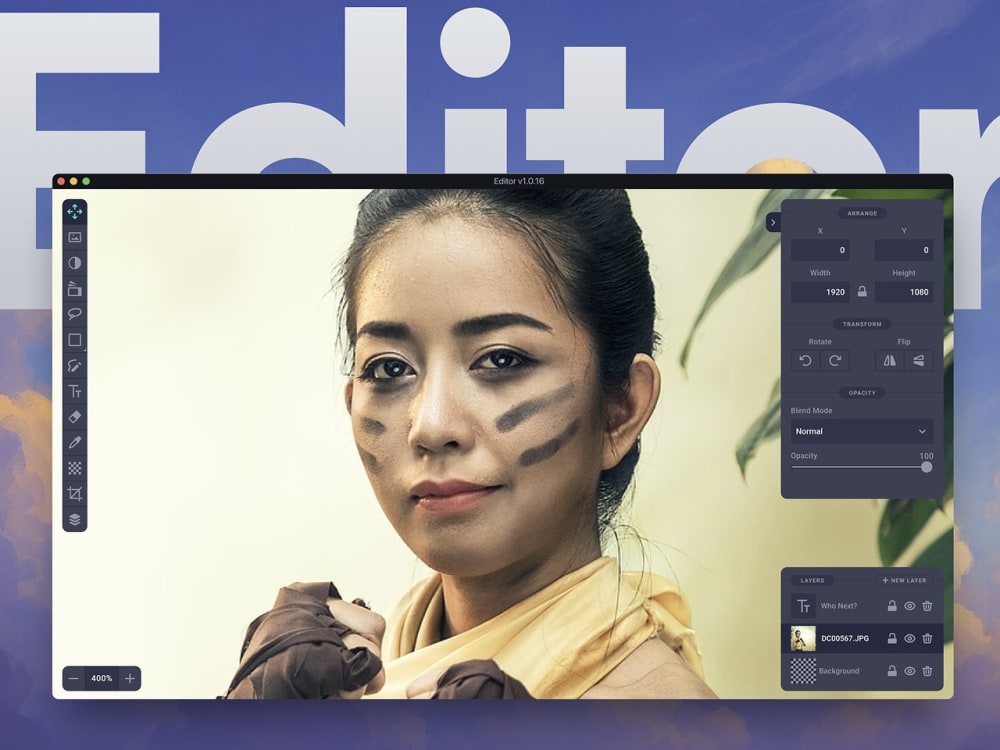
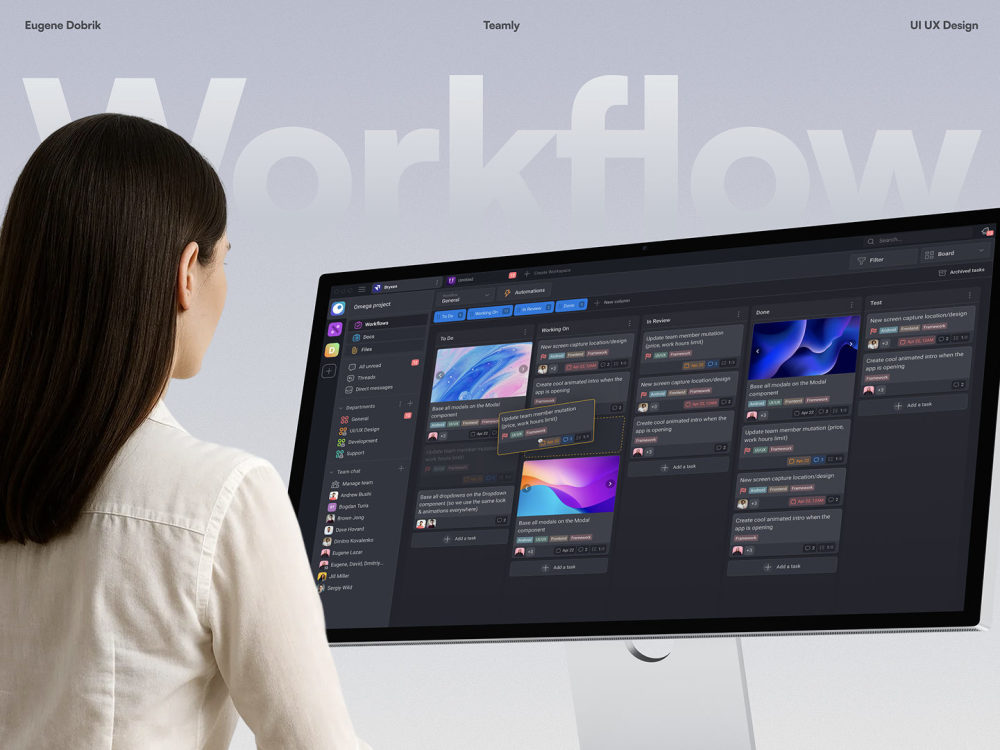
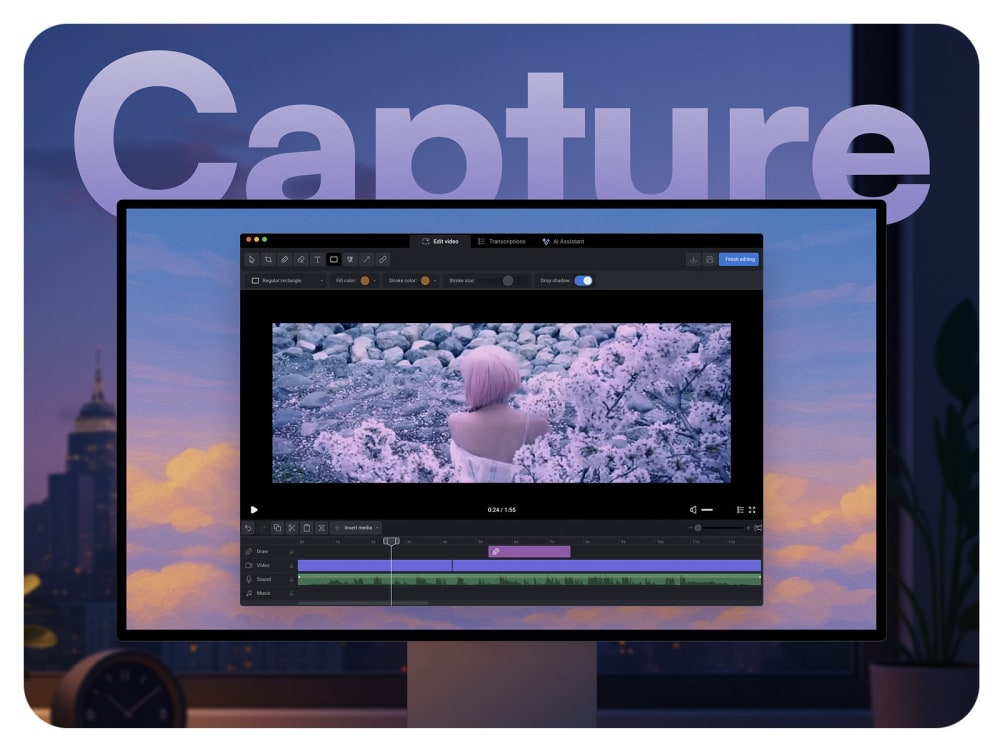
Project details
You will get a real, working AI prototype, not just UI screens or clickable demos.
I design the UI/UX in Figma and recreate key flows in real code, so your AI product can be tested, validated, and iterated before development.
I work as a UI UX Designer and Product Designer focused on AI-powered SaaS and mobile products.
I start with User Experience Design and UI Design in Figma, defining user flows, AI interactions, and edge cases.
Then I turn the design into a working AI prototype using Cursor and React / React Native, recreating real logic, states, and interactions — not fake prototypes.
This workflow helps founders and product teams validate AI features, test UX, and align design with development early.
What this is perfect for:
• AI SaaS MVPs
• AI-powered dashboards
• AI assistants & tools
• Startup validation
• Investor demos
• UX testing before development
Tools & stack:
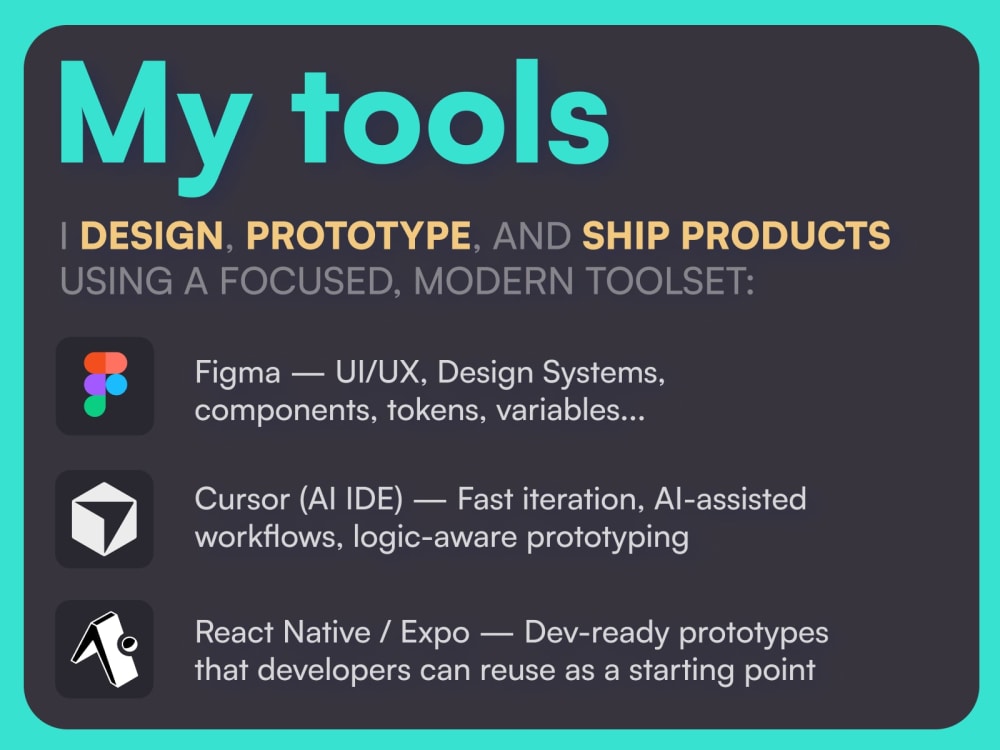
• Figma (UI/UX Design, Design Systems)
• Cursor (AI-assisted development)
• React / React Native / Expo
• Claude Code, v0, Lovable
• Google Antigravity
• UX Research & Prototyping
If you want to go beyond static designs and build an AI prototype that actually works, let’s build it right.
I design the UI/UX in Figma and recreate key flows in real code, so your AI product can be tested, validated, and iterated before development.
I work as a UI UX Designer and Product Designer focused on AI-powered SaaS and mobile products.
I start with User Experience Design and UI Design in Figma, defining user flows, AI interactions, and edge cases.
Then I turn the design into a working AI prototype using Cursor and React / React Native, recreating real logic, states, and interactions — not fake prototypes.
This workflow helps founders and product teams validate AI features, test UX, and align design with development early.
What this is perfect for:
• AI SaaS MVPs
• AI-powered dashboards
• AI assistants & tools
• Startup validation
• Investor demos
• UX testing before development
Tools & stack:
• Figma (UI/UX Design, Design Systems)
• Cursor (AI-assisted development)
• React / React Native / Expo
• Claude Code, v0, Lovable
• Google Antigravity
• UX Research & Prototyping
If you want to go beyond static designs and build an AI prototype that actually works, let’s build it right.
Main Type
Email Templates, Game, Landing Pages, Mobile Apps, Web Apps, Website, OtherFile Format
JPG, PDF, PNG, PSD, SWF, AI, BMPR, EPS, SVG, ICO, OtherWhat's included
| Service Tiers |
Starter
$50
|
Standard
$1,000
|
Advanced
$3,000
|
|---|---|---|---|
| Delivery Time | 1 day | 5 days | 14 days |
Number of Revisions | 0 | Unlimited | Unlimited |
Source Files | - |
70 reviews
(69)
(1)
(0)
(0)
(0)
This project doesn't have any reviews.
ML
Michael L.
May 30, 2026
UX Designer needed for an Investor update presentation.
Perfect Blend of Professionalism and Creativity. Eugene is a professional who loves his work and delivers high quality work every time.
BB
Billy B.
May 13, 2026
UX Expert - Web Designer
ML
Michael L.
May 11, 2026
UI UX Designer for Creative Agency Website and Landing Page Design | Figma + React + Motion
Eugene is a Master of his trade. He brings so many tools to the table and adds to any project. Master Designer!
JH
Josh H.
May 7, 2026
Creative Director & UI/UX Designer
Eugene did an excellent job, our crew calls him the lynchpin. He is able to produce beautiful graphics that rival all other senior designers.
YZ
Yauheni Z.
Mar 30, 2026
UI/UX Designer needed to design modern landing page for SaaS
Eugene did a great job! This is already my second contract working with him, and I’d be very happy to collaborate again in the future.
As always, his communication is excellent — he responds quickly, stays proactive, and consistently shares best practices. The quality of his work is very high, and he uses modern tools and technologies, actively integrating AI into his workflow, which makes his progress especially impressive.
On top of that, Eugene is very easy and comfortable to work with. He doesn’t just execute tasks — he actively suggests improvements, not only from a design perspective but also in terms of UX, which adds a lot of value to the final result.
As always, his communication is excellent — he responds quickly, stays proactive, and consistently shares best practices. The quality of his work is very high, and he uses modern tools and technologies, actively integrating AI into his workflow, which makes his progress especially impressive.
On top of that, Eugene is very easy and comfortable to work with. He doesn’t just execute tasks — he actively suggests improvements, not only from a design perspective but also in terms of UX, which adds a lot of value to the final result.
About Eugene
UI UX Designer Web Design UI UX Mobile App Design UI UX Designer Figma
100%
Job Success
Herceg Novi, Montenegro - 3:05 am local time
— Your UX feels confusing?
— Your Figma out of control?
Let’s fix that!
Top Rated Plus UI UX Designer for SaaS, Web Design, Mobile App Design, Figma, dashboards, CRM, admin panels, landing pages, and React prototypes.
100% Job Success, $800K+ earned, 15,700+ Upwork hours, 91 jobs, and 12+ years in UI UX Design, Web Design, Mobile App Design, Figma, SaaS dashboards, web apps, landing pages, UX/UI, and working React prototypes.
I help founders, B2B startups, and product teams turn messy ideas, outdated interfaces, and unstructured Figma files into clean, modern, intuitive, user-friendly products your users can understand and your developers can build.
◆ Core work
▪ SaaS UI UX Design for dashboards, CRM, ERP, analytics, fintech, AI tools, admin panels, portals, and B2B platforms
▪ Web Design and Web App Design for websites, landing pages, startup websites, internal tools, and responsive web applications
▪ Mobile App Design and Mobile UI Design for iOS, Android, marketplace, productivity, and mobile SaaS apps
▪ Figma Design Systems with Auto Layout, components, variants, variables, design tokens, style guide, UI kit structure, states, and clean files
▪ UI/UX Prototyping, Prototyping, Wireframing, User Flow, UX Research, Usability Testing, clickable prototypes, product UX, and Developer Handoff
▪ Graphic Design, UI Graphics, Landing Page concepts, visual hierarchy, Adobe Photoshop, Adobe Illustrator, Adobe XD, and WordPress design support
Skills / Tools: Figma, Web Design, User Experience Design, User Interface Design, UX & UI, Mobile App Design, UI/UX Prototyping, Wireframing, Mobile UI Design, User Flow, Graphic Design, Landing Page, Prototyping, Adobe Photoshop, UX Research, Adobe Illustrator, WordPress, Usability Testing, Adobe XD, UI Graphics.
As a UI UX Designer, I map product logic, simplify user flows, improve usability, structure Figma components, design responsive interfaces, and validate key interactions with real prototypes when static mockups are not enough.
◆ Proof from Upwork
▪ Top Rated Plus UI UX Designer
▪ $800K+ earned
▪ 100% Job Success
▪ 15,700+ tracked hours
▪ 89 completed Upwork jobs
▪ 0-4h average response time
▪ 200+ UI UX Design, Web Design, Mobile App Design, SaaS, and Figma projects
▪ 50+ scalable Figma design systems
▪ 40+ mobile app design projects for iOS and Android
◆ My process
1. Product and UX audit
I review your product, users, business model, current Figma file, flows, screens, friction points, accessibility, conversion risks, and technical constraints.
2. User flow and wireframes
I structure the SaaS flow, mobile app flow, dashboard logic, onboarding, navigation, forms, tables, permissions, empty states, error states, and key user journeys before visual polish.
3. UI UX Design in Figma
I design clean, modern, polished user interfaces for SaaS dashboards, web apps, mobile apps, landing pages, AI tools, fintech products, B2B platforms, and data-heavy products.
4. Figma Design System
I build reusable components, Auto Layout, variants, variables, tokens, typography, colors, spacing, responsive design rules, component specs, and developer-ready states.
5. Prototype and validation
When needed, I turn Figma into clickable prototypes or working React / Next.js / Expo / React Native prototypes using Cursor, Codex, and AI-assisted workflows. This helps test interaction logic, layout behavior, forms, charts, and responsiveness before full development.
6. Developer handoff
I prepare organized Figma files, component logic, naming, specs, style guide, handoff notes, exportable assets, and responsive behavior so developers can build without guessing.
◆ Best-fit projects
SaaS Dashboard UI UX Design
B2B SaaS Web App Design
Mobile App Design in Figma
Figma Mobile App Designer work for iOS and Android
Website Designer or Web Designer for startup websites
Landing Page Designer for SaaS and conversion pages
Product Designer for MVPs and early-stage products
UI UX Audit, UX Audit, product redesign, or website redesign
AI SaaS, fintech dashboard, analytics, CRM, ERP, admin panel, and portal interfaces
Figma Design System, component library, design tokens, and Developer Handoff
UI/UX Prototyping, clickable prototype, Figma to React, and working prototype review
◆ Why this workflow is different
My Figma + Codex + React workflow helps validate experience before build. You can see how the product behaves, not only how it looks.
If your SaaS product, mobile app, web app, dashboard, landing page, or Figma file feels messy, outdated, inconsistent, hard to use, or hard to build, send me the flow.
I will help you turn it into clear UI UX Design, structured Figma, and a product direction your team can actually ship.
Just say “Hey Eugene” and send one screen, product problem, flow, or Figma link.
UPD: June 29, 2026
Steps for completing your project
After purchasing the project, send requirements so Eugene can start the project.
Delivery time starts when Eugene receives requirements from you.
Eugene works on your project following the steps below.
Revisions may occur after the delivery date.
Review your design and plan interactions
I’ll analyze your screens and define key flows, transitions, and interaction types.
Create interactive prototype in Figma
I’ll build a high-fidelity prototype using Figma’s built-in interaction tools (clicks, transitions, overlays, etc.).