You will get UX / UI Mobile App or Website Design in Figma and Adobe XD

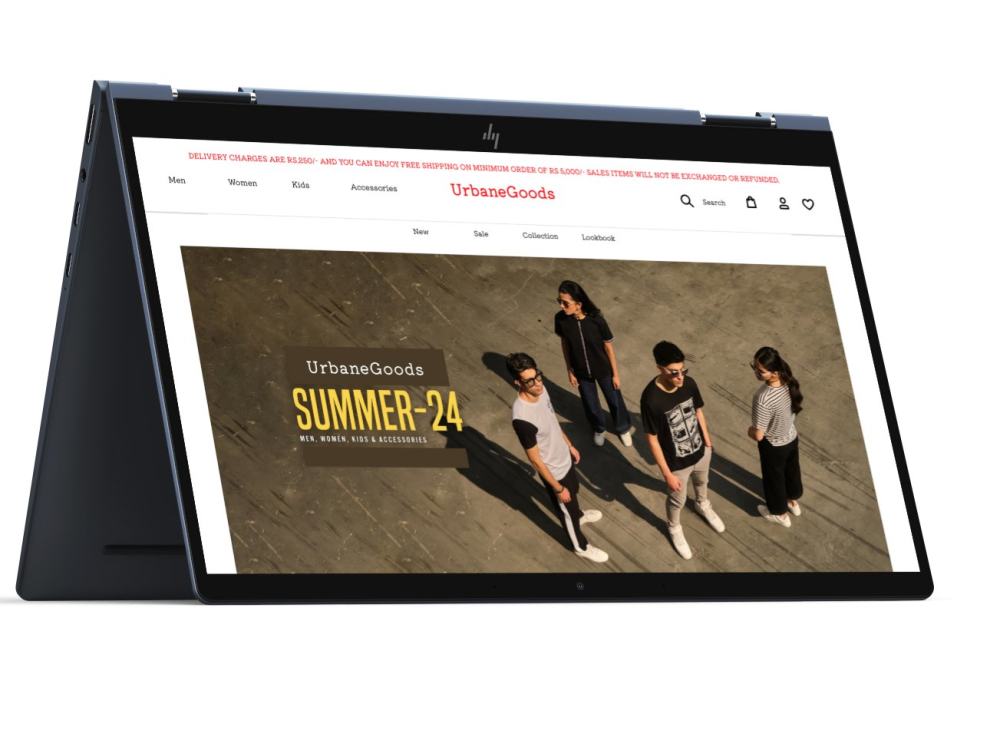
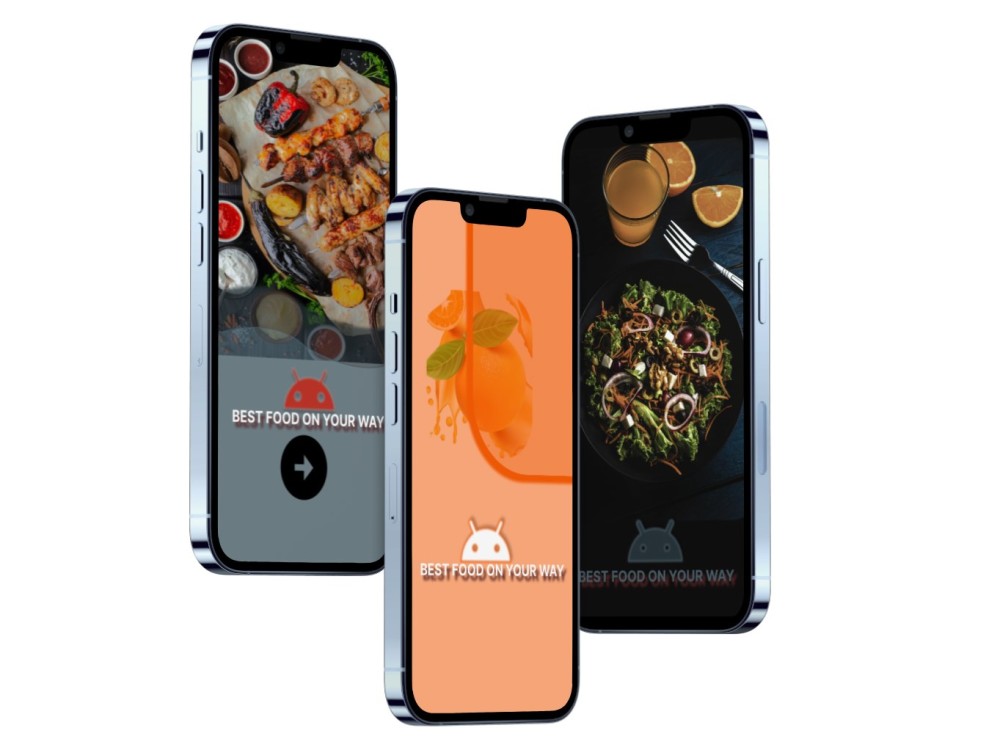
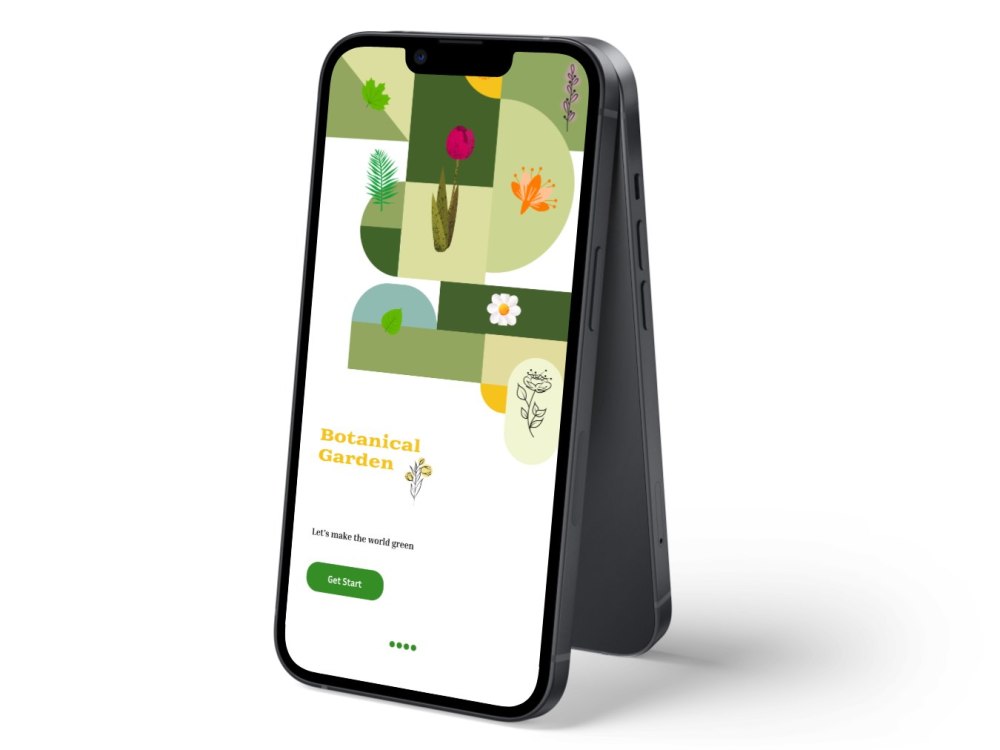
Project details
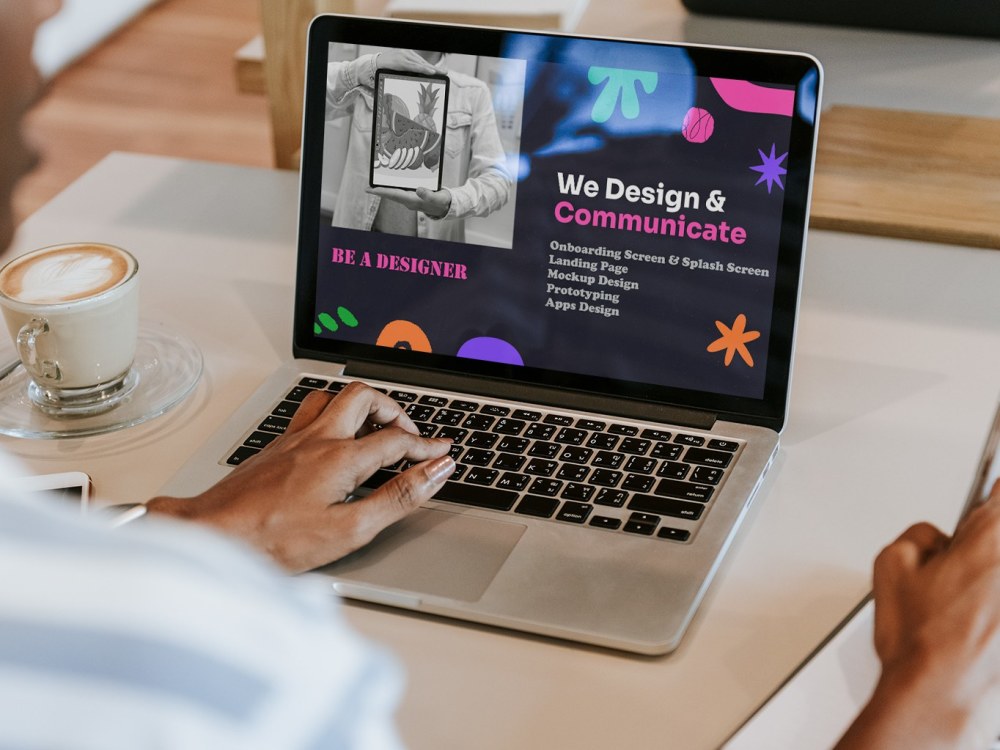
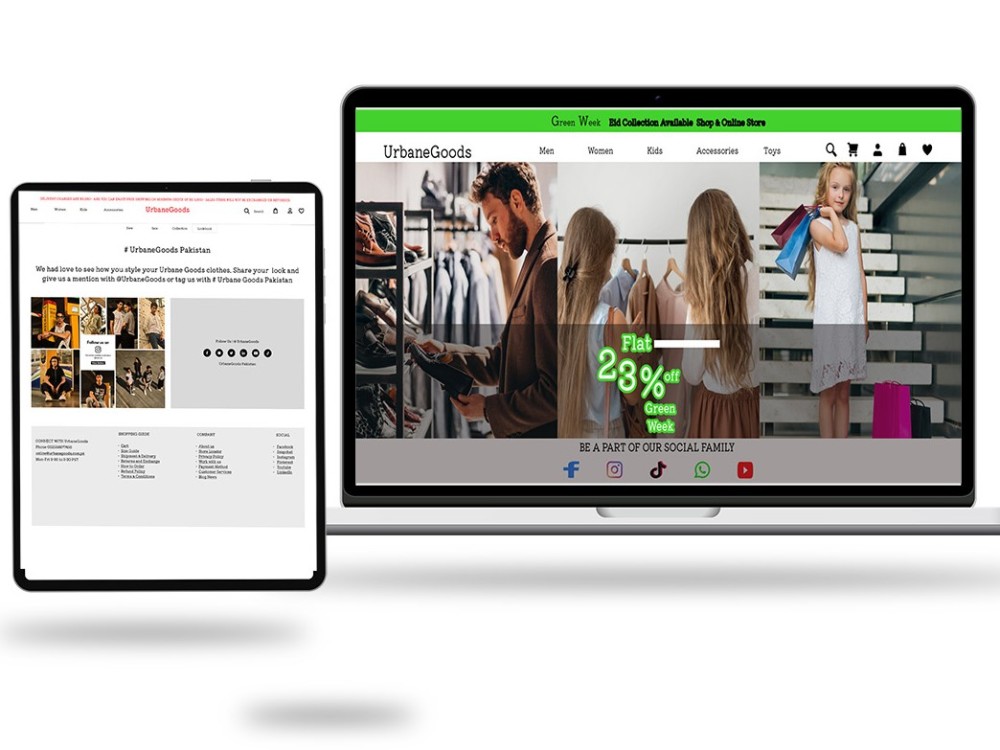
A mobile app project involves creating a software application designed to run on mobile devices like smartphones and tablets. The development process typically includes:
Conceptualization:
Define the app's purpose, target audience, and key features.
Design:
Create wireframes and UI/UX designs to visualize the app’s interface and user experience.
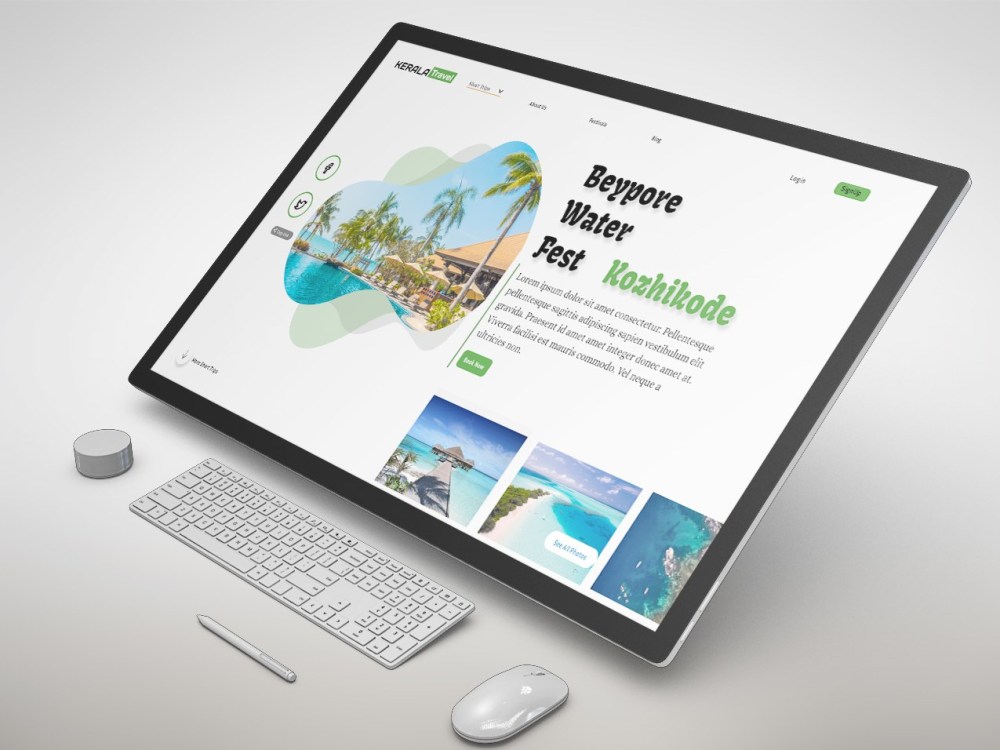
Landing Page Project
A landing page project involves creating a single web page designed with a specific focus, often to promote a product, service, or event and drive conversions. The development process generally includes:
Planning:
Determine the page’s objective, target audience, and key messaging.
Design:
Create wireframes and mockups to outline the layout, visual elements, and user flow.
Content Creation:
Develop compelling copy, images, and multimedia elements to engage visitors.
Development:
Code the landing page using HTML, CSS, JavaScript, and integrate any necessary backend functionalities.
Testing:
Test the page for usability, compatibility across browsers, and ensure it meets performance standards.
Launch:
Deploy the landing page to a web server and connect it to marketing campaigns.
Conceptualization:
Define the app's purpose, target audience, and key features.
Design:
Create wireframes and UI/UX designs to visualize the app’s interface and user experience.
Landing Page Project
A landing page project involves creating a single web page designed with a specific focus, often to promote a product, service, or event and drive conversions. The development process generally includes:
Planning:
Determine the page’s objective, target audience, and key messaging.
Design:
Create wireframes and mockups to outline the layout, visual elements, and user flow.
Content Creation:
Develop compelling copy, images, and multimedia elements to engage visitors.
Development:
Code the landing page using HTML, CSS, JavaScript, and integrate any necessary backend functionalities.
Testing:
Test the page for usability, compatibility across browsers, and ensure it meets performance standards.
Launch:
Deploy the landing page to a web server and connect it to marketing campaigns.
Main Type
Landing Pages, Mobile Apps, Web AppsFile Format
JPG, PDF, PNGWhat's included
| Service Tiers |
Starter
$20
|
Standard
$40
|
Advanced
$80
|
|---|---|---|---|
| Delivery Time | 1 day | 3 days | 4 days |
Number of Revisions | Unlimited | Unlimited | Unlimited |
Source Files | - |
About Umair
UX/UI App & Web Designer / Creative Designer
Sahiwal, Pakistan - 11:41 pm local time
A UX/UI (User Experience/User Interface) app and web designer plays a crucial role in creating digital products that are not only visually appealing but also user-friendly and intuitive. Here's a detailed description of what this role entails:
User Experience (UX) Designer:
Research: Conducts user research to understand the needs, motivations, and behaviors of the target audience. This involves interviews, surveys, usability testing, and competitor analysis.
Information Architecture: Structures the layout and flow of the app or website to ensure logical navigation and easy access to information. This includes creating sitemaps, user flows, and wireframes.
Prototyping: Develops interactive prototypes to demonstrate the functionality and user flow of the product before development begins. Prototypes can range from low-fidelity (simple sketches) to high-fidelity (interactive and clickable).
Usability Testing: Conducts testing with real users to gather feedback and iterate on designs. This helps in identifying usability issues and improving the overall user experience.
UX Principles: Applies principles of user-centered design, accessibility, and usability standards to ensure that the product meets the needs of its users effectively and efficiently.
User Interface (UI) Designer:
Visual Design: Creates the look and feel of the product, including color schemes, typography, icons, and overall visual aesthetics. This is done while adhering to brand guidelines and design principles.
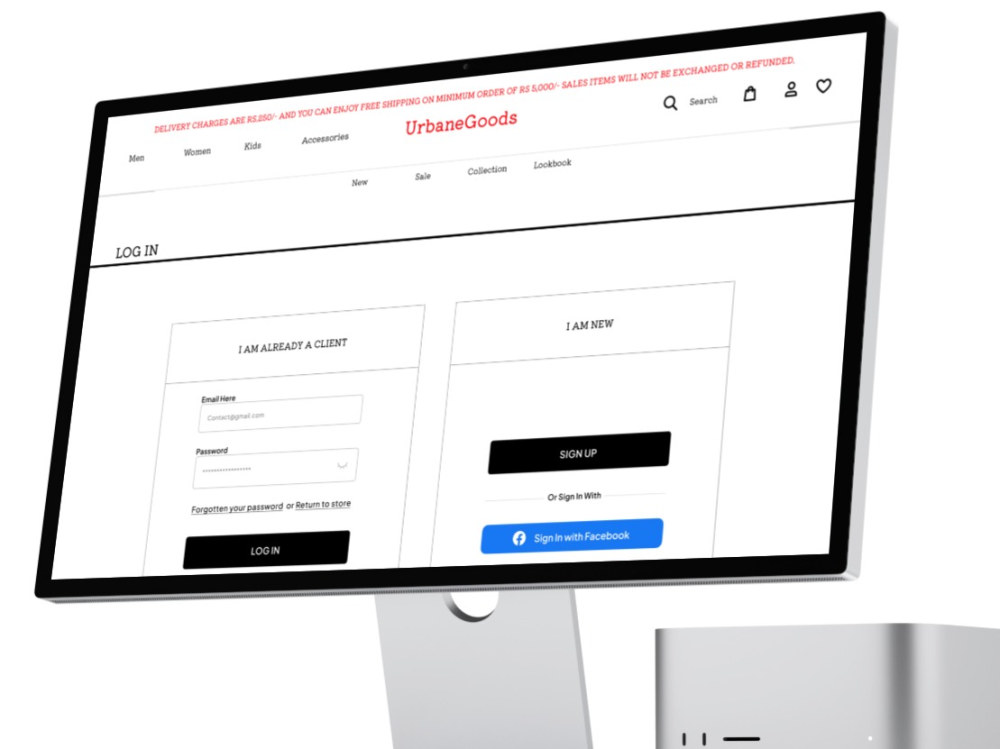
UI Elements: Designs all the elements that users interact with, such as buttons, forms, menus, and widgets. These elements should be visually consistent and enhance the overall user experience.
Responsive Design: Ensures that the design is responsive and adapts seamlessly to different screen sizes and devices. This involves designing for mobile, tablet, and desktop views.
Collaboration: Works closely with developers, product managers, and other stakeholders to translate design concepts into code. This requires effective communication and understanding of technical constraints.
Tools: Uses various design tools such as Sketch, Adobe XD, Figma, or Adobe Photoshop to create mockups, prototypes, and final designs.
Animation and Microinteractions: Incorporates animations and microinteractions to make the user interface more engaging and delightful. These subtle details can greatly enhance the overall user experience.
Skills and Qualifications:
Proficiency in design tools mentioned above (Sketch, Adobe XD, Figma, etc.)
Understanding of user-centered design principles
Knowledge of HTML/CSS, though not always required
Strong communication skills for collaborating with cross-functional teams
Attention to detail and a keen eye for aesthetics
Ability to empathize with users and advocate for their needs
Experience with usability testing and prototyping tools
Importance:
The role of a UX/UI app and web designer is critical in ensuring that digital products are not only visually appealing but also highly functional and intuitive. A well-designed user experience can significantly impact user satisfaction, retention, and even business success. It's about creating seamless interactions between users and the digital product, making sure users can achieve their goals efficiently and enjoyably.
Steps for completing your project
After purchasing the project, send requirements so Umair can start the project.
Delivery time starts when Umair receives requirements from you.
Umair works on your project following the steps below.
Revisions may occur after the delivery date.
A comprehensive project brief.