You will get a manual WCAG 2.2 AA accessibility audit (no automated-only reports)
Project details
Accessibility is not just about passing scans—it’s about reducing legal risk and ensuring real usability.
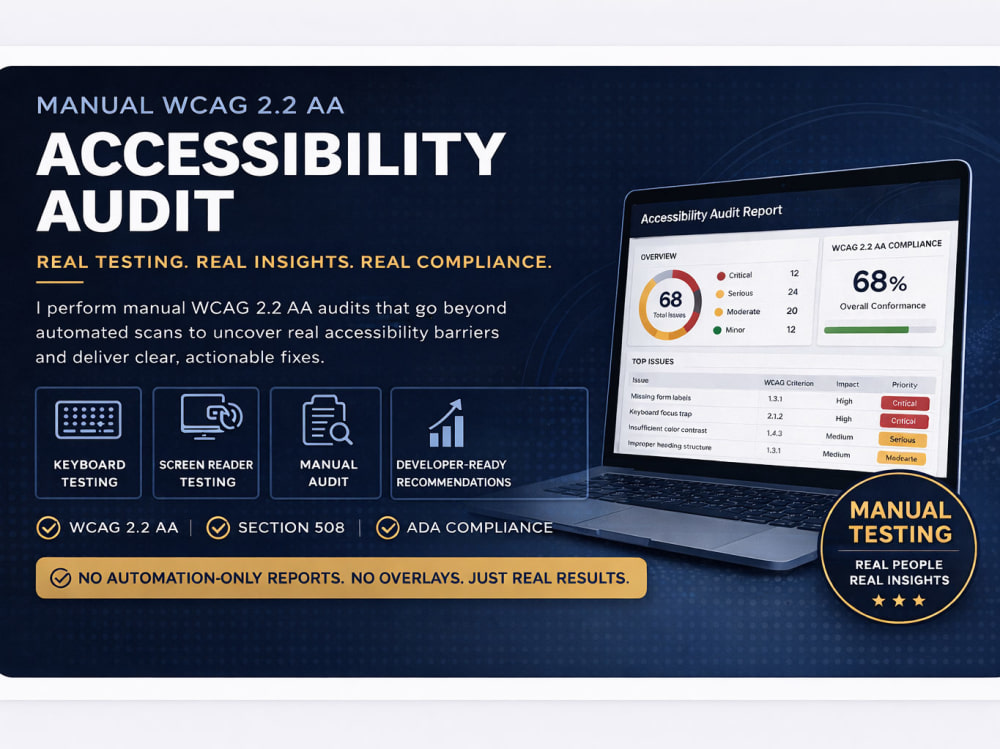
I perform manual WCAG 2.2 AA audits that identify true accessibility barriers and provide developer-ready fixes. I have experience auditing and remediating web content in federal environments, aligning with Section 508 and WCAG standards.
What I test (manually)
• Keyboard-only navigation (focus order, traps, visibility)
• Screen reader behavior (NVDA / VoiceOver patterns)
• Forms, labels, instructions, and error handling
• Navigation, menus, modals, and dynamic content
• Semantic structure and ARIA usage (correct vs harmful)
• Critical user flows (search, checkout, filtering, etc.)
What you get
1. Executive Summary
2. Detailed Findings Report
Each issue includes:
• WCAG 2.2 AA criterion
• Severity (based on real user impact)
• Clear explanation (not technical jargon)
• Screenshot or example
3. Developer-Ready Fixes
What this is NOT
• No scanner-only reports
• No accessibility overlays or widgets
• No “100% compliant” claims
Who this is for
• Government contractors
• Businesses preparing for ADA / WCAG compliance
• Teams that need real validation
I perform manual WCAG 2.2 AA audits that identify true accessibility barriers and provide developer-ready fixes. I have experience auditing and remediating web content in federal environments, aligning with Section 508 and WCAG standards.
What I test (manually)
• Keyboard-only navigation (focus order, traps, visibility)
• Screen reader behavior (NVDA / VoiceOver patterns)
• Forms, labels, instructions, and error handling
• Navigation, menus, modals, and dynamic content
• Semantic structure and ARIA usage (correct vs harmful)
• Critical user flows (search, checkout, filtering, etc.)
What you get
1. Executive Summary
2. Detailed Findings Report
Each issue includes:
• WCAG 2.2 AA criterion
• Severity (based on real user impact)
• Clear explanation (not technical jargon)
• Screenshot or example
3. Developer-Ready Fixes
What this is NOT
• No scanner-only reports
• No accessibility overlays or widgets
• No “100% compliant” claims
Who this is for
• Government contractors
• Businesses preparing for ADA / WCAG compliance
• Teams that need real validation
Testing Type
Website TestingDevice
PC, Mac, iPhone, Android Mobile PhoneWhat's included
| Service Tiers |
Starter
$75
|
Standard
$250
|
Advanced
$600
|
|---|---|---|---|
| Delivery Time | 2 days | 4 days | 7 days |
Number of Revisions | 0 | 0 | 1 |
Summary Report | - | - | - |
Annotated Screenshots | - | - | - |
Responsiveness Testing | - | - | - |
Vulnerability Testing | - | - | - |
Functionality Testing | - | - | - |
Usability Testing | - | - | - |
Browser Compatibility Testing | - | - | - |
Performance/Load Test | - | - | - |
Optional add-ons
You can add these on the next page.
Retest after fixes
(+ 1 Day)
+$100
PDF accessibility check
(+ 1 Day)
+$75
Screen recording walkthrough of issues
+$50Frequently asked questions
About Christina
Web Content & Accessibility Specialist | WCAG | 508 | PDF Remediation
Rapid River, United States - 7:24 pm local time
WCAG / Section 508 accessibility specialist helping organizations identify compliance issues and implement clear, defensible solutions.
I provide accessibility audits, VPAT (ACR) documentation, and remediation support for websites, PDFs, and digital platforms.
# Background #
• Former Federal Web Manager (USDA Forest Service)
• Led accessibility and content compliance across 30+ public-facing websites
• Experience with WCAG 2.1 / 2.2, Section 508, and ADA requirements
• Hands-on work with web content, PDFs, CMS platforms, and governance
# Services #
• Accessibility audits (WCAG 2.1 / 2.2 AA)
• Shopify & ecommerce accessibility reviews
• PDF remediation (Section 508 compliant documents)
• VPAT / ACR creation and validation
• Remediation plans with prioritized fixes
# How I Work #
• Manual testing (not scan-only reports)
• Clear severity levels and prioritized recommendations
• Keyboard navigation and screen reader validation
• Practical, developer-ready guidance
• Documentation suitable for compliance, audits, and stakeholders
# What You Can Expect #
• Clear understanding of current accessibility risks
• Actionable steps—not generic reports
• Structured, professional documentation
• Straightforward communication
If you need to understand where your site or documents stand—and what to fix first—I can help.
Steps for completing your project
After purchasing the project, send requirements so Christina can start the project.
Delivery time starts when Christina receives requirements from you.
Christina works on your project following the steps below.
Revisions may occur after the delivery date.
Project Setup & Scope Alignment
I will 1) Review provided URLs and confirm scope (pages, templates, key user flows); 2) Identify critical journeys (forms, checkouts, navigation, etc.); and 3) Confirm any known accessibility concerns and priorities.
Manual WCAG 2.2 AA Testing
This includes 1) Keyboard-only navigation testing; 2) Screen reader testing (NVDA / VoiceOver); 3) Review of structure, semantics, ARIA, labels, and focus behavior; and 4) Identification of real-work usability barriers not just technical issues.