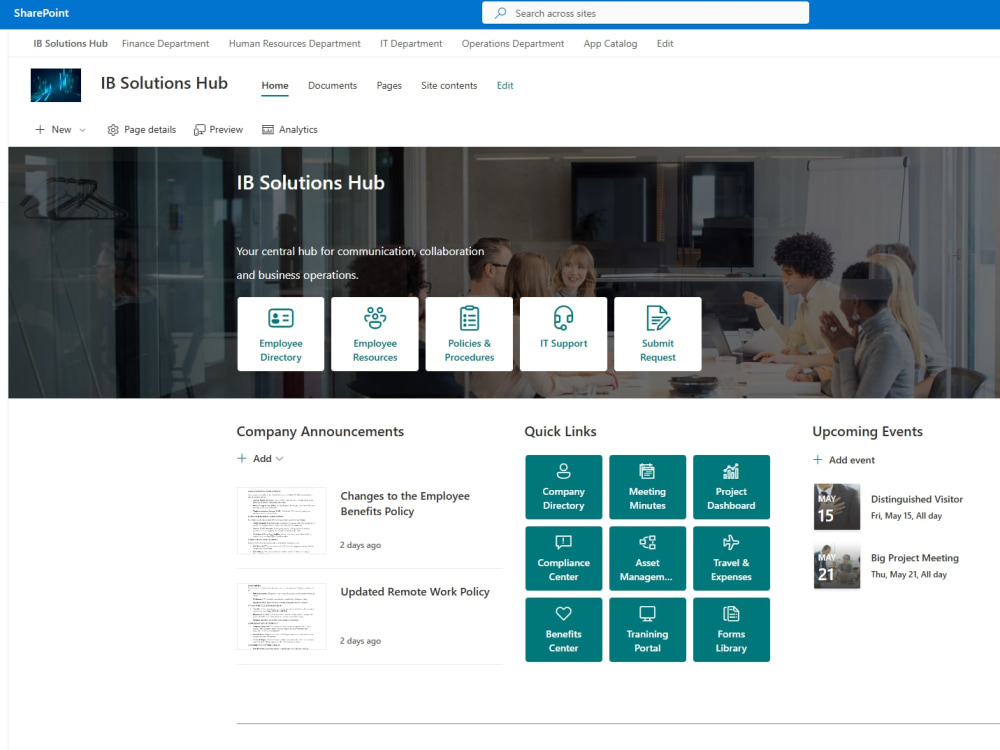
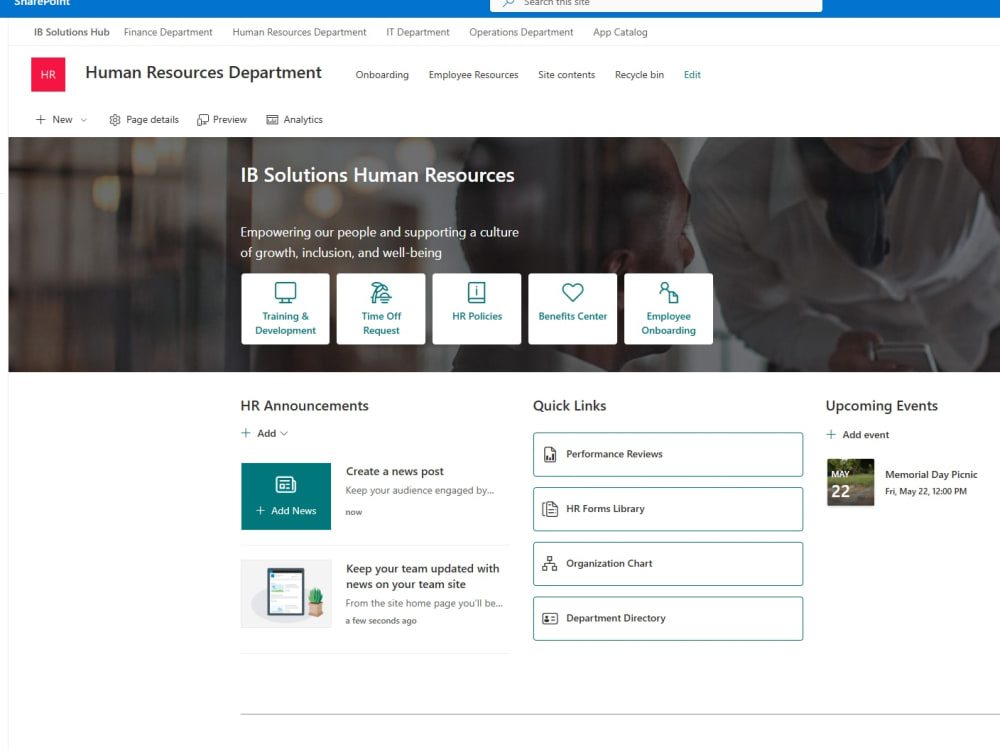
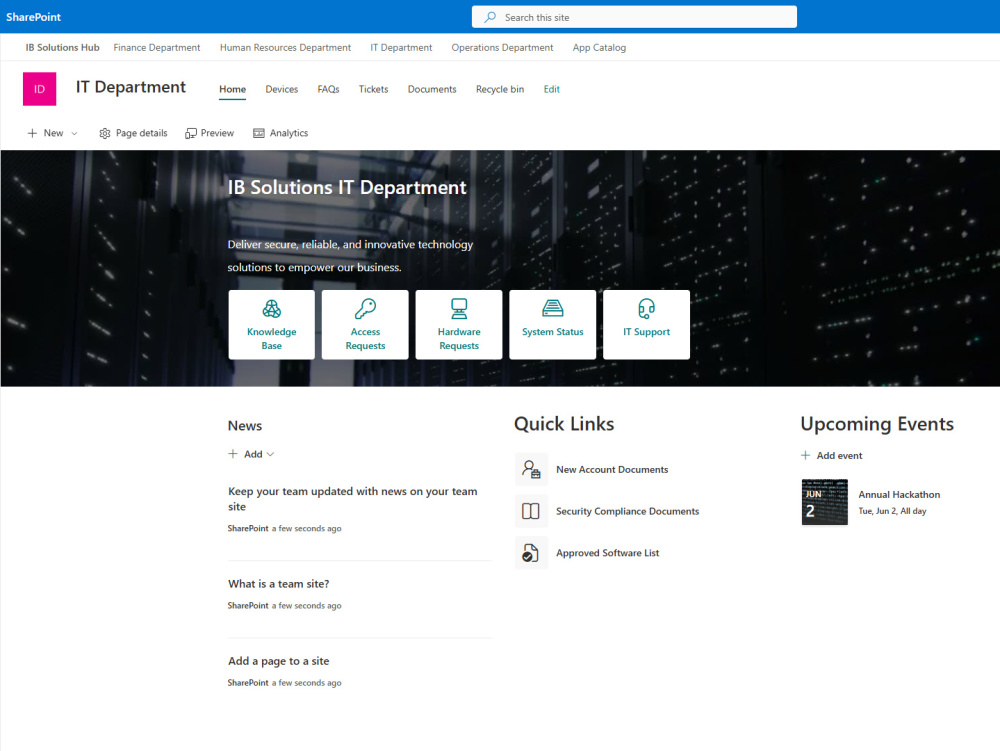
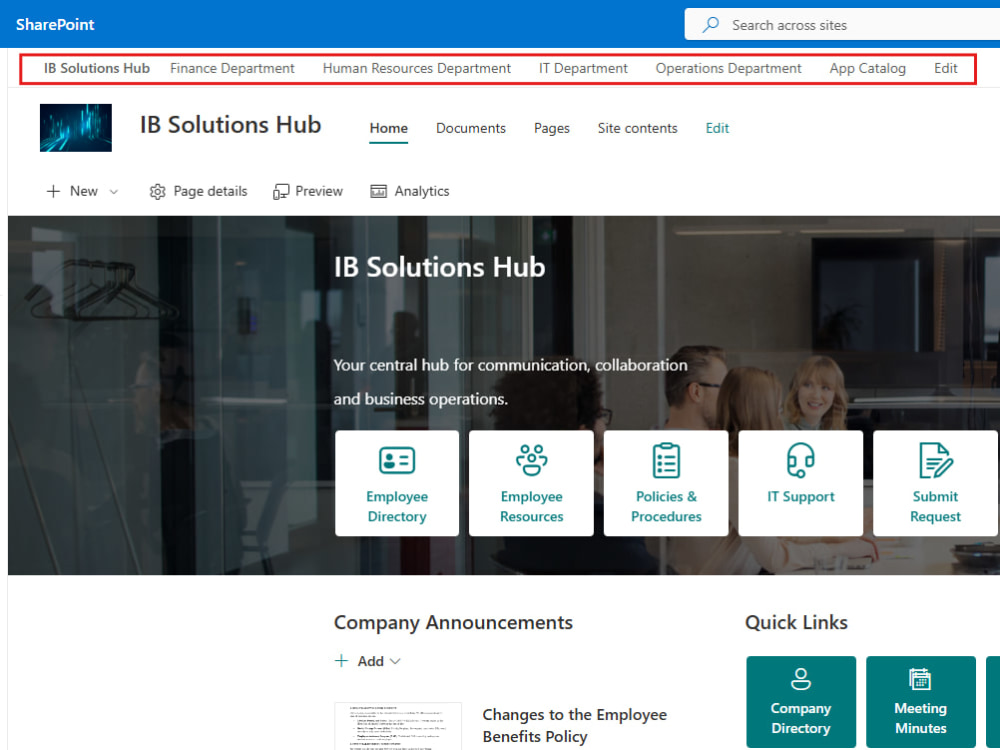
You will get a modern SharePoint Online intranet for your business.
Project details
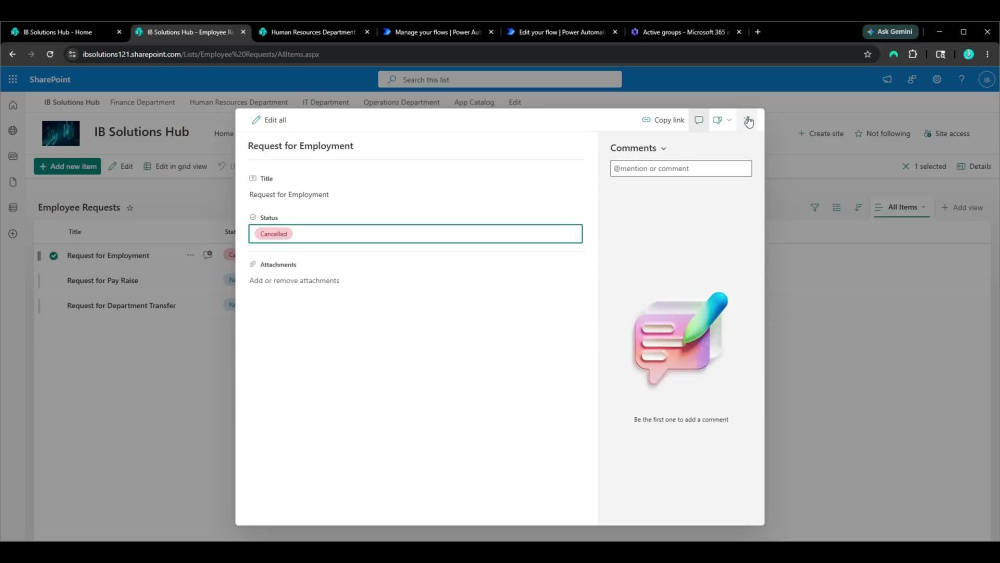
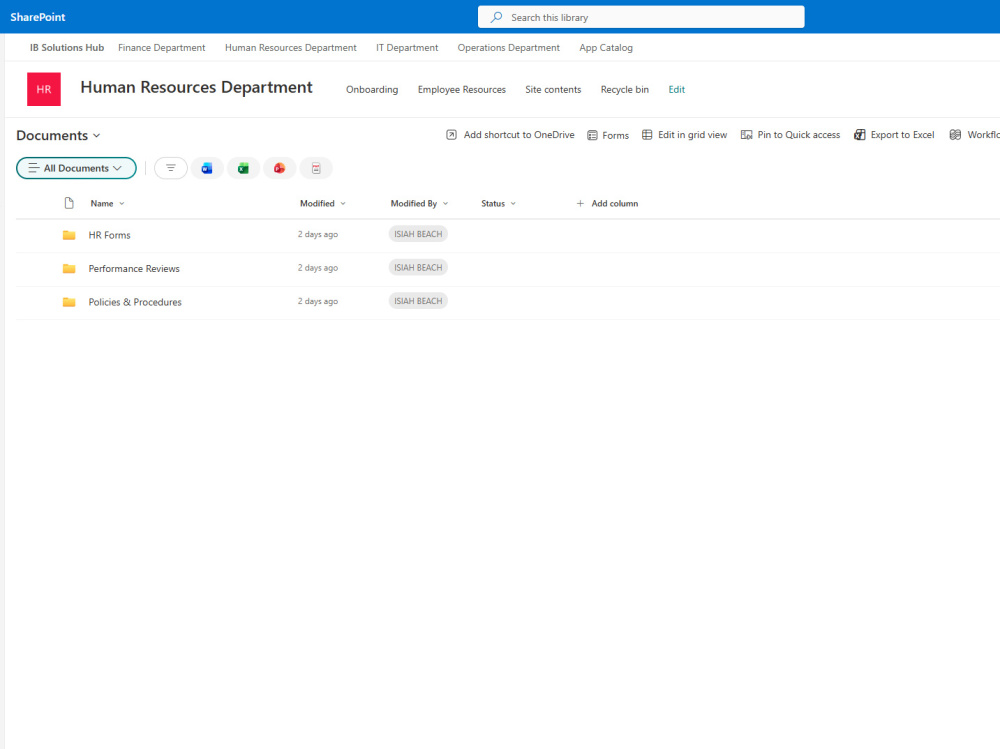
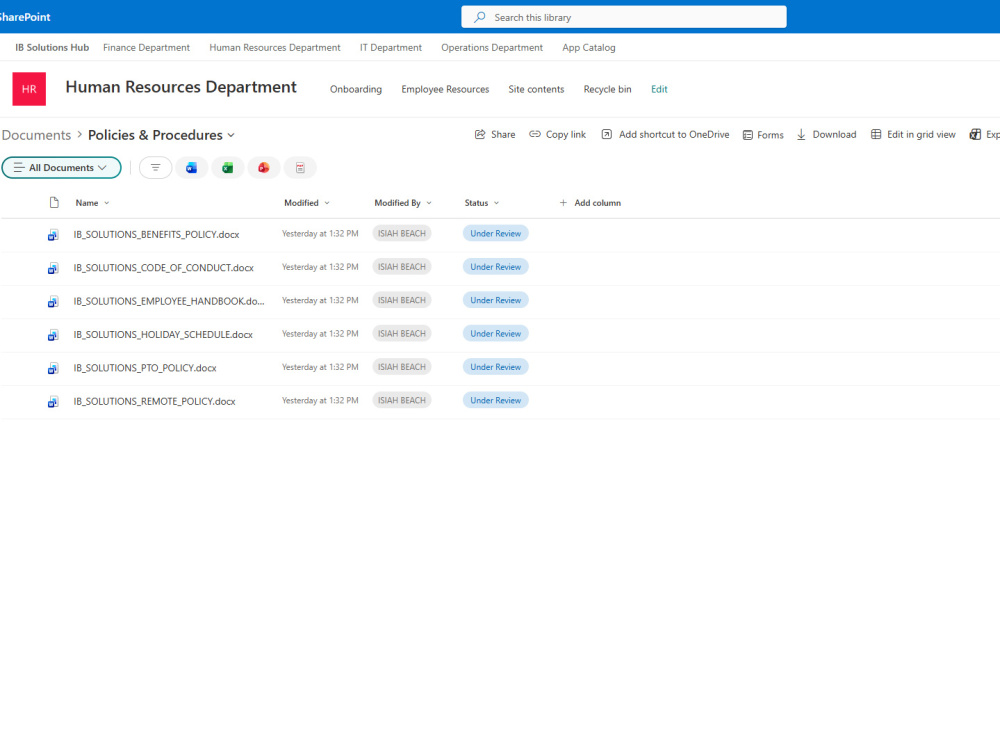
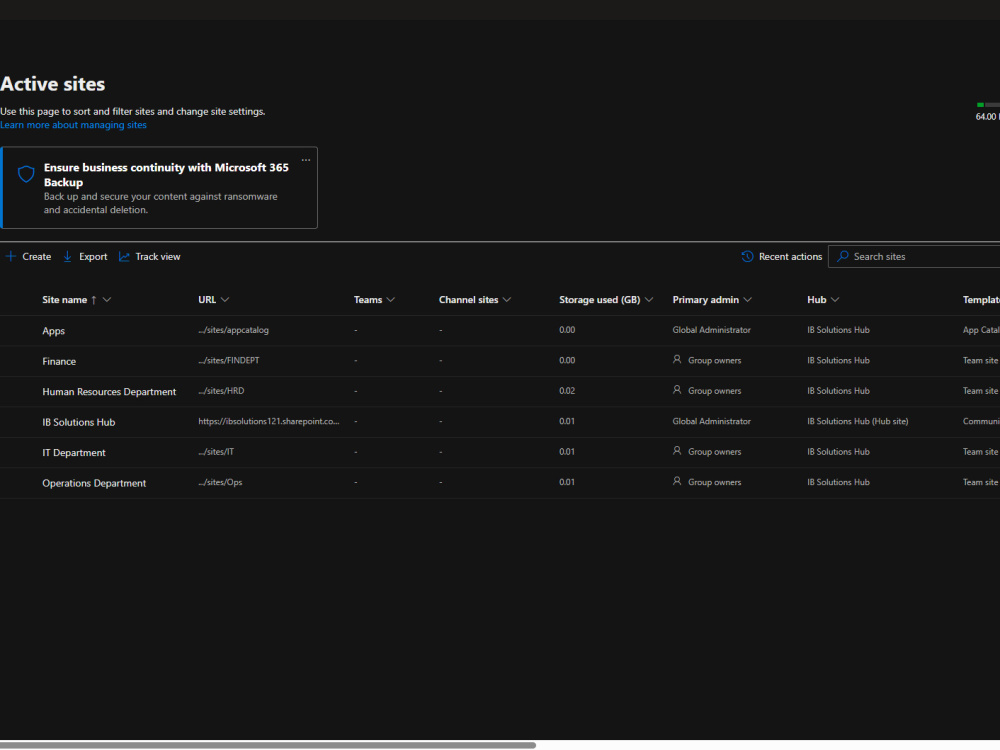
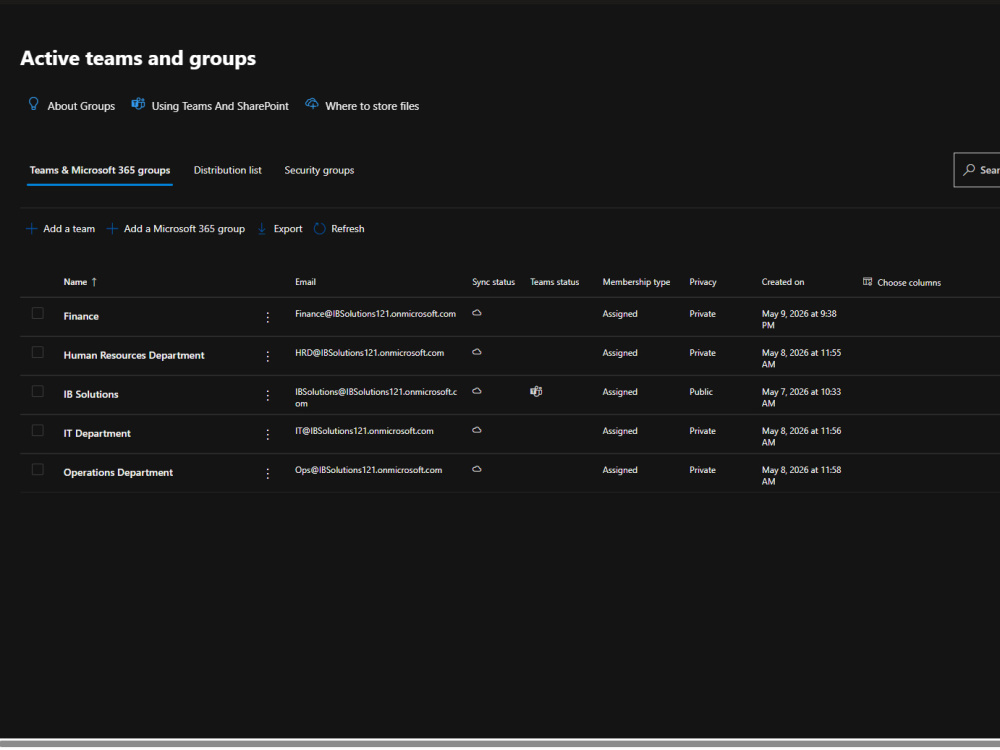
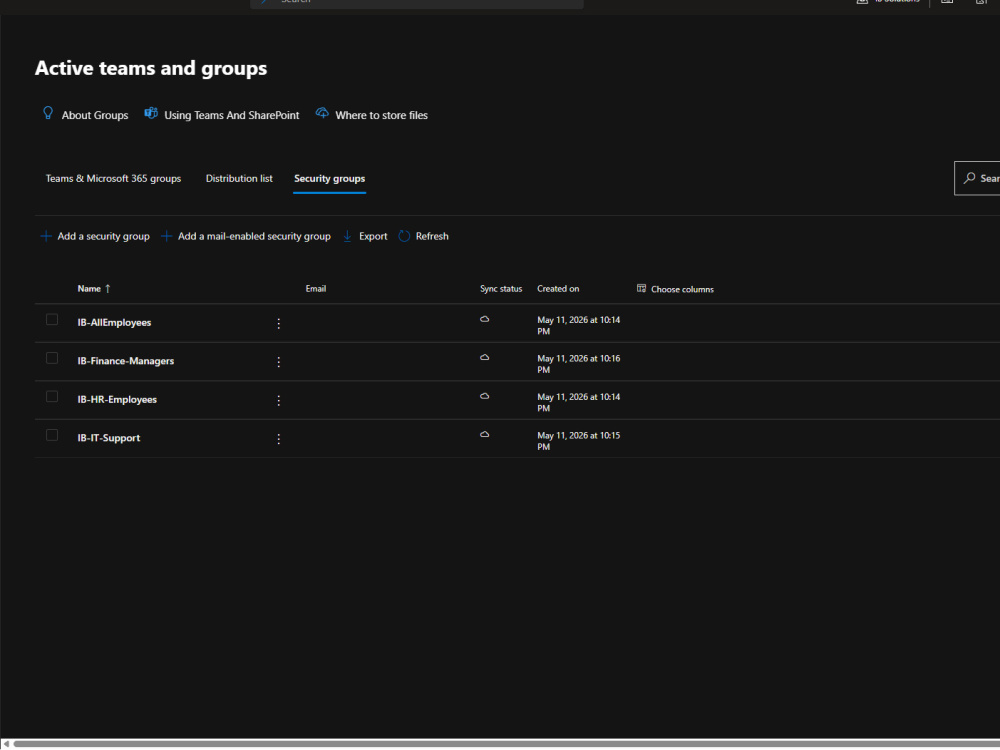
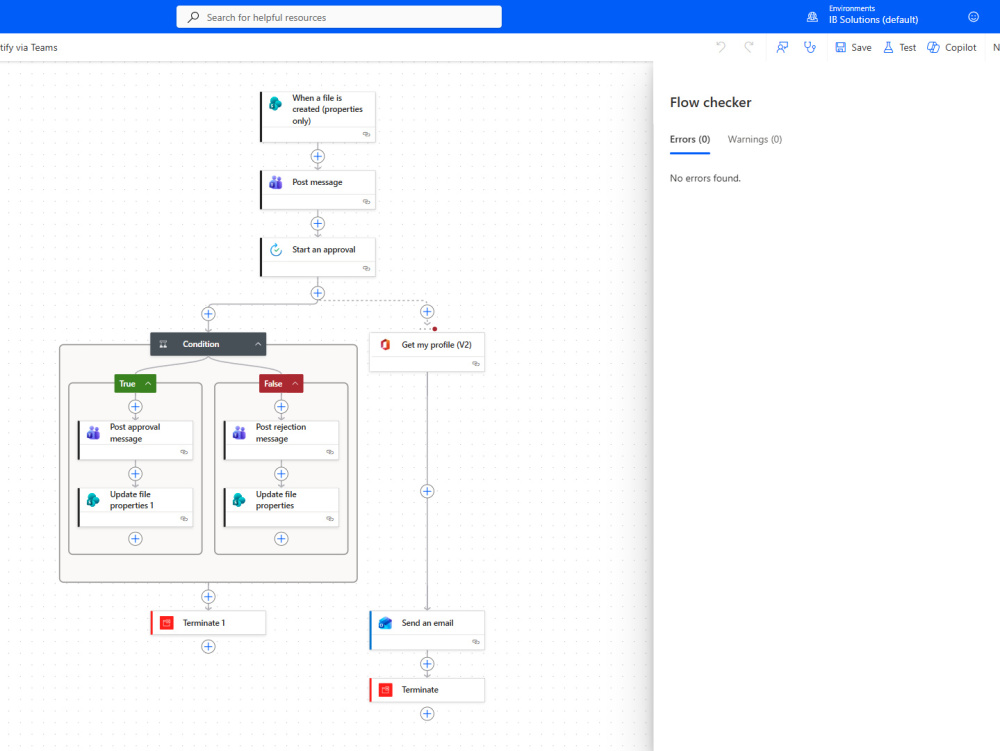
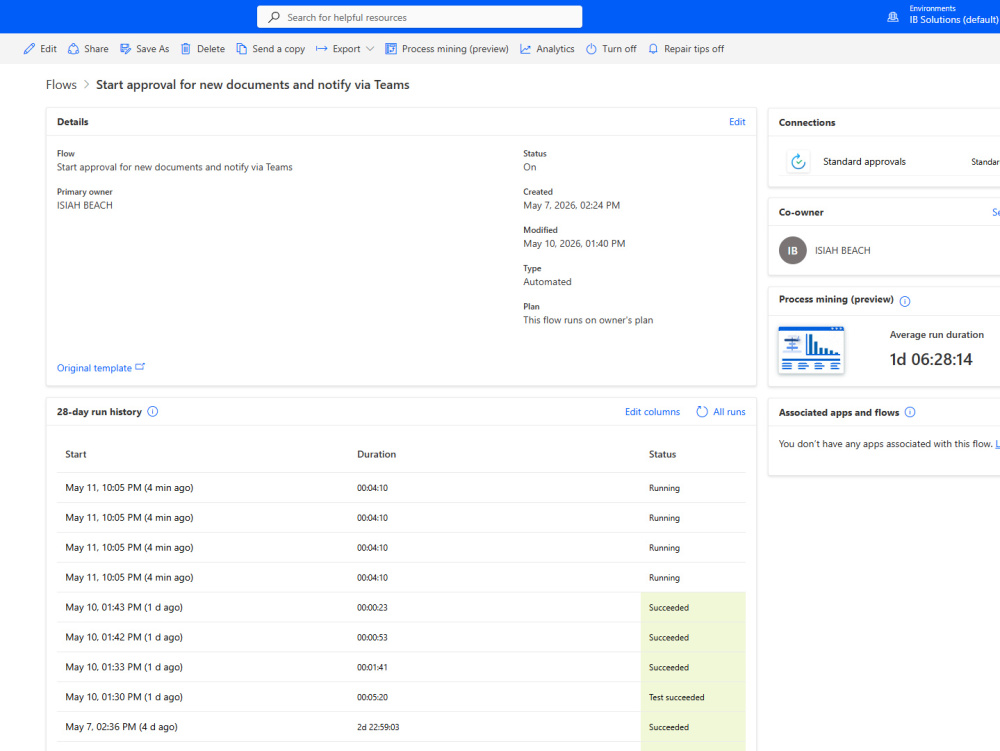
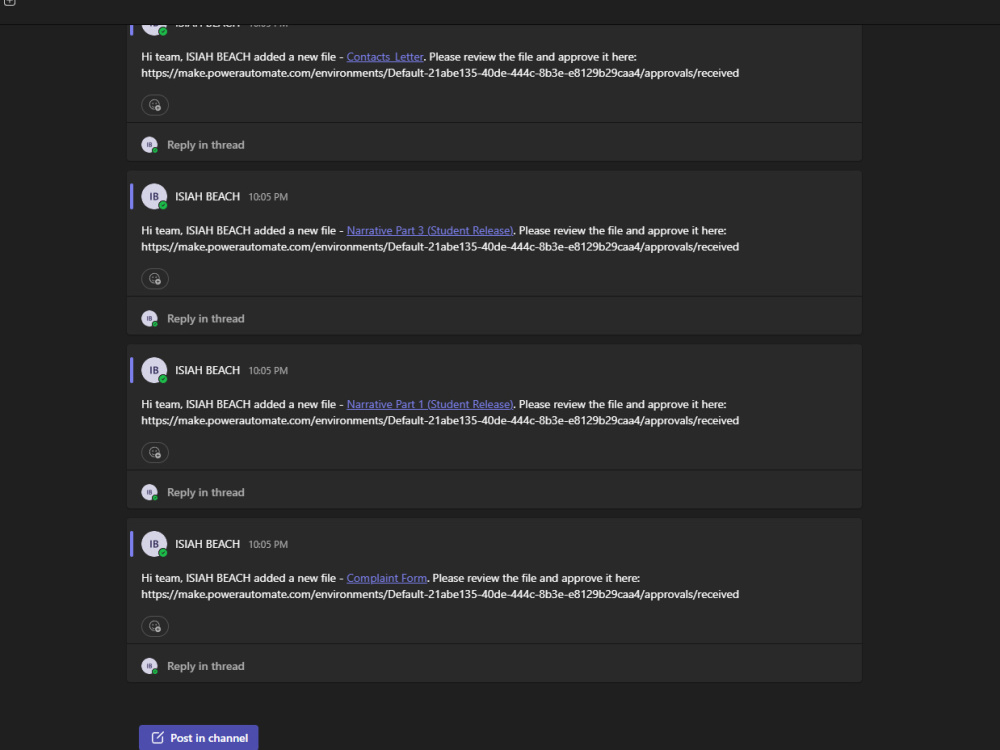
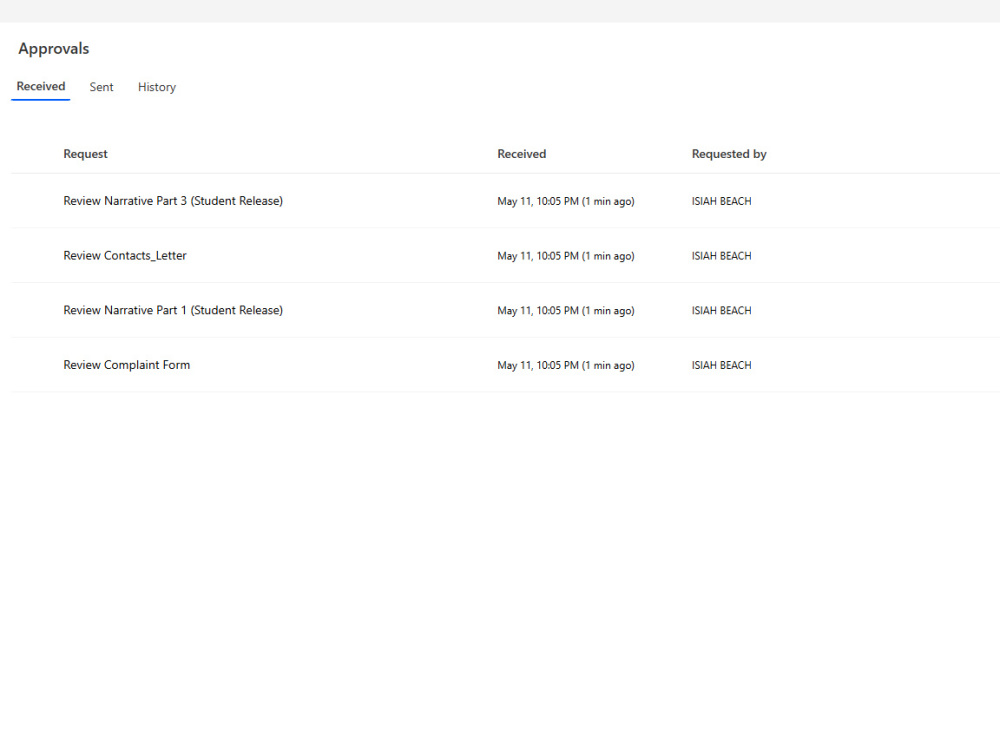
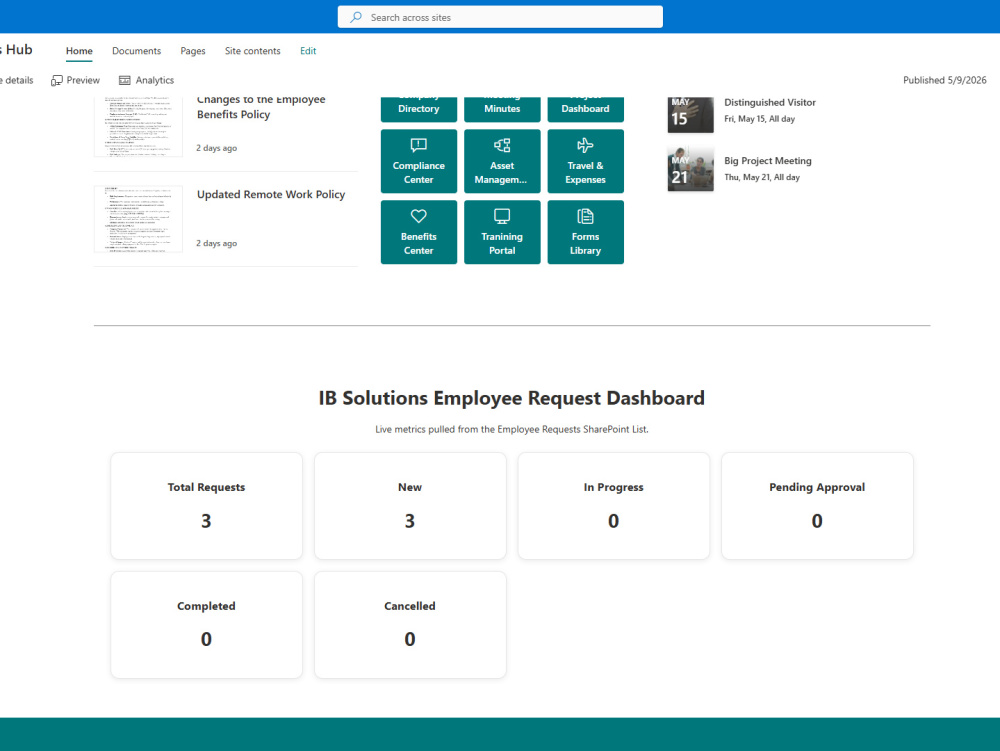
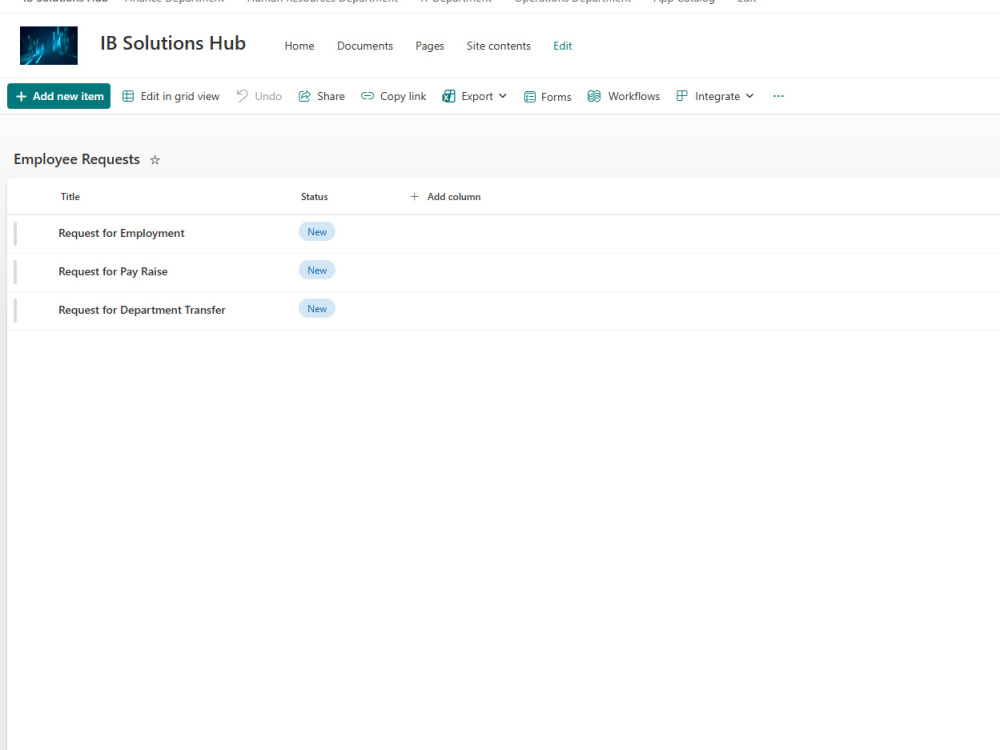
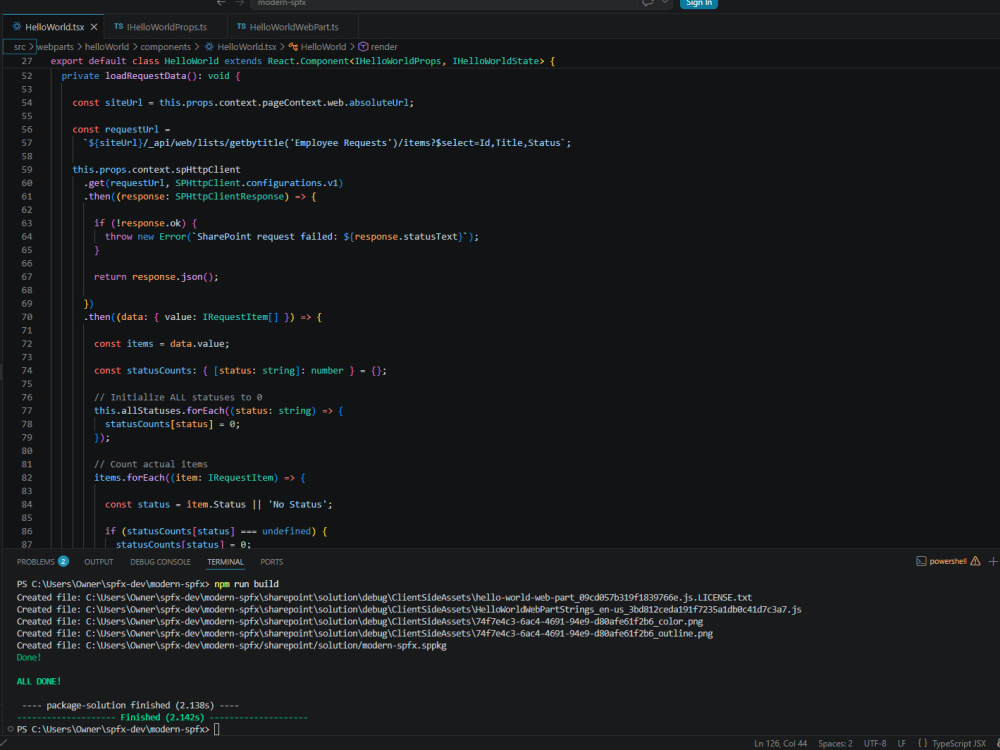
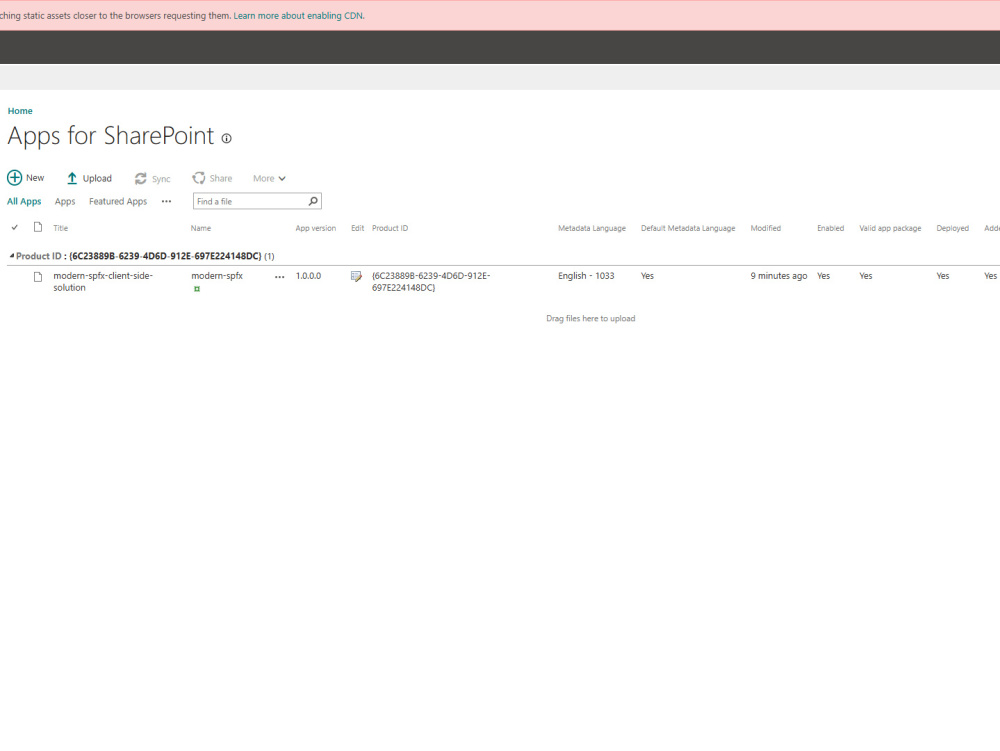
I build structured, enterprise-ready SharePoint intranets that go beyond basic pages by combining clear information architecture, secure governance, and automated workflows. My solutions integrate SPFx custom dashboards, Power Automate processes, and Microsoft 365 best practices to turn SharePoint into a functional internal system, not just a document site. Each project is designed for scalability, maintainability, and real business use—centered on live data, role-based access, and streamlined employee workflows.
What's included
| Service Tiers |
Starter
$500
|
Standard
$1,500
|
Advanced
$3,000
|
|---|---|---|---|
| Delivery Time | 5 days | 10 days | 21 days |
Number of Revisions | 1 | 2 | 3 |
Number of Pages | 2 | 5 | 10 |
Design Customization | - | ||
Content Upload | |||
Responsive Design | |||
Source Code | - |
Optional add-ons
You can add these on the next page.
Additional Revision
+$100
Additional Page
(+ 2 Days)
+$200
Workflow Automation
(+ 3 Days)
+$300About Isiah
M365 Developer | Power Apps, Power Automate & SharePoint Solutions
San Antonio, United States - 5:01 pm local time
I build Power Apps, Power Automate flows, SharePoint solutions, and SPFx web parts that eliminate manual work and streamline operations.
Whether it’s automating approvals, building internal tools, or extending SharePoint with custom components, I focus on practical, scalable solutions—not over-engineering.
If you have a process that needs automation or a SharePoint system that needs improvement, I can help design and build it.
Steps for completing your project
After purchasing the project, send requirements so Isiah can start the project.
Delivery time starts when Isiah receives requirements from you.
Isiah works on your project following the steps below.
Revisions may occur after the delivery date.
Requirements & Access Setup
Confirm scope, Tier level, and gather requirements (users, departments, workflows, integrations) along with SharePoint/M365 access.
Information Architecture & Planning
Design site structure, hub navigation, lists/libraries, and security model based on your business needs.