You will get an Excel automation that removes sensitive tabs and cleans reports
Project details
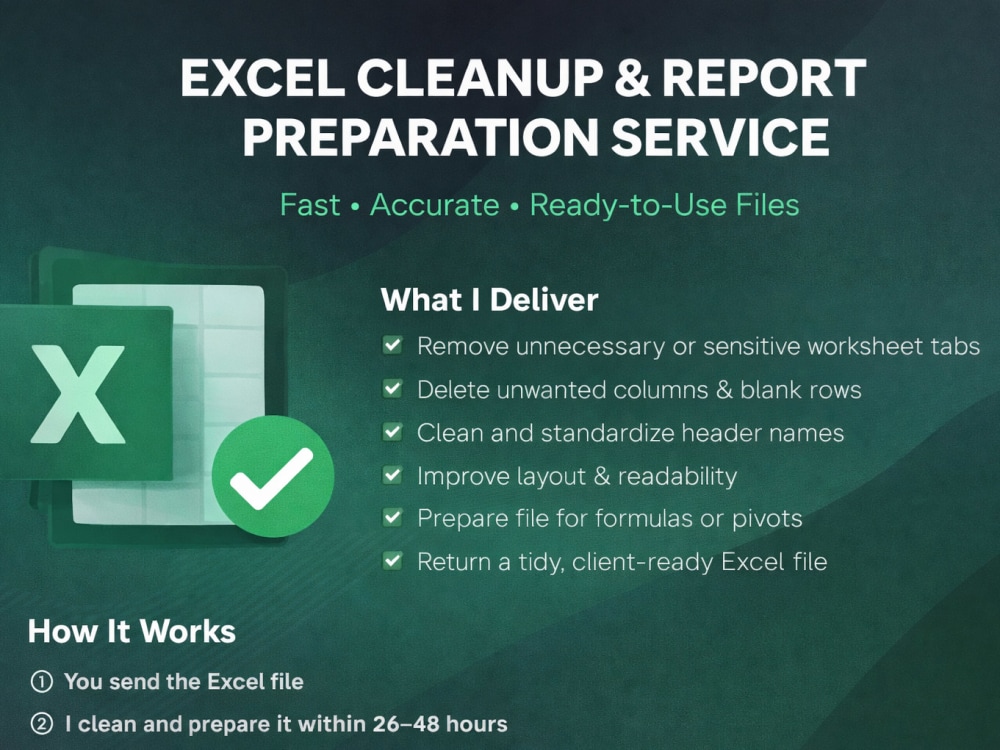
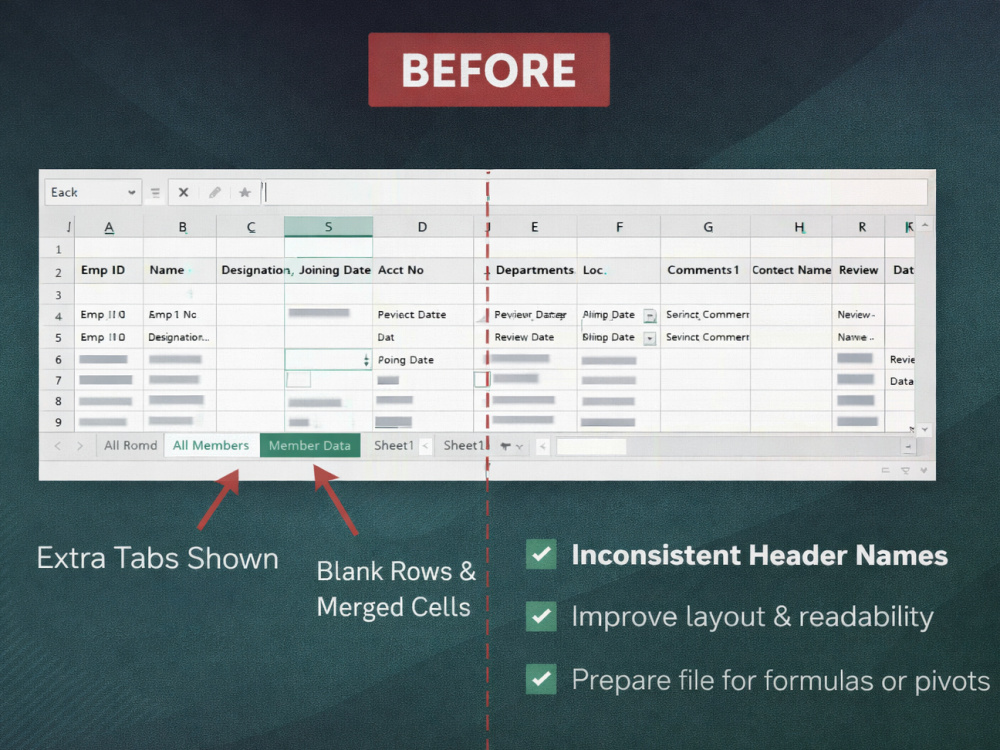
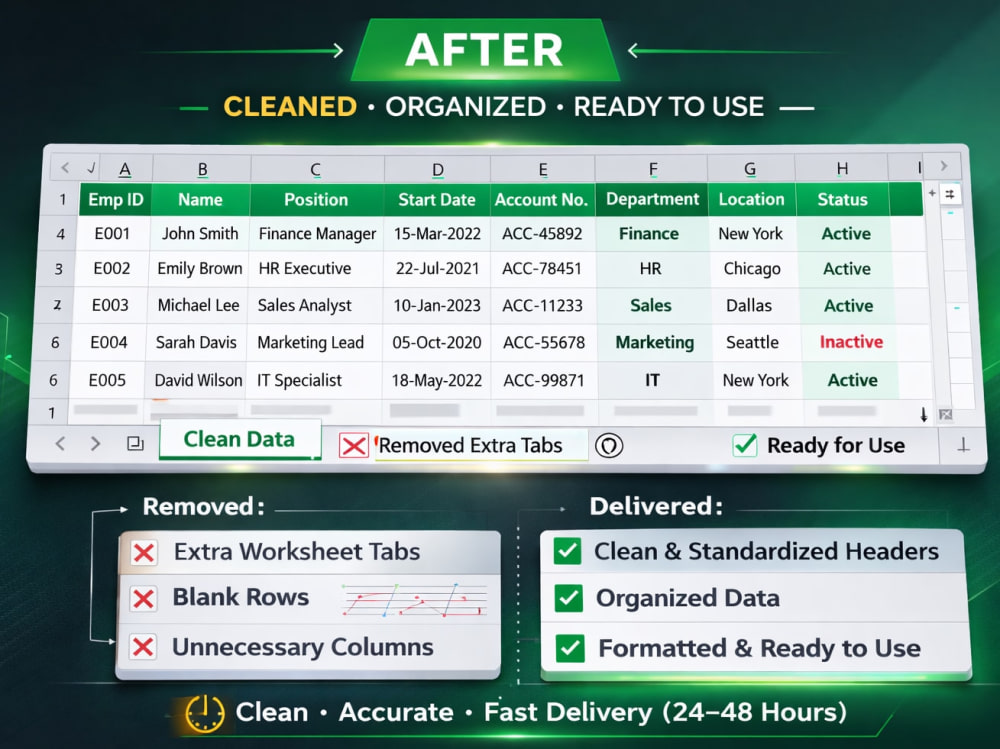
You will get a clean, organized, and client-ready Excel file without the clutter of unwanted tabs, messy headers, blank rows, or inconsistent formatting. This service is designed for individuals and teams who receive raw Excel files that are difficult to use, share, or report from.
I specialize in preparing spreadsheets for safe external sharing by removing sensitive worksheet tabs, cleaning unnecessary columns, and standardizing the layout so your file is easy to read, navigate, and work with. The result is a tidy, consistent Excel file that you can confidently send to clients, management, or colleagues.
Whether your file comes from HR, operations, finance, sales, CRM exports, or system downloads, I will ensure it is properly cleaned and ready for reporting. If you need formulas, a pivot table summary, or enhanced formatting, you can simply select the add-ons during checkout. Every project is handled manually and carefully to avoid mistakes and protect your data accuracy.
My goal is to save you time, reduce manual cleanup work, and help you deliver clean, professional spreadsheets—every time.
I specialize in preparing spreadsheets for safe external sharing by removing sensitive worksheet tabs, cleaning unnecessary columns, and standardizing the layout so your file is easy to read, navigate, and work with. The result is a tidy, consistent Excel file that you can confidently send to clients, management, or colleagues.
Whether your file comes from HR, operations, finance, sales, CRM exports, or system downloads, I will ensure it is properly cleaned and ready for reporting. If you need formulas, a pivot table summary, or enhanced formatting, you can simply select the add-ons during checkout. Every project is handled manually and carefully to avoid mistakes and protect your data accuracy.
My goal is to save you time, reduce manual cleanup work, and help you deliver clean, professional spreadsheets—every time.
Data Tool
Microsoft ExcelWhat's included $15
These options are included with the project scope.
$15
- Delivery Time 2 days
- Number of Revisions 2
Optional add-ons
You can add these on the next page.
Formula Setup
+$5
Pivot Table Summary
+$5
Advanced Formatting
+$8Frequently asked questions
About Junrui
Excel Automation & Data Processing | Power Query | Reporting
Gurun, Malaysia - 8:03 pm local time
If you have Excel files that require manual matching, cleaning, or recurring reporting, I can turn them into automated workflows that save hours every week.
Steps for completing your project
After purchasing the project, send requirements so Junrui can start the project.
Delivery time starts when Junrui receives requirements from you.
Junrui works on your project following the steps below.
Revisions may occur after the delivery date.
Review File & Requirements
I will review your uploaded Excel file and your instructions on which tabs and columns to clean or remove. If anything is unclear, I will clarify before starting.
File Cleaning & Standardization
I will remove unwanted tabs, delete unnecessary columns or blank rows, clean headers, and standardize the layout. If you purchased add-ons, I will apply them in this step.