You will get Automate One Excel Task — Python Script & Setup
Project details
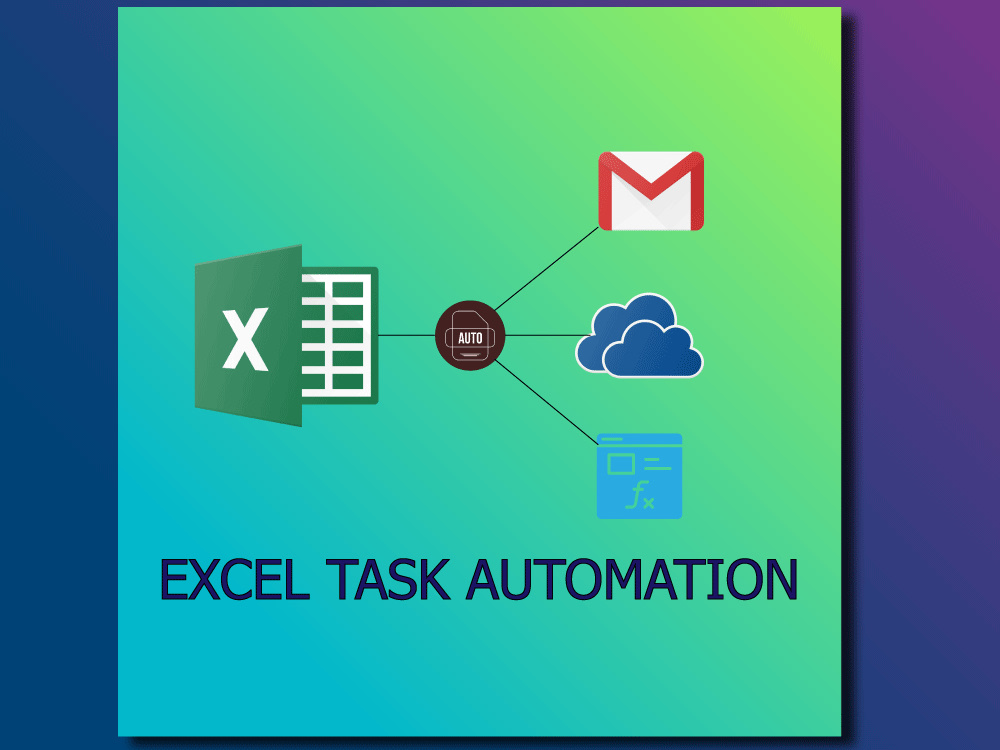
Save hours every week — I’ll turn one repetitive Excel task into an automated Python script or a mini dashboard so reports run themselves and your team stops wasting time.
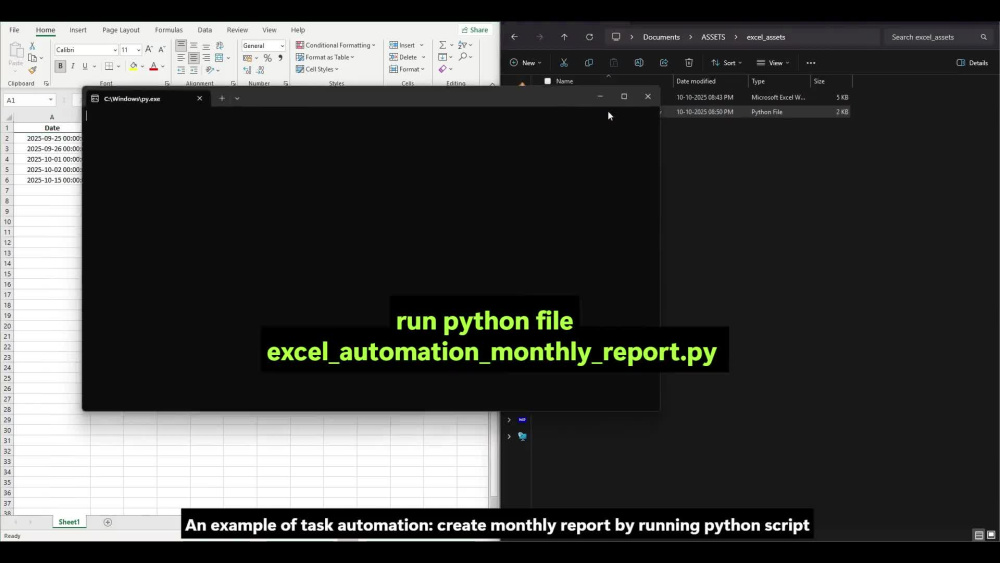
I automate repetitive Excel tasks (summaries, reconciliations, flags, exports) using Python and deliver either a runnable .py script or a small Streamlit dashboard. You’ll get tested code, a one-page README with install/run steps, and an export of the transformed data. I can also help schedule the job (cron/Windows task) or produce a Windows .exe on request.
I automate repetitive Excel tasks (summaries, reconciliations, flags, exports) using Python and deliver either a runnable .py script or a small Streamlit dashboard. You’ll get tested code, a one-page README with install/run steps, and an export of the transformed data. I can also help schedule the job (cron/Windows task) or produce a Windows .exe on request.
Programming Languages
PythonCoding Expertise
Cross Browser & Device CompatibilityWhat's included
| Service Tiers |
Starter
$60
|
Standard
$150
|
Advanced
$300
|
|---|---|---|---|
| Delivery Time | 2 days | 4 days | 7 days |
Number of Revisions | 1 | 2 | 3 |
Install Script | - | - | |
Test Script | - | - | |
Task Automation |
Frequently asked questions
About Sukh
Automation Developer | Python Scripts That Simplify Your Business
Chandigarh, India - 11:58 am local time
What I deliver: Ready-to-run Python scripts, Streamlit dashboards, or lightweight APIs with clear documentation and a deployment option (Windows .exe, Heroku, or cloud). Typical projects: Excel → dashboard conversions, scheduled ETL jobs, API integrations, and lightweight reporting apps.
Tech I use: Python, Pandas, Streamlit/Plotly, FastAPI/Flask, OpenPyXL, Selenium (when needed), Requests, Git. I’ll show a short demo and provide a small checklist so you can run everything without headaches.
Steps for completing your project
After purchasing the project, send requirements so Sukh can start the project.
Delivery time starts when Sukh receives requirements from you.
Sukh works on your project following the steps below.
Revisions may occur after the delivery date.
Review your sample Excel/CSV and the exact business rule you want automated
Create a Python script that reads the file, applies the rule, write result.