You will get automate your Google Sheets using Google Apps Script
Project details
Headline: Stop wasting hours on manual data entry and broken spreadsheets. Let’s automate your business operations.
If you are a business owner, manager, or entrepreneur, your time is too valuable to be spent fighting with Excel formulas, copying-and-pasting rows, or trying to make sense of chaotic data.
I transform raw, messy data into clean, automated, and visually stunning executive dashboards that allow you to make smart business decisions in seconds.
What I can do for you:
Data Cleaning & Organization: Fix broken formulas, remove duplicates, and structure your data professionally.
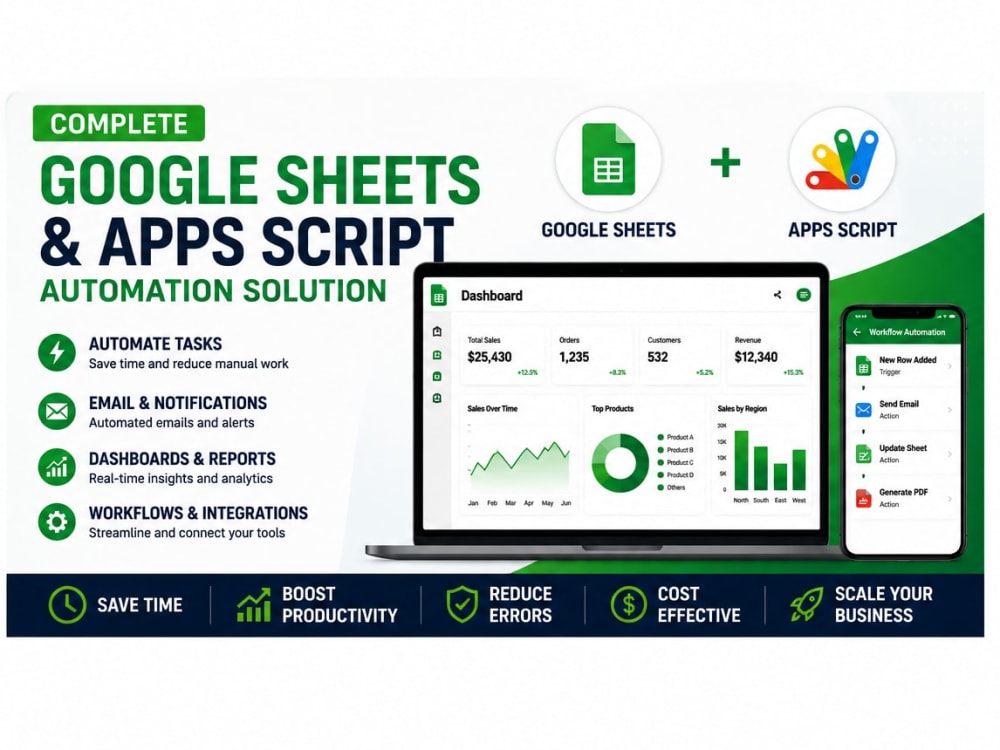
Advanced Analytics & Dashboards: Create interactive charts, pivot tables, and KPIs tailored to your business goals (Sales, Finance, HR, Operations).
Custom Automation (VBA/Macros & Google Apps Script): Automate repetitive tasks, generate automated PDF reports, or connect your sheets to external data with a single click.
Administrative Support Systems: Build CRM trackers, inventory management sheets, and project management tools directly inside Excel or Google Sheets.
If you are a business owner, manager, or entrepreneur, your time is too valuable to be spent fighting with Excel formulas, copying-and-pasting rows, or trying to make sense of chaotic data.
I transform raw, messy data into clean, automated, and visually stunning executive dashboards that allow you to make smart business decisions in seconds.
What I can do for you:
Data Cleaning & Organization: Fix broken formulas, remove duplicates, and structure your data professionally.
Advanced Analytics & Dashboards: Create interactive charts, pivot tables, and KPIs tailored to your business goals (Sales, Finance, HR, Operations).
Custom Automation (VBA/Macros & Google Apps Script): Automate repetitive tasks, generate automated PDF reports, or connect your sheets to external data with a single click.
Administrative Support Systems: Build CRM trackers, inventory management sheets, and project management tools directly inside Excel or Google Sheets.
Data Tool
Google SheetsWhat's included
| Service Tiers |
Starter
$50
|
Standard
$125
|
Advanced
$400
|
|---|---|---|---|
| Delivery Time | 2 days | 4 days | 7 days |
Number of Revisions | 2 | 3 | 5 |
2 reviews
(1)
(1)
(0)
(0)
(0)
This project doesn't have any reviews.
MA
Marc A.
Aug 20, 2025
Staff Roster Creation Using Google Sheets
JR
Jon R.
Aug 19, 2025
Zoho Analytics - 4 Reports
Great assistance and timely
About Victor
Google Apps Script Developer | Workspace Automation Expert
38%
Job Success
San Cristobal, Dominican Republic - 8:58 pm local time
I help businesses eliminate human error, streamline operations, and save dozens of hours every week by building custom automation workflows using Google Apps Script. Whether you need to connect disjointed systems, build custom internal tools, or sync your data, I make it happen seamlessly within your Google ecosystem.
How I can help your business scale:
• Custom Google Apps Script workflows to connect Sheets, Docs, Forms, and Gmail.
• Automated reporting dashboards that update in real-time, pulling data via external APIs.
• Advanced Google Sheets architecture: optimization of slow formulas, custom functions, and complex VBA-to-Apps Script migrations.
• Seamless integrations between Google Workspace and third-party platforms (HubSpot, Stripe, Trello, Slack, etc.).
• Automated email/notification systems triggered by form submissions or sheet updates.
Why top businesses choose to work with me:
✔ Top Rated Developer with a 100% Job Success Score.
✔ Direct communication, clean code, and solutions built for long-term scalability.
✔ Zero fluff: I focus entirely on delivering tangible time savings and operational efficiency.
Ready to automate your workflows and free up your team's time?
Click the "Invite to Job" or "Hire" button on the top right, and let's discuss your project during a brief discovery call.
Steps for completing your project
After purchasing the project, send requirements so Victor can start the project.
Delivery time starts when Victor receives requirements from you.
Victor works on your project following the steps below.
Revisions may occur after the delivery date.
Review your requirements and files to fully understand the task.
Create or modify the Excel workbook based on your specifications.