You will get Claude Cowork Setup - MCP, Scheduled Tasks, and Workflow Automation
Rising Talent
Project details
You bought Claude Pro or Max. You've seen what Cowork can do. But your MCP connectors aren't connecting, scheduled tasks fail when you close the app, and you're not sure what to automate first.
I set up Claude Cowork for a living. I use it every day to run my own consulting business: Gmail, Calendar, Slack, CRM, Google Drive, Supabase, and 10+ custom integrations all connected and working.
Here's what you get:
Connect your tools to Cowork via MCP (Gmail, Calendar, Slack, Notion, CRM, Google Drive, or whatever you use). Set up 2-3 scheduled tasks that actually run reliably (morning briefings, weekly reports, file organization, whatever saves you the most time). Configure your Projects and folder permissions so Cowork has the right access. A 30-minute walkthrough so you know how to add more yourself.
This typically takes me 2-4 hours. For you, it would take days of trial and error, documentation reading, and debugging. I've already done all of that.
Pricing: $500-2,000 depending on how many tools you need connected and how many scheduled tasks you want. Most setups land around $800-1,200.
I'm based in London (GMT) and can usually start within 48 hours.
I set up Claude Cowork for a living. I use it every day to run my own consulting business: Gmail, Calendar, Slack, CRM, Google Drive, Supabase, and 10+ custom integrations all connected and working.
Here's what you get:
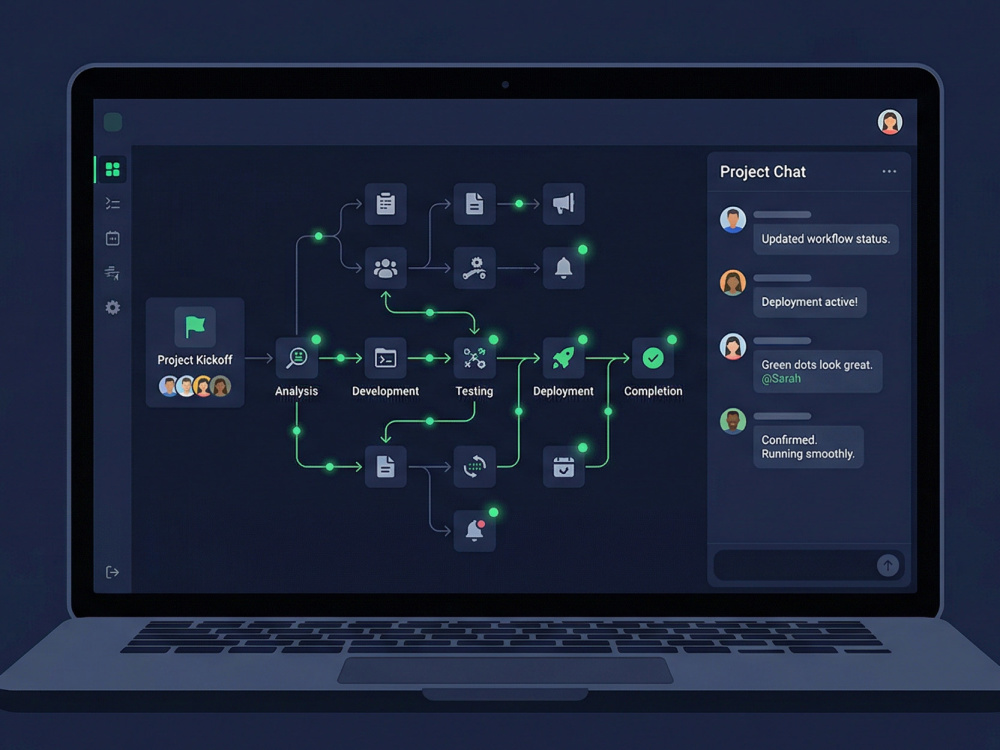
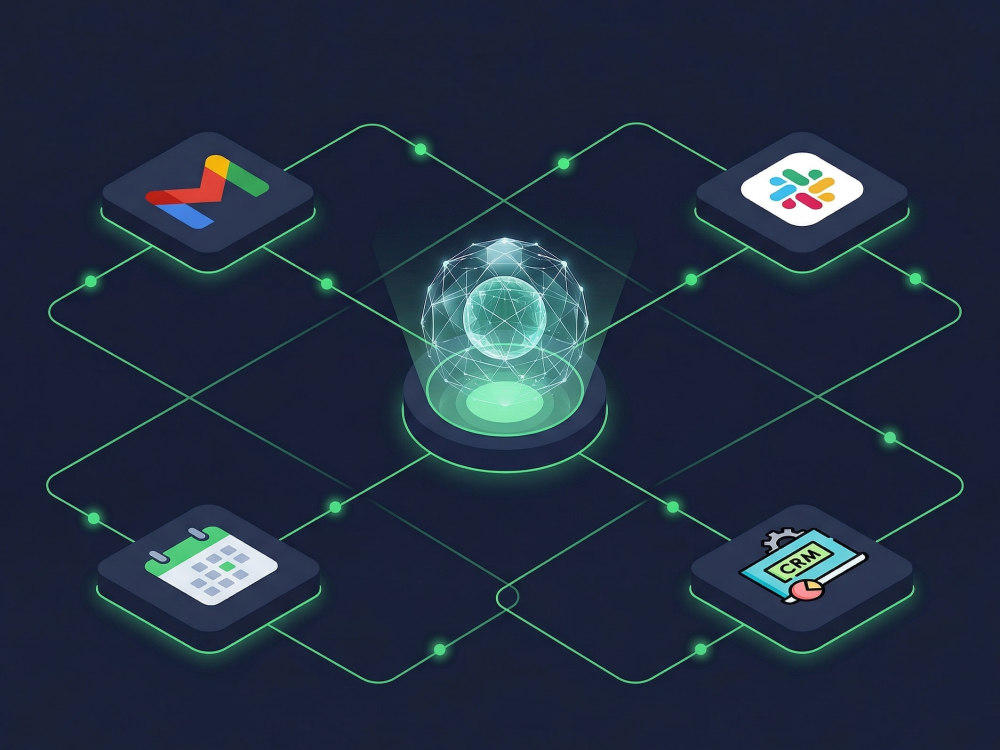
Connect your tools to Cowork via MCP (Gmail, Calendar, Slack, Notion, CRM, Google Drive, or whatever you use). Set up 2-3 scheduled tasks that actually run reliably (morning briefings, weekly reports, file organization, whatever saves you the most time). Configure your Projects and folder permissions so Cowork has the right access. A 30-minute walkthrough so you know how to add more yourself.
This typically takes me 2-4 hours. For you, it would take days of trial and error, documentation reading, and debugging. I've already done all of that.
Pricing: $500-2,000 depending on how many tools you need connected and how many scheduled tasks you want. Most setups land around $800-1,200.
I'm based in London (GMT) and can usually start within 48 hours.
AI Development Type
Knowledge RepresentationAI Tools
SonnetWhat's included
| Service Tiers |
Starter
$500
|
Standard
$1,000
|
Advanced
$2,000
|
|---|---|---|---|
| Delivery Time | 5 days | 7 days | 14 days |
Number of Revisions | 1 | 2 | 2 |
AI Model Integration | |||
Detailed Code Comments | |||
Knowledge Graph | - | - | - |
Model Documentation | - | ||
Ontology | - | - | - |
Source Code | - | - | - |
Taxonomy | - | - | - |
About Fawad
AI Strategy & Ops | Enterprise AI Rollouts | Product Leader | UK Base
London, United Kingdom - 1:05 pm local time
Principal PM at Hilti: AI sales tools for 9,000 managers across 30+ markets. 351,000 hours reclaimed. 43% sales uplift in A/B testing. Before that, built and sold PageBreak.ai.
Now I run Ell Advisory, working with UK and European businesses on AI workflow design and implementation.I don't sell software. I find where your operation is losing capacity, build the fix, and make sure it works in production, not just in demos.
I do AI audits and workflow mapping, strategy and roadmaps, and implementation oversight. A lot of that last one right now involves Claude Code and Cowork rollouts where teams are stuck on MCP connectors that won't connect, scheduled tasks that fail with no error, and nobody who owns governance.
I use Claude Code daily to run an actual business. Built a full AI-native CRM in a week: multi-project pipeline, autonomous outreach, automated campaigns, all via natural language.
$85-150/hr depending on scope. Fixed-price audits from £2,500. London-based, available now.
Steps for completing your project
After purchasing the project, send requirements so Fawad can start the project.
Delivery time starts when Fawad receives requirements from you.
Fawad works on your project following the steps below.
Revisions may occur after the delivery date.
Scoping call
Confirm which tools to connect and what to automate
Connection Tests
Connect your tools to Cowork via MCP and test each connection