You will get Customized Google Sheet Templates
Top Rated
Project details
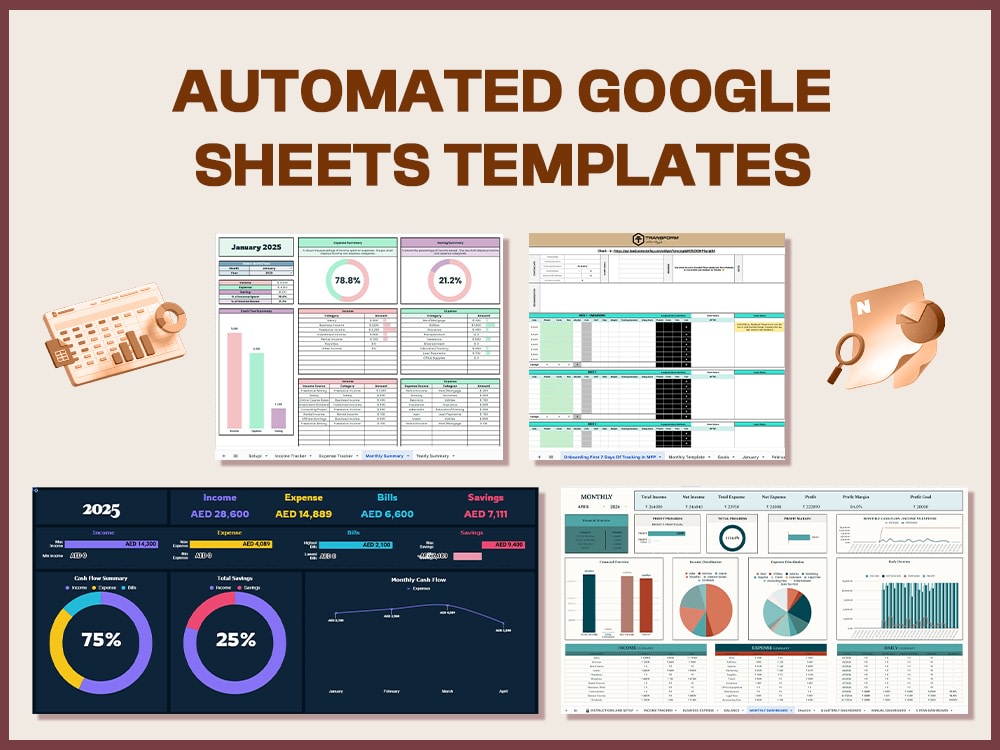
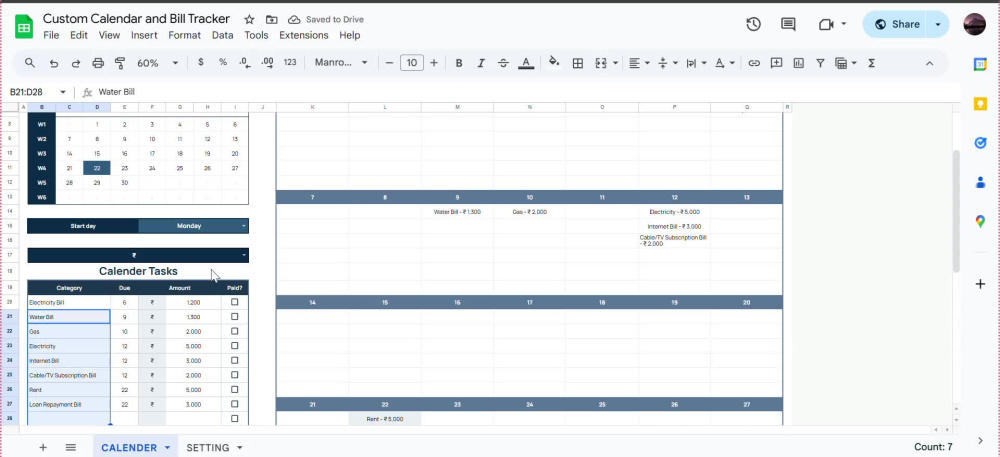
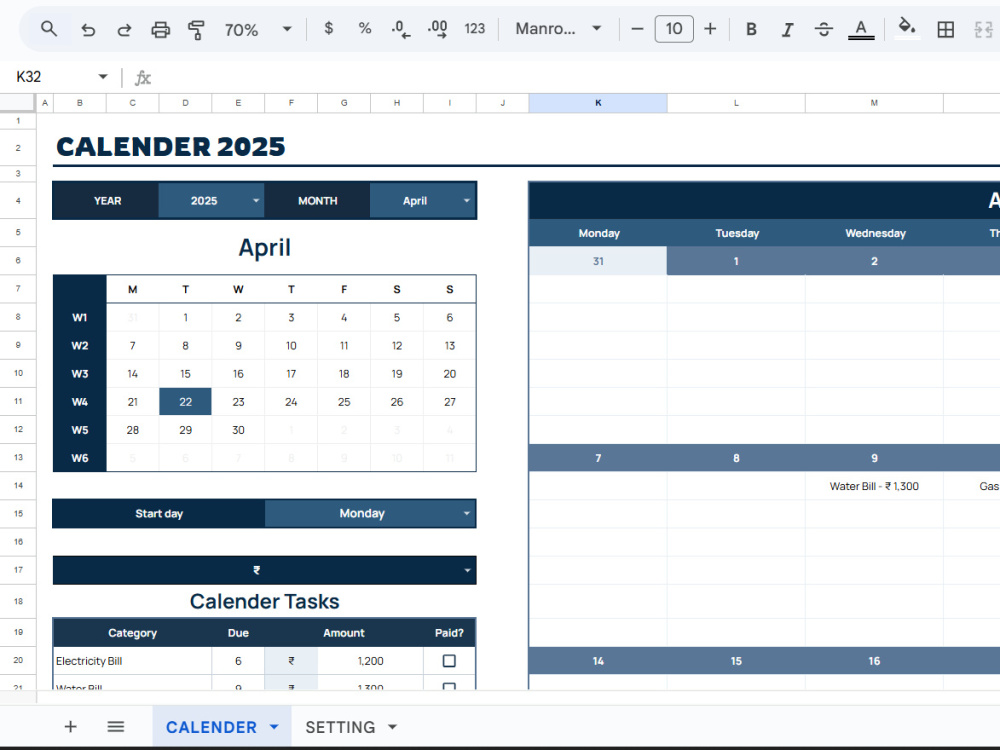
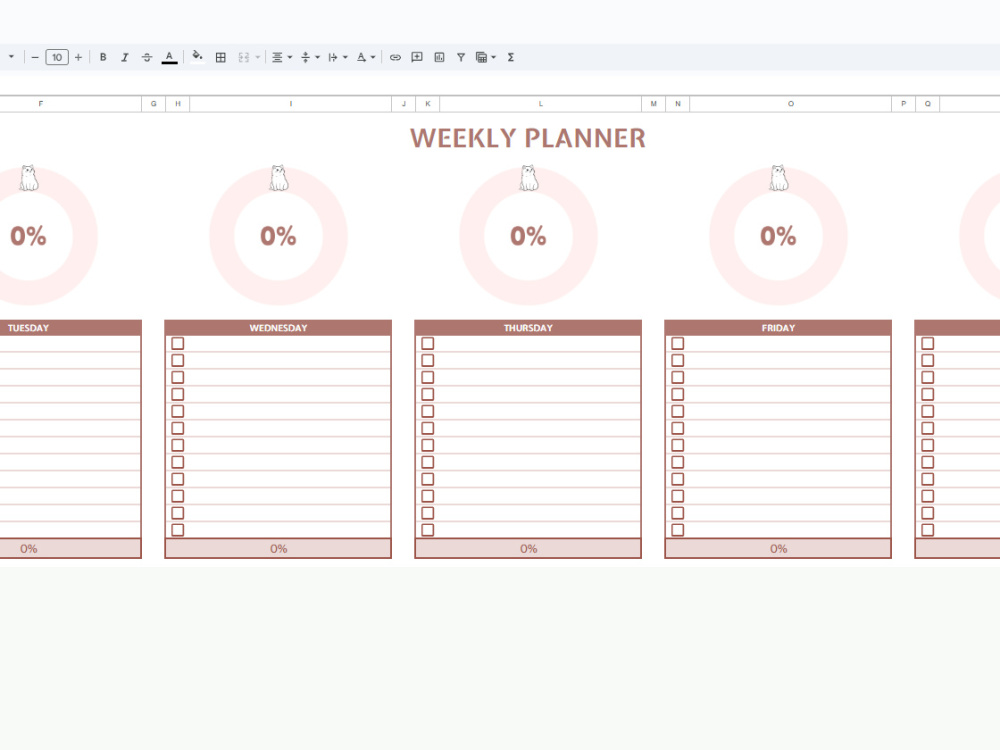
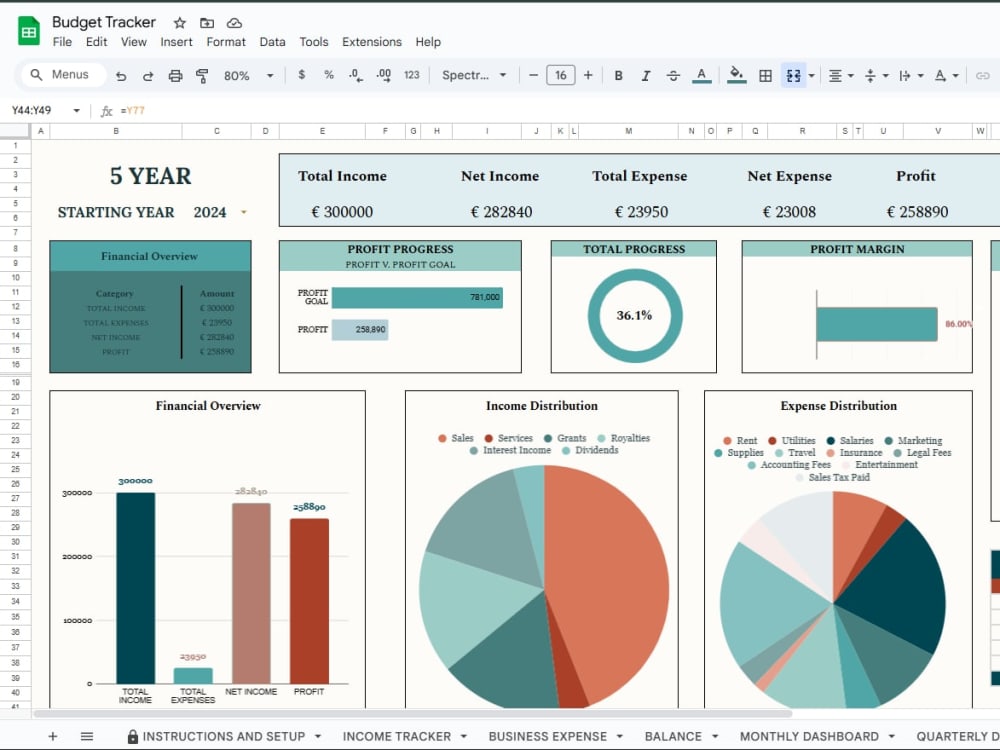
You will get highly functional and customizable Google Sheets templates that are designed to help you stay organized and efficient. With over a year of experience in creating spreadsheets, I specialize in developing dynamic templates for personal and business use, including budget trackers, habit trackers, fitness trackers, dynamic calendars, and more. All templates are 100% original, user-friendly, and easy to adapt for your specific needs.
Data Tool
Google SheetsWhat's included $50
These options are included with the project scope.
$50
- Delivery Time 2 days
- Number of Revisions 2
29 reviews
(28)
(1)
(0)
(0)
(0)
This project doesn't have any reviews.
TG
Tyler G.
Feb 24, 2026
Writing conditional formatting in Google Sheets
Zobia was great to work with. She quickly caught the vision of the project and worked diligently to get it completed.
AG
Adam G.
Feb 24, 2026
Google Sheets Automation Expert Funnel Questionnaire → Scorecard Auto-PDF Report Email Delivery
Great
PM
Philip M.
Sep 21, 2025
Gphoto api automation
IU
Ikram U.
Sep 8, 2025
Excel row data to be split into new rows
Great to work with Zobia. She was so quick and had great control in his area. She is a true professional and I would recommend her for any advanced MS Excel tasks. Looking forward to work again.
JP
Joseph P.
Aug 31, 2025
Fix Google Forms Responses Not Mapping to Client Sheets
Zobia was extremely professional and easy to communicate with. She quickly identified and fixed a Google Sheets mapping issue that had been frustrating me for quite some time — solving it within minutes. The whole experience was smooth, efficient, and very positive. I’d absolutely work with her again — 12/10 recommend!
About Zobia
Google Sheets Automation | Apps Script & Dashboard Developer
100%
Job Success
Islamabad, Pakistan - 9:15 am local time
I’m Zobia — a Top Rated Google Sheets Automation & Dashboard Developer with 100% Job Success and 49 Upwork jobs. I help SMBs, founders, operations managers, agencies, and service-based businesses turn scattered spreadsheets into clean, reliable business systems.
If your team is still copying data, fixing formulas, updating reports manually, chasing errors, or managing important work across multiple sheets, I can help you build a better workflow inside Google Sheets.
WHAT I DO
• Google Sheets automation: automate repetitive tasks, reduce copy-paste work, clean data flows, and make spreadsheets easier to manage.
• Google Apps Script workflows: generate PDFs, send automated emails, trigger reminders, create reports, sync data, and connect Google Sheets with other tools.
• Google Sheets dashboards: build dashboards for operations, sales, finance, projects, expenses, inventory, KPIs, and reporting.
• Custom business systems: quotation systems, invoice trackers, estimate calculators, claim trackers, project trackers, staff trackers, CRM-style sheets, and reporting systems.
• AppSheet apps: create simple internal apps connected to Google Sheets for scheduling, sign-ins, approvals, tracking, and team workflows.
• Looker Studio dashboards: build reporting dashboards connected to Google Sheets and structured business data.
• Excel/CSV cleanup and imports: clean messy files, organize raw data, rebuild formulas, and create structured workflows.
• Fixing and optimization: repair broken formulas, slow spreadsheets, messy layouts, and unreliable automations.
REAL PROJECTS
• Built a funnel questionnaire system that generates scorecard PDF reports and sends them by email automatically.
• Created Google Sheets insurance claim tracking systems to help teams organize records, monitor progress, and reduce manual tracking.
• Built staff sign-in, sign-out, and scheduling workflows using AppSheet and Google Sheets.
• Rebuilt MIS dashboards so business data could be viewed in a cleaner and more useful reporting format.
• Developed expense dashboards, master spreadsheets, formula systems, chart builds, and automated reporting workflows.
• Worked on Google Sheets API automation and custom spreadsheet logic for business use cases.
WHO I WORK WITH
I work best with founders, SMBs, operations managers, admin teams, agencies, finance teams, and service-based businesses that rely on Google Sheets but need a cleaner, faster, and more reliable system.
You may be a good fit if:
• Your team updates the same reports every week or month
• Your data is spread across multiple sheets or files
• Your spreadsheet has become messy, slow, or fragile
• You need a dashboard that gives you clear numbers quickly
• You want PDFs, emails, reports, reminders, or trackers automated
• You need a Google Sheets system your team can use without confusion
• You are moving from Excel to a cleaner cloud-based workflow
TOOLS I USE
Google Sheets, Google Apps Script, AppSheet, Looker Studio, Microsoft Excel, formulas, pivot tables, charts, CSV files, APIs, Google Workspace, and business process automation tools.
WHY WORK WITH ME
I focus on building systems that are clean, structured, easy to use, and practical for your team. The goal is not only to make your spreadsheet look better, but to make your workflow faster, more accurate, and easier to manage long-term.
You will get clear communication, organized delivery, simple documentation, and a system built around the way your business actually works.
HOW I WORK
First, I understand what you currently manage, what is manual, where errors happen, and what final output you need.
Then I map the cleanest structure, build the Google Sheets dashboard, Apps Script automation, AppSheet tool, or reporting workflow, and test it properly before delivery.
Whether you need a small fix, a custom dashboard, an automated report, or a full Google Sheets business system, send me a message with what you want to build. I’ll help you figure out the cleanest and most practical way to do it.
Steps for completing your project
After purchasing the project, send requirements so Zobia can start the project.
Delivery time starts when Zobia receives requirements from you.
Zobia works on your project following the steps below.
Revisions may occur after the delivery date.
Firstly, I'll submit draft and then any changes will be made afterwards