You will get Salesforce AI Prompt Builder. Field generation prompts for pipeline hygiene

Project details
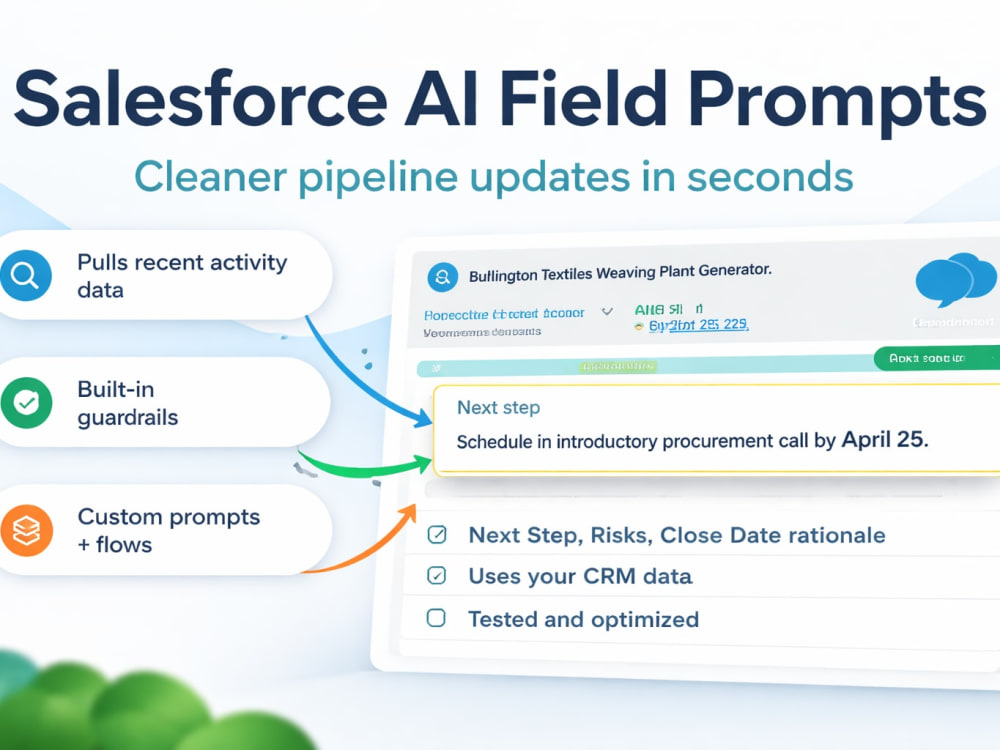
Salesforce AI Field Pack using Prompt Builder plus Flow. I create AI generated fields that help reps update CRM faster and help managers see better deal context. Typical outputs include Opportunity summaries, next step suggestions, risk notes, and Account overviews. You get consistent formatting, safe inputs, and controlled timing so the field updates happen when they should.
I design for clean inputs and safe writeback:
• Prompt template with clear variables and formatting rules
• Flow trigger based on your process, stage change, save, schedule, or button click
• Optional human approval before saving AI output
• Error handling and a simple test plan
I start with a preflight to confirm Prompt Builder readiness, field mapping, and trigger timing. I build and test in a sandbox when available, then deploy with rollback guidance and a Loom walkthrough. If Prompt Builder is not enabled, I can deliver a Flow only version of the workflow.
I design for clean inputs and safe writeback:
• Prompt template with clear variables and formatting rules
• Flow trigger based on your process, stage change, save, schedule, or button click
• Optional human approval before saving AI output
• Error handling and a simple test plan
I start with a preflight to confirm Prompt Builder readiness, field mapping, and trigger timing. I build and test in a sandbox when available, then deploy with rollback guidance and a Loom walkthrough. If Prompt Builder is not enabled, I can deliver a Flow only version of the workflow.
Machine Learning Tools
Salesforce EinsteinWhat's included
| Service Tiers |
Starter
$350
|
Standard
$900
|
Advanced
$1,900
|
|---|---|---|---|
| Delivery Time | 3 days | 7 days | 14 days |
Number of Revisions | 1 | 2 | 3 |
Number of Model Variations | 3 | 6 | 12 |
Number of Scenarios | 3 | 6 | 12 |
Number of Graphs/Charts | 0 | 0 | 0 |
Model Validation/Testing | |||
Model Documentation | - | ||
Data Source Connectivity | - | ||
Source Code | - | - | - |
Optional add-ons
You can add these on the next page.
Fast Delivery
+$150
Additional Revision
+$100
Additional Model Variation
(+ 1 Day)
+$75
Additional Scenario
(+ 1 Day)
+$75
Model Documentation
(+ 2 Days)
+$150
Data Source Connectivity
(+ 2 Days)
+$200
Production Deployment Support
(+ 1 Day)
+$250
Sales process alignment workshop
(+ 1 Day)
+$300
Rep enablement kit and Loom video
(+ 1 Day)
+$200Frequently asked questions
About Lino
Salesforce Prompt Builder, Flow Automation, Power Automate, Copilot
Fort Myers, United States - 9:46 am local time
In Salesforce, I use Prompt Builder plus Flow.
In Microsoft 365, I use Copilot plus Power Automate.
🧠 I help sales teams reduce manual CRM work and improve data quality using Salesforce Prompt Builder, Salesforce Flow, Salesforce Einstein, MS Power Automate, MS Copilot.
You get three outcomes.
AI-generated fields that save time
Examples: Account summary, Opportunity next steps, call recap, risks, meeting notes
Automation that runs at the right moment
Examples: stage change checks, task creation, alerts, logging, approvals
Cross-system execution between Salesforce and Microsoft 365
Examples: create Tasks in Planner, send Teams alerts, log Outlook emails, route approvals, update SharePoint lists
What I can build in Salesforce
Prompt Builder templates for field generation and guided text outputs
Flow that invokes prompts on triggers, stage change, or button click
Approval steps before writeback when needed
Required fields by stage and pipeline hygiene rules
Reports and dashboards for adoption and compliance
What I can build with Power Automate and Copilot
Power Automate flows triggered by Salesforce events, webhooks, emails, or forms
Teams notifications for deal risk, approvals, and SLA breaches
Outlook based automation, like follow-up tasks after a meeting or email classification
SharePoint or OneDrive logging, like deal packs, call summaries, or audit trails
Simple approval routing with clear owners and timestamps
Copilot assisted templates for summaries and actions, with guardrails and fixed structure
Common use cases
Auto-generate Next Step and Deal Summary on Opportunities
Auto-generate Account Overview and Latest Activity Summary on Accounts
Auto-create tasks when Next Step is missing or overdue
Auto-flag stale deals and notify owners and managers
Push key updates to Teams and capture responses back to Salesforce
Create a deal follow-up workflow from a Teams meeting to Salesforce task and notes
How I work
Quick preflight: objects, fields, record types, existing automations, risk check
Build in sandbox when available, then test with sample records
Deploy with a rollback plan
Handoff: short Loom walkthrough plus change notes
What I need from you
Confirmation of what you have enabled: Prompt Builder, Copilot, Power Automate
Admin access, or an admin available to deploy
Objects and record types in scope, usually Opportunity and Account
Field API names, stage definitions, and your workflow rules
Your desired outputs, tone, and what must never be written by AI
Which Microsoft 365 apps are in scope: Teams, Outlook, SharePoint, Planner
Guardrails I use by default
No sensitive fields in prompts unless you explicitly approve
Clear inputs, limited context, consistent formatting
Human approval for any writeback that can impact forecasting or compliance
Logged actions with timestamps for traceability
Optional starter engagement
1 hour audit: feasibility, conflicts, safest design
3 to 5 hours: one prompt template plus one trigger plus test
8 to 12 hours: two prompts, controlled workflow, alerts, reports, simple manager dashboard, plus one M365 automation
FAQ copy
Q: Can you do Prompt Builder work in any Salesforce org?
A: Only if your org has Prompt Builder and the required AI entitlements. If not, I can still build Flow automation and reporting.
Q: Can you add Microsoft 365 automation even if Salesforce AI is not enabled?
A: Yes. Power Automate can still handle notifications, approvals, and follow-ups based on your Salesforce data and triggers.
Q: Will AI write directly into my CRM fields?
A: Only if you want it to. I can require user approval before saving.
Q: Can you work with existing flows and automations?
A: Yes. I start by mapping what already touches the object to avoid conflicts.
Steps for completing your project
After purchasing the project, send requirements so Lino can start the project.
Delivery time starts when Lino receives requirements from you.
Lino works on your project following the steps below.
Revisions may occur after the delivery date.
Preflight and baseline
I review your Opportunity setup, existing automations, and KPI baseline. We confirm the rules and thresholds before I build anything.
Build and test in sandbox
I build the flow(s), reports, and dashboard in a sandbox when available. I test with sample Opportunities and adjust until it matches the rules.