You will get Travel Blog Website for Sale | Full-Stack with Backend

Project details
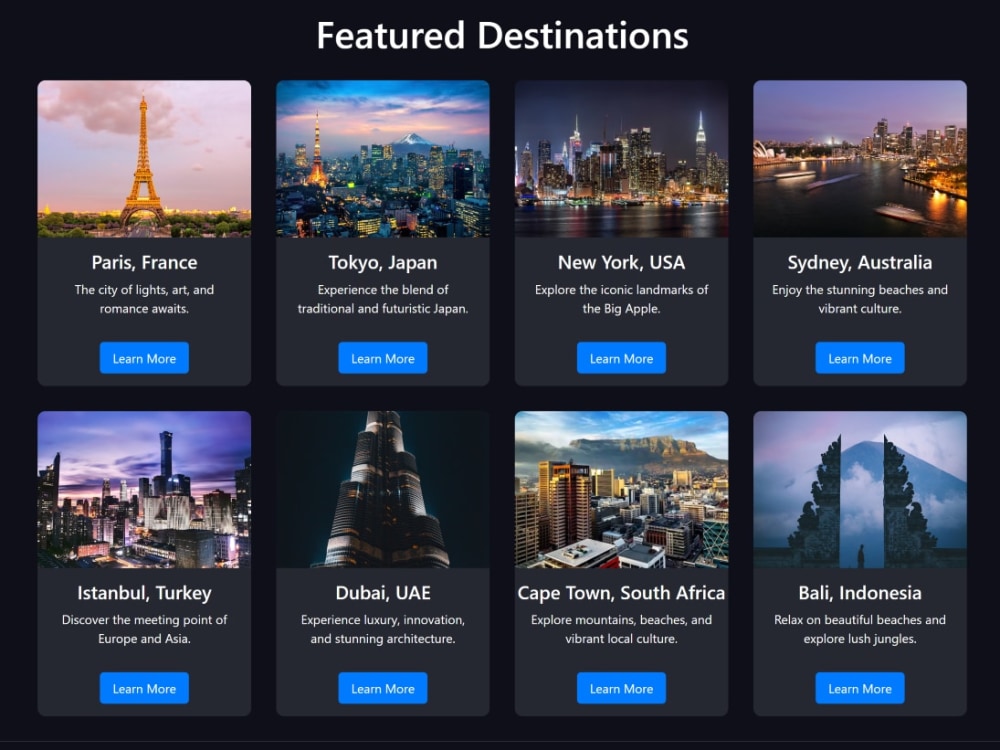
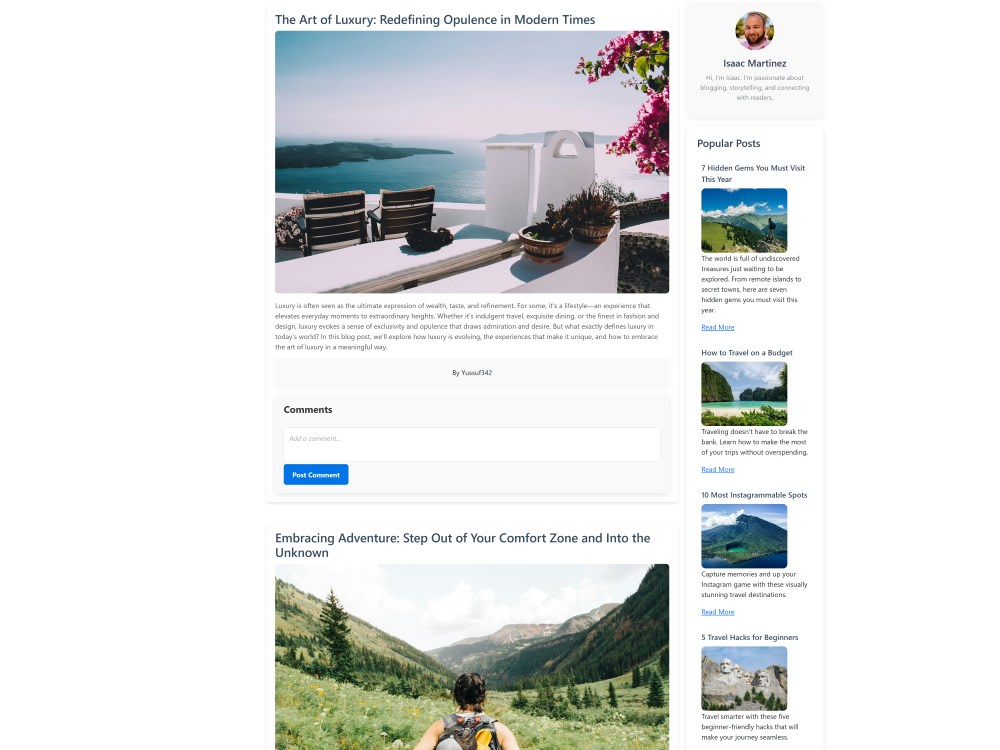
"Odyssey Travel" is a full-stack website with a sleek frontend built in React and a secure backend powered by Node.js, Express, and MongoDB. It offers seamless user authentication, dynamic blog posting, and an interactive travel platform. Ready for deployment on Heroku or Netlify, this site is perfect for anyone looking to showcase travel content or create a personalized travel blog.
Programming Languages
HTML & CSS, JavaScriptWhat's included
| Service Tiers |
Starter
$200
|
Standard
$400
|
Advanced
$500
|
|---|---|---|---|
| Delivery Time | 3 days | 5 days | 7 days |
Number of Revisions | 0 | 2 | 4 |
Number of Pages | 3 | 5 | 7 |
Design Customization | - | ||
Content Upload | - | ||
Responsive Design | |||
Source Code | - | - |
Optional add-ons
You can add these on the next page.
Additional Page
(+ 2 Days)
+$50About Yussuf
Web Developer | Responsive Websites | WordPress + React + Deployment
Nairobi, Kenya - 7:39 am local time
What I do best:
Frontend: React, Next.js, Tailwind CSS
Backend: Node.js, Express.js, MongoDB, MySQL
Other: WordPress, deployment on Netlify, Vercel, and cPanel
Selected projects:
Odyssey Travel – social media web application
E-commerce platform with secure payments
Personal portfolio website
Hospital management system (Java)
I value clear communication, clean UI, and reliable delivery. If you’re looking for a developer who builds scalable, high-quality solutions, let’s work together.
Steps for completing your project
After purchasing the project, send requirements so Yussuf can start the project.
Delivery time starts when Yussuf receives requirements from you.
Yussuf works on your project following the steps below.
Revisions may occur after the delivery date.
Client purchases the project and sends requirements.
Client provides hosting details, domain name, MongoDB credentials, and any content or branding preferences.
Set up hosting and deploy the website.
Deploy the website on the client’s chosen platform (e.g., Heroku, Netlify) and configure the database connection.