You will get Server Side Tracking for Google Analytics 4 with GTM
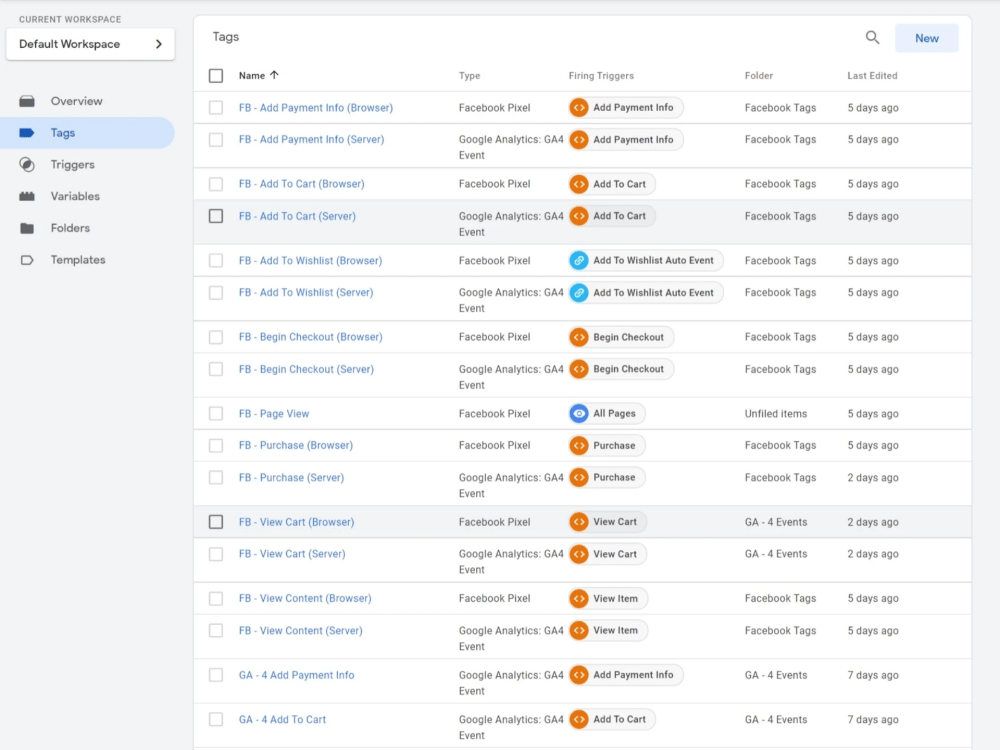
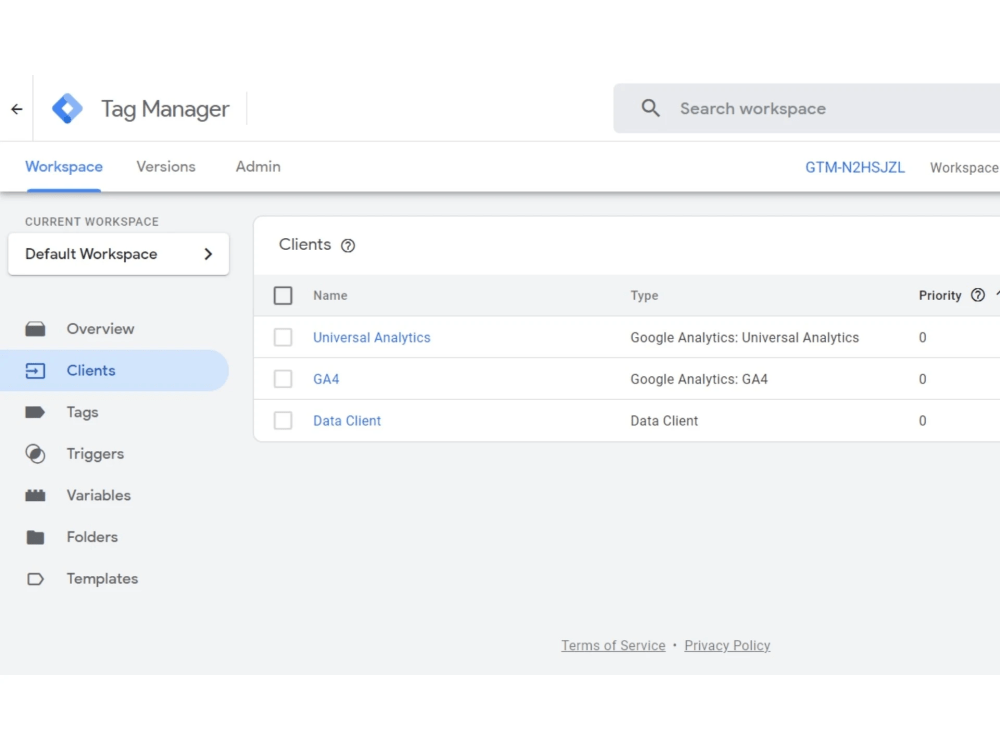
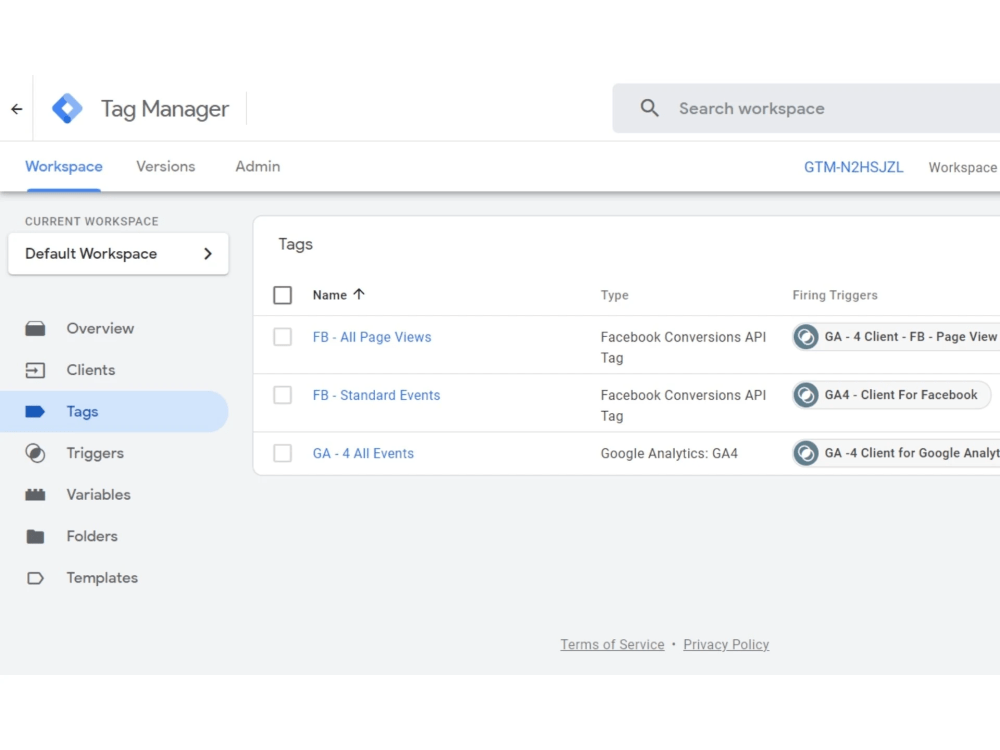
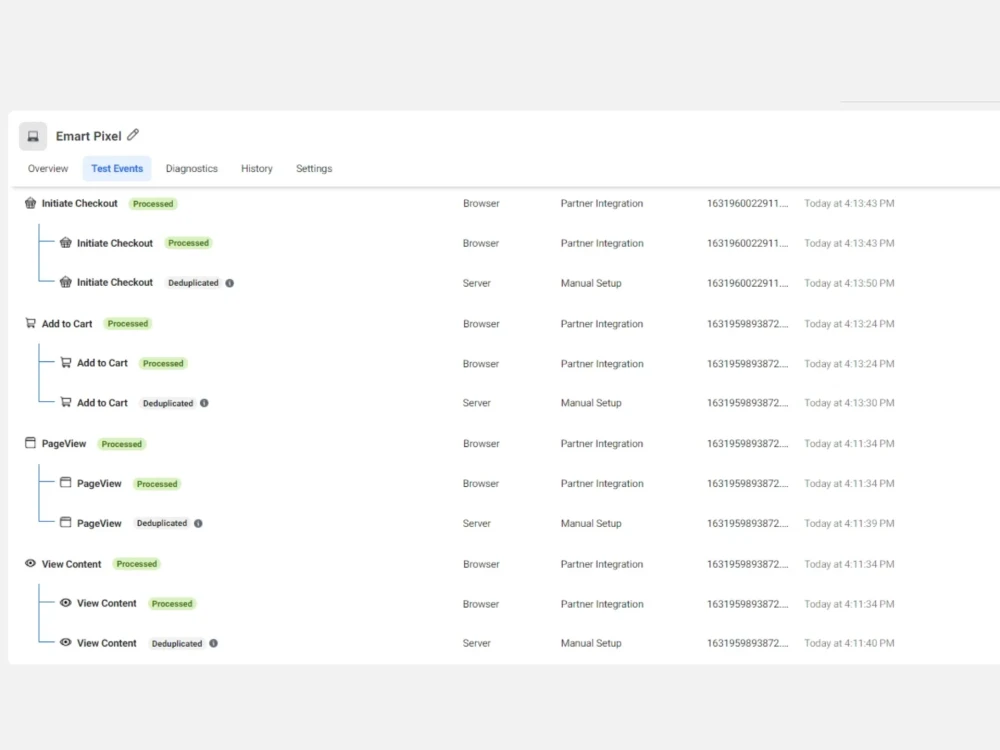
Project details
"Data is the New Valuable Assets! So, Track Your Customer data more accurately with All-New Server-side Tracking System."
Browser Can't give you data accurately. It's about 20-40%, and more data can be missed if you use a Traditional Browser tracking system. It's Time to shift in Server sidetracking. Because "Server-Side Tracking is the Future Tracking System."
What Will I Do: Every Setup Will Be in Server Side (If You Don't want Server Side SetUp, I can set up Browser side too)
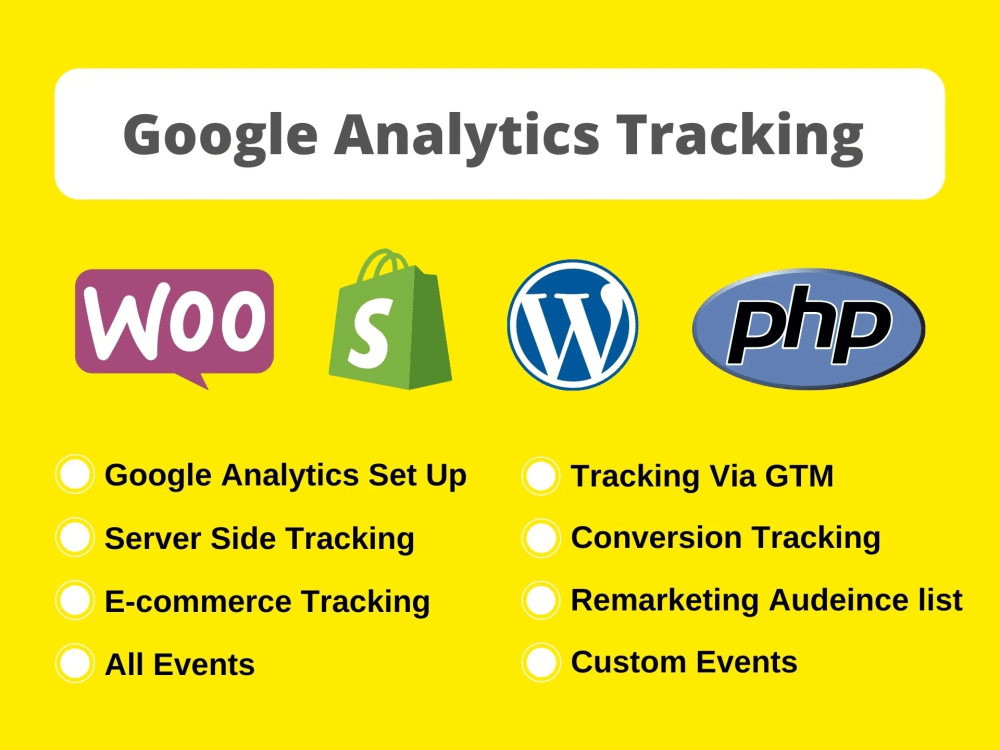
✔️ Setup Google Analytics 4 (New)
✔️ Setup Google Tag Manager
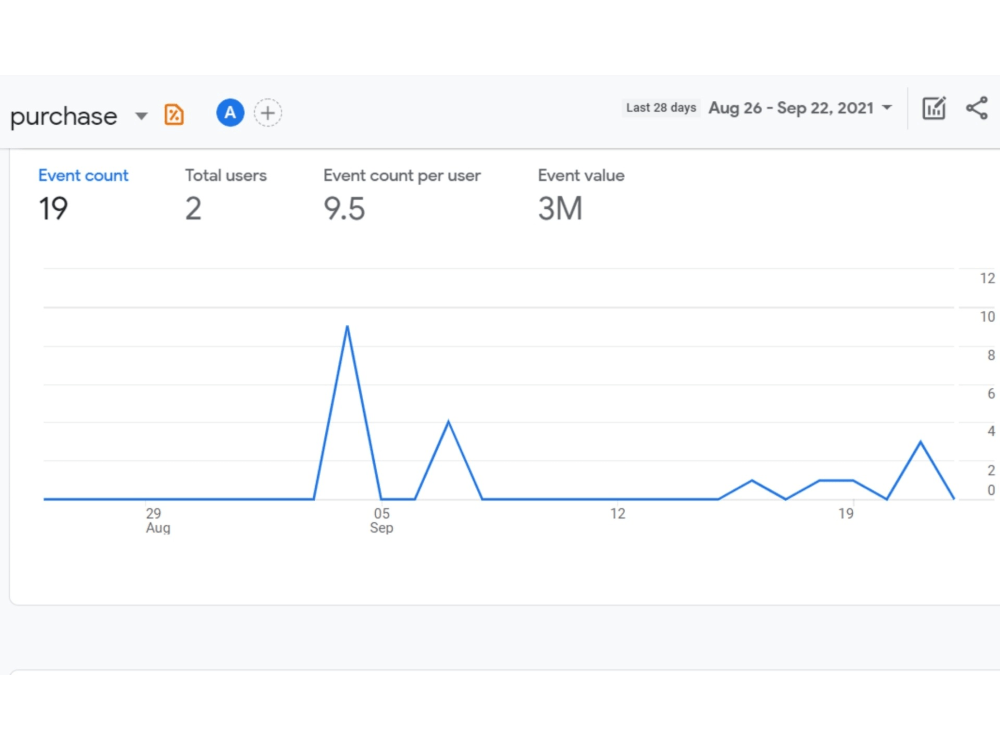
✔️ Setup Google Analytics Goal/Conversion
✔️ Setup Google Ads Conversion Tracking
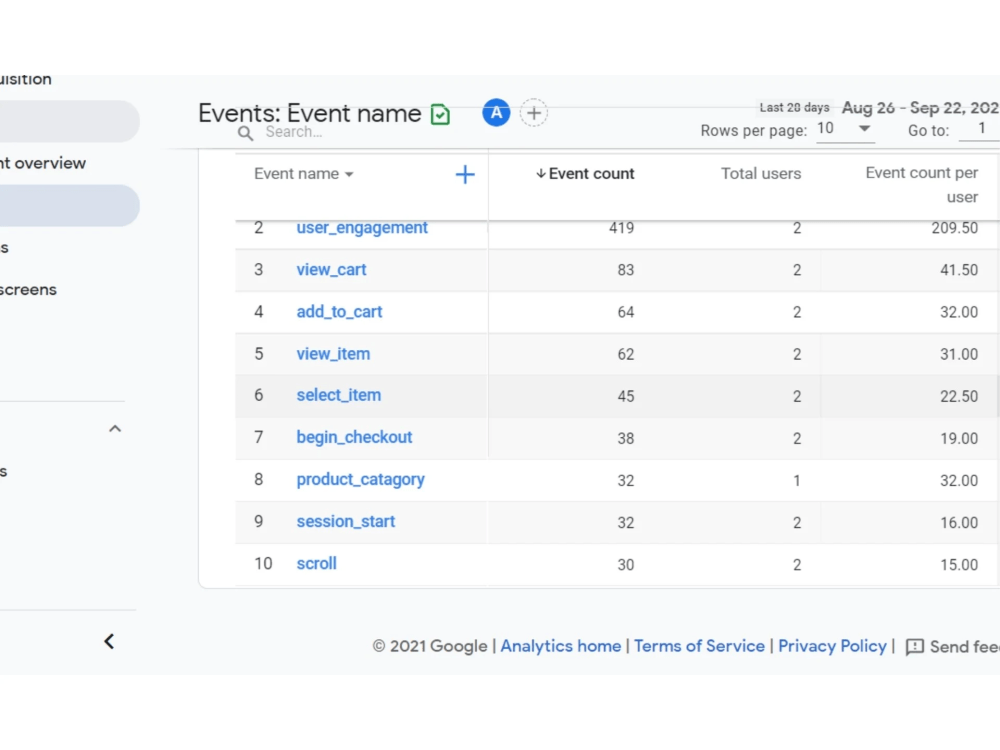
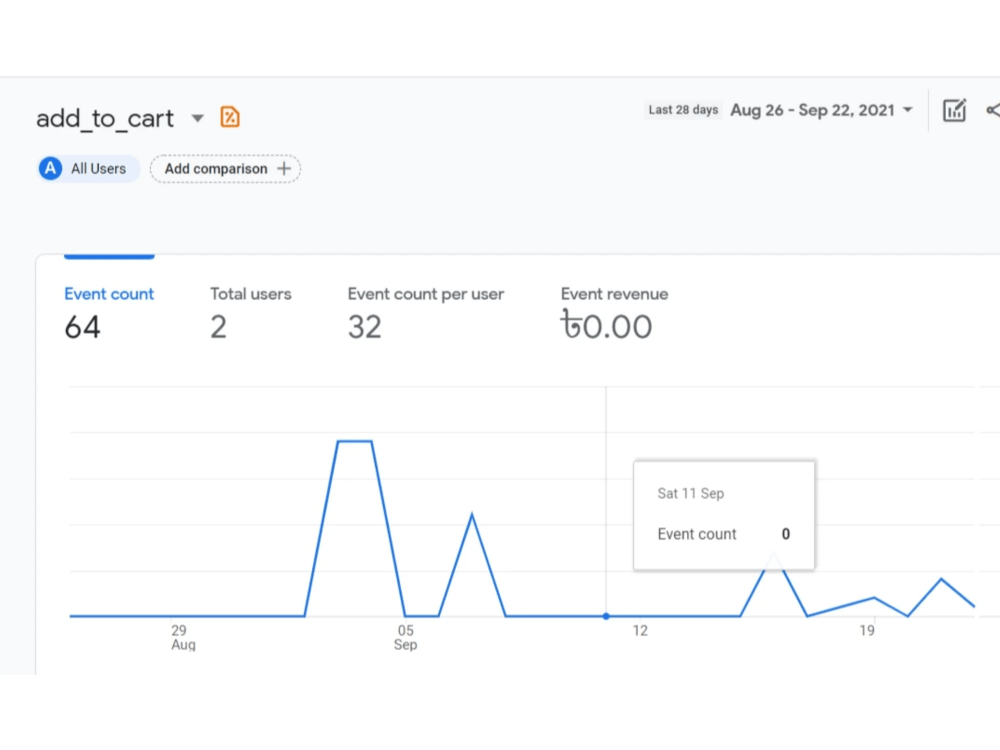
✔️ Setup Enhanced E-commerce Tracking
✔️ Setup Link, Button or Call Tracking
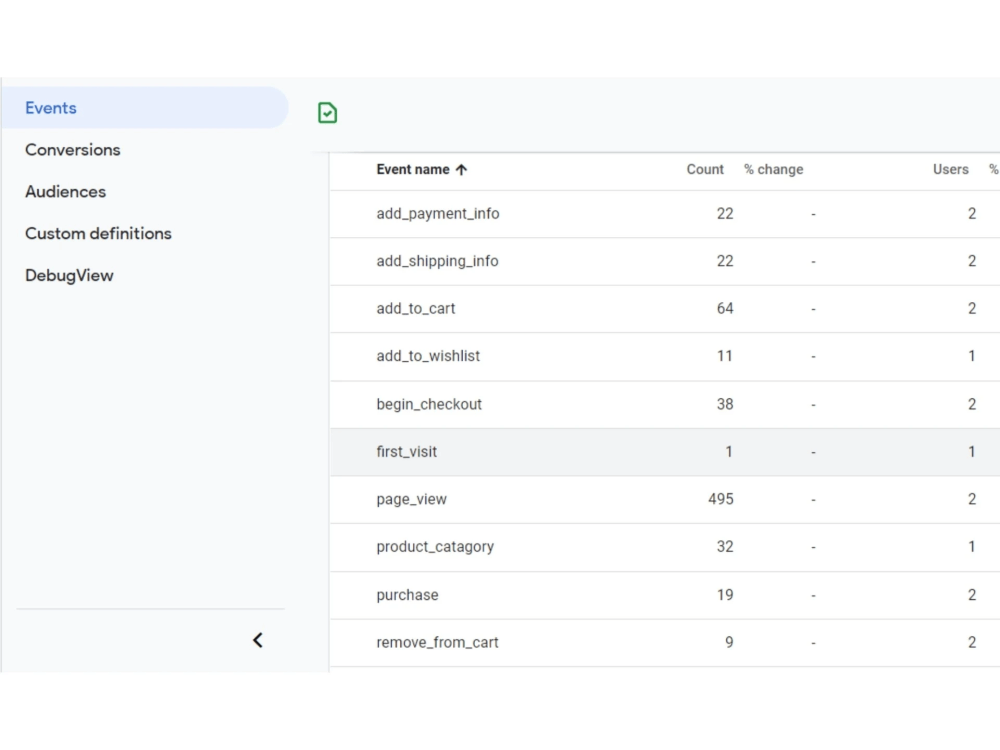
✔️ Set up All Events
✔️ Create Any Custom Events
✔️ Setup Dynamic Retargeting Audience
✔️ Fix Google Analytics, Google Ads conversion, or Google Tag Manager's Problem
What type of websites can I work on?
I can work with any website where a proper data layer is set up. If you have a custom site, we need a developer to install the GTM tracking Code & data layer if the data layer is not set up.
Do you have any questions? See FAQ.
Message Me Before Placing an Order/Further Query
Browser Can't give you data accurately. It's about 20-40%, and more data can be missed if you use a Traditional Browser tracking system. It's Time to shift in Server sidetracking. Because "Server-Side Tracking is the Future Tracking System."
What Will I Do: Every Setup Will Be in Server Side (If You Don't want Server Side SetUp, I can set up Browser side too)
✔️ Setup Google Analytics 4 (New)
✔️ Setup Google Tag Manager
✔️ Setup Google Analytics Goal/Conversion
✔️ Setup Google Ads Conversion Tracking
✔️ Setup Enhanced E-commerce Tracking
✔️ Setup Link, Button or Call Tracking
✔️ Set up All Events
✔️ Create Any Custom Events
✔️ Setup Dynamic Retargeting Audience
✔️ Fix Google Analytics, Google Ads conversion, or Google Tag Manager's Problem
What type of websites can I work on?
I can work with any website where a proper data layer is set up. If you have a custom site, we need a developer to install the GTM tracking Code & data layer if the data layer is not set up.
Do you have any questions? See FAQ.
Message Me Before Placing an Order/Further Query
What's included
| Service Tiers |
Starter
$30
|
Standard
$80
|
Advanced
$150
|
|---|---|---|---|
| Delivery Time | 1 day | 2 days | 3 days |
Number of Tracking Goals Setup | 1 | 5 | 10 |
Analytics & Tracking Setup | |||
Tag Manager Setup | |||
Ecommerce Purchase Tracking | - | ||
Social Platform Tracking | - | - |
Optional add-ons
You can add these on the next page.
Fast Delivery
+$30 - $50
Additional Tracking Goal Setup
+$50
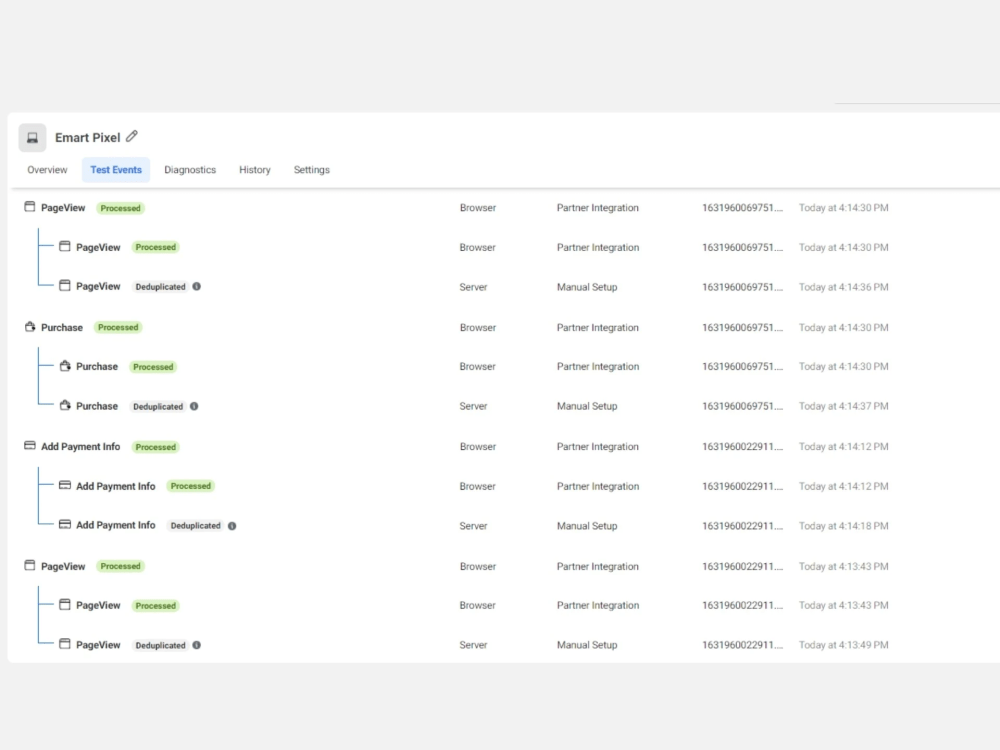
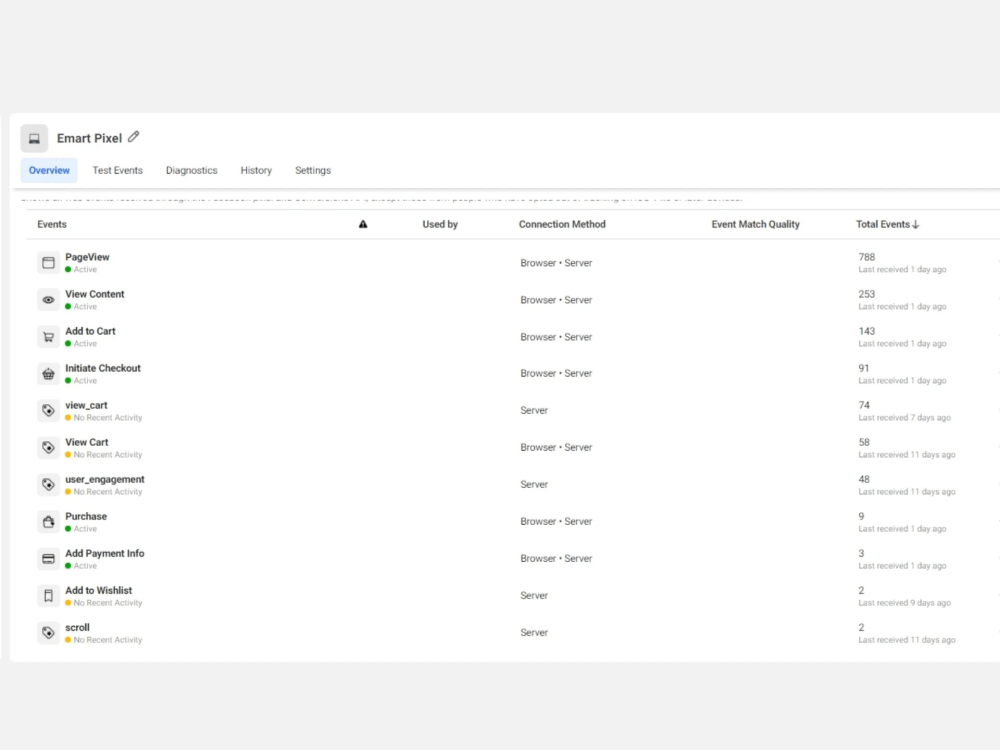
Facebook Conversion API
(+ 1 Day)
+$100Frequently asked questions
About Durjoy
Google Analytics | Google Tag Manager Specialist in E-commerce & Lead
Chandpur, Bangladesh - 10:09 am local time
👨🏼🎓 Google Certified 🎖 Google Analytics Power User 🎖 Tag Manager 🎖 Google Ads Conversion Tracking Specialist Especially in E-commerce & Lead Generation Businesses.
Have in-depth knowledge and experience in Data tracking (browser + server) for websites on Google Analytics / Google Ads/ Facebook & other Social Media platforms using Google Tag Manager.
Being a Data Tracking and, Analytics Expert all the 3 tools are my core skills.
► My goal is to help your get more Accurate Data to Analyze Customer Behaviour, Current Trends, what you are doing wrong & Take Important Business Decisions, Actions. Also, Utilize Data to Serve More Personalized Ads & Get more Results.
► Analyze Data to help you shape the success strategy of your Business.
How I can help you with Tracking & Analyzing Data to Business Thinking & make Success strategies? By: ► Google Analytics
a) Google Universal Analytics Set Up
b) Google Analytics 4 Set-Up (Update Analytics from Google)
c) Google Analytics Enhanced E-commerce
d) Lead Events SetUp
e) Conversions & Goals set up
f) Any Custom Event Set up
g) Remarketing Audiences & Segments
h) Advance Tracking Feature Implementation
i) Advance Events & KPIs Implementation for Content site
j) Linking with Google Ads
k) Content Grouping
l) Custom Channel Grouping
m) Custom Dimensions & Metrics
n) Custom Reports
o) Custom dashboards
p) Analyzing Data & Submit Data Report
q) Cross-domain Tracking
r) Bot Filtering
► Build an Efficient & Ease Tracking System.
►Google Tag Manager Makes it easy to Build an Effective & Ease Tracking System.
►►► Browser Side Tracking
A) Integration
a) Google Analytics
b) Google Ads Conversion & Dynamic Remarketing Tracking SetUp
c) Facebook pixel & Conversion API
d) Linkedin
e) Pinterest
f) Twitter
g) Other Platforms
h) iFrame Tracking Integration
B) Enhanced E-commerce Tracking for E-commerce
C) Forms tracking for Lead:
a) iFrame Form
b) Hubspot Form
c) Contact Form 7
d) Ninja Form
e) Gravity Form
f) Other Custom Forms
D) Video tracking: (Video Players)
a) Youtube Video
b) Wistia
c) Vimeo
d) Vidyard
e) JW
f) HTML5
E) Other Events & Conversion Tracking with Value:
a) Link/ Outbound Click
b) Button Click
c) PDF Download
d) External Link
e) Scroll Tracking
f) 3rd Page View
g) Copy Text Tracking
h) Engagement timer Tracking
i) Exit-intent Tracking
j) Form Abandonment Tracking
k) Zopim (Zendesk) Chat Tracking
l) Page Translation Tracking
m) Custom Event Tracking for Content Website
n) Any Custom Event Tracking
►►► Server Side Tracking:
a) Configuring Google Tag Manager Server Side Container
b) Configuring Facebook Conversion API Using Server Side Container
c) Google Analytics 4 Ecommerce Tracking Using Server Side Container
d) Lead Sites Events & Conversions Tracking Using Server Side Container
e) Any Custom Events Tracking Using Server Side Container
f) Google Ads Conversion Tracking Using Google Tag Manager Server Side Container
g) Google Ads Remarketing Tracking Using Google Tag Manager Server Side Container
h) Cross-Domain Tracking Using Google Tag Manager Server Side Container
i) Facebook Events Tracking Using Server Side Container
j) All the Browser Side Tracking Options Can be Tracked in Google Tag Manager Server Side Container
► Facebook Pixel Data Tracking & Events Manager:
a) Domain Verification
b) All New Conversion API Integration Direct/with GTM
c) Facebook Standard Events with Required Data
d) Facebook E-commerce Events with E-commerce Dynamic Products Data & Dynamic value for Catalog Ads.
d) Custom Events set up
e) Facebook Custom Conversion Set up
f) Deduplication set up
g) Fix Bugs of Facebook Business Manager/ Events Manager/ Catalog/ Pixel
► Offering A Free Audit
A free detailed audit of existing Google Analytics, Google Ads Conversion Tracking, Facebook Pixel Tracking, and Google Tag Manager to make a comprehensive plan on how we can improve and get measurable results.
Whether the work is big or small, efforts are always supreme. So, I like to move your Project forward to provide you with great Results. So, you can get more than you expected.
All my clients like to work with me again and again and they are happy to have their Results.
► Get in touch with me at any time you feel like it and I’ll respond to you as soon as I can.
Steps for completing your project
After purchasing the project, send requirements so Durjoy can start the project.
Delivery time starts when Durjoy receives requirements from you.
Durjoy works on your project following the steps below.
Revisions may occur after the delivery date.
Install Web & Server container in Google Tag Manager
Install web & server container on your website
set up Google Analytics via GTM
Install Google Analytics 4 or Google Universal Analytics via GTM using server side